shadcn.io is not affiliated with official shadcn/ui
Soap Bubbles 2D Shader floats dozens of soap bubbles over a slowly drifting field of three colors. The bubbles sit in five layers: each layer rises at its own pace, the nearest fastest, and every bubble jiggles gently in place. Each one is clear, with a bright rim, an iridescent film that swirls toward its edge, a window highlight and a faint second reflection, and it bends the bubbles and colors behind it like a weak lens. The nearest layer and the farthest are out of focus, so the scene has depth. A WGSL fragment shader on WebGPU draws it all for every pixel, every frame; there are no particles, just a grid of cells per layer.
Use it behind a playful hero, a product launch, or a page for a kids', bath or beauty brand. For bubbles in plain CSS, use the Bubbles background; for water seen from above, Water Shader. It runs only while it's on screen, holds a still frame with reduced motion, and shows a gradient of the same colors with a few rings in browsers without WebGPU.
Installation
Usage
import {
  SoapBubbles2dShader,
} from "@/components/ui/soap-bubbles-2d-shader";<SoapBubbles2dShader className="flex min-h-[32rem] items-center justify-center">
<div className="rounded-xl bg-black/50 px-8 py-6">
<h1 className="text-5xl font-semibold text-white">Make a splash</h1>
</div>
</SoapBubbles2dShader>Soap Bubbles 2D Shader is a container: your content sits on top of the bubbles, in normal flow. It fills its own box, so give it a height or content. For a backdrop behind the whole page, render it empty with className="fixed inset-0 -z-10". The default colors are mid-toned and vivid in both color schemes, so put white text on a soft scrim, as above.
Demos
Big bubbles
scale={1.6} makes every bubble about 1.6 times bigger, so fewer fit in the box. refraction={0} turns the lens off, so the bubbles are clear glass and the layers behind show through unbent.
In a card
fromColor="#0b1026", viaColor="#1e3a8a" and toColor="#7c3aed" set a midnight blue and violet field; the white rims and the film read like light on it.
Performance
About 1.7 ms of GPU time a frame at 1280×720 on an M2 Max laptop; slower GPUs take several times longer. Each pixel checks nine cells in each of the five layers and shades the one bubble that covers it per layer, and the blur of the out-of-focus layers is drawn by widening the falloffs, not by extra samples, so none of the props change the cost. quality={0.75} draws a little over half the pixels, for phones and large screens, with slightly softer rims. The animation stops when the shader scrolls out of view, and the browser pauses it in a hidden tab. Every shader on a page shares one GPU device and one frame loop, and vgpu (about 50 KB gzipped) loads only when the first one mounts.
Browser support
The shader needs WebGPU: Chrome and Edge, Safari 26 and later, and Firefox on Windows and macOS. Elsewhere, and until the first frame, the box shows a gradient of the same colors with three white rings, so the layout never jumps. It follows the color props. data-state on the root reads unsupported there, if you want to style around it. See Shader Canvas.
Accessibility
The bubbles are decoration: they're hidden from assistive tech and let every click through to your content. With reduced motion it draws one still frame and stops. Nothing flashes: the bubbles rise and the colors drift over seconds. At the default colors, white text has a contrast of about 3.8:1 on half the frame and drops near 2:1 on the brighter green. Behind a bg-black/50 scrim it's above 6:1 on half the frame, above 3.8:1 on three quarters and above 3.4:1 on nine tenths, fine for a headline; put small text on a solid panel.
FAQ
How are the bubbles placed?
Each of the five layers is a grid of cells that drifts upward. A hash of each cell decides whether it holds a bubble, where in the cell it sits and how big it is, and every pixel checks only its own cell and the eight around it. There are no particles to simulate: the same cells come back every frame, so the bubbles stay put relative to their layer and only wobble a little.
How do I get fewer, bigger bubbles?
Raise scale: at 2 each bubble is twice as big and four times fewer fit in the box; at 0.5 you get many small ones. density sets how many cells hold a bubble, from 0 (none) to 1 (all), without changing their size. shadcn.io's version had a count that worked backwards (higher meant fewer, bigger bubbles) and a size prop that did nothing; these two replace both.
Why are some bubbles blurred?
It's depth of field. The middle layer is in focus; the nearest layer, with the biggest bubbles, is the most blurred, and the farthest, with the smallest, slightly. The blurred bubbles are dimmer too, since the same light is spread wider, which keeps the in-focus ones crisp and in front.
What does refraction do?
It sets how much each bubble bends what's behind it: the layers farther back and the colored field shift inside it, as through a weak lens. At 0 the bubbles are clear glass; at 2 the bubbles behind are visibly warped through the near ones. It doesn't move the bubbles themselves. For more or less motion, use speed.
Can I change the colors?
Yes. fromColor, viaColor and toColor take any CSS color, and follow a theme switch, so var(--primary) works. Two slow noise fields mix them: viaColor covers most of the frame, fromColor pools toward one side, and toColor drifts in patches. The rims, highlights and film stay white and iridescent, so they read on light and dark colors alike.
Credits
Inspired by Soap Bubbles 2D (opens in a new tab) by foxes on Shadertoy. The code is our own: layers of bubbles on jittered grids over a noise field, with depth of field and a lens, is the shared idea. The bubble shading, the iridescent film, the front-to-back compositing, the blur by wider falloffs, the color props and the API are new.
API Reference
SoapBubbles2dShader
data-slot="soap-bubbles-2d-shader"
density?number
How many bubbles there are, from 0 (none) to 1 (every spot taken). @default 0.35.
- Default
0.35
fallback?string
What shows until the first frame and in browsers without WebGPU: a CSS
background value (gradients, sizes, a colour) that looks like the
shader. It can use the colour props' --shader-<field> variables.
fromColor?string
The first background color, pooling on one side. Any CSS color. @default "#1d5b78".
- Default
"#1d5b78"
interactive?boolean
Whether u.pointer follows the pointer. @default false.
paused?boolean
Holds the current frame. @default false.
quality?number
Render scale, from 0.25 to 1, of the screen's pixels (capped at 2×). @default 1.
refraction?number
How much each bubble bends what's behind it, from 0 (clear glass) to 2. @default 1.
- Default
1
scale?number
Bubble size, from 0.5 (many small bubbles) to 2 (fewer, bigger ones). @default 1.
- Default
1
speed?number
Animation speed: 1 is normal, 0 holds the frame. @default 1.
time?number
A fixed moment, in seconds: draws it and doesn't animate.
toColor?string
The third background color, in drifting patches. Any CSS color. @default "#e46fd0".
- Default
"#e46fd0"
viaColor?string
The main background color, across the middle. Any CSS color. @default "#6fd66a".
- Default
"#6fd66a"
render?ReactElement | ((props: object, state: object) => ReactElement)
Replace the host element or compose it with another component.
- Type
ReactElement | ((props: object, state: object) => ReactElement)
className?string
Forwarded to the part.
Related
- Pro
Water Shader
Water & landscapesWater seen from above
- Pro
Liquid Glass Shader
Light & glassClear glass drops that fuse
- Pro
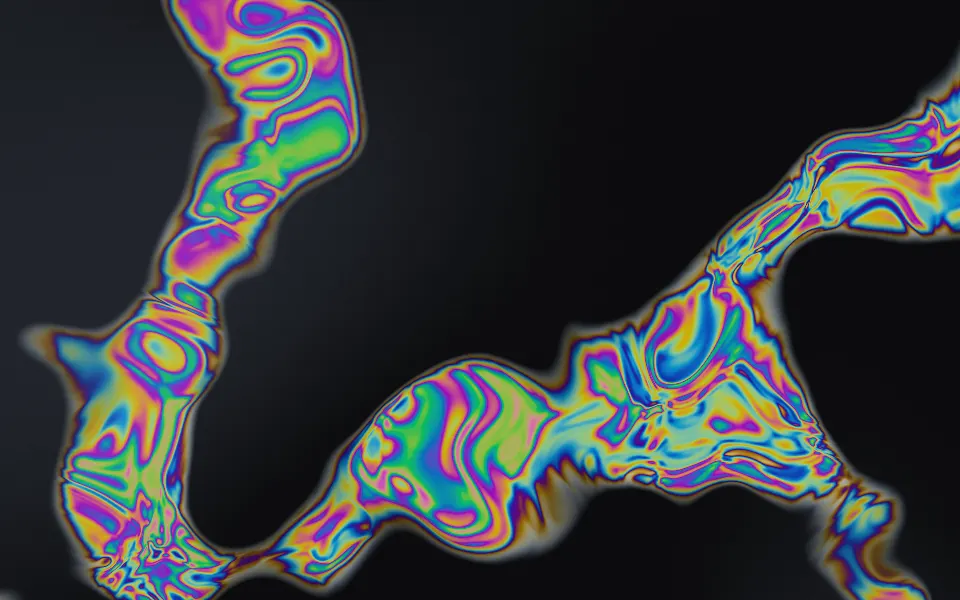
Oil Slick Shader
Flow & gradientsThin-film color on dark asphalt
- Pro
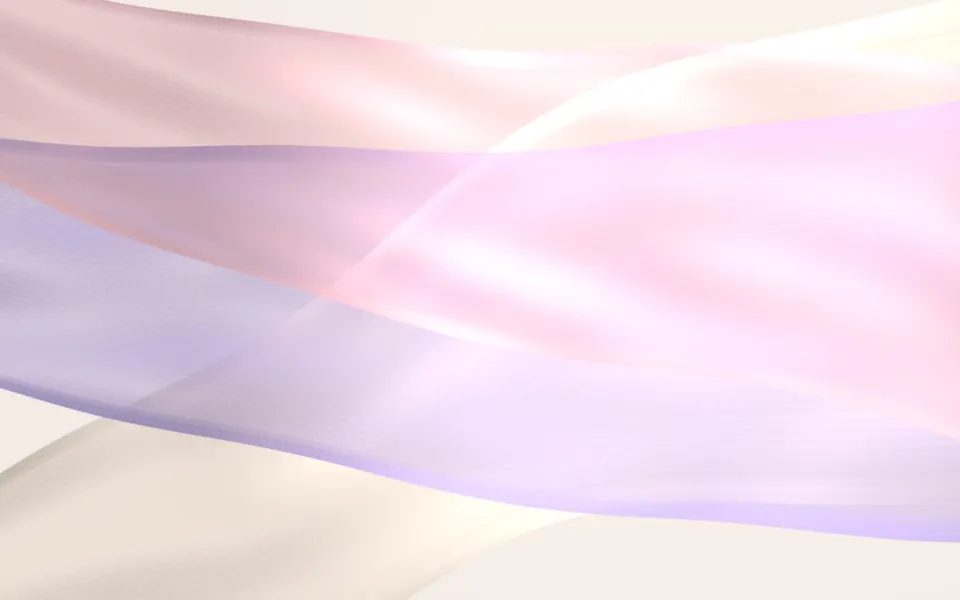
Chiffon Shader
Flow & gradientsSoft layers for a beauty brand
- Pro
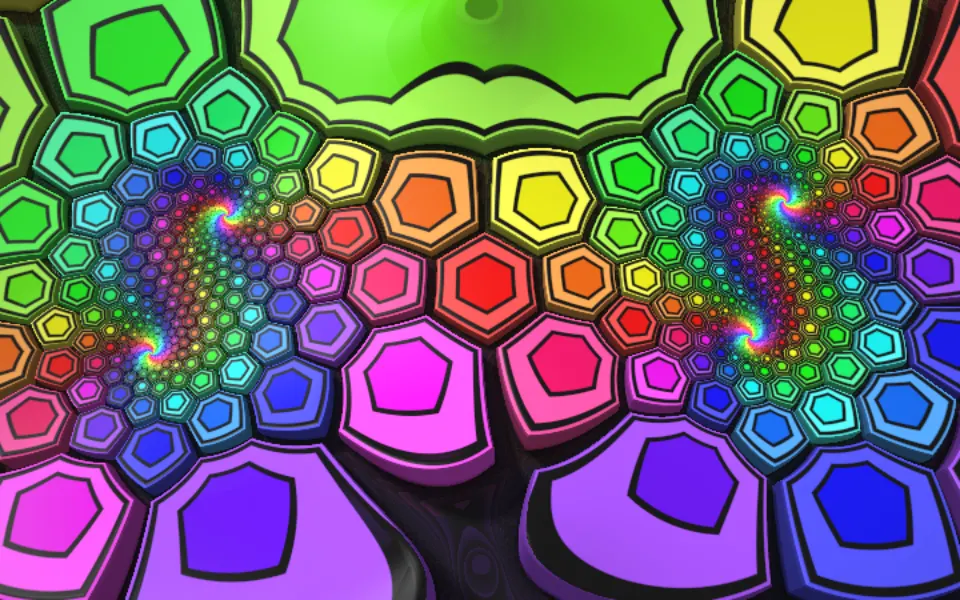
Extruded Mobius Spiral Shader
Tunnels & 3DBold color for a playful hero
- Pro
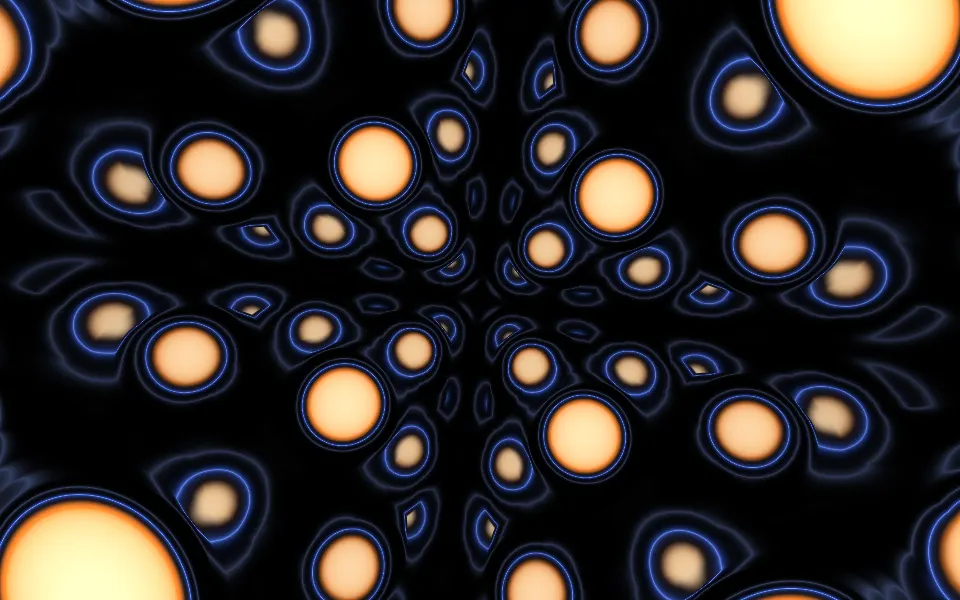
Sphere Field Shader
Tunnels & 3DGlowing spheres rushing past, on dark