shadcn.io is not affiliated with official shadcn/ui
Liquid Glass Shader slides four clear glass drops slowly over a pale page ruled with fine diagonal lines. Where two drops meet they fuse into one, with a smooth neck between them. Inside each drop the lines magnify and curve toward the rim; a bright rim and a small glint catch the light from the top left, a thin dark edge rings the glass, a faint rainbow fringes the lines where it bends hardest, and a soft shadow falls to the bottom right. Every pixel is computed each frame by a WGSL fragment shader on WebGPU: the drops are a distance field joined with a smooth minimum, and the page is looked up three times through the glass, once per color channel, which is what makes the lines bend and fringe.
Use it behind a light hero, a product launch or a pricing page that wants the liquid-glass look. For colour seen through reeded glass instead of drops, use Fluted Glass Shader; for the light a glass throws on a table, Glass Caustics Shader. The Metaballs background fuses opaque blobs in CSS, with no refraction. It runs only while it's on screen, holds a still frame with reduced motion, and shows the ruled page with two soft glass rings in browsers without WebGPU.
Installation
Usage
import { LiquidGlassShader } from "@/components/ui/liquid-glass-shader";<LiquidGlassShader className="flex min-h-[32rem] items-center justify-center">
<h1 className="text-5xl font-semibold text-slate-900">Clear by design</h1>
</LiquidGlassShader>Liquid Glass Shader is a container: your content sits on top of the glass, in normal flow. It fills its own box, so give it a height or content. For a backdrop behind the whole page, render it empty with className="fixed inset-0 -z-10". The default page is pale in both color schemes, so use dark text: text-slate-900 keeps 9.8:1 or better over 95% of the frame, and never drops below 3.3:1, even on a ruled line. On a dark backgroundColor, switch to white text.
The drops keep their size and spacing at any aspect: on wide boxes they're sized to the height, on narrow ones to the width. The glass refracts its own ruled page, not the content of your site: WebGPU can't read the page behind it.
Demos
In a card
interactive lets the pointer drag the largest drop, eased, so it works as a magnifier; when the pointer leaves, the drop glides back to its own path. count={2} and size={1.3} give a small surface two large drops, and pattern="grid" rules the page with a square grid, which shows the magnification well. Touch is ignored.
Dark
backgroundColor and inkColor recolor the page and its lines, here blue lines on near-black. The glass reflects the page's own tone, so on a dark page the drops read as smoked glass with bright rims.
Performance
About 0.9 ms of GPU time a frame at 1280×720 on an M2 Max laptop; slower GPUs take several times longer. The glass is crisp line art, so it renders at full resolution; quality={0.5} halves it, at the cost of softer lines. The animation stops when the shader scrolls out of view, and the browser pauses it in a hidden tab. Every shader on a page shares one GPU device and one frame loop, and vgpu (about 50 KB gzipped) loads only when the first one mounts.
Browser support
The shader needs WebGPU: Chrome and Edge, Safari 26 and later, and Firefox on Windows and macOS. Elsewhere, and until the first frame, the box shows a CSS gradient of the ruled page with two soft glass rings, so the layout never jumps. data-state on the root reads unsupported there, if you want to style around it. See Shader Canvas.
Accessibility
The glass is decoration: it's hidden from assistive tech and lets every click through to your content. With reduced motion it draws one still frame and stops. Nothing flashes: the drops slide a few pixels a second and fuse over seconds. Dark text reads well on the default page (above); keep long body text on a panel if you raise count or size, since the lines bend most under the drops.
FAQ
Can the glass bend my own page content, like Apple's Liquid Glass?
No. The shader draws its own ruled page and bends that: WebGPU can't read the HTML behind the canvas. For a frosted panel over your own content, use CSS backdrop-filter: blur() on the panel; use this shader as the surface itself, behind your copy.
Can I change the colors?
Yes. backgroundColor is the page, inkColor its lines, grid or dots, and tintColor the glass itself: white is clear, a color tints what you see through it and its highlights. Each takes any CSS color, theme variables included, such as var(--primary), and follows a theme switch.
Can the drops follow the pointer?
With interactive, the pointer drags the largest drop, eased, and the others keep sliding and fuse with it when they meet. When the pointer leaves, that drop glides back to its own slow path. Touch is ignored, so scrolling on a phone never drags it.
How do I make the glass subtler or stronger?
refraction sets how much the drops bend and magnify the page, from 0 (flat glass) to 2. dispersion sets the rainbow at the edges, from 0 to 1, and intensity the rims and glints, from 0 to 2. count (2 to 6) and size (0.5 to 1.5) set how many drops there are and how big.
Will it slow my page down?
It costs about 0.9 ms of GPU time a frame at 1280×720 on a laptop, and the CPU only sets a few numbers each frame. It stops when it's off screen. The drops are a handful of circles and capsules, so count barely changes the cost; the resolution does. On a slow GPU or a large screen, quality={0.5} renders a quarter of the pixels, with softer lines.
API Reference
LiquidGlassShader
data-slot="liquid-glass-shader"
backgroundColor?string
The page under the glass. Any CSS colour. @default "#eef0f5".
- Default
"#eef0f5"
count?number
How many drops slide over the page, from 2 to 6. @default 4.
- Default
4
dispersion?number
The rainbow fringe where the glass bends hardest, from 0 (none) to 1. @default 0.35.
- Default
0.35
fallback?string
What shows until the first frame and in browsers without WebGPU: a CSS
background value (gradients, sizes, a colour) that looks like the
shader. It can use the colour props' --shader-<field> variables.
inkColor?string
The fine lines, grid or dots ruled on the page. Any CSS colour. @default "#1b1f2a".
- Default
"#1b1f2a"
intensity?number
The brightness of the rims and highlights, from 0 (none) to 2. @default 1.
- Default
1
interactive?boolean
Whether u.pointer follows the pointer. @default false.
- Default
false
pattern?"lines" | "grid" | "dots"
What's ruled on the page, which the glass bends. @default "lines".
- Type
"lines" | "grid" | "dots"- Default
"lines"
paused?boolean
Holds the current frame. @default false.
quality?number
Render scale, from 0.25 to 1, of the screen's pixels (capped at 2×). @default 1.
refraction?number
How strongly the drops bend and magnify the page, from 0 (flat) to 2. @default 1.
- Default
1
size?number
The drops' size, from 0.5 to 1.5. @default 1.
- Default
1
speed?number
Animation speed: 1 is normal, 0 holds the frame. @default 1.
time?number
A fixed moment, in seconds: draws it and doesn't animate.
tintColor?string
The glass's own colour: white is clear. Any CSS colour. @default "#ffffff".
- Default
"#ffffff"
render?ReactElement | ((props: object, state: object) => ReactElement)
Replace the host element or compose it with another component.
- Type
ReactElement | ((props: object, state: object) => ReactElement)
className?string
Forwarded to the part.
Related
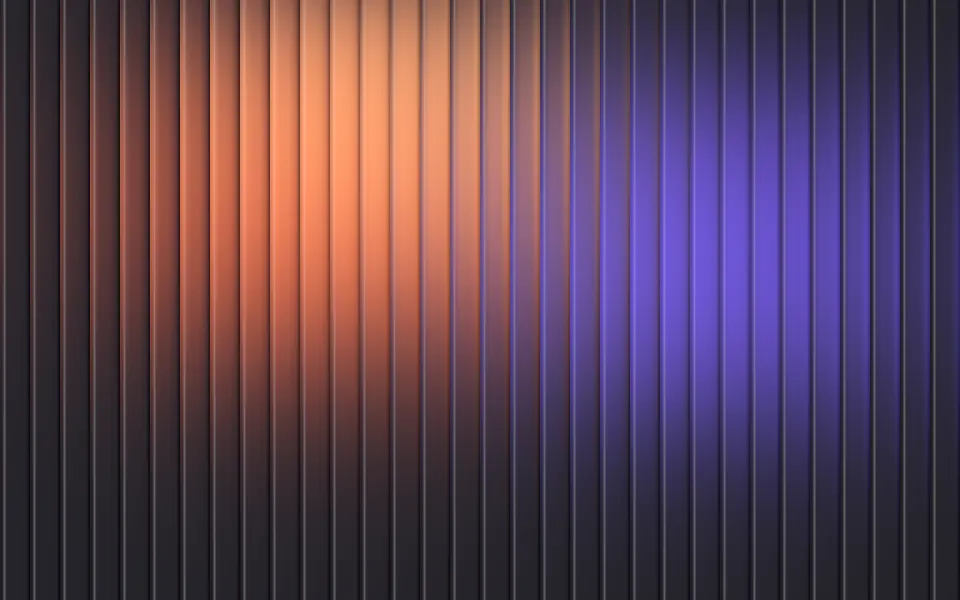
Fluted Glass Shader
Light & glassColor seen through reeded glass, free
- Pro
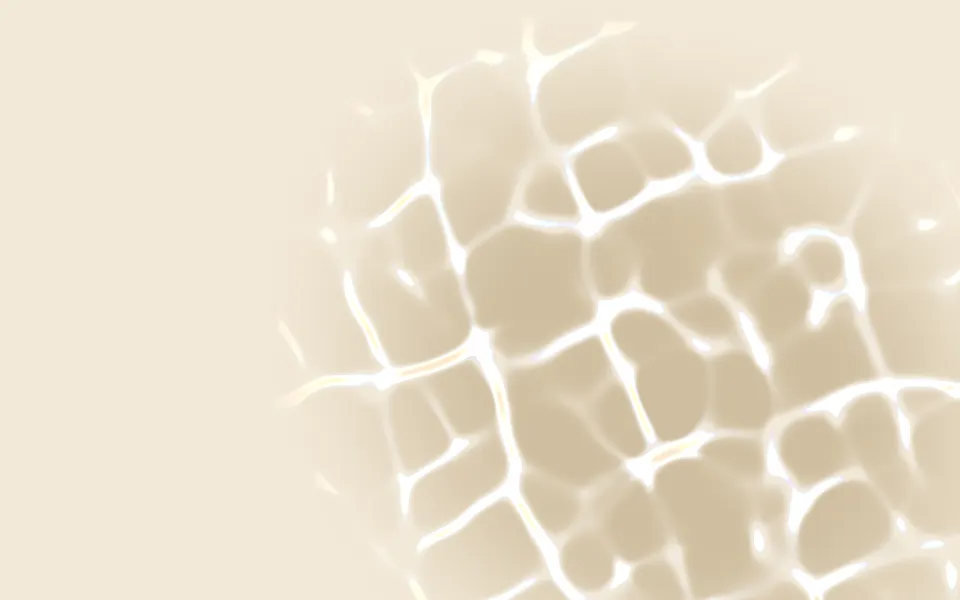
Glass Caustics Shader
Light & glassThe light a glass throws on a table
- Pro
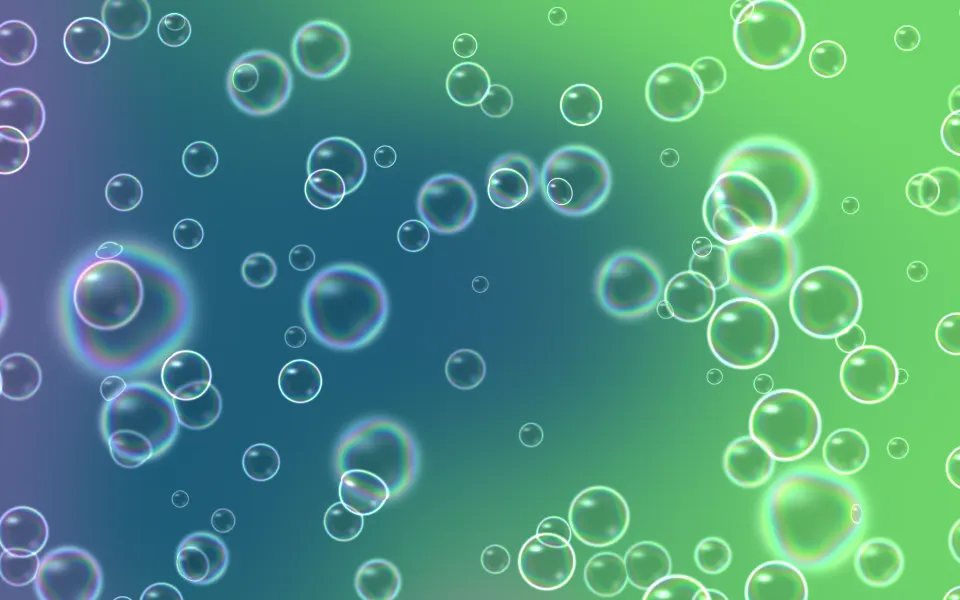
Soap Bubbles 2D Shader
Water & landscapesClear bubbles that bend what's behind them
- Pro

Chiffon Shader
Flow & gradientsAnother light, airy hero
- Pro
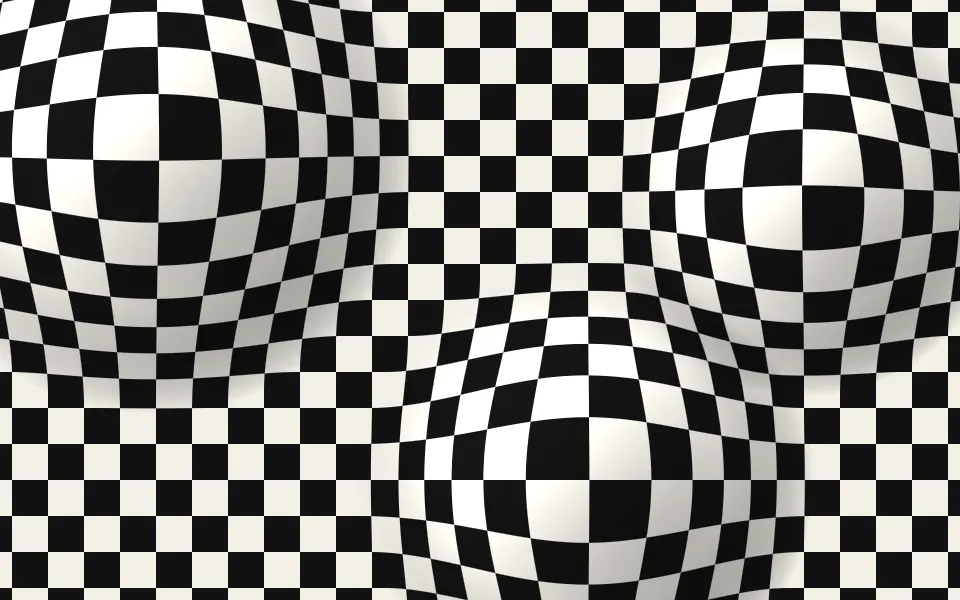
Op Art Bulge Shader
GeometryA grid magnified by domes, in black and white
- Pro
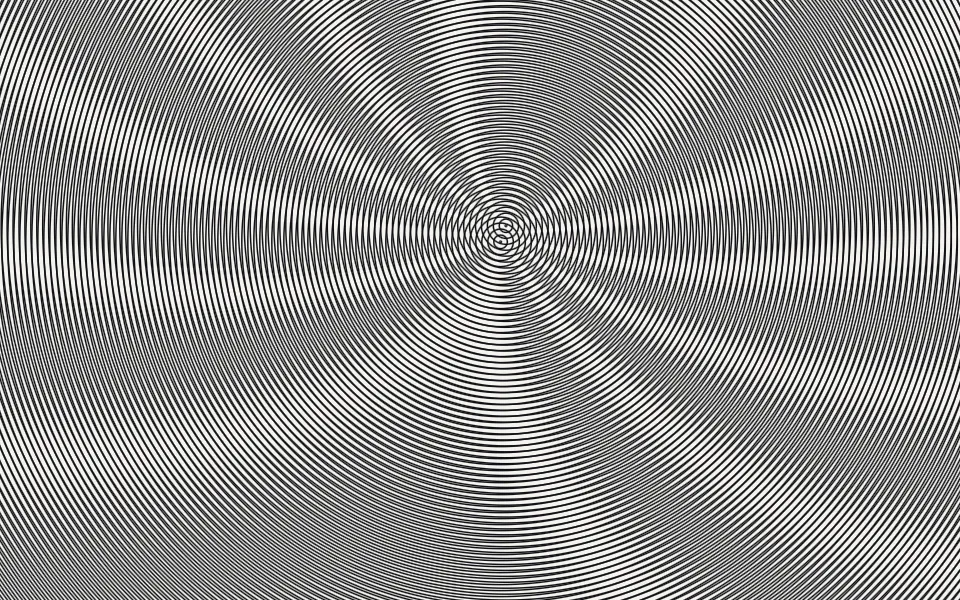
Moire Shader
GeometryFine lines on paper that beat into fringes