shadcn.io is not affiliated with official shadcn/ui
Mirage Shader paints a flat desert horizon at dusk, from a violet sky overhead to peach at the horizon, with a low sun and a few far mesas. Just above the ground the air shimmers: rising, noisy hot air bends every lookup up and down, so the horizon, the mesas and the sun's lower edge wobble and stretch. Below the horizon an inferior mirage turns the ground into a trembling "lake" that mirrors the sky, the mesas and the sun, and its far edge wanders as the hot layer thickens and thins. The scene is drawn analytically and the haze is fractal noise drifting upward; a WGSL fragment shader on WebGPU draws every pixel each frame.
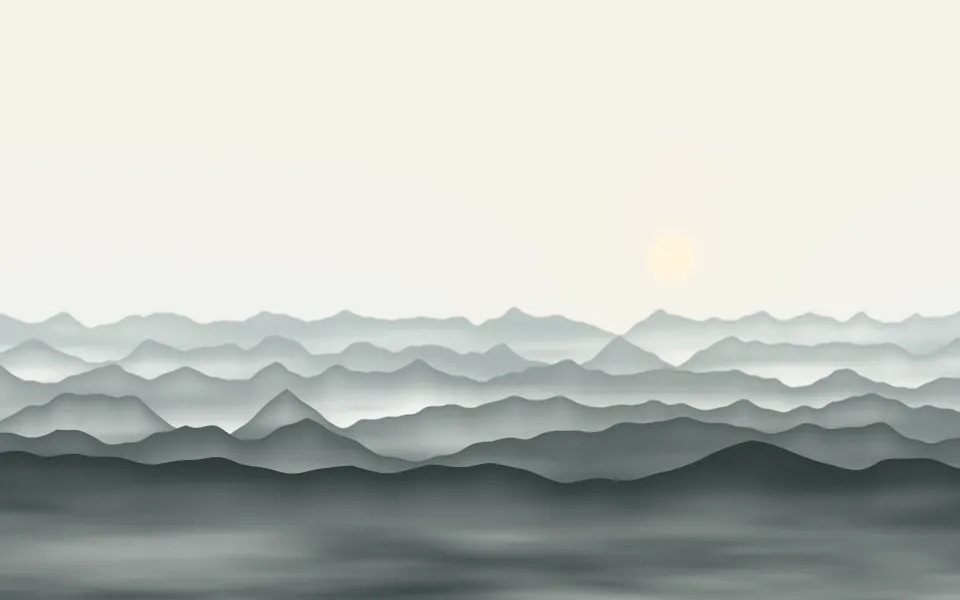
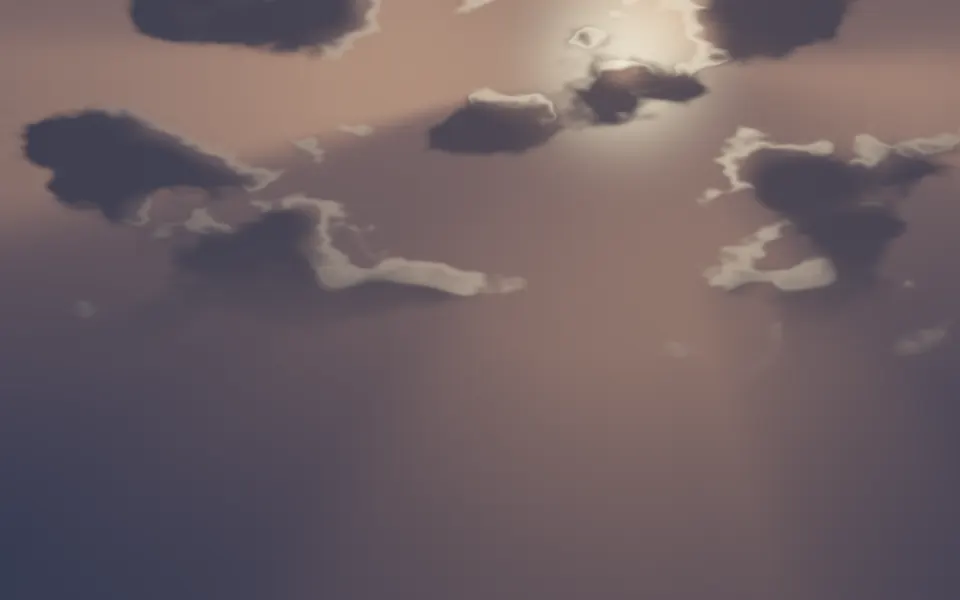
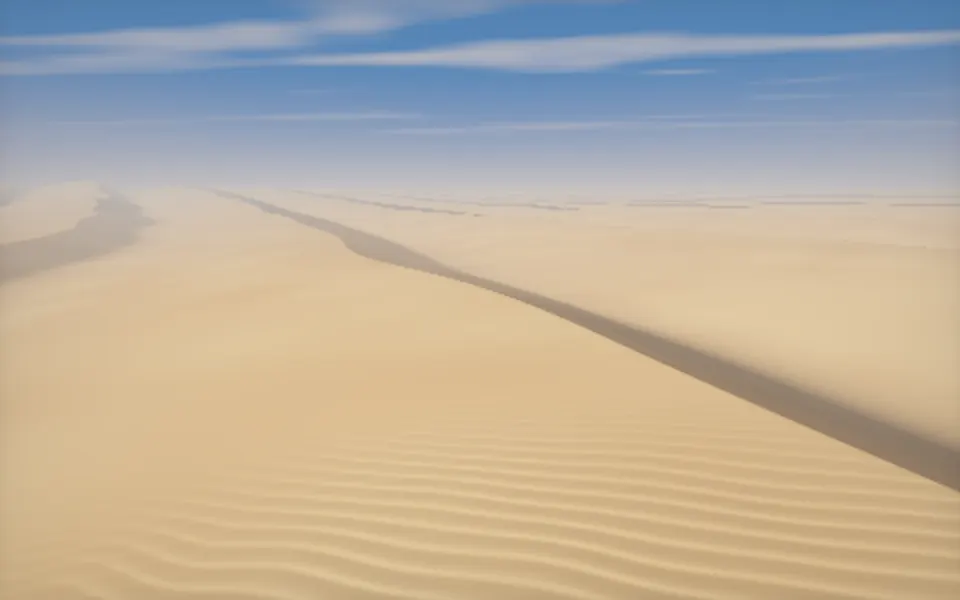
Use it behind a travel, hotel, festival or outdoor-gear hero, or anywhere a warm, calm landscape fits. For mist in hills instead, use Valley Mist Shader; for warm light through cloud, Cloud Rays Shader; for sand ridges in plain CSS, the Dunes background. It runs only while it's on screen, holds a still frame with reduced motion, and shows a CSS gradient of the same sky and sun in browsers without WebGPU.
Installation
Usage
import { MirageShader } from "@/components/ui/mirage-shader";<MirageShader className="flex min-h-[32rem] flex-col items-center pt-24">
<h1 className="text-5xl font-semibold text-white">Ship faster</h1>
</MirageShader>Mirage Shader is a container: your content sits on top of the scene, in normal flow. It fills its own box, so give it a height or content. For a backdrop behind the whole page, render it empty with className="fixed inset-0 -z-10". The sky is dark at the top and light at the horizon, so place text by height: white text in the top third stays above 4:1 (6:1 at the median), fine for a headline, and dark text on the ground below stays above 5:1. Around the sun and the horizon neither reads well. The palette is the same in both color schemes.
Demos
Midday road
The colors make the place. skyColor="#9fc6e8" and zenithColor="#3d6db0" give a clear blue sky, groundColor="#4a4a4f" turns the desert into asphalt, silhouetteColor="#6b6f78" grays the far hills and sunColor="#ffffff" whitens the sun: the mirage now reads as the wet-looking patch over a hot road.
In a card
horizon={0.55} raises the horizon a little, so a tall card shows more ground and its mirage. The haze scales with the box's height, so the wobbles keep their size.
Performance
About 0.7 ms of GPU time a frame at 1280×720 on an M2 Max laptop; slower GPUs take several times longer. The scene is drawn twice, once for the mirror, plus a few noise lookups for the haze. The edges are soft, so quality={0.5}, a quarter of the pixels, looks almost the same on a large screen. The animation stops when the shader scrolls out of view, and the browser pauses it in a hidden tab. Every shader on a page shares one GPU device and one frame loop, and vgpu (about 50 KB gzipped) loads only when the first one mounts.
Browser support
The shader needs WebGPU: Chrome and Edge, Safari 26 and later, and Firefox on Windows and macOS. Elsewhere, and until the first frame, the box shows a CSS gradient of the same sky, sun and ground, which follows your color props, so the layout never jumps. data-state on the root reads unsupported there, if you want to style around it. See Shader Canvas.
Accessibility
The scene is decoration: it's hidden from assistive tech and lets every click through to your content. With reduced motion it draws one still frame, the sun on the horizon beside the mesas with their mirage below, and stops. Nothing flashes: the shimmer is small and slow, and only the narrow band round the horizon moves. White text reads in the top third of the frame; dark text on the ground.
FAQ
Can I change the colors?
Yes: zenithColor is the sky overhead, skyColor the sky at the horizon and the glow round the sun, sunColor the disc, groundColor the desert floor and silhouetteColor the mesas. They take any CSS color, var(--primary) included, and follow a theme switch. The mirage mirrors whatever sky you choose.
How do I move the horizon?
horizon sets where it sits, from 0.3 to 0.8 of the height from the top. The sun stays on it, so a lower horizon gives more sky for your copy, and a higher one more ground and mirage.
How do I make the mirage bigger or turn it off?
mirage sets how deep the mirrored lake reaches below the horizon, from 0 (none) to 1. intensity sets how strongly the hot air shimmers, from 0 (still air) to 2; it shakes the mirage's ripples too.
How do I make it faster or slower?
speed scales time: 0.5 makes the air rise half as fast. paused holds the frame, and time draws one fixed moment, in seconds, which is handy for a poster.
API Reference
MirageShader
data-slot="mirage-shader"
fallback?string
What shows until the first frame and in browsers without WebGPU: a CSS
background value (gradients, sizes, a colour) that looks like the
shader. It can use the colour props' --shader-<field> variables.
groundColor?string
The desert floor; it darkens toward the bottom. Any CSS colour. @default "#c98a6b".
- Default
"#c98a6b"
horizon?number
Where the horizon sits, from 0.3 to 0.8 of the height, from the top. @default 0.62.
- Default
0.62
intensity?number
How strongly the hot air shimmers and bends the horizon, from 0 (still air) to 2. @default 1.
- Default
1
interactive?boolean
Whether u.pointer follows the pointer. @default false.
mirage?number
How deep the mirage "lake" below the horizon reaches, from 0 (none) to 1. @default 0.5.
- Default
0.5
paused?boolean
Holds the current frame. @default false.
quality?number
Render scale, from 0.25 to 1, of the screen's pixels (capped at 2×). @default 1.
silhouetteColor?string
The far mesas on the horizon. Any CSS colour. @default "#7a4b4f".
- Default
"#7a4b4f"
skyColor?string
The sky at the horizon, and the glow round the sun. Any CSS colour. @default "#f6b38f".
- Default
"#f6b38f"
speed?number
Animation speed: 1 is normal, 0 holds the frame. @default 1.
sunColor?string
The sun's disc. Any CSS colour. @default "#fff0d1".
- Default
"#fff0d1"
time?number
A fixed moment, in seconds: draws it and doesn't animate.
zenithColor?string
The sky overhead. Any CSS colour. @default "#5b4a7a".
- Default
"#5b4a7a"
render?ReactElement | ((props: object, state: object) => ReactElement)
Replace the host element or compose it with another component.
- Type
ReactElement | ((props: object, state: object) => ReactElement)
className?string
Forwarded to the part.
Related
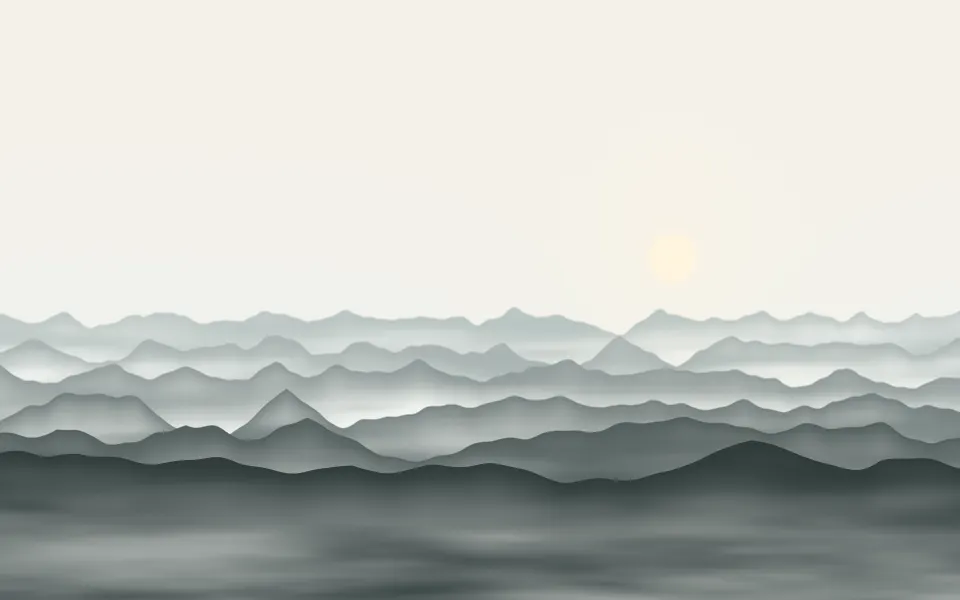
Valley Mist Shader
Water & landscapesMist in hills instead, free
- Pro
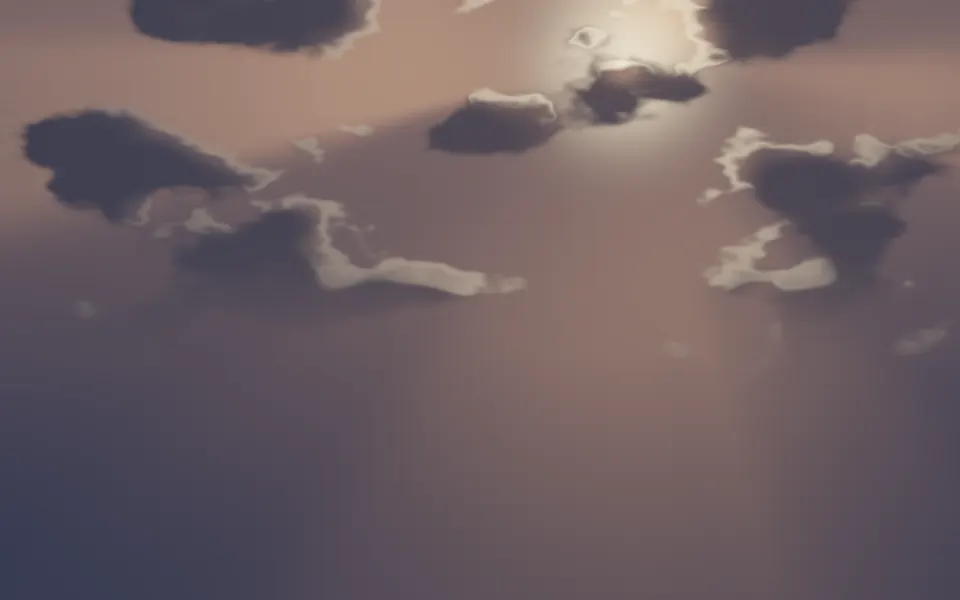
Cloud Rays Shader
Light & glassWarm light through cloud
- Pro
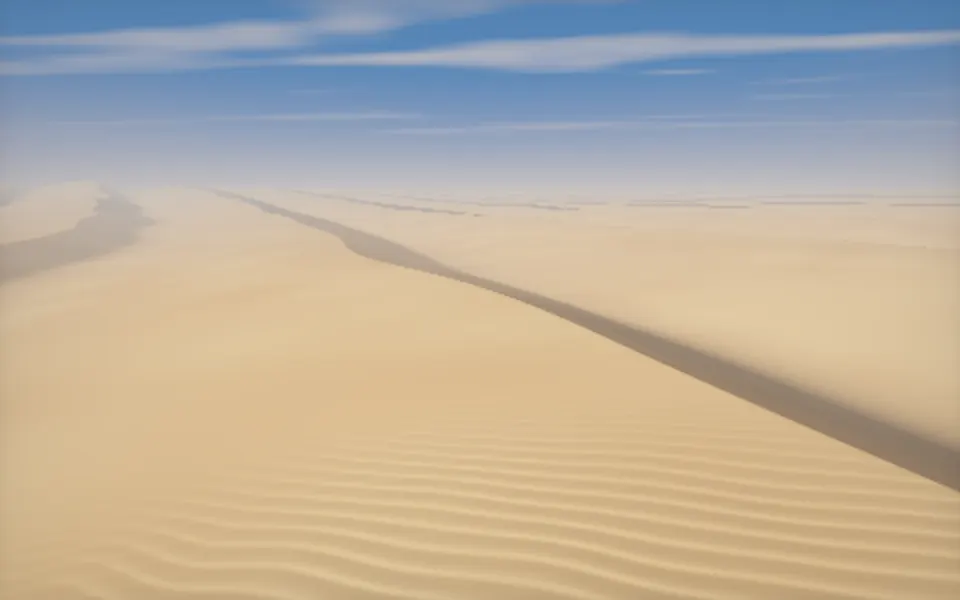
Desert Sand Shader
Water & landscapesDunes in 3D, by afternoon
- Pro
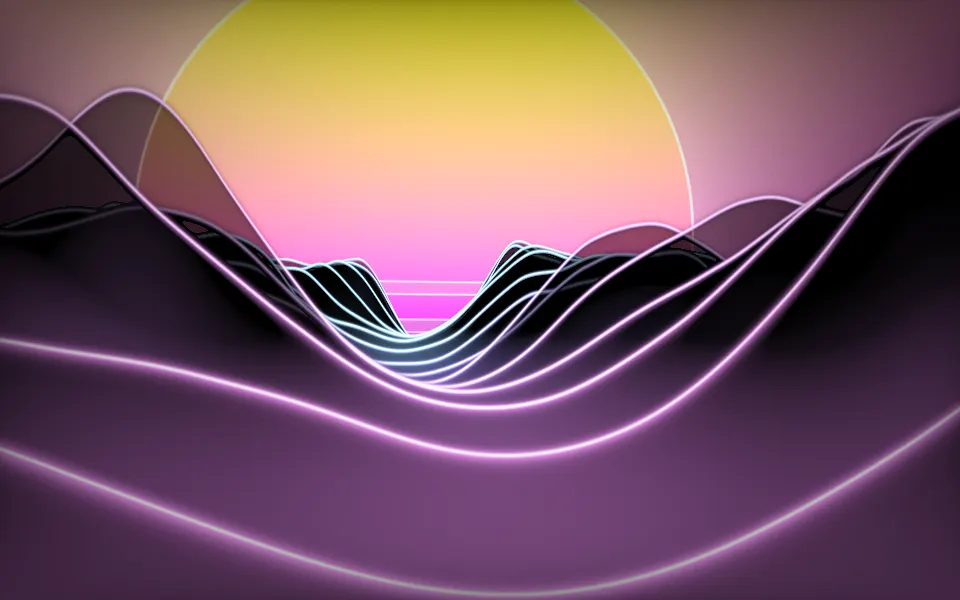
Synthwave Canyon Shader
Water & landscapesA neon sunset over ridges
- Pro
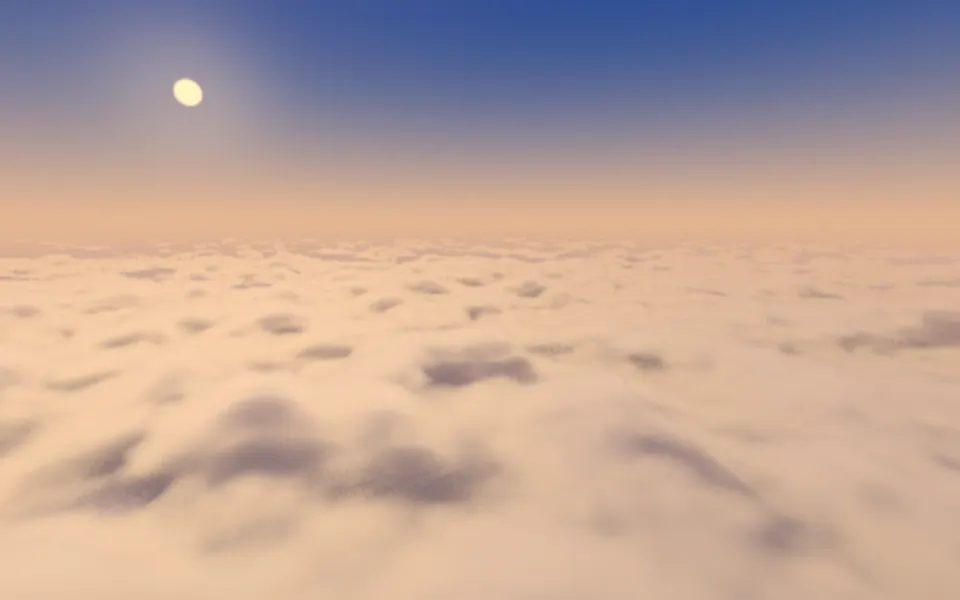
Cloud Sea Shader
Water & landscapesGolden hour above the clouds
- Pro
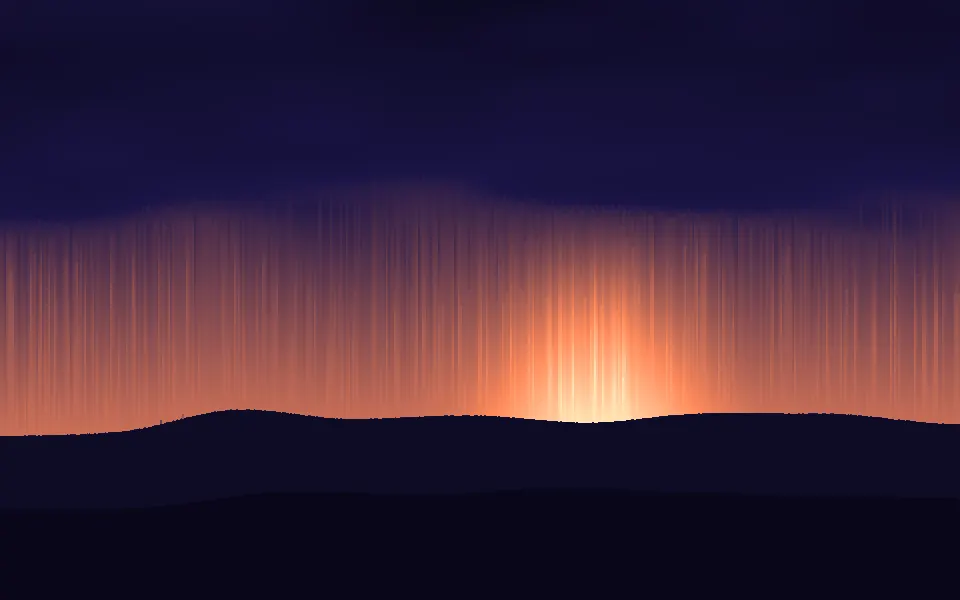
Pixel Sort Shader
Digital & retroA dusk with a low sun, melted into streaks