shadcn.io is not affiliated with official shadcn/ui
Shaders
ProCloud Sea Shader for React
A flight above a sea of clouds at golden hour, drawn on the GPU: billowing cloud tops lit gold on the sun side and lilac in shade, under a sky that fades from peach to deep blue. For React with Base UI, when a travel, aviation or calm brand hero wants open air behind its headline.
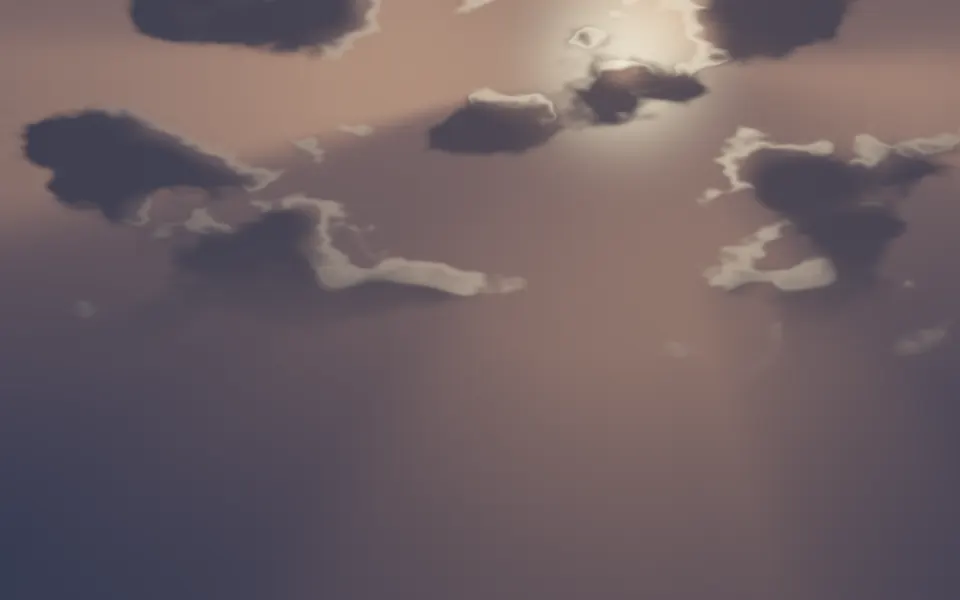
Cloud Sea Shader puts you just above a sea of clouds at golden hour. A rolling floor of cloud tops fills the lower half of the frame, lit gold where they face the low sun and lilac in the hollows, and drifts slowly toward you, churning as it comes. Above it the sky fades from peach at the horizon to deep blue, with the sun low on the left. The clouds are real volumes: a WGSL fragment shader on WebGPU marches each ray through a layer of 3D noise, and at every step marches a short way toward the sun to see how much light gets through. It's the heavy kind of shader, so it renders at half resolution by default.
Use it behind a travel, aviation or "above the noise" hero, or a calm brand page that wants open air. For flat banks of mist in plain CSS, with no GPU, use the Fog background; for sunbeams through broken cloud, seen from the ground, Cloud Rays Shader; for a seascape, Sea Shader. It runs only while it's on screen, holds a still frame with reduced motion, and shows a gradient of the same sky and clouds in browsers without WebGPU.
Installation
Usage
import { CloudSeaShader } from "@/components/ui/cloud-sea-shader";<CloudSeaShader className="flex min-h-[32rem] items-start justify-center pt-16">
<h1 className="text-6xl font-semibold text-white drop-shadow">Above the noise</h1>
</CloudSeaShader>Cloud Sea Shader is a container: your content sits on top of the sky, in normal flow. It fills its own box, so give it a height or content. For a backdrop behind the whole page, render it empty with className="fixed inset-0 -z-10". The scene is the same in both color schemes. Dark text such as text-slate-950 reads anywhere on the cloud floor: 4.5:1 on more than 99% of it. White text belongs high in the sky, and only large: in the top fifth it passes 3:1, the large-text minimum, on 96% of the area, but 4.5:1 on 62%, so put smaller white text on a panel.
Demos
Moonlight
sunColor="#cfd9ff" turns the sun into a cool moon, and zenithColor="#050a1a" with horizonColor="#24304f" darken the sky to night. The clouds take the moon's color, silver on top and slate in the hollows, and white text passes 4.5:1 across the whole sky, except over the moon itself.
In a card
altitude={0.8} flies higher, so a small box shows more cloud tops and fewer close-ups, and sunAngle={20} lifts the sun, so the light is softer and the hollows shallower.
Performance
Cloud Sea Shader renders at quality={0.5} by default: half the screen's resolution, a quarter of the pixels. On an M2 Max laptop at 1280×720, a frame takes about 2.2 ms of GPU time at that default, and about 4.5 ms at quality={1}. Slower GPUs take several times longer, so keep the default on large screens; your own quality prop overrides it. The march stops as soon as a ray is lost in cloud and skips air the clouds can't reach, so a lower coverage is a little cheaper: about 1.7 ms at coverage={0.2}. The animation stops when the shader scrolls out of view, and the browser pauses it in a hidden tab. Every shader on a page shares one GPU device and one frame loop, and vgpu loads only when the first one mounts.
Browser support
The shader needs WebGPU: Chrome and Edge, Safari 26 and later, and Firefox on Windows and macOS. Elsewhere, and until the first frame, the box shows a CSS gradient of the same scene, deep blue fading to a peach horizon over warm cloud, so the layout never jumps. data-state on the root reads unsupported there, if you want to style around it. See Shader Canvas.
Accessibility
The clouds are decoration: they're hidden from assistive tech and let every click through to your content. With reduced motion the shader draws one still frame, eight seconds in, and stops. Nothing flashes: the clouds drift and churn over many seconds, and the sun stays put. For text contrast, see Usage: dark text on the cloud floor, large white text high in the sky.
FAQ
How are the clouds drawn?
They're a volume, not a picture. The cloud layer is a slab of 3D noise, four octaves deep, worn away more toward its top so the clouds round into domes. Each pixel's ray enters the slab and takes up to 40 steps through it. At each step with cloud, three short steps toward the sun measure how much light reaches that point, and the light is scattered toward you with a two-lobed Henyey-Greenstein phase function and absorbed with Beer-Lambert's law. Rays that miss the clouds show an analytic sky.
Can I break up the clouds, or fly higher?
coverage sets how much of the floor is cloud, from 0 (scattered puffs over a lower deck) to 1 (an unbroken sea); the default is 0.6. altitude sets how high you fly above the tops, from 0 (skimming them, the horizon close) to 1 (high above, many small domes in view).
How do I change the light?
sunAngle sets how high the sun stands, from 0° (setting on the horizon, long shadows in every hollow) to 40° (softer light, shallower hollows); the default is 12°. intensity sets its strength, from 0 to 2. sunColor colors the sunlight and the sun itself, and shadowColor the shaded sides of the clouds.
Can I change the sky?
zenithColor sets the sky overhead and horizonColor the sky at the horizon, which the far clouds also fade into. All four colors take any CSS color and follow a theme switch. For a night flight, set a pale blue sun and a near-black sky, as in the Moonlight demo.
Will it slow my page down, or drain a phone?
It's the heaviest kind of shader, so it renders at half resolution by default: about 2.2 ms of GPU time a frame at 1280×720 on an M2 Max laptop, and several times that on a phone. It stops when it's off screen. quality is the knob that matters: the clouds are soft, so quality={0.35} still looks right and draws half as many pixels again.
API Reference
CloudSeaShader
data-slot="cloud-sea-shader"
altitude?number
How high you fly above the cloud tops, from 0 (skimming them) to 1 (high above). @default 0.5.
- Default
0.5
coverage?number
How much of the floor is cloud, from 0 (scattered puffs) to 1 (an unbroken sea). @default 0.6.
- Default
0.6
fallback?string
What shows until the first frame and in browsers without WebGPU: a CSS
background value (gradients, sizes, a colour) that looks like the
shader. It can use the colour props' --shader-<field> variables.
horizonColor?string
The sky at the horizon, and the haze the far clouds fade into. Any CSS colour. @default "#f7c59f".
- Default
"#f7c59f"
intensity?number
The sun's strength, from 0 to 2. @default 1.
- Default
1
interactive?boolean
Whether u.pointer follows the pointer. @default false.
paused?boolean
Holds the current frame. @default false.
quality?number
Render scale, from 0.25 to 1, of the screen's pixels (capped at 2×). @default 1.
- Default
0.5
shadowColor?string
The shaded sides of the clouds. Any CSS colour. @default "#8a7fb0".
- Default
"#8a7fb0"
speed?number
Animation speed: 1 is normal, 0 holds the frame. @default 1.
sunAngle?number
How high the sun stands, in degrees above the horizon, from 0 to 40. @default 12.
- Default
12
sunColor?string
The sunlight on the cloud tops, and the sun itself. Any CSS colour. @default "#ffd7a0".
- Default
"#ffd7a0"
time?number
A fixed moment, in seconds: draws it and doesn't animate.
zenithColor?string
The sky high overhead. Any CSS colour. @default "#2b4a8a".
- Default
"#2b4a8a"
render?ReactElement | ((props: object, state: object) => ReactElement)
Replace the host element or compose it with another component.
- Type
ReactElement | ((props: object, state: object) => ReactElement)
className?string
Forwarded to the part.
Related
- Pro
Cloud Rays Shader
Light & glassSunbeams through cloud, from the ground
Valley Mist Shader
Water & landscapesMist in hills, free and lighter
- Pro
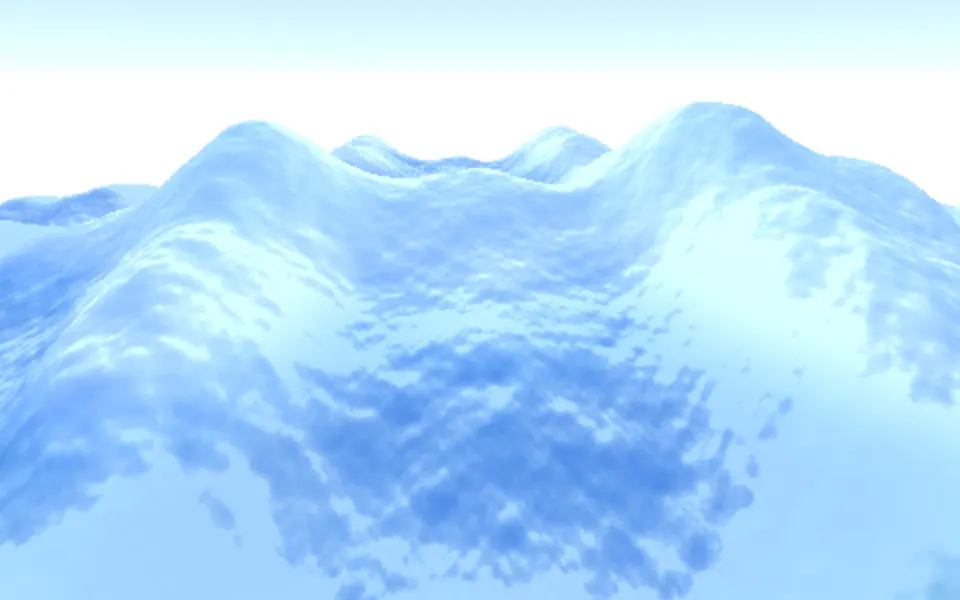
Sea Shader
Water & landscapesA seascape
- Pro
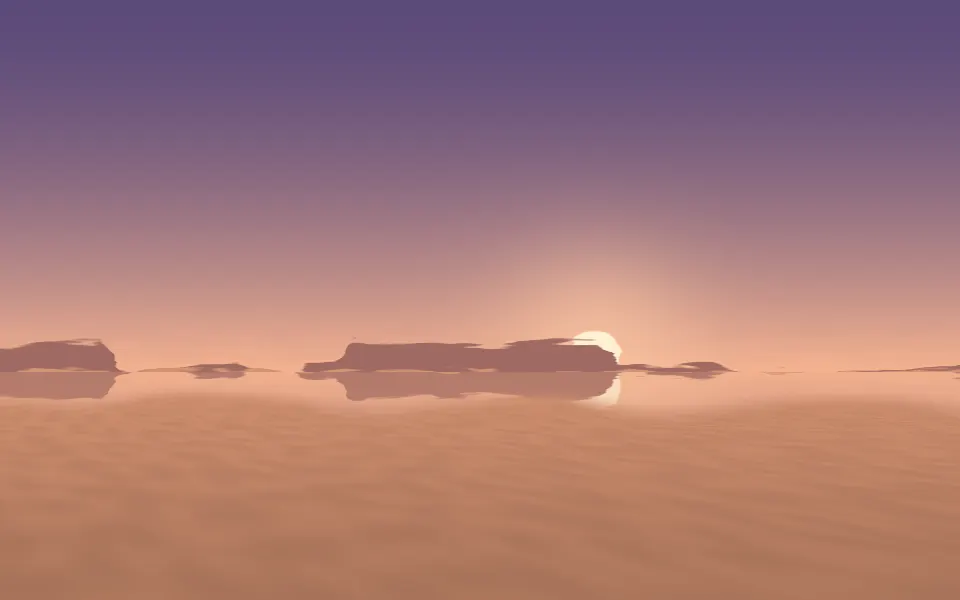
Mirage Shader
Light & glassA warm desert at dusk
- Pro
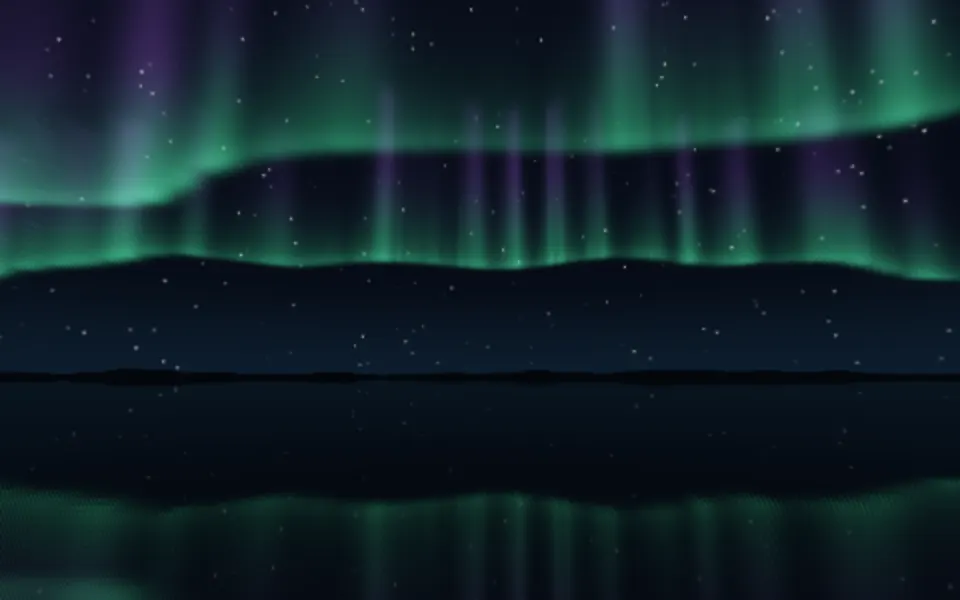
Aurora 3D Shader
Water & landscapesLights over a lake, at night
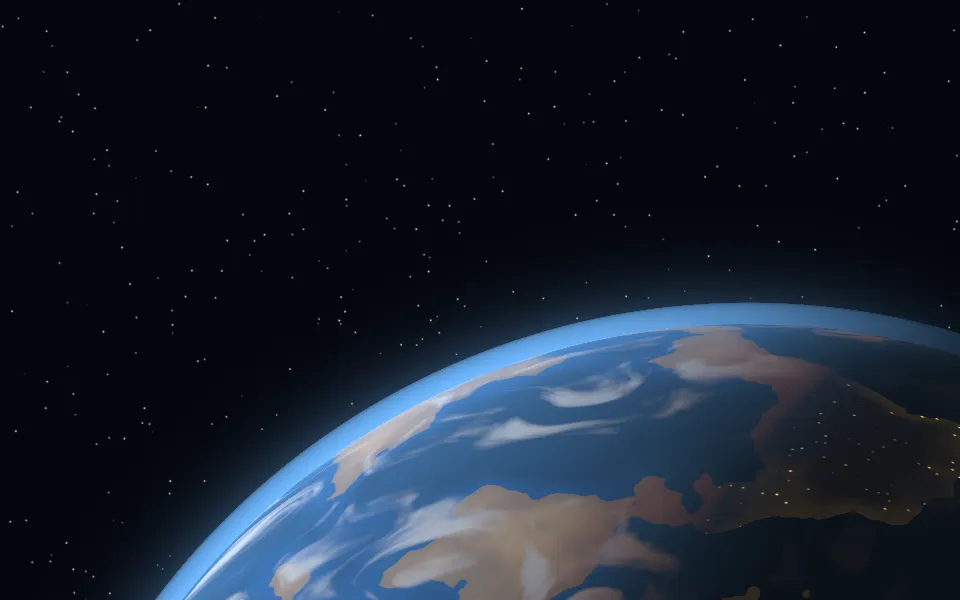
Planet Shader
SpaceA whole world, from orbit, free