shadcn.io is not affiliated with official shadcn/ui
Sea Shader draws a 3D ocean on the GPU. Six sine swells and a layer of fractal chop make the surface, and a WGSL fragment shader on WebGPU ray marches it for every pixel, every frame. The water reflects a pale sky, darkens in patches where the chop turns away from the light, and fades into a bright band at the horizon. The camera glides forward and slowly sways, so the waves roll toward you. It's a raymarcher, the heavy kind of shader, so it renders at half resolution by default.
Use it behind a hero, a travel or wellness page, or a full-screen intro that should feel open and calm. For the same scene in plain CSS, with no GPU, use the Ocean background; for a flat water surface instead of a 3D view, Water Shader. It runs only while it's on screen, holds a still frame with reduced motion, and shows a gradient of the same sky and water in browsers without WebGPU.
Installation
Usage
import { SeaShader } from "@/components/ui/sea-shader";<SeaShader className="flex min-h-[32rem] items-center justify-center">
<h1 className="text-5xl font-semibold text-slate-950">Set sail</h1>
</SeaShader>Sea Shader is a container: your content sits on top of the water, in normal flow. It fills its own box, so give it a height or content. For a backdrop behind the whole page, render it empty with className="fixed inset-0 -z-10". The default sea is pale in both color schemes, so put dark text over it, such as text-slate-950. For a dark sea, set the colors as in the FAQ below.
Demos
Dusk
skyColor="#ffcc99" warms the sky, and the water reflects it, so the whole sea turns to a pastel sunset. waterColor="#1a2340" deepens the troughs and the patches to navy. The shader brightens every color, so pick them a little darker than the tone you want to see.
In a card
In a small box, the default's long swells show only a crest or two. waveFrequency={1.6} fits more, shorter waves into it, and waveHeight={0.7} keeps them low, so the card reads as open sea.
Performance
Sea Shader renders at quality={0.5} by default: half the screen's resolution, a quarter of the pixels. On an M2 Max laptop at 1280×720, a frame takes about 0.6 ms of GPU time at that default, and about 1.3 ms at quality={1}. Slower GPUs take several times longer, so keep the default on large screens. Your own quality prop overrides it. The animation stops when the shader scrolls out of view, and the browser pauses it in a hidden tab. Every shader on a page shares one GPU device and one frame loop, and vgpu (about 50 KB gzipped) loads only when the first one mounts.
Browser support
The shader needs WebGPU: Chrome and Edge, Safari 26 and later, and Firefox on Windows and macOS. Elsewhere, and until the first frame, the box shows a CSS gradient of the same sky and water, so the layout never jumps. data-state on the root reads unsupported there, if you want to style around it. See Shader Canvas.
Accessibility
The sea is decoration: it's hidden from assistive tech and lets every click through to your content. With reduced motion it draws one still frame of the swells and stops. Nothing flashes: the waves roll over seconds, and the camera rides over the crests rather than through them, so even tall waveHeight values never cut the frame to sky. At the default colors, slate-950 text stays above 6:1 even against the darkest patches, and above 13:1 on three quarters of the sea. White text doesn't read on the default sea; use it only with dark colors.
FAQ
How does it draw a 3D ocean without a mesh?
Every pixel casts a ray from the camera and steps along it, one unit at a time, until the ray drops below the wave height there. A short bisection and a linear fit then find the surface exactly, and the shader lights that point. Rays that travel 24 units without touching the water show the sky, which makes the bright band at the horizon. There's no geometry: the ocean is one height function.
How are the waves made?
Six sine waves of different lengths, directions and speeds make the swell, and the longest is the tallest. Fractal value noise on top adds the chop: three octaves shape the surface, and six shade it, which gives the darker, grainy patches. waveHeight scales all of it, and waveFrequency shortens or lengthens every wave at once.
Can I change the colors, or use it on a dark page?
skyColor sets the sky at the horizon, which the water reflects, so it sets the tone of the whole scene. waterColor sets the deep water in the troughs and patches; the shallows are a lighter, cyan lift of it. Both take any CSS color and follow a theme switch, so var(--primary) works. For a dark page, try skyColor="#050b1a" and waterColor="#020814": a night sea with pale crests, where white text reads.
What does haze do?
It fades the water into the sky with distance, like haze over a real sea. At the default of 1 the farthest water is about a fifth sky. At 3 it's about half, and the far swells soften into the horizon. At 0 the water stays clear right up to the bright band.
Will it slow my page down, or drain a phone?
It's the heaviest kind of shader, so it renders at half resolution by default: about 0.6 ms of GPU time a frame at 1280×720 on an M2 Max laptop, and several times that on a phone. It stops when it's off screen. quality is the knob that matters: quality={0.35} draws half as many pixels again, and the soft swells hide it. waveHeight and waveFrequency change the look, not the cost.
API Reference
SeaShader
data-slot="sea-shader"
cameraHeight?number
How high the camera rides, from 0 (skimming the water) to 3 (looking down on it). @default 1.
- Default
1
fallback?string
What shows until the first frame and in browsers without WebGPU: a CSS
background value (gradients, sizes, a colour) that looks like the
shader. It can use the colour props' --shader-<field> variables.
haze?number
Haze over the distance, from 0 (clear) to 5 (the far water fades into the sky). @default 1.
- Default
1
interactive?boolean
Whether u.pointer follows the pointer. @default false.
paused?boolean
Holds the current frame. @default false.
quality?number
Render scale, from 0.25 to 1, of the screen's pixels (capped at 2×). @default 1.
- Default
0.5
skyColor?string
The sky at the horizon, which the water reflects, so it sets the overall tone. Any CSS color. @default "#cce6ff".
- Default
"#cce6ff"
speed?number
Animation speed: 1 is normal, 0 holds the frame. @default 1.
time?number
A fixed moment, in seconds: draws it and doesn't animate.
waterColor?string
The deep water, in the troughs and the darker patches; the shallows are a lighter, cyan lift of it. Any CSS color. @default "#003366".
- Default
"#003366"
waveFrequency?number
How many waves fit in view, from 0.5 (a long swell) to 2 (a choppy sea). @default 1.
- Default
1
waveHeight?number
How tall the waves are, from 0.3 (calm) to 2 (rough). @default 1.
- Default
1
render?ReactElement | ((props: object, state: object) => ReactElement)
Replace the host element or compose it with another component.
- Type
ReactElement | ((props: object, state: object) => ReactElement)
className?string
Forwarded to the part.
Related
- Pro
Water Shader
Water & landscapesA flat water surface from above, lighter
- Pro
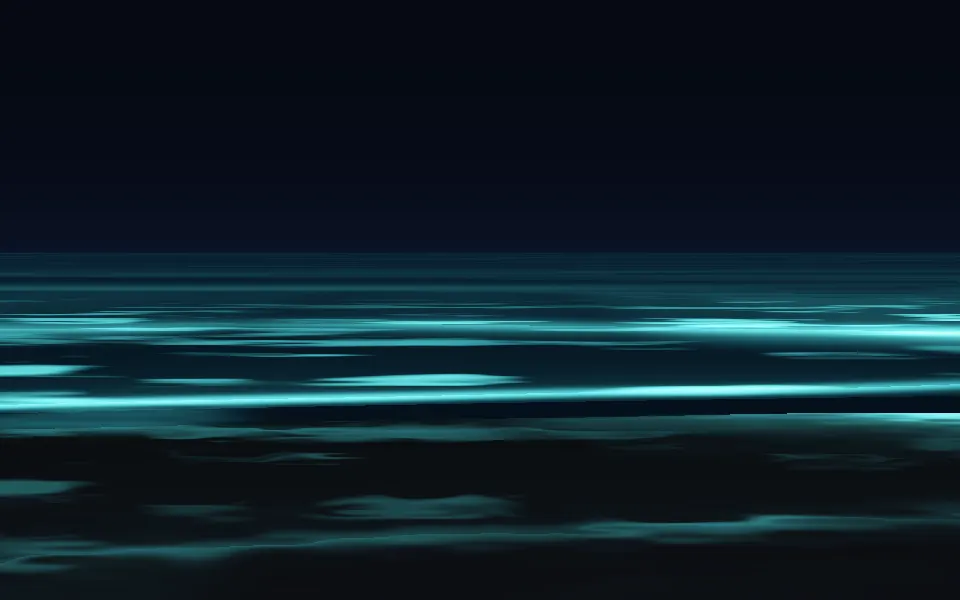
Bioluminescence Shader
Water & landscapesThe sea at night, glowing on the shore
- Pro
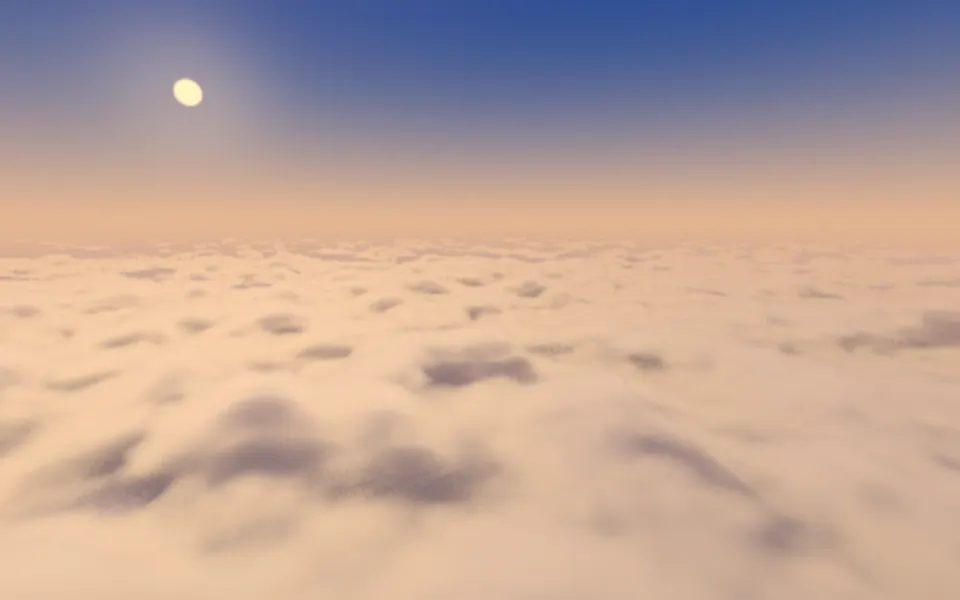
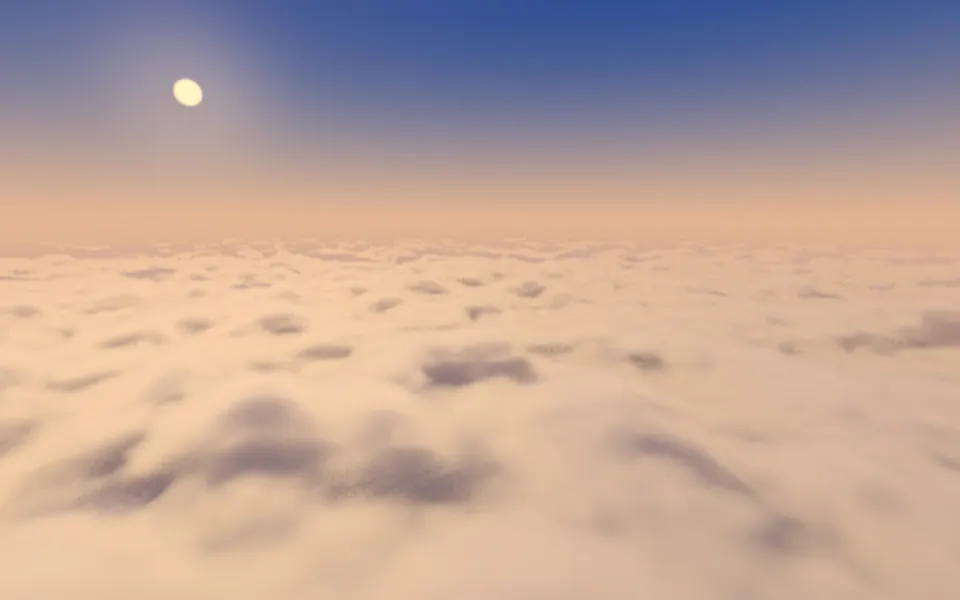
Cloud Sea Shader
Water & landscapesA sea of clouds at golden hour
- Pro
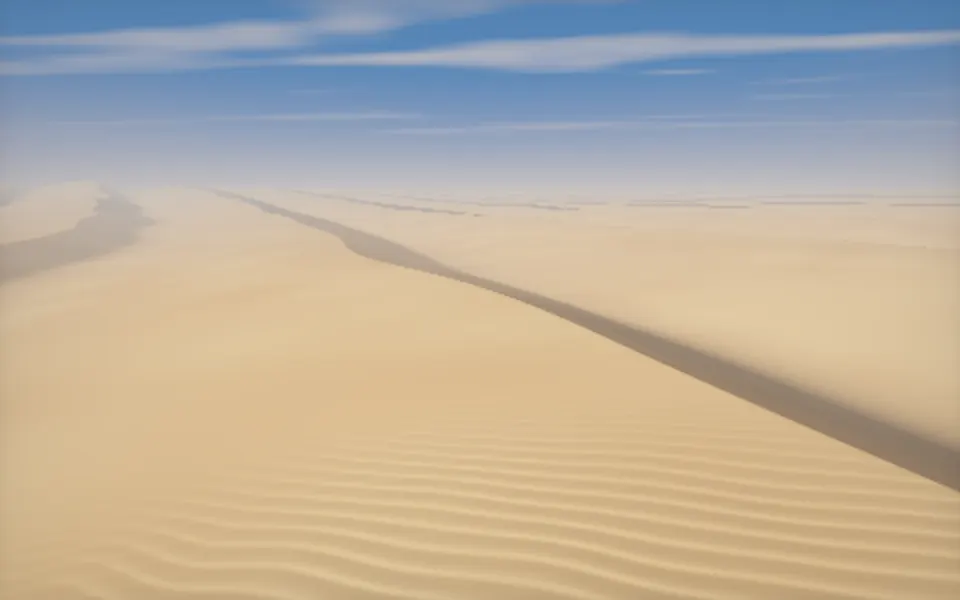
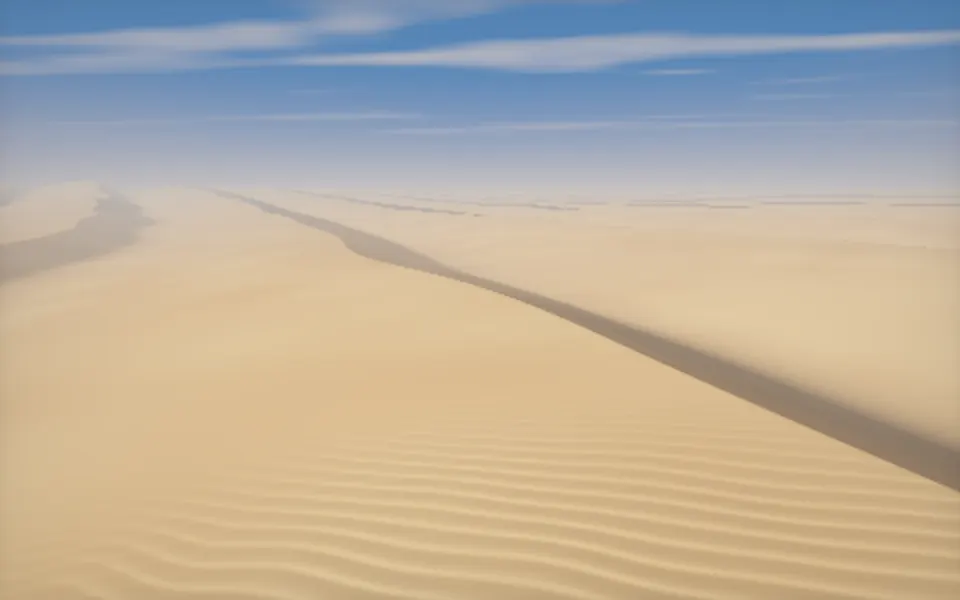
Desert Sand Shader
Water & landscapesDunes on the same kind of flight
- Pro
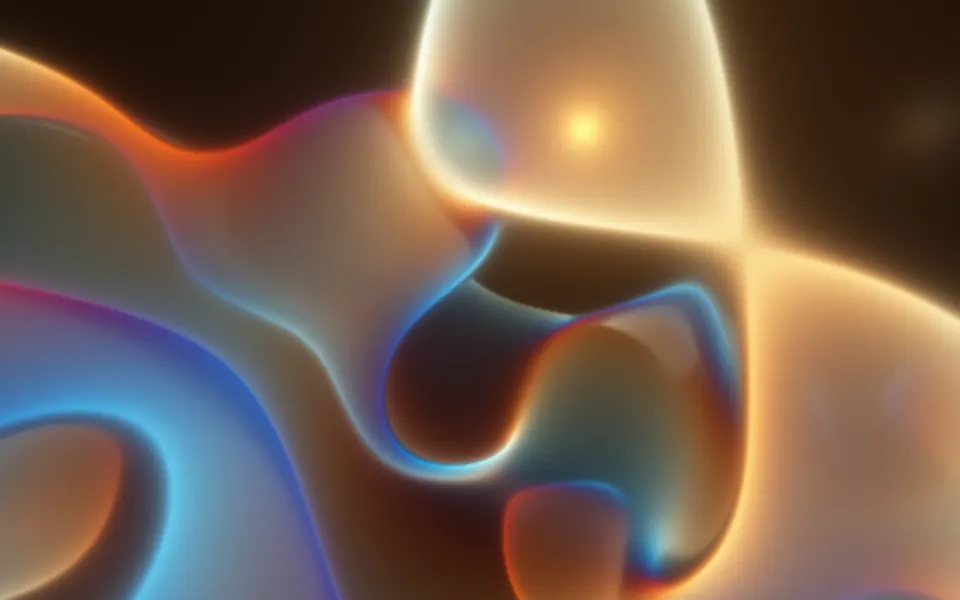
Raymarching Shader
Tunnels & 3DAnother raymarcher, sculptural
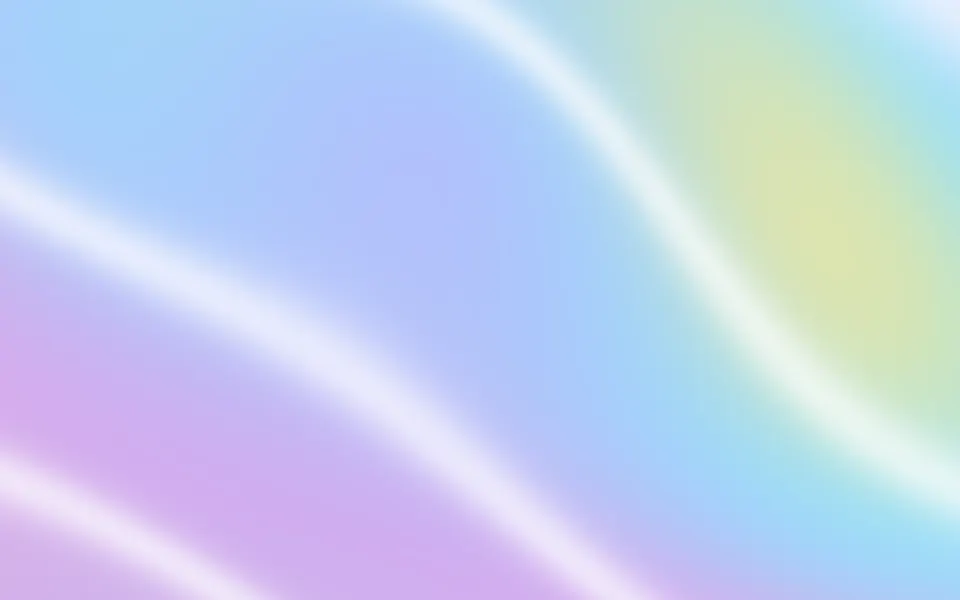
Waves Shader
Water & landscapesCalm pastel waves, free and much lighter