shadcn.io is not affiliated with official shadcn/ui
Shader Canvas runs a WGSL fragment shader on WebGPU, with vgpu (opens in a new tab), behind its children. You write the shader; it handles the rest. It loads vgpu only when the first shader mounts, shares one GPU device and one frame loop with every other shader on the page, animates only while it's on screen, draws one still frame with reduced motion, and shows fallback, a CSS background of your choice, in browsers without WebGPU. Every shader in this collection is built on it.
Use it for an effect of your own: a brand gradient, a pointer light, a pattern. For a finished effect, pick one from the shaders, such as Aurora Shader.
Installation
Usage
import { ShaderCanvas } from "@/components/ui/shader-canvas";const FRAGMENT = /* wgsl */ `
struct Params {
resolution: vec2f,
pointer: vec2f,
time: f32,
tint: vec3f,
}
@group(0) @binding(0) var<uniform> u: Params;
@fragment fn fs_main(@builtin(position) pos: vec4f) -> @location(0) vec4f {
let uv = pos.xy / u.resolution;
return vec4f(u.tint * (0.6 + 0.4 * sin(uv.x * 8.0 + u.time)), 1.0);
}
`;
<ShaderCanvas
className="min-h-96"
fallback="linear-gradient(to bottom right in oklab, var(--primary), var(--background))"
colors={{ tint: "var(--primary)" }}
fragment={FRAGMENT}
>
<h1 className="text-5xl font-semibold">Ship faster</h1>
</ShaderCanvas>Writing the shader
- Declare a
Paramsstruct at@group(0) @binding(0) var<uniform> u. It must start withresolution: vec2f,pointer: vec2fandtime: f32, which Shader Canvas sets every frame, then add your own fields. resolutionandpointerare in device pixels from the top left, the same space as@builtin(position). Divide byresolutionfor 0–1 coordinates. A shader written for Shadertoy, where y grows upward, flips once:vec2f(pos.x, u.resolution.y - pos.y).uniformsfills your number and vector fields by name, andcolorsfillsvec3ffields from any CSS color,var(--primary)andoklch()included, in sRGB from 0 to 1. Colors follow a theme switch.- The entry point is
@fragment fn fs_main, and it returns the pixel's color. Return an alpha below 1 only with premultiplied color.
Demos
Pointer
interactive makes u.pointer follow the pointer, eased, and return to the center when it leaves. Touch is ignored, so scrolling a page on a phone isn't disturbed.
Performance
Shader Canvas adds no work of its own beyond setting your uniforms once a frame. Every shader on the page shares one GPU device and draws in one frame, and a shader off screen isn't drawn at all. quality renders at a fraction of the screen's resolution: 0.5 draws a quarter of the pixels, which suits soft or heavy shaders. The screen's pixel ratio is capped at 2.
Browser support
WebGPU ships in Chrome and Edge (desktop, and Android 12 and later), Safari 26 and later on macOS and iOS, and Firefox on Windows and macOS. Where it's missing, or before the first frame, the canvas stays hidden and the box shows fallback: a CSS background value (gradients, sizes, a colour) that looks like your shader. It can use your colour props as --shader-<field> variables. Pass it as a prop rather than as utility classes, so it ships with your component and not in your global stylesheet. The root's data-state reads:
loadinguntil the first frame;livewhile it animates;stillfor a fixed moment, a held frame or reduced motion;unsupportedwithout WebGPU, or when the shader fails to compile (the error is logged to the console).
Accessibility
The canvas is hidden from assistive tech and lets every click through to your content. With reduced motion it draws one frame, at still seconds, and stops. If your shader flashes, keep it to three flashes a second or fewer.
FAQ
Can I use a GLSL or Shadertoy shader?
Not directly: WebGPU runs WGSL. Most fragment shaders translate line by line: vec3 becomes vec3f, mod() becomes x - y * floor(x / y), atan(y, x) becomes atan2(y, x), and functions can't share a name. Shadertoy's iTime, iResolution and iMouse are u.time, u.resolution and u.pointer, with y flipped. Check the license of any shader you copy.
What is vgpu and why is it a dependency?
vgpu (opens in a new tab) is a small WebGPU library from Vercel Labs. It compiles the shader, reflects its uniforms so uniforms and colors fill them by name, and runs the frame loop. It loads only when the first shader mounts, about 50 KB gzipped. Installing it also brings a native GPU engine for Node, about 70 MB in node_modules, used only by its command-line tools and never shipped to the browser.
Can I put several shaders on one page?
Yes. They share one GPU device and one frame loop, and only the ones on screen are drawn.
API Reference
ShaderCanvas
<div> data-slot="shader-canvas"
fragmentstring
The WGSL: Params at @group(0) @binding(0) var<uniform> u, and fs_main.
colors?Record<string, string>
Params fields that are colours (vec3f), as any CSS colour.
- Type
Record<string, string>
fallback?string
What shows until the first frame and in browsers without WebGPU: a CSS
background value (gradients, sizes, a colour) that looks like the
shader. It can use the colour props' --shader-<field> variables.
interactive?boolean
Whether u.pointer follows the pointer. @default false.
- Default
false
paused?boolean
Holds the current frame. @default false.
- Default
false
quality?number
Render scale, from 0.25 to 1, of the screen's pixels (capped at 2×). @default 1.
- Default
1
speed?number
Animation speed: 1 is normal, 0 holds the frame. @default 1.
- Default
1
still?number
The moment, in seconds, drawn first and kept with reduced motion. @default 0.
- Default
0
time?number
A fixed moment, in seconds: draws it and doesn't animate.
uniforms?Record<string, number | readonly number[]>
The shader's own Params fields.
- Type
Record<string, number | readonly number[]>
render?ReactElement | ((props: object, state: object) => ReactElement)
Replace the host element or compose it with another component.
- Type
ReactElement | ((props: object, state: object) => ReactElement)
className?string
Merged with the part's classes.
--shader-fallbackstringRelated
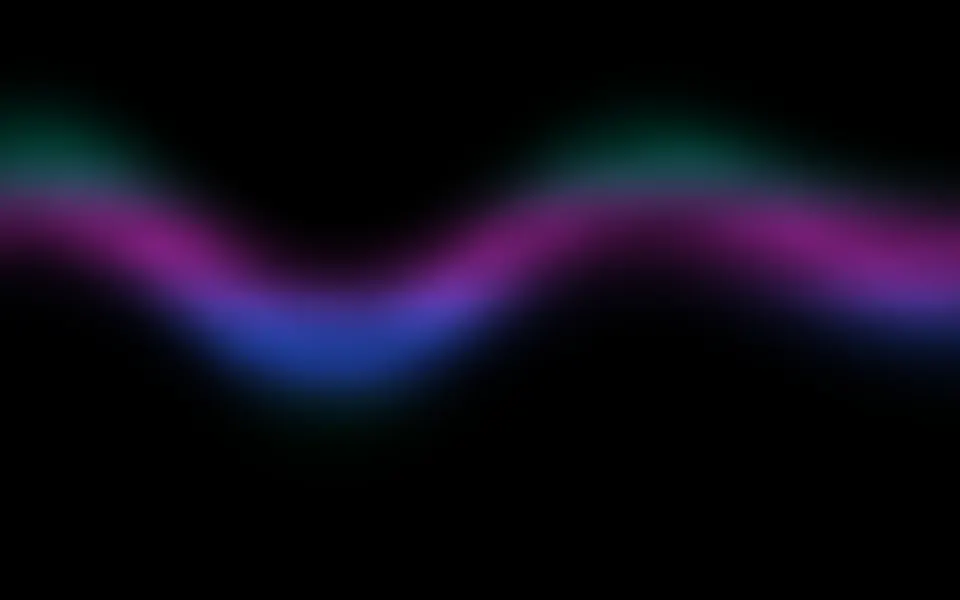
Aurora Shader
Flow & gradientsA finished effect to start from, free
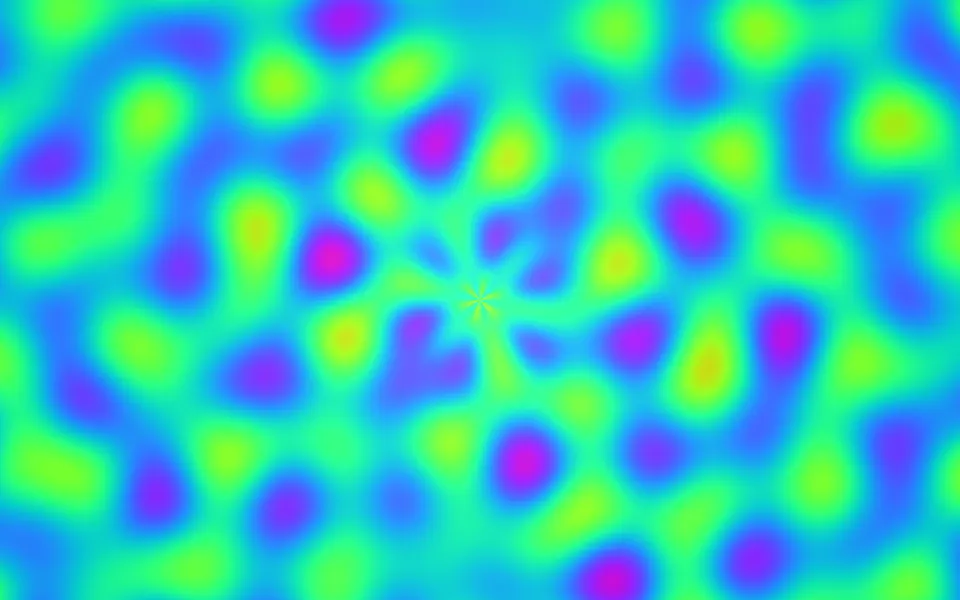
Plasma Shader
Flow & gradientsThe lightest shader, a few sines to read, free
Gradient Mesh Shader
Flow & gradientsA brand gradient, finished, free
Orb Grid Shader
GeometryAnother very light one, free
Streamlines Shader
Flow & gradientsPointer input, done for you, free
Ripple Shader
Water & landscapesOne brand color, finished, free