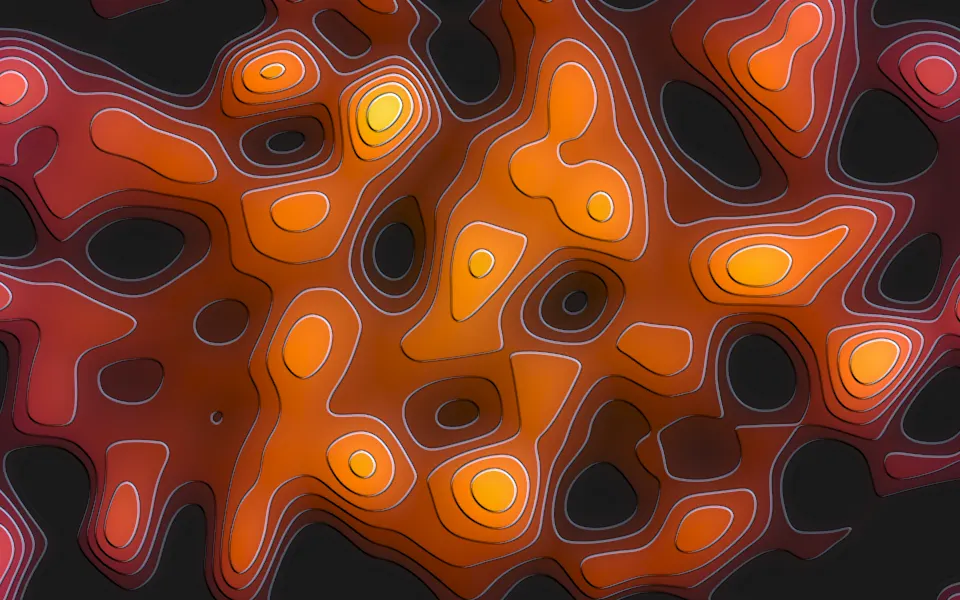
shadcn.io is not affiliated with official shadcn/ui
Spectrogram Shader draws a software-defined radio's waterfall. Time scrolls down through a heat ramp, from an indigo noise floor through magenta and amber to near white: steady carriers burn as bright vertical lines and switch on and off, wide channels show as grainy bands, data bursts arrive as dashed blocks, and slow chirps sweep diagonally across the band. Along the top, a thin trace plots the live spectrum of the newest row, with a spike for every carrier. Every pixel is computed each frame by a WGSL fragment shader on WebGPU, from a procedural time–frequency field; nothing is recorded or listened to.
Use it behind the hero of an audio, radio, SDR, observability or data-ingest product, or as a band across a stats section. For a time-domain trace instead of a waterfall, in plain CSS, use the Oscilloscope background; for soft drifting heat blobs, the Heatmap background. It runs only while it's on screen, holds a still frame with reduced motion, and shows a CSS gradient with two carrier lines and the trace's baseline in browsers without WebGPU.
Installation
Usage
import { SpectrogramShader } from "@/components/ui/spectrogram-shader";<SpectrogramShader className="flex min-h-[32rem] items-end px-10 pb-12">
<h1 className="max-w-sm text-5xl font-semibold text-white">Hear every signal</h1>
</SpectrogramShader>Spectrogram Shader is a container: your content sits on top of the waterfall, in normal flow. It fills its own box, so give it a height or content. For a backdrop behind the whole page, render it empty with className="fixed inset-0 -z-10". The signals sit in the middle and fade toward both sides, like a radio's passband, so the sides stay a calm, dark noise floor: on the outer quarter of each side, white text reads at 17:1 or better on 95% of pixels, and above 5:1 on 99%, where a faded chirp or burst crosses. Over the busy middle, the brightest carriers come close to white, so keep copy to the sides, as above, or set it on a panel.
The waterfall scrolls at 36 CSS pixels a second and its lines keep their width in CSS pixels, so it looks the same on any screen; a wider box shows a wider band with the same signals spread across it.
Demos
Stats band
A short, wide band (min-h-48), to run behind a row of stats. density={1.6} fills the band with more signals, and speed={0.6} slows the scroll.
Blocky
bins={64} snaps the waterfall to 64 square cells across, like a coarse FFT; the cells scroll with the data. Any value from 32 to 256 works, and 0 is smooth.
Performance
About 1.1 ms of GPU time a frame at 1280×720 on an M2 Max laptop; slower GPUs take several times longer. density sets how many signals each pixel sums, so density={2} costs more and density={0.5} less. The lines are thin, so it renders at full resolution; quality={0.5} costs a quarter as much, with softer lines. The animation stops when the shader scrolls out of view, and the browser pauses it in a hidden tab. Every shader on a page shares one GPU device and one frame loop, and vgpu (about 50 KB gzipped) loads only when the first one mounts.
Browser support
The shader needs WebGPU: Chrome and Edge, Safari 26 and later, and Firefox on Windows and macOS. Elsewhere, and until the first frame, the box shows a CSS gradient in your colors: the noise floor, two faint carrier lines and the trace's baseline, so the layout never jumps. data-state on the root reads unsupported there, if you want to style around it. See Shader Canvas.
Accessibility
The waterfall is decoration: it's hidden from assistive tech and lets every click through to your content. With reduced motion it draws one still frame and stops. Nothing flashes: the picture scrolls smoothly, carriers switch on and off over seconds with a soft hand-over, and the dashes in a burst pass at 2 a second at the default speed. Each burst is a small patch, and speed is capped at 1.5, which keeps its dashes at 3 a second or fewer. For text contrast, see Usage.
FAQ
Can it show my real audio or radio data?
No. The waterfall is procedural: carriers, wide channels, chirps and bursts at hashed frequencies, keyed on and off over time. It's built to look like live signal behind your copy, not to plot it. For real data, draw a canvas from an FFT of your stream.
Can I change the colors?
Yes. lowColor, midColor, highColor and peakColor are the four stops of the heat ramp, from the noise floor to the hottest peaks; the live trace uses peakColor. Each takes any CSS color, theme variables included, and follows a theme switch.
How do I make it busier or calmer?
density sets how many signals there are, from 0 (just the noise floor) to 2 (a crowded band), and intensity the gain, how hot they burn, from 0 to 2. speed sets how fast the waterfall scrolls, up to 1.5.
What does bins do?
It snaps the picture to square cells, like a coarse FFT: bins is how many fit across, from 32 to 256. The cells move with the data, so the scroll stays smooth. 0, the default, draws it smooth.
API Reference
SpectrogramShader
data-slot="spectrogram-shader"
bins?number
Blocky cells: 0 is smooth, otherwise how many frequency bins fit across, from 32 to 256. @default 0.
- Default
0
density?number
How many signals there are, from 0 (just the noise floor) to 2 (a busy band). @default 1.
- Default
1
fallback?string
What shows until the first frame and in browsers without WebGPU: a CSS
background value (gradients, sizes, a colour) that looks like the
shader. It can use the colour props' --shader-<field> variables.
highColor?string
The brightest signals' color, at the top of the heat ramp. Any CSS color. @default "#ffb347".
- Default
"#ffb347"
intensity?number
The gain: how bright the signals burn, from 0 to 2. @default 1.
- Default
1
interactive?boolean
Whether u.pointer follows the pointer. @default false.
lowColor?string
The noise floor's color, at the bottom of the heat ramp. Any CSS color. @default "#0b0630".
- Default
"#0b0630"
midColor?string
The middle of the heat ramp. Any CSS color. @default "#c2187a".
- Default
"#c2187a"
paused?boolean
Holds the current frame. @default false.
peakColor?string
The hottest peaks and the live trace. Any CSS color. @default "#fff6d5".
- Default
"#fff6d5"
quality?number
Render scale, from 0.25 to 1, of the screen's pixels (capped at 2×). @default 1.
speed?number
Animation speed, capped at 1.5 so the burst dashes pass at most three times a second. @default 1.
- Default
1
time?number
A fixed moment, in seconds: draws it and doesn't animate.
render?ReactElement | ((props: object, state: object) => ReactElement)
Replace the host element or compose it with another component.
- Type
ReactElement | ((props: object, state: object) => ReactElement)
className?string
Forwarded to the part.
Related
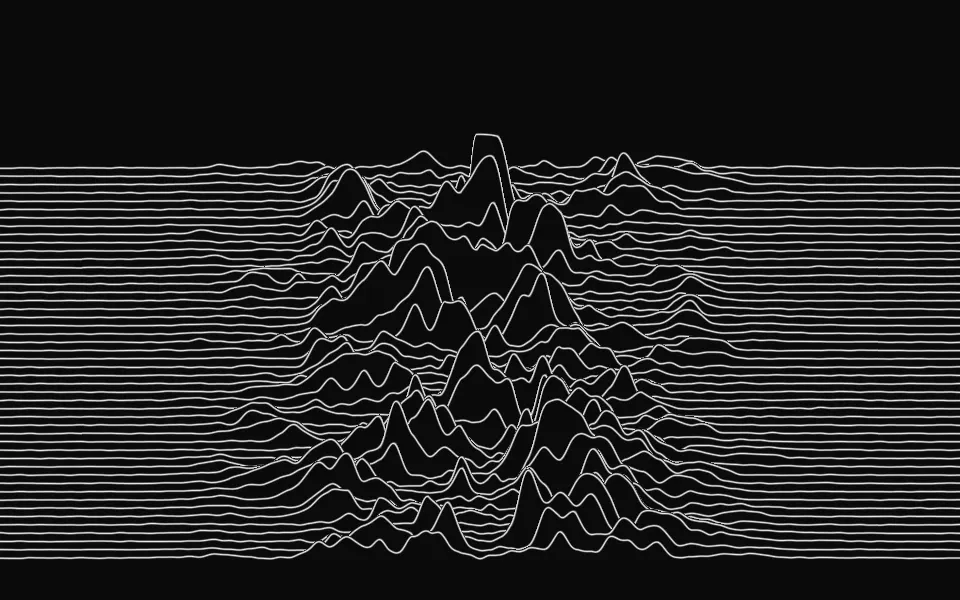
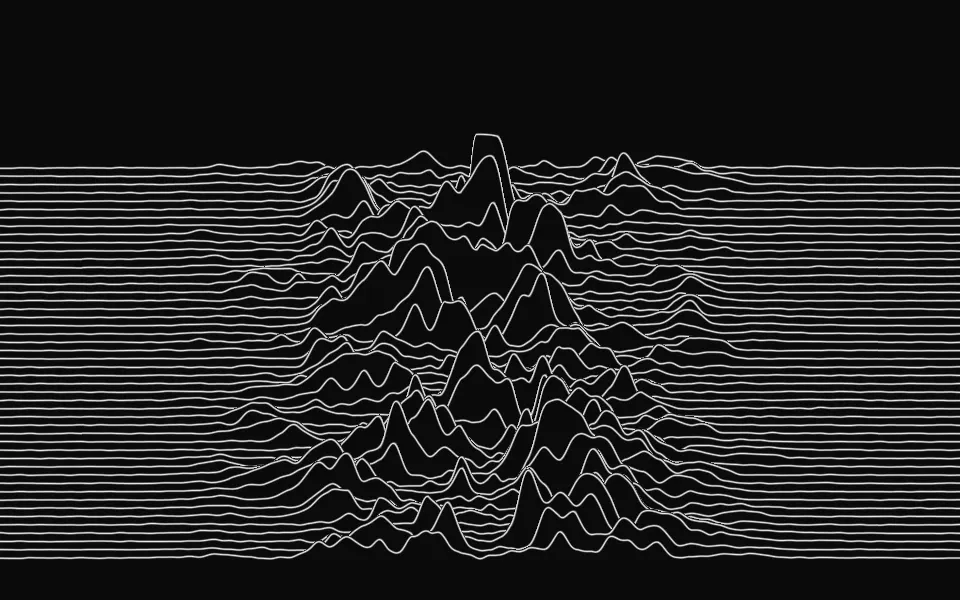
Ridgeline Shader
Digital & retroA pulsar plot of noisy peaks, free
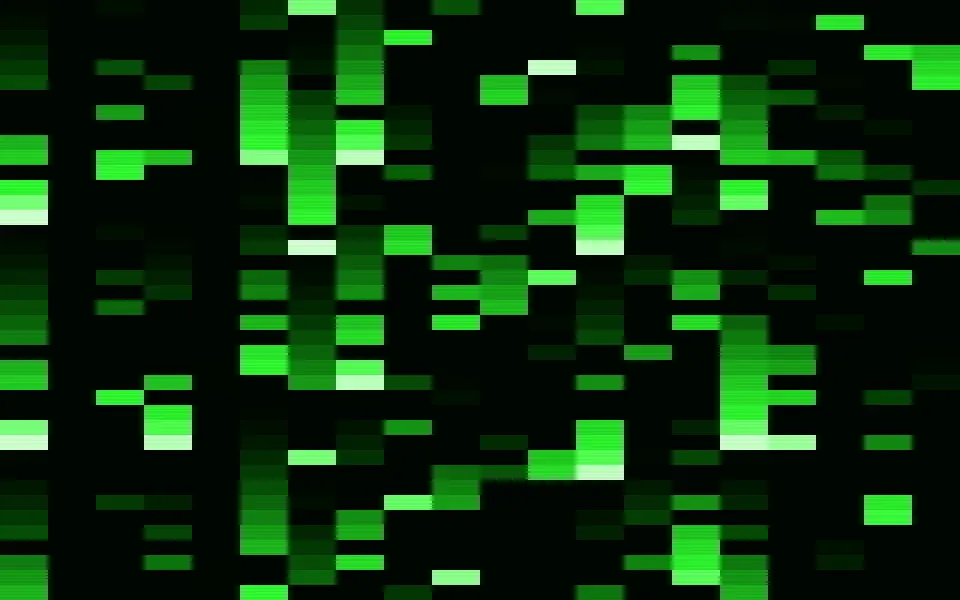
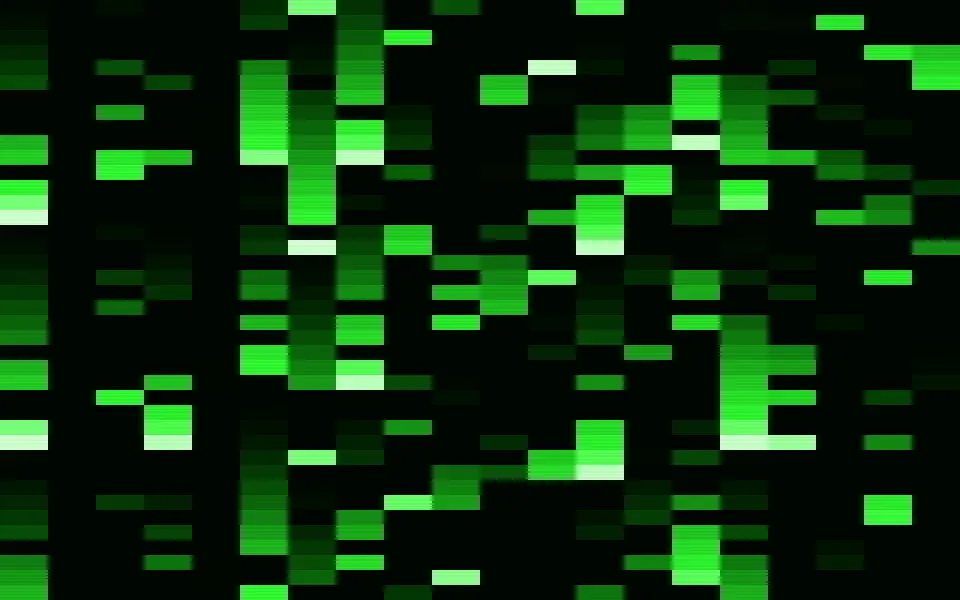
Matrix Shader
Digital & retroCode rain, free
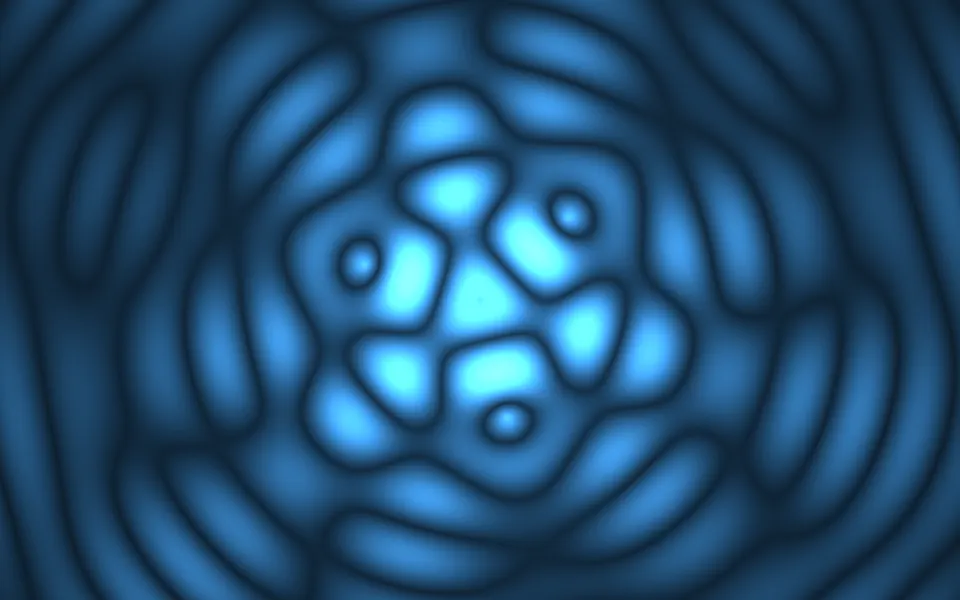
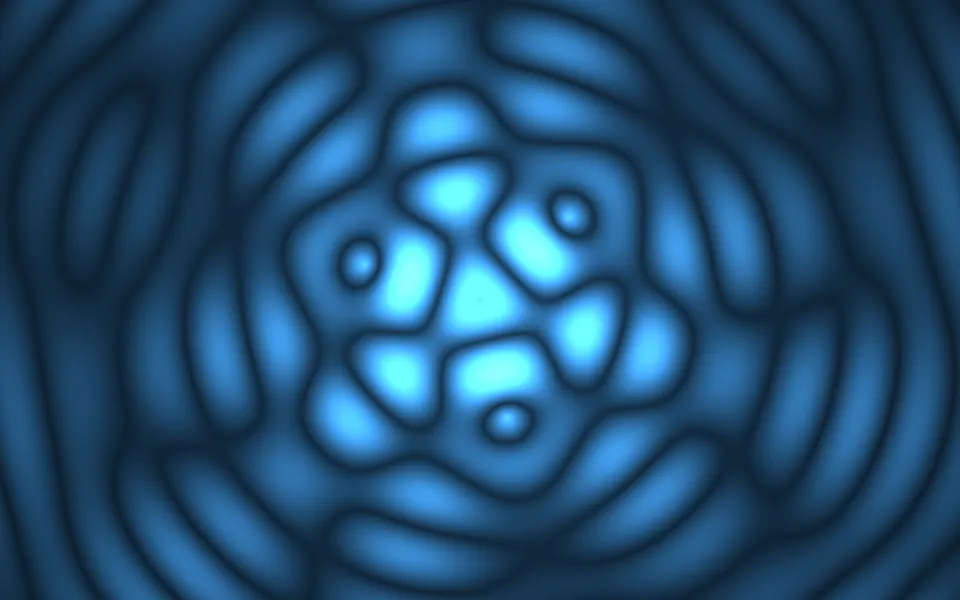
Ripple Shader
Water & landscapesA calm listening state for voice, free
- Pro
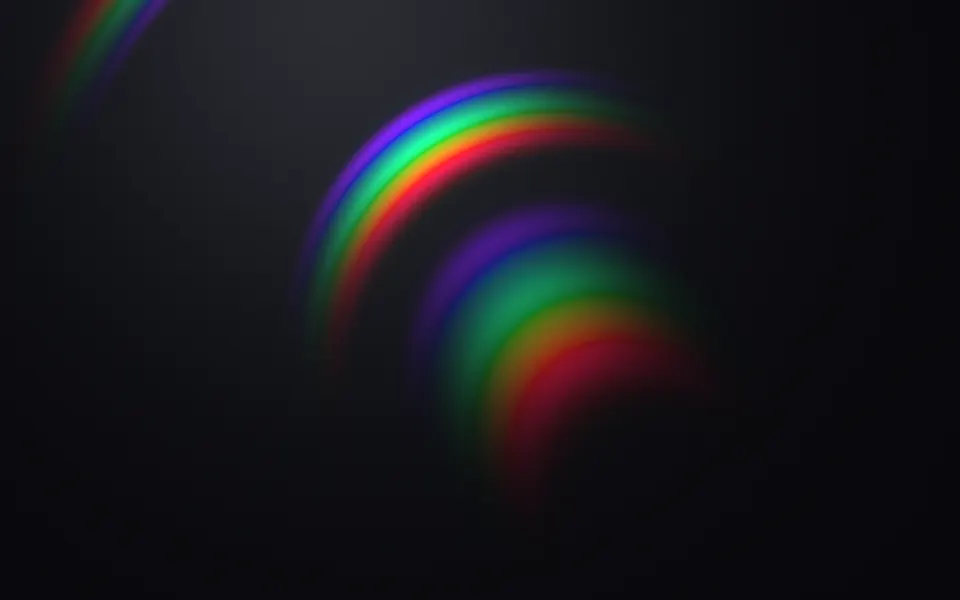
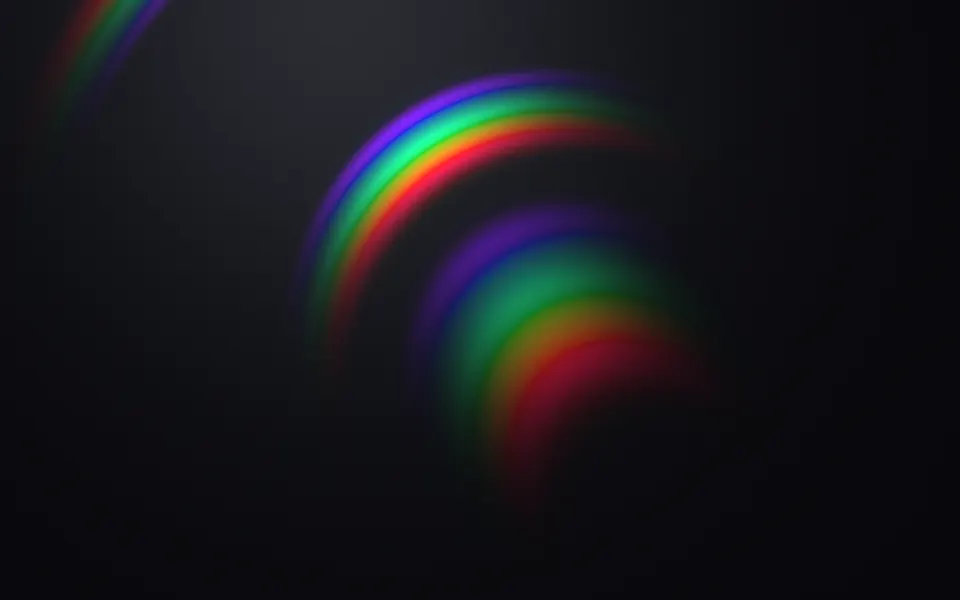
Diffraction Shader
Light & glassSpectral color for an audio product
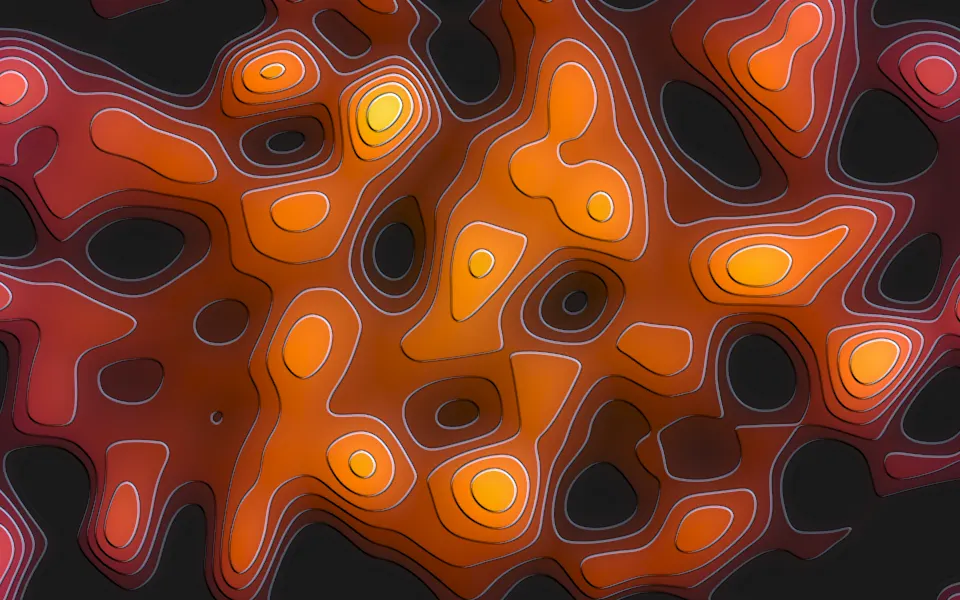
Smooth Noise Contours Shader
Patterns & tilingsA heat map with depth, free
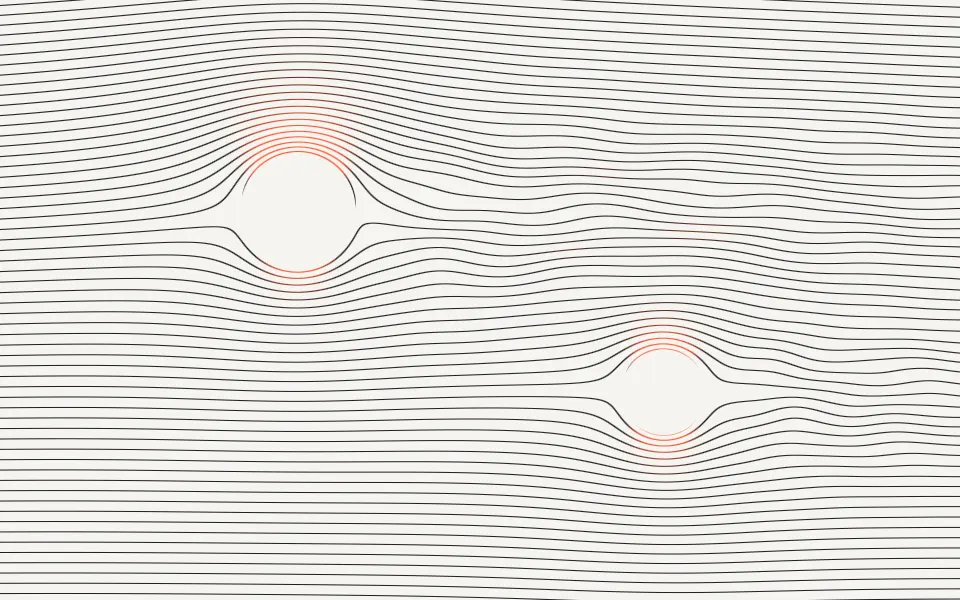
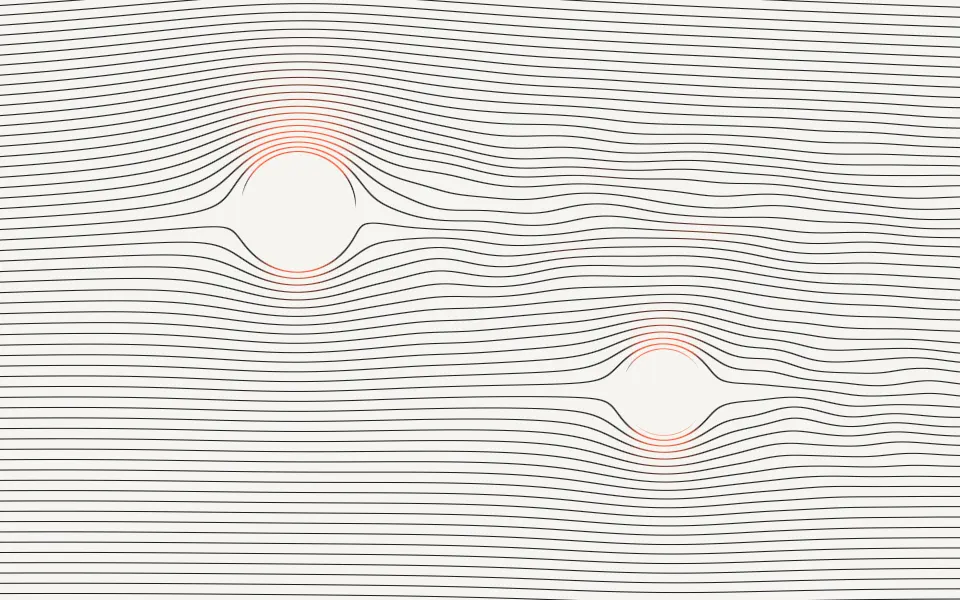
Streamlines Shader
Flow & gradientsPrecise line art for an engineering page, free