shadcn.io is not affiliated with official shadcn/ui
ASCII Sculpture Shader draws a large torus, off to the right of the box, turning slowly and drawn entirely in monospace glyphs: its shadows are spaces and dots, its mid-tones :-=+, and its highlights %#@, in amber phosphor on warm black, with a pink rim light along one edge. A WGSL fragment shader on WebGPU splits the box into glyph cells, ray marches the object through each cell's centre, lights it, and picks one of ten 5×6 bitmap glyphs by how bright that cell is, every frame.
Use it behind a CLI, devtool or API hero, a changelog, or a 404 page. For falling code instead of a lit form, use Matrix Shader; for a flickering grid of 0s and 1s, Binary Shader. It runs only while it's on screen, holds a still frame with reduced motion, and shows a soft amber glow where the object sits in browsers without WebGPU.
Installation
Usage
import {
  AsciiSculptureShader,
} from "@/components/ui/ascii-sculpture-shader";<AsciiSculptureShader className="flex min-h-[32rem] items-center p-12">
<h1 className="max-w-sm font-mono text-5xl font-semibold text-amber-50">
npx ship it
</h1>
</AsciiSculptureShader>ASCII Sculpture Shader is a container: your content sits on top of the glyphs, in normal flow. It fills its own box, so give it a height or content. For a backdrop behind the whole page, render it empty with className="fixed inset-0 -z-10". In a wide box the object sits to the right, leaving the left for your copy; in a narrow one it's centred and scaled to fit. The page is warm black in both color schemes, so put white or light text over it.
shape picks the object: "torus", "sphere" or "cube". cellSize sets the glyph cells' width in CSS pixels; they're 1.75 times as tall, like a terminal's, and snap to whole device pixels so the glyphs stay crisp. With interactive, the object leans toward the pointer.
Demos
Green sphere
shape="sphere" turns a ball instead, where the light reads as a smooth ramp through every glyph. glyphColor="#33ff99" and rimColor="#38bdf8" make it a green-screen terminal, and cellSize={8} makes the glyphs finer.
Interactive cube, in a card
shape="cube" turns a rounded cube, and interactive leans it toward the pointer as it moves over the card. Touch doesn't move it.
Performance
About 0.2 ms of GPU time a frame at 1280×720 on an M2 Max laptop; slower GPUs take several times longer. Only the cells whose ray meets a sphere around the object march at all, so the empty page is nearly free. It keeps quality={1}: the glyphs are pixel art, and would blur at half resolution. The animation stops when the shader scrolls out of view, and the browser pauses it in a hidden tab. Every shader on a page shares one GPU device and one frame loop, and vgpu (about 50 KB gzipped) loads only when the first one mounts.
Browser support
The shader needs WebGPU: Chrome and Edge, Safari 26 and later, and Firefox on Windows and macOS. Elsewhere, and until the first frame, the box shows a soft amber glow on warm black where the object sits, so the layout never jumps. data-state on the root reads unsupported there, if you want to style around it. See Shader Canvas.
Accessibility
The glyphs are decoration: they're hidden from assistive tech and let every click through to your content, and screen readers never read them as text. With reduced motion it draws one still frame and stops. Nothing flashes: the object turns once every 25 seconds or so, and each cell changes glyph only as the light on it changes. In the left 40% of a wide box, white text reads at about 19:1; over the object it can drop to about 2:1 on the brightest glyphs, so keep text to the left.
FAQ
How does it draw a 3D object in text?
The box is split into glyph cells. For each cell, the shader casts one ray from a camera through the cell's centre and marches it to the object's surface, using Inigo Quilez's distance functions for the torus, sphere and rounded cube. It lights the hit point with a soft key light and a rim light, and the brightness picks one of ten glyphs, from a space to @. Each pixel then reads its bit from that glyph's 5×6 bitmap.
Is it a real font? Can I copy the text?
No: the glyphs are tiny bitmaps drawn by the shader, one per cell, so there's no text to select or copy, and screen readers skip them. That also means it looks the same on every system, with no font to load.
Can I change the colors?
Yes. glyphColor sets the glyphs, rimColor the rim light along the object's right edge, and backgroundColor the page. Each takes any CSS color and follows a theme switch, so glyphColor="var(--primary)" works. Green on black makes a classic terminal; keep the background dark, so the glyphs read as light.
How big are the glyphs?
cellSize sets a cell's width, from 6 to 24 CSS pixels, and cells are 1.75 times as tall. The shader rounds each glyph pixel to whole device pixels so the glyphs stay sharp, so the real size can differ from cellSize by a pixel or two. Smaller cells give a finer, more detailed object; larger cells a chunkier, more readable one.
API Reference
AsciiSculptureShader
data-slot="ascii-sculpture-shader"
backgroundColor?string
The page behind the glyphs. Any CSS colour. @default "#0c0a08".
- Default
"#0c0a08"
cellSize?number
The width of one glyph cell, in CSS pixels, from 6 to 24; cells are 1.75 times as tall. @default 10.
- Default
10
fallback?string
What shows until the first frame and in browsers without WebGPU: a CSS
background value (gradients, sizes, a colour) that looks like the
shader. It can use the colour props' --shader-<field> variables.
glyphColor?string
The glyphs, like terminal phosphor. Any CSS colour. @default "#ffb000".
- Default
"#ffb000"
intensity?number
How strongly the object is lit, from 0 (only its rim) to 2. @default 1.
- Default
1
interactive?boolean
Whether u.pointer follows the pointer. @default false.
paused?boolean
Holds the current frame. @default false.
quality?number
Render scale, from 0.25 to 1, of the screen's pixels (capped at 2×). @default 1.
rimColor?string
The rim light along the object's right edge. Any CSS colour. @default "#ff5f87".
- Default
"#ff5f87"
shape?"torus" | "sphere" | "cube"
The turning object. @default "torus".
- Type
"torus" | "sphere" | "cube"- Default
"torus"
speed?number
Animation speed: 1 is normal, 0 holds the frame. @default 1.
time?number
A fixed moment, in seconds: draws it and doesn't animate.
render?ReactElement | ((props: object, state: object) => ReactElement)
Replace the host element or compose it with another component.
- Type
ReactElement | ((props: object, state: object) => ReactElement)
className?string
Forwarded to the part.
Related
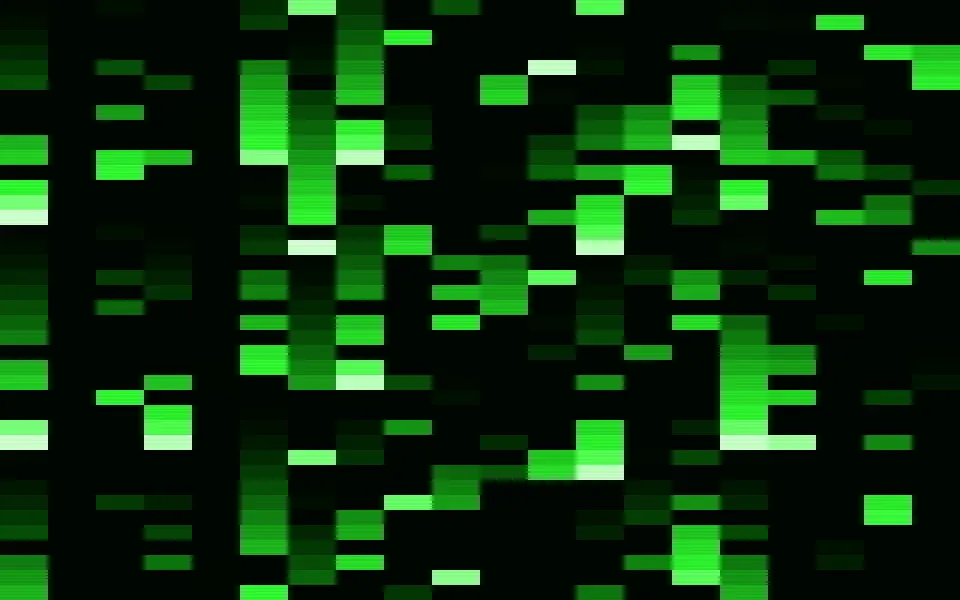
Matrix Shader
Digital & retroFalling code, free
- Pro
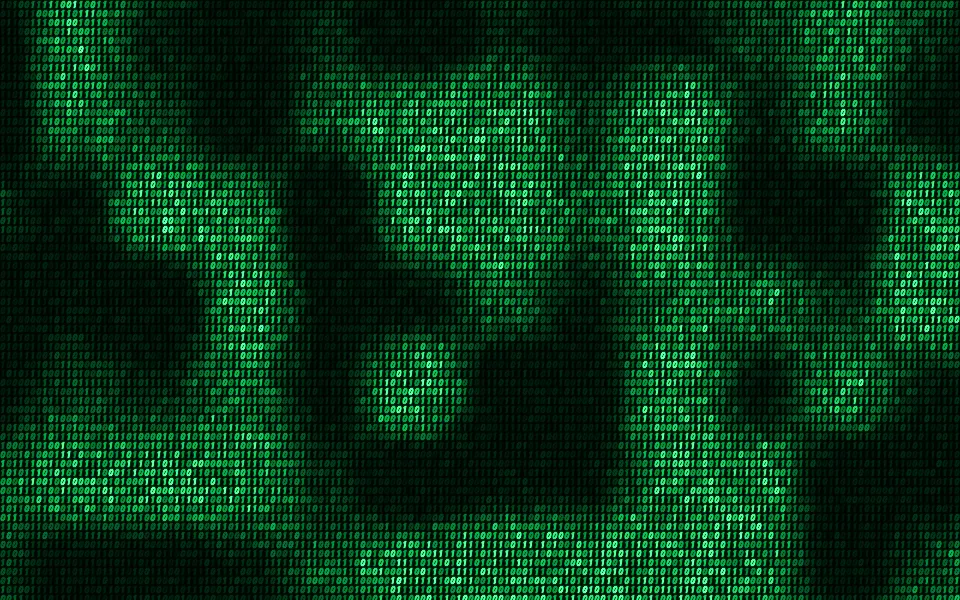
Binary Shader
Digital & retroA flickering grid of 0s and 1s
- Pro
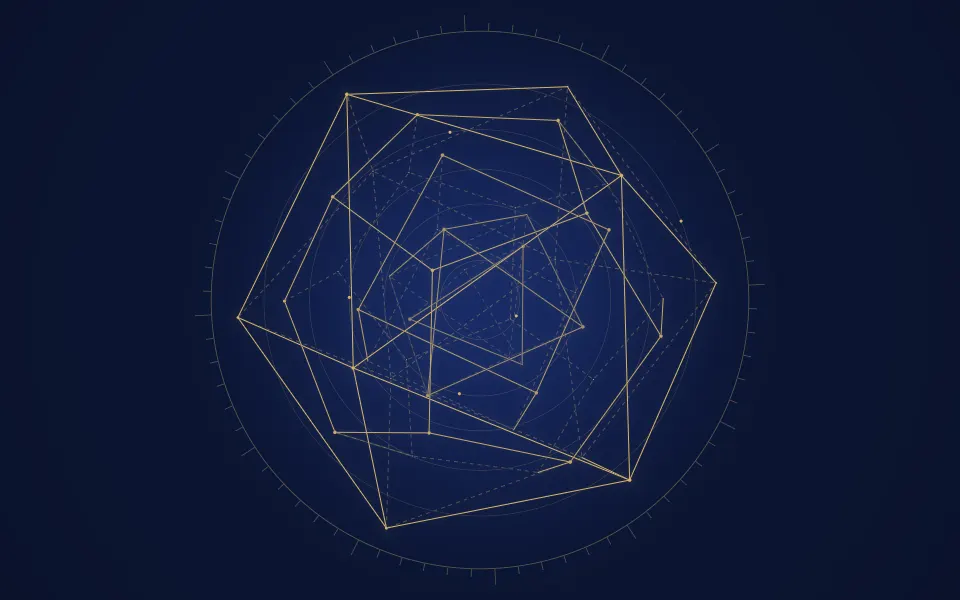
Platonic Solids Shader
GeometryTurning solids in brass lines
- Pro
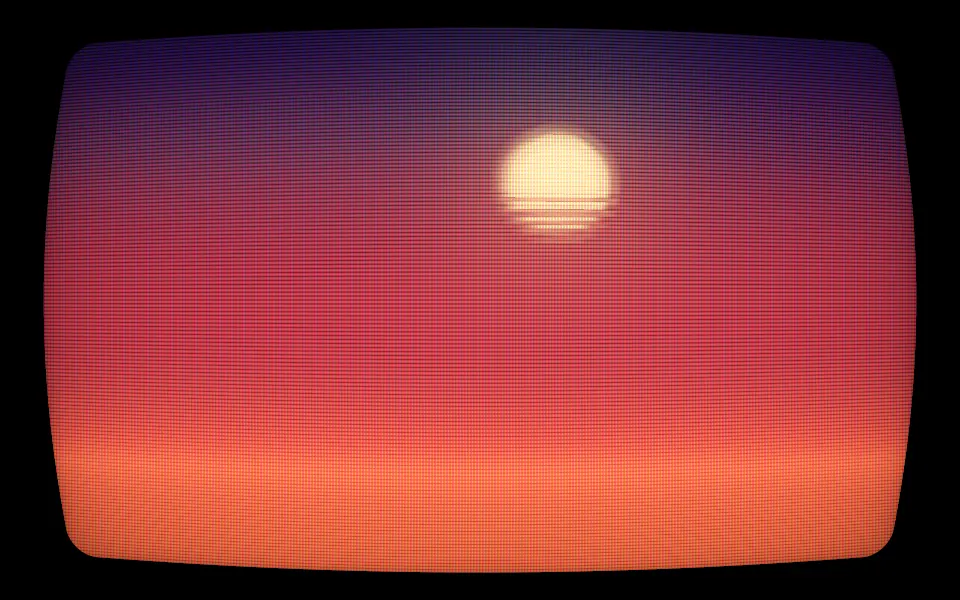
CRT Phosphor Shader
Digital & retroA glowing old screen
- Pro
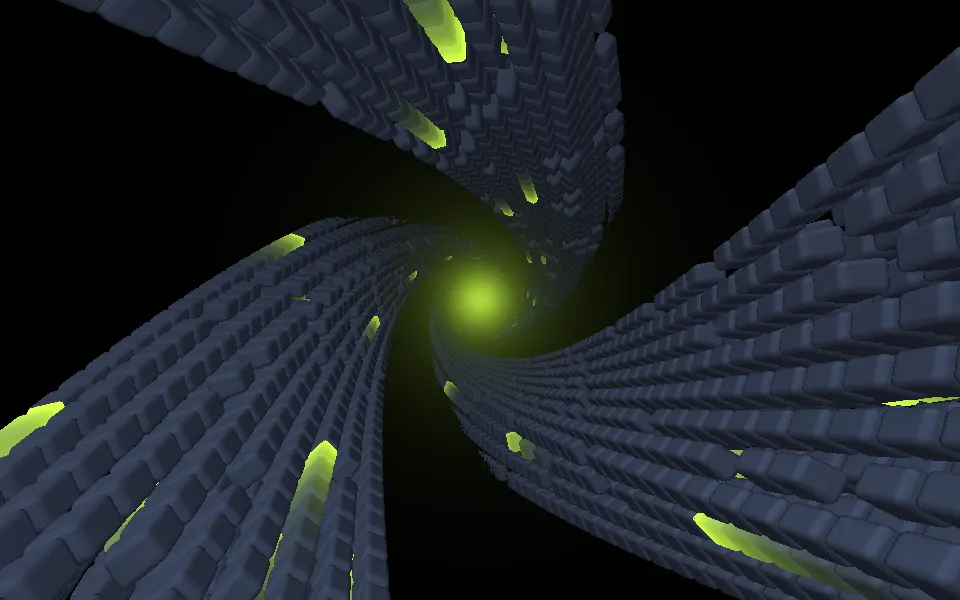
Abstract Mod Shader
Tunnels & 3DDepth and momentum for a developer tool
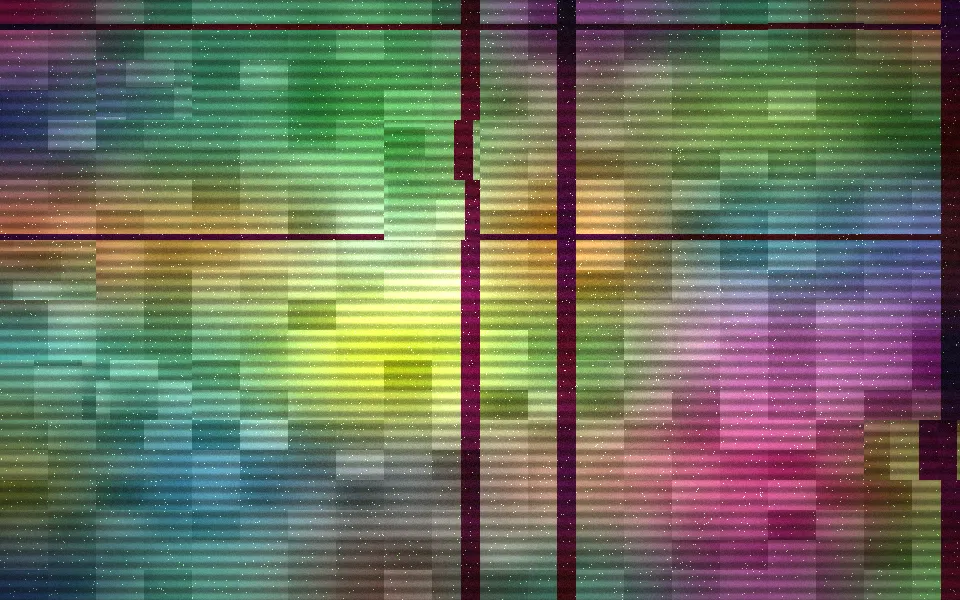
Glitch Shader
Digital & retroA broken screen for a 404, free