shadcn.io is not affiliated with official shadcn/ui
Matrix Shader draws digital rain as blocks. The box is cut into 20 columns of 15-pixel blocks on black, and down each column a pale head falls at its own pace, 3 to 7 blocks a second, lighting the blocks it passes; they fade from bright green to deep green behind it. Blocks switch on and off one at a time, each once a second at its own moment, and now and then a column goes dark for a while and fades back. Every pixel is computed each frame by a WGSL fragment shader on WebGPU, under faint scanlines, for under 0.2 ms of GPU time a frame.
Use it behind a security product's hero, a terminal-style card, a CTF or a developer landing page. For real katakana and digits in plain CSS, themed and with no GPU, use the Matrix background; for a grid of flipping 0 and 1 glyphs, Binary Shader; for a broken signal, Glitch Shader. It runs only while it's on screen, holds a still frame with reduced motion, and shows a CSS gradient of the same green columns in browsers without WebGPU.
Installation
Usage
import { MatrixShader } from "@/components/ui/matrix-shader";<MatrixShader className="flex min-h-[32rem] items-center justify-center">
<div className="rounded-xl bg-black/70 px-8 py-6">
<h1 className="font-mono text-5xl font-semibold text-white">Access granted</h1>
</div>
</MatrixShader>Matrix Shader is a container: your content sits on top of the rain, in normal flow. It fills its own box, so give it a height or content. For a backdrop behind the whole page, render it empty with className="fixed inset-0 -z-10". Most of the screen is black, but the bright blocks reach near-white, so white text can drop to 1.1:1 where a trail passes behind it: put copy on a panel, like the bg-black/70 one above, which keeps white text above 9:1 everywhere (bg-black/60, above 6:1).
Demos
Amber
color and headColor recolor the rain, here an amber terminal with a cream head; the trail's deep shade is derived from color. columns={40} doubles the columns, so the blocks are half as wide. Keep color bright and saturated: the rain is drawn on black, and a dark or grey color fades into it.
In a card
columns={12} gives a narrow card fewer, chunkier columns, and brightness={0.7} dims the rain so a label on top stays readable. The blocks are 15 CSS pixels tall at any size and screen ratio.
Performance
About 0.17 ms of GPU time a frame at 1280×720 on an M2 Max laptop; slower GPUs take several times longer. That's light enough to keep the default quality, and the hard block edges look best at full resolution. The animation stops when the shader scrolls out of view, and the browser pauses it in a hidden tab. Every shader on a page shares one GPU device and one frame loop, and vgpu (about 50 KB gzipped) loads only when the first one mounts.
Browser support
The shader needs WebGPU: Chrome and Edge, Safari 26 and later, and Firefox on Windows and macOS. Elsewhere, and until the first frame, the box shows a CSS gradient of green columns with pale heads, so the layout never jumps. data-state on the root reads unsupported there, if you want to style around it. See Shader Canvas.
Accessibility
The rain is decoration: it's hidden from assistive tech and lets every click through to your content. With reduced motion it draws one still frame of the rain and stops. Nothing flashes in sync: each block switches at most once a second, at its own moment, and a head passes any spot at most once every 2 seconds. Measured over 10 seconds with WCAG's area test (a quarter of a 10° field), it flashes at most once a second; a small patch a few blocks across can reach three as a head runs down through it, well under the area that counts. speed is capped at 1.5, which keeps the area test under two. Columns fade out and in over a second rather than popping. White text needs a dark panel, as in Usage.
FAQ
Does it draw real characters?
No: every cell is a solid block, which is the shader's look. For real katakana and digits, use the CSS Matrix background, which draws text glyphs in your theme's colors.
Is it safe for people sensitive to flicker?
Yes. No two blocks switch at the same moment, each switches at most once a second, and the heads fall smoothly; measured with WCAG's area test, it flashes at most once a second, and speed is capped at 1.5 so it can't be pushed near three. With reduced motion it draws one still frame. shadcn.io's version switched every block at once twice a second; this one doesn't.
How do I change the colors?
color is the rain and headColor the leading block of each trail. The trail fades from color to a deeper shade of it, with the gray taken out, so a bright, saturated color works best. They take any CSS color and follow a theme switch.
How do I get more or fewer columns?
columns sets how many fit across the box, from 5 to 80; the default is 20. More columns make thinner blocks, and the block height stays 15 CSS pixels. variation sets how many blocks switch on and off: 0 freezes the pattern so only the heads move.
How does the rain fall?
The blocks stay in place; what falls is each column's head, at its own pace, and it lights the blocks it passes. Behind the head they fade over 15 rows, and the next head follows. In shadcn.io's version the trails stood still while the blocks slid down through them; here the heads fall, as the name promises.
API Reference
MatrixShader
data-slot="matrix-shader"
brightness?number
How bright the rain is, from 0 (off) to 2. @default 1.
- Default
1
color?string
The rain's colour; the trails fade from it to a deeper shade of it. Any CSS colour. @default "#33ff33".
- Default
"#33ff33"
columns?number
How many columns of rain fit across the box, from 5 to 80. @default 20.
- Default
20
fallback?string
What shows until the first frame and in browsers without WebGPU: a CSS
background value (gradients, sizes, a colour) that looks like the
shader. It can use the colour props' --shader-<field> variables.
headColor?string
The leading block at the foot of each trail. Any CSS colour. @default "#ccffcc".
- Default
"#ccffcc"
interactive?boolean
Whether u.pointer follows the pointer. @default false.
paused?boolean
Holds the current frame. @default false.
quality?number
Render scale, from 0.25 to 1, of the screen's pixels (capped at 2×). @default 1.
speed?number
Animation speed, capped at 1.5 so the rain stays well under three flashes a second. @default 1.
- Default
1
time?number
A fixed moment, in seconds: draws it and doesn't animate.
variation?number
The share of blocks that switch on and off as the rain falls, from 0 (none: a fixed pattern) to 1 (all). @default 1.
- Default
1
render?ReactElement | ((props: object, state: object) => ReactElement)
Replace the host element or compose it with another component.
- Type
ReactElement | ((props: object, state: object) => ReactElement)
className?string
Forwarded to the part.
Related
- Pro
Binary Shader
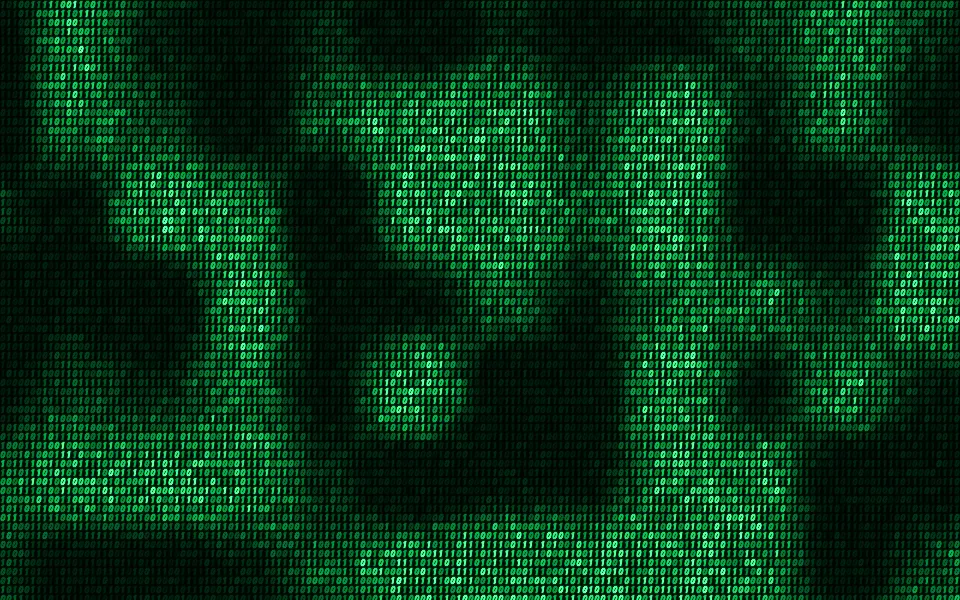
Digital & retroFlipping 0s and 1s instead of rain
Glitch Shader
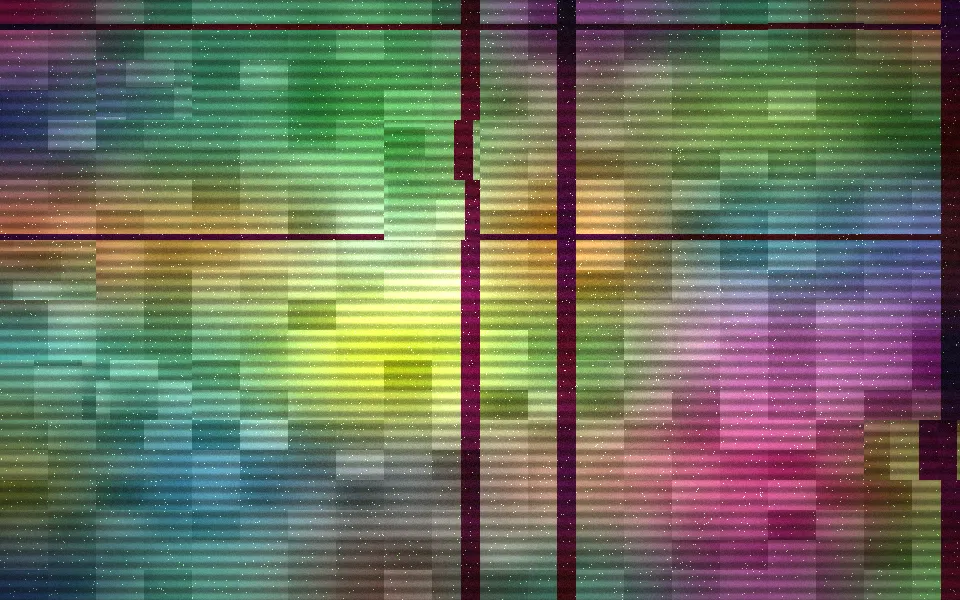
Digital & retroA broken signal, free
- Pro
ASCII Sculpture Shader
Digital & retroA lit form drawn in glyphs
- Pro
Digital Tunnel Shader
Tunnels & 3DA neon dive for a tech hero
- Pro
CRT Phosphor Shader
Digital & retroAn old screen, intact
- Pro
Spectrogram Shader
Digital & retroLive signal, as a waterfall