shadcn.io is not affiliated with official shadcn/ui
Ridgeline Shader stacks 48 thin lines, like the classic pulsar plot: each one runs flat at the sides and rises into a cluster of noisy peaks in the middle, and the ground under each line hides the lines behind it, so the stack reads as a landscape seen from the front. The peaks come from value noise that slides slowly with time, so they swell, drift and settle. A WGSL fragment shader on WebGPU walks the lines front to back for every pixel and stops at the first one that covers it, drawing crisp lines that keep their width on steep flanks.
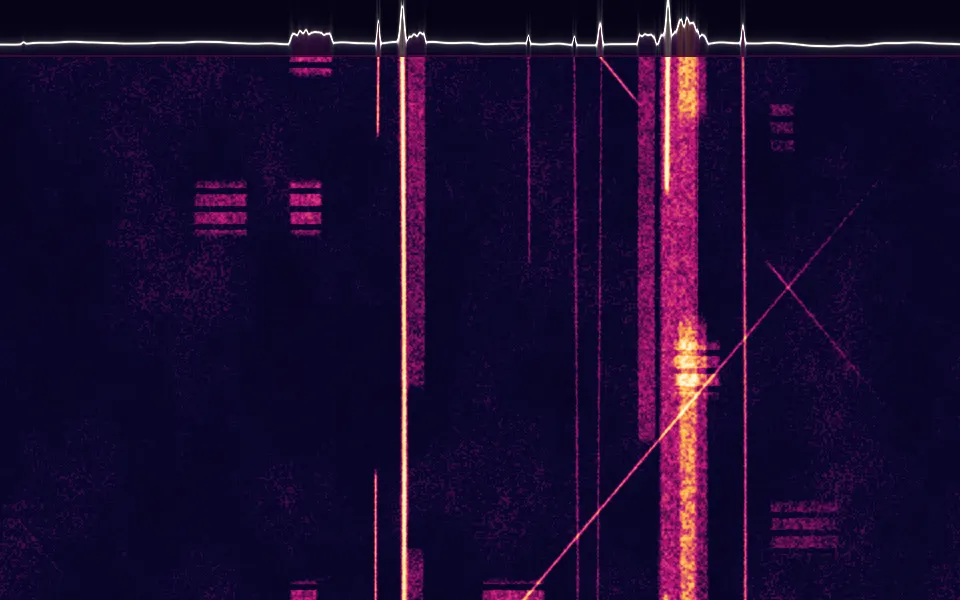
Use it behind a music or label hero, a data or science page, or a footer band: it's monochrome, so it suits any brand. For a live heat map of a signal instead, use Spectrogram Shader; for independent wavy channels with no occlusion, in plain CSS, the Brainwaves background. It runs only while it's on screen, holds a still frame with reduced motion, and shows faint CSS stripes on the same ground in browsers without WebGPU.
Installation
Usage
import { RidgelineShader } from "@/components/ui/ridgeline-shader";<RidgelineShader className="flex min-h-[32rem] items-center justify-center">
<div className="rounded-xl bg-black/60 px-8 py-6">
<h1 className="text-5xl font-semibold text-white">Ship faster</h1>
</div>
</RidgelineShader>Ridgeline Shader is a container: your content sits on top of the lines, in normal flow. It fills its own box, so give it a height or content. For a backdrop behind the whole page, render it empty with className="fixed inset-0 -z-10". The ground is near-black in both color schemes, so use white text. It reads at 19:1 on the bare ground, and the top tenth of the box stays clear of the lines at the default intensity; over the lines, put copy on a bg-black/60 panel, like the one above, which keeps white text above 6.5:1.
Demos
Accent
accentColor fades the far lines into a second color, here a pink-red, from about a third of the way back. lines={24} halves the count, so each line is clearer and the peaks read as separate ridges, which suits an analytics or data page.
Footer band
A short, wide box makes a band for a footer or a section break. spread={1} widens the peaks across the band, intensity={0.6} keeps them low enough to fit, and lines={20} keeps the lines apart at this height.
Performance
About 1 ms of GPU time a frame at 1280×720 on an M2 Max laptop with the default 48 lines; slower GPUs take several times longer. Each pixel checks only the lines whose peaks can reach it, front to back, and stops at the first one that covers it; at the flat sides that's one or two. More lines or a higher intensity means more lines to check in the middle. Keep quality at 1: the lines are 1.5 CSS pixels wide and blur at half resolution. The animation stops when the shader scrolls out of view, and the browser pauses it in a hidden tab. Every shader on a page shares one GPU device and one frame loop, and vgpu (about 50 KB gzipped) loads only when the first one mounts.
Browser support
The shader needs WebGPU: Chrome and Edge, Safari 26 and later, and Firefox on Windows and macOS. Elsewhere, and until the first frame, the box shows faint horizontal stripes and a soft glow in the line color on the same ground, so the layout never jumps. data-state on the root reads unsupported there, if you want to style around it. See Shader Canvas.
Accessibility
The lines are decoration: they're hidden from assistive tech and let every click through to your content. With reduced motion it draws one still frame and stops. Nothing flashes: the peaks rise and fall over seconds, and the fine jitter on each line moves slowly. White text reads at 19:1 on the bare ground, but not over the lines: put copy there on a bg-black/60 panel (white text above 6.5:1) or bg-black/70 (above 9:1).
FAQ
What is the pulsar plot?
A chart of radio pulses from the first pulsar discovered, about 80 successive pulses drawn as stacked lines, each hiding the ones behind it. It was printed in an astronomy reference in the 1970s and became famous on an album cover. This shader draws the same kind of stack from noise, not from data.
How do the lines hide each other?
Each line has a solid fill under it in fillColor. The shader walks the lines from the front, at the bottom, to the back, and the first line whose fill or stroke reaches the pixel wins, so a tall peak in front covers the lines behind it, just as in the printed plot.
How do I change the peaks?
intensity sets how tall they rise, from 0 (flat lines) to 2, and spread how far they spread from the middle, from 0.2 (a narrow column) to 1 (most of the width). lines sets how many lines are stacked, from 16 to 80.
Can I change the colors?
Yes: lineColor is the lines, fillColor the ground that hides them, and accentColor, off by default, a color the far lines fade into. They take any CSS color, var(--primary) included, and follow a theme switch. Dark lines on a light fill work too, for a printed look.
API Reference
RidgelineShader
data-slot="ridgeline-shader"
accentColor?string
A color the far lines fade into, such as "#ff4d6d". Any CSS color; unset, every line is lineColor.
fallback?string
What shows until the first frame and in browsers without WebGPU: a CSS
background value (gradients, sizes, a colour) that looks like the
shader. It can use the colour props' --shader-<field> variables.
fillColor?string
The ground under each line, which hides the lines behind it. Any CSS color. @default "#0a0a0a".
- Default
"#0a0a0a"
intensity?number
How tall the peaks rise, from 0 (flat lines) to 2. @default 1.
- Default
1
interactive?boolean
Whether u.pointer follows the pointer. @default false.
lineColor?string
The lines. Any CSS color. @default "#f2f2f2".
- Default
"#f2f2f2"
lines?number
How many lines are stacked, from 16 to 80. @default 48.
- Default
48
paused?boolean
Holds the current frame. @default false.
quality?number
Render scale, from 0.25 to 1, of the screen's pixels (capped at 2×). @default 1.
speed?number
Animation speed: 1 is normal, 0 holds the frame. @default 1.
spread?number
How wide the peaks spread from the middle, from 0.2 to 1. @default 0.5.
- Default
0.5
time?number
A fixed moment, in seconds: draws it and doesn't animate.
render?ReactElement | ((props: object, state: object) => ReactElement)
Replace the host element or compose it with another component.
- Type
ReactElement | ((props: object, state: object) => ReactElement)
className?string
Forwarded to the part.
Related
- Pro
Spectrogram Shader
Digital & retroA live heat map of a signal
Streamlines Shader
Flow & gradientsHairline flow lines, free
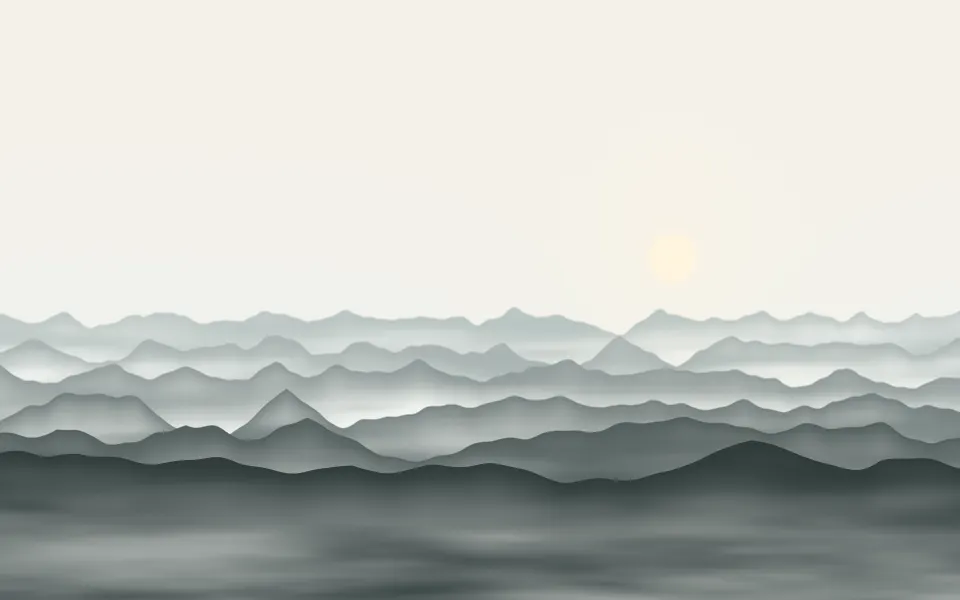
Valley Mist Shader
Water & landscapesRidges receding into mist, free
- Pro
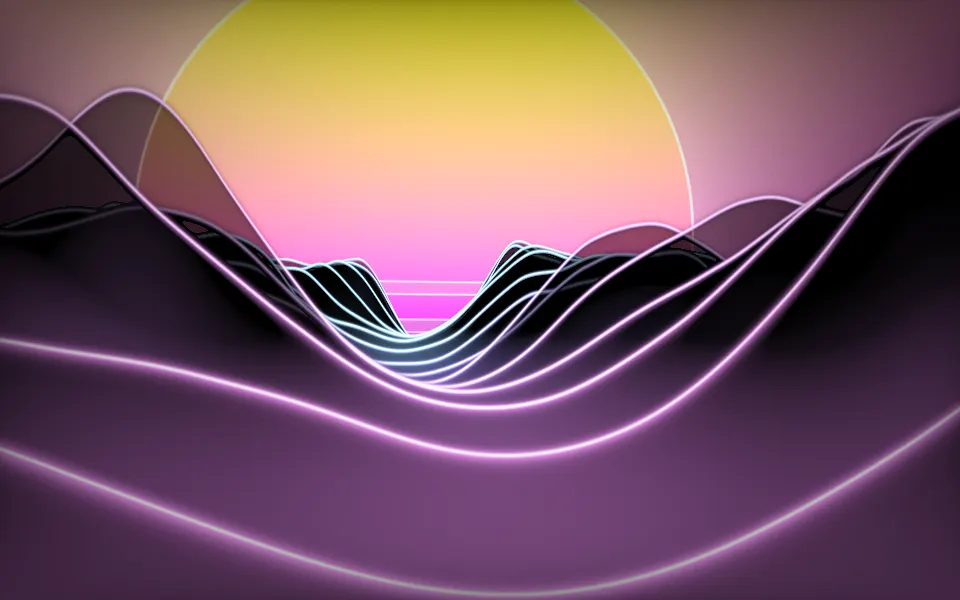
Synthwave Canyon Shader
Water & landscapesNeon-traced ridges at sunset
- Pro
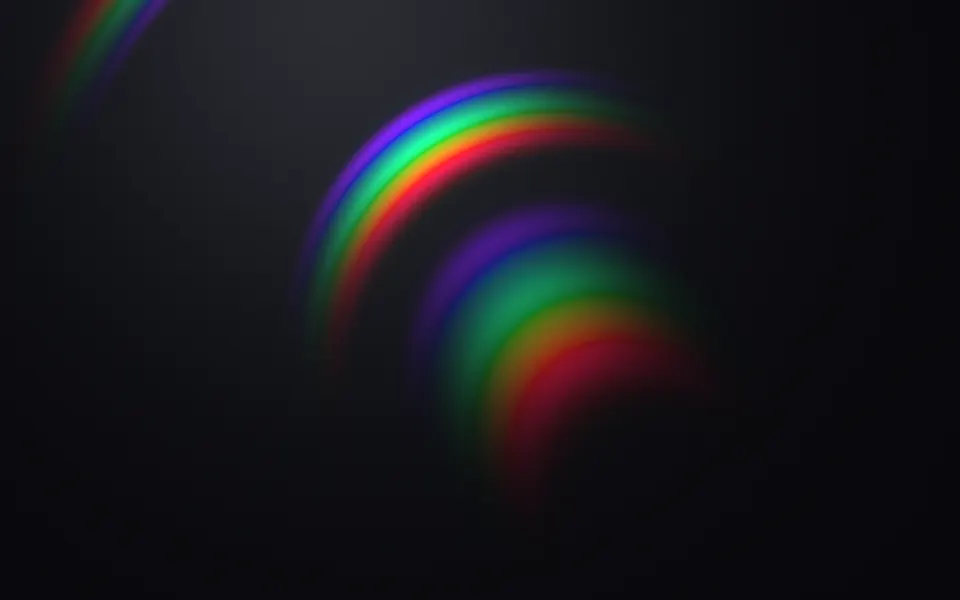
Diffraction Shader
Light & glassSpectral arcs for a music page
- Pro
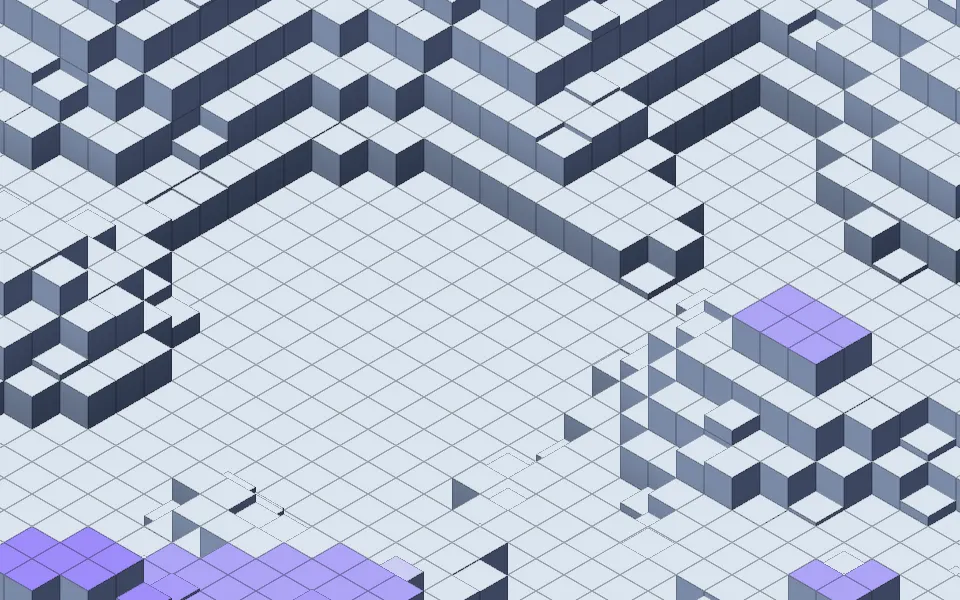
Isometric Blocks Shader
GeometryA data landscape in cubes