shadcn.io is not affiliated with official shadcn/ui
Shaders
ProPixel Sort Shader for React
A pixel-sorted dusk drawn on the GPU: an indigo sky, a low orange sun and dark hills, melted into thin streaks that run dark to bright and slowly grow and retreat. For React with Base UI, when an album release, a photography portfolio or an editorial hero wants a calm, glitch-art texture.
Pixel Sort Shader draws a dusk landscape, an indigo sky with drifting cloud bands, a low orange sun and two ridges of dark hills, and melts it the way pixel-sorting artists do. In each thin column, every run of pixels brighter than a threshold is sorted by brightness, so it becomes a streak that runs dark at the top to bright at the bottom, piling the sun's glow onto the hills. The threshold slowly breathes, so the streaks reach up into the sky and draw back again. A WGSL fragment shader on WebGPU computes every pixel each frame, sorting nothing: it finds each run's ends and fills it with the ramp a sort would make.
Use it behind an album release, a photography portfolio, a music or editorial hero, or as a banner strip, wherever glitch art should feel calm rather than broken. For datamosh-style tearing and flashes of static, use Glitch Shader; for the same kind of dusk drawn in CRT phosphor, CRT Phosphor Shader. It runs only while it's on screen, holds a still frame with reduced motion, and shows a striped gradient of the same dusk in browsers without WebGPU.
Installation
Usage
import { PixelSortShader } from "@/components/ui/pixel-sort-shader";<PixelSortShader className="flex min-h-[32rem] items-start justify-center pt-20">
<h1 className="text-5xl font-semibold text-white">Night Drive</h1>
</PixelSortShader>Pixel Sort Shader is a container: your content sits on top of the scene, in normal flow. It fills its own box, so give it a height or content. For a backdrop behind the whole page, render it empty with className="fixed inset-0 -z-10". The scene is dark in both color schemes, so use white or light text, in the indigo sky at the top or on the hills at the bottom; keep it off the bright band in between.
Demos
Banner
direction="right" sorts rows instead of columns, so the glow smears sideways into long horizontal streaks, which suits a short, wide strip. intensity={1.3} lowers the threshold, so more of the sky joins the sort.
In a card
columnWidth={4} makes each sorted column 4 CSS pixels wide, chunkier streaks that still read on a small surface.
Performance
About 2 ms of GPU time a frame at 1280×720 on an M2 Max laptop; slower GPUs take several times longer. Pixels outside a streak just draw the scene; pixels inside one sample their column every 4 CSS pixels or more, at most 48 times, to find the streak's ends. It keeps full quality: the columns are a couple of pixels wide, and half resolution would blur them. To spend less, lower streak, which shortens the runs each pixel walks. The animation stops when the shader scrolls out of view, and the browser pauses it in a hidden tab. Every shader on a page shares one GPU device and one frame loop, and vgpu (about 50 KB gzipped) loads only when the first one mounts.
Browser support
The shader needs WebGPU: Chrome and Edge, Safari 26 and later, and Firefox on Windows and macOS. Elsewhere, and until the first frame, the box shows a pinstriped CSS gradient of the same dusk over dark hills, in your colors, so the layout never jumps. data-state on the root reads unsupported there, if you want to style around it. See Shader Canvas.
Accessibility
The scene is decoration: it's hidden from assistive tech and lets every click through to your content. With reduced motion it draws one still frame of the sorted dusk and stops. Nothing flashes: the threshold rises and falls over about 18 seconds, so the streaks grow and shrink a few pixels at a time. White text reads above 8:1 in the top 40% of the box and above 19:1 on the hills; over the glow it drops to nothing.
FAQ
How does it sort pixels in a shader?
It doesn't sort anything. A run of pixels sorted by brightness is always a ramp from its darkest to its brightest, so each pixel only has to find its run: it walks up and down its column, sampling the scene every 4 CSS pixels or more (at most 48 samples), until the brightness drops below the threshold, and keeps the tone at the top of the run and the brightest tone in it. Its color is the ramp between them, at its place in the run. Columns are cut into lengths of at most streak, staggered so the cuts don't line up, and each column's threshold is nudged a little, so the streaks end at different heights.
How do I change how much gets sorted?
intensity sets the threshold: at 0 nothing is sorted and you see the plain dusk, at 1 the glow and the lower sky melt, and at 2 almost the whole sky does. streak caps how long a streak can run, as a share of the box, and columnWidth sets how wide each sorted column is, from 1 to 6 CSS pixels.
Can the streaks run another way?
Yes: direction takes "down" (the default: dark at the top, bright at the bottom), "up" (the reverse, so the glow climbs into the sky) or "right" (rows instead of columns, dark at the left, bright at the right).
Can I change the colors?
Yes: skyColor is the night sky, and the hills are a darker shade of it; glowColor is the sun's glow and the warm band above the hills; highlightColor is the sun and the brightest ends of the streaks. They take any CSS color, var(--primary) included, and follow a theme switch. Keep them going from dark to light, sky to glow to highlight, so the sorted ramps stay smooth.
Will it slow my page down?
It costs about 2 ms of GPU time a frame at 1280×720 on a laptop, and the CPU only sets a few numbers each frame. It stops when it's off screen. On a slow GPU, lower streak or intensity before quality: shorter or fewer streaks mean fewer samples, while half resolution blurs the columns.
API Reference
PixelSortShader
data-slot="pixel-sort-shader"
columnWidth?number
How wide each sorted column is, in CSS pixels, from 1 to 6. @default 2.
- Default
2
direction?"down" | "right" | "up"
Which way the streaks run, dark to bright: down and up sort columns, right sorts rows. @default "down".
- Type
"down" | "right" | "up"- Default
"down"
fallback?string
What shows until the first frame and in browsers without WebGPU: a CSS
background value (gradients, sizes, a colour) that looks like the
shader. It can use the colour props' --shader-<field> variables.
glowColor?string
The sun's glow and the warm band above the hills. Any CSS colour. @default "#ff8a5b".
- Default
"#ff8a5b"
highlightColor?string
The sun and the brightest ends of the streaks. Any CSS colour. @default "#ffe3b3".
- Default
"#ffe3b3"
intensity?number
How much of the scene gets sorted, from 0 (none) to 2 (almost all the sky). @default 1.
- Default
1
interactive?boolean
Whether u.pointer follows the pointer. @default false.
paused?boolean
Holds the current frame. @default false.
quality?number
Render scale, from 0.25 to 1, of the screen's pixels (capped at 2×). @default 1.
skyColor?string
The night sky at the top; the hills are a darker shade of it. Any CSS colour. @default "#1a1446".
- Default
"#1a1446"
speed?number
Animation speed: 1 is normal, 0 holds the frame. @default 1.
streak?number
The longest a streak can run, as a share of the box, from 0.1 to 1. @default 0.6.
- Default
0.6
time?number
A fixed moment, in seconds: draws it and doesn't animate.
render?ReactElement | ((props: object, state: object) => ReactElement)
Replace the host element or compose it with another component.
- Type
ReactElement | ((props: object, state: object) => ReactElement)
className?string
Forwarded to the part.
Related
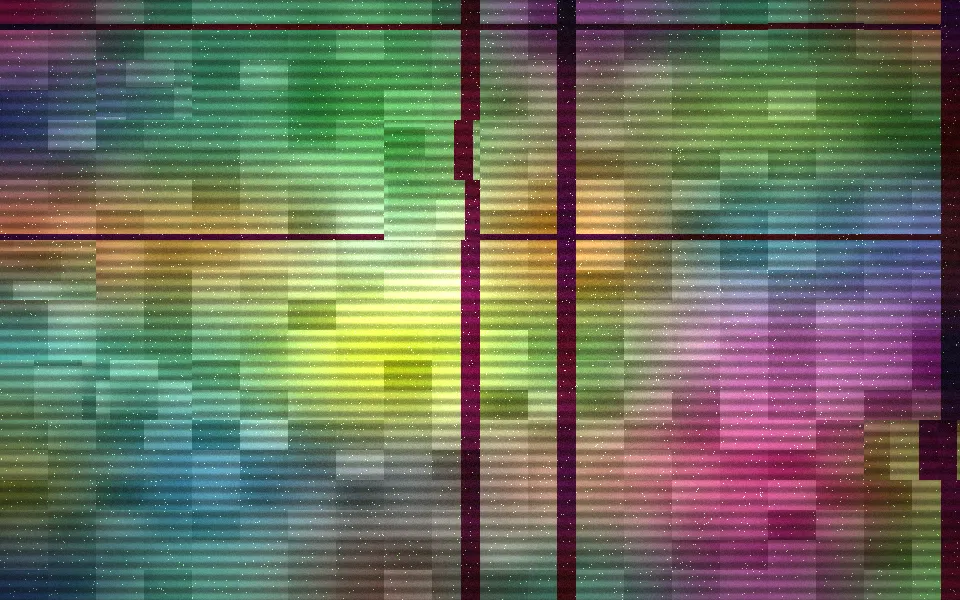
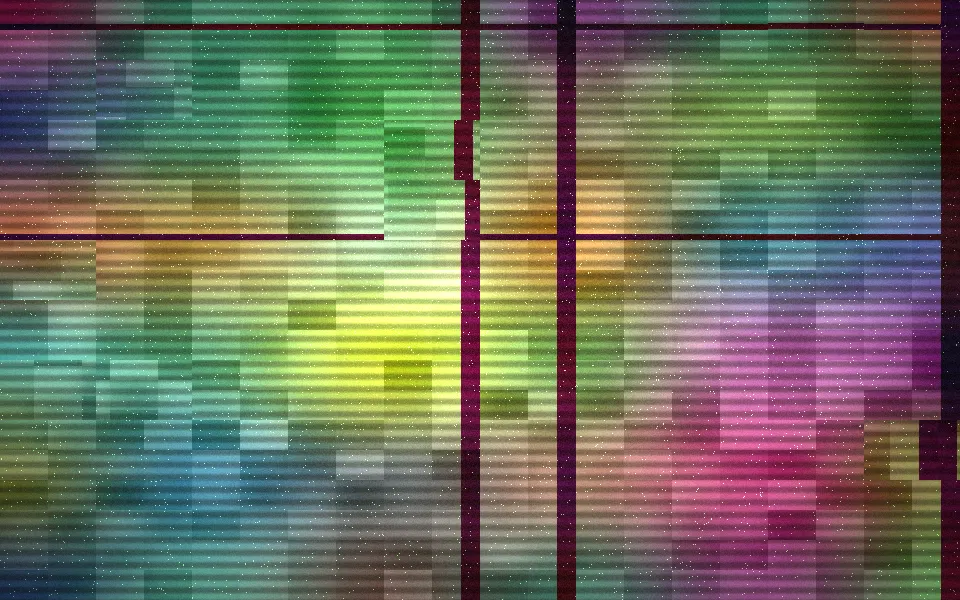
Glitch Shader
Digital & retroDatamosh tearing and static, free
- Pro
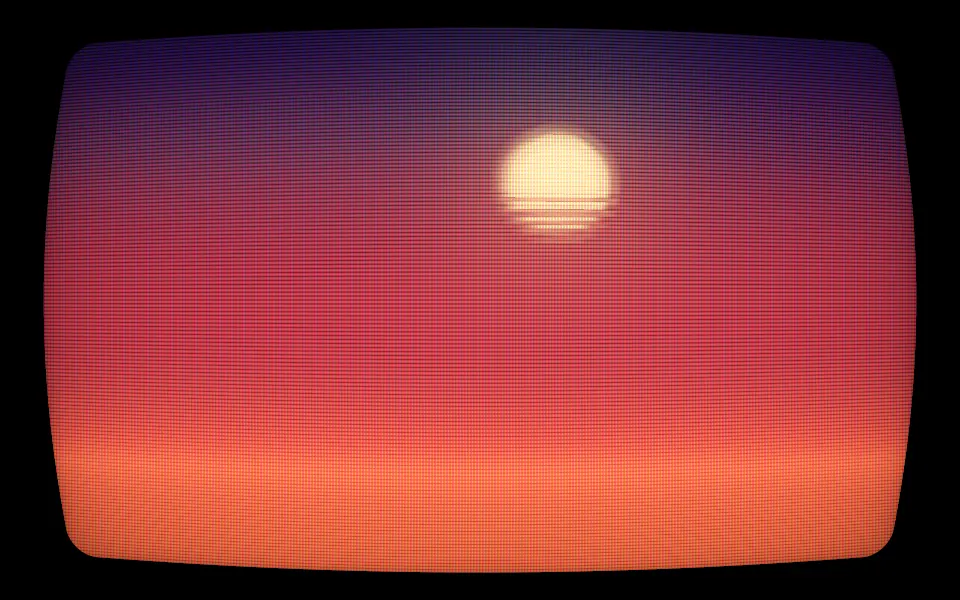
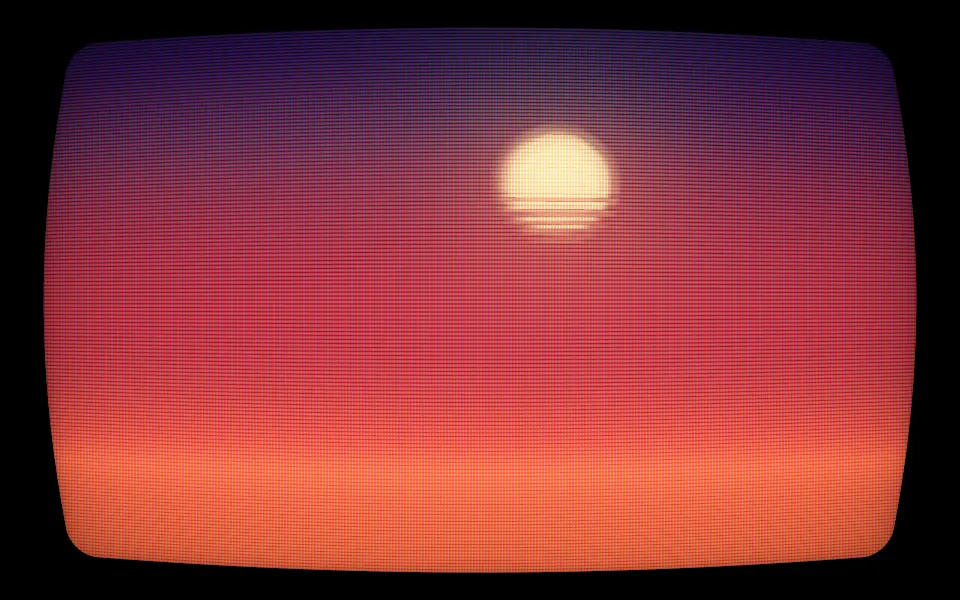
CRT Phosphor Shader
Digital & retroA dusk drawn in CRT phosphor
- Pro
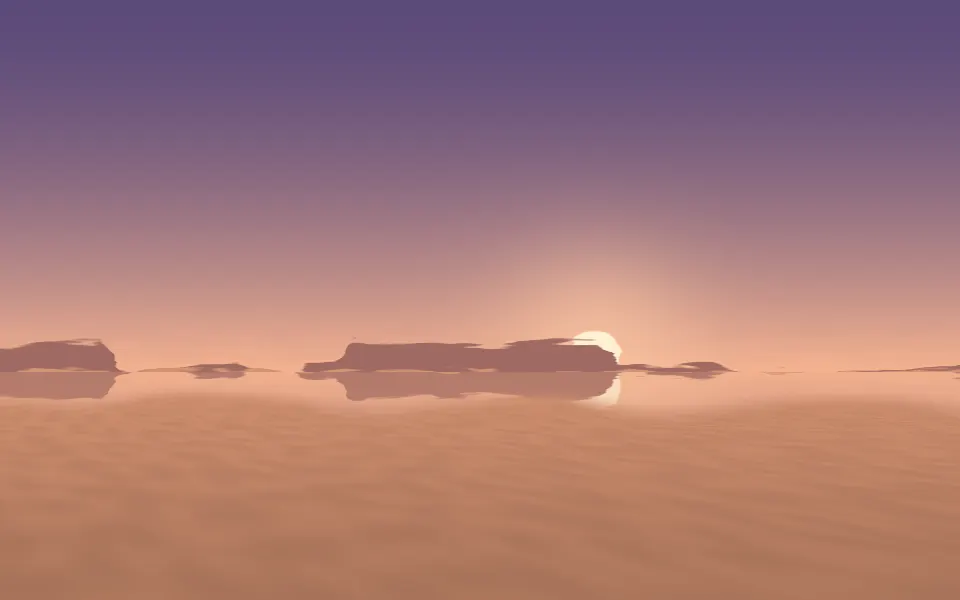
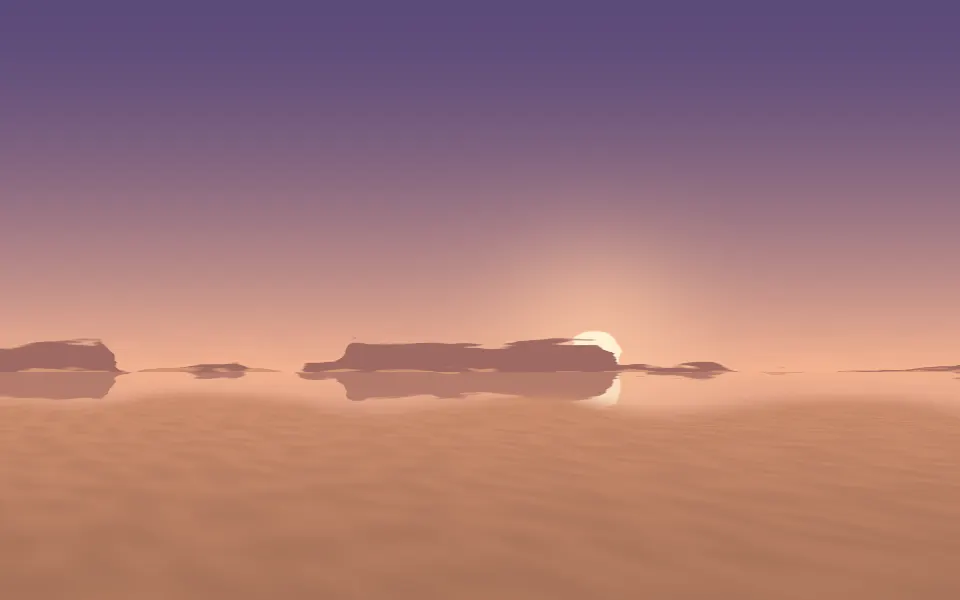
Mirage Shader
Light & glassA dusk horizon, wobbling in heat

Light Leak Shader
Light & glassA warm, analog mood, free
- Pro
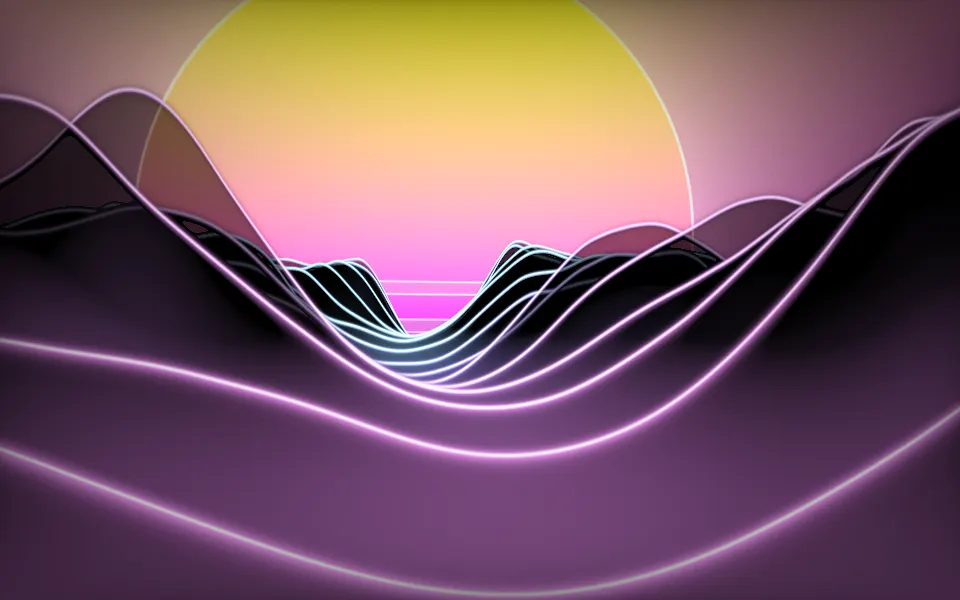
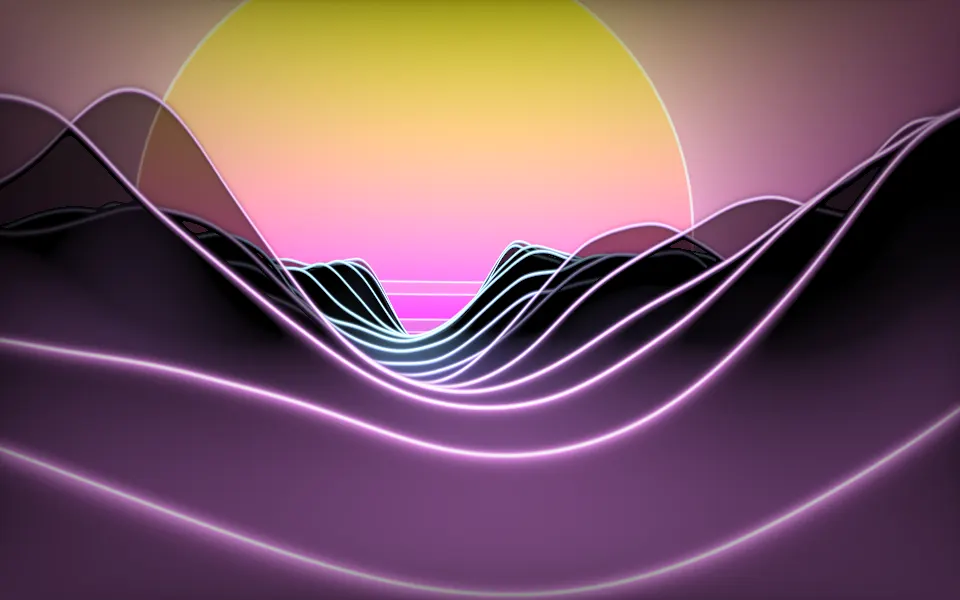
Synthwave Canyon Shader
Water & landscapesA sunset over neon ridges
- Pro
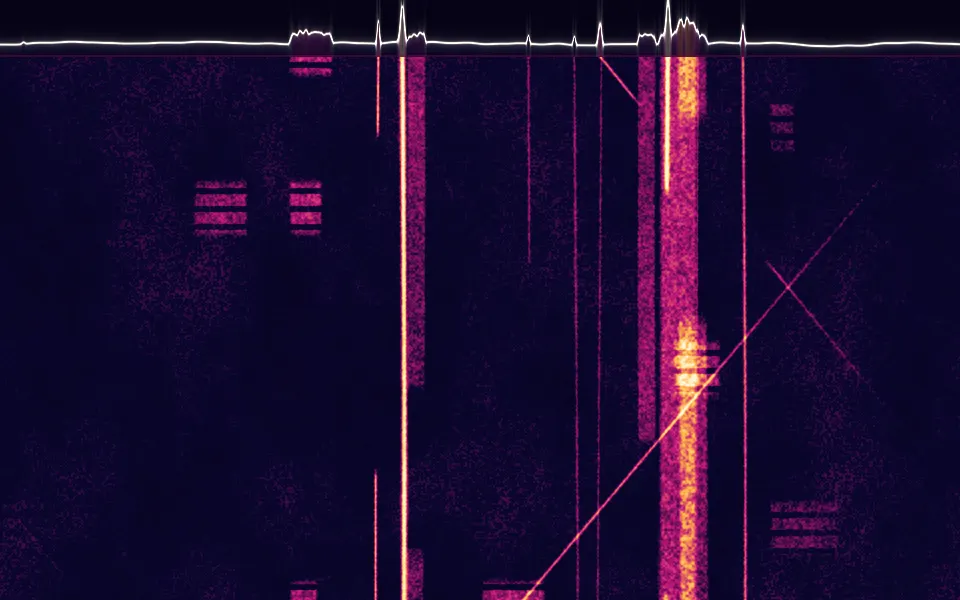
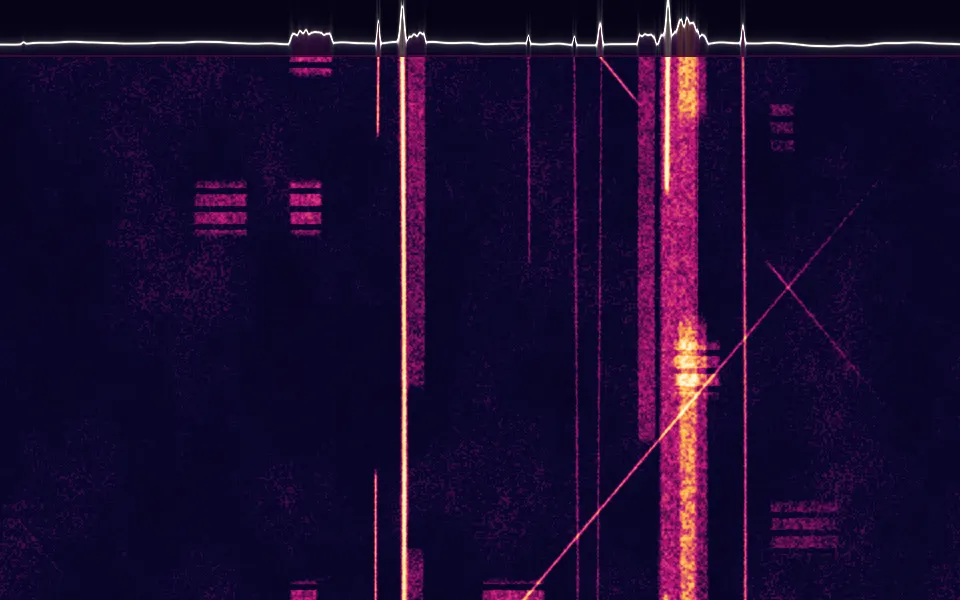
Spectrogram Shader
Digital & retroStreaks of signal in a heat ramp