shadcn.io is not affiliated with official shadcn/ui
Diffraction Shader draws a dark surface grooved as finely as a compact disc, catching an unseen lamp and splitting it into spectral arcs: violet to red, with a fainter, wider second order beyond, which swing and slide as the surface slowly tilts. Every pixel solves the grating equation: the light leaving the grooves is bright only where they act as a mirror along their length, and across them each wavelength turns by its own angle, so the rainbow comes from the physics, not a painted gradient. Each wavelength is turned into color with Wyman, Sloan and Shirley's fit to the CIE color-matching functions, over dim metal with a faint grain. A WGSL fragment shader on WebGPU draws it each frame.
Use it behind a music or audio-product hero, an album or merch page, or anything about light and sound. For stress fringes in the same spectral colors, use Photoelastic Shader; for random thin-film foil in plain CSS, the Hologram background; for one beam fanned out by a prism, the Prism background. It runs only while it's on screen, holds a still frame with reduced motion, and shows a CSS rainbow arc in browsers without WebGPU.
Installation
Usage
import { DiffractionShader } from "@/components/ui/diffraction-shader";<DiffractionShader className="flex min-h-[32rem] items-center justify-center">
<h1 className="text-5xl font-semibold text-white">Ship faster</h1>
</DiffractionShader>Diffraction Shader is a container: your content sits on top of the surface, in normal flow. It fills its own box, so give it a height or content. For a backdrop behind the whole page, render it empty with className="fixed inset-0 -z-10". On the default dark surface, use white text: across the middle of the frame it stays above 5.6:1 nineteen times out of twenty, but an arc can sweep behind it, so keep body text short or on a panel.
Demos
Holographic label
pattern="lines" grooves the surface in straight lines, like a holographic sticker, so the spectra fall in straight bars. A light backgroundColor, here #e9eaee, switches the arcs from glowing to tinting the surface like foil, and the sheen round the lamp's reflection turns white.
In a card
pattern="fan" grooves the surface in spokes, which throws long rainbow streaks, and interactive lets the pointer tilt the surface, so the streaks follow it. When the pointer leaves, the surface eases back.
Performance
About 0.3 ms of GPU time a frame at 1280×720 on an M2 Max laptop; slower GPUs take several times longer. The arcs are soft, so quality={0.5} hides well on a large screen. The animation stops when the shader scrolls out of view, and the browser pauses it in a hidden tab. Every shader on a page shares one GPU device and one frame loop, and vgpu (about 50 KB gzipped) loads only when the first one mounts.
Browser support
The shader needs WebGPU: Chrome and Edge, Safari 26 and later, and Firefox on Windows and macOS. Elsewhere, and until the first frame, the box shows a CSS rainbow arc on the same background, so the layout never jumps. data-state on the root reads unsupported there, if you want to style around it. See Shader Canvas.
Accessibility
The surface is decoration: it's hidden from assistive tech and lets every click through to your content. With reduced motion it draws one still frame, a rainbow arc with its fainter second order, and stops. Nothing flashes: the arcs slide over many seconds. White text reads on the dark metal, but where an arc passes behind it the contrast drops below 2:1, so put longer copy on a panel such as bg-black/60.
FAQ
What do the patterns change?
pattern sets how the surface is grooved. rings circles a center below the frame, like a CD, and gives arcs; lines is a straight grating, like a holographic label, and gives straight bars; fan is spokes from that center, and gives long streaks.
How do I spread the colors out or tighten them?
grooves sets how finely the surface is grooved, from 0.5 to 3, where 1 is a CD's track pitch. Finer grooves bend light further, so the rainbows move away from the lamp's reflection and spread wider; coarser ones pack them close. orders shows 1 to 3 rainbows, each fainter and wider than the last.
How do I change the motion?
tilt sets how far the surface sways, from 0 (held still) to 1. speed scales time, paused holds the frame, and time draws one fixed moment. With interactive, the pointer tilts the surface too.
Can I change the colors?
The rainbow is the physics, so it stays a spectrum; intensity sets how bright it is. backgroundColor is the surface and metalColor the sheen round the lamp's reflection, in any CSS color. A light backgroundColor turns the arcs into a foil tint, and the sheen white.
API Reference
DiffractionShader
data-slot="diffraction-shader"
backgroundColor?string
The surface between the arcs. On a light one the arcs tint it like foil instead of glowing. Any CSS colour. @default "#08080c".
- Default
"#08080c"
fallback?string
What shows until the first frame and in browsers without WebGPU: a CSS
background value (gradients, sizes, a colour) that looks like the
shader. It can use the colour props' --shader-<field> variables.
grooves?number
How finely the surface is grooved, from 0.5 to 3: finer grooves throw the colours further apart. @default 1.
- Default
1
intensity?number
The arcs' brightness, from 0 to 2. @default 1.
- Default
1
interactive?boolean
Whether u.pointer follows the pointer. @default false.
metalColor?string
The metal's sheen round the lamp's reflection. Any CSS colour. @default "#2a2c33".
- Default
"#2a2c33"
orders?number
How many spectral orders show, from 1 to 3; each is fainter and wider than the last. @default 2.
- Default
2
pattern?keyof typeof PATTERNS
The grooves: rings round a centre below the frame, like a CD; straight lines, like a holographic label; or a fan of spokes. @default "rings".
- Default
"rings"
paused?boolean
Holds the current frame. @default false.
quality?number
Render scale, from 0.25 to 1, of the screen's pixels (capped at 2×). @default 1.
speed?number
Animation speed: 1 is normal, 0 holds the frame. @default 1.
tilt?number
How far the surface tilts as it sways, from 0 (held still) to 1. @default 0.5.
- Default
0.5
time?number
A fixed moment, in seconds: draws it and doesn't animate.
render?ReactElement | ((props: object, state: object) => ReactElement)
Replace the host element or compose it with another component.
- Type
ReactElement | ((props: object, state: object) => ReactElement)
className?string
Forwarded to the part.
Related
- Pro
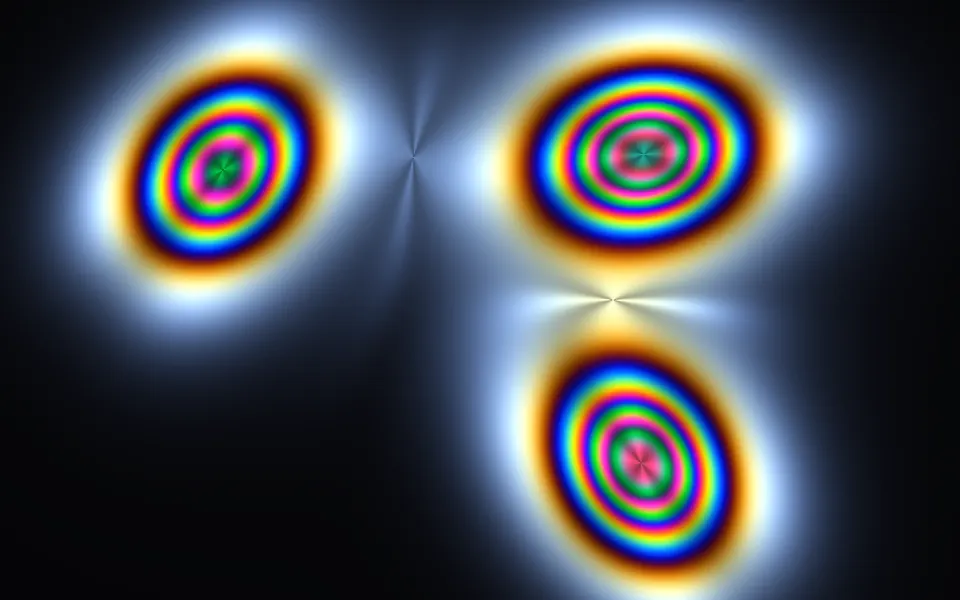
Photoelastic Shader
Light & glassStress fringes in the same spectral color
- Pro
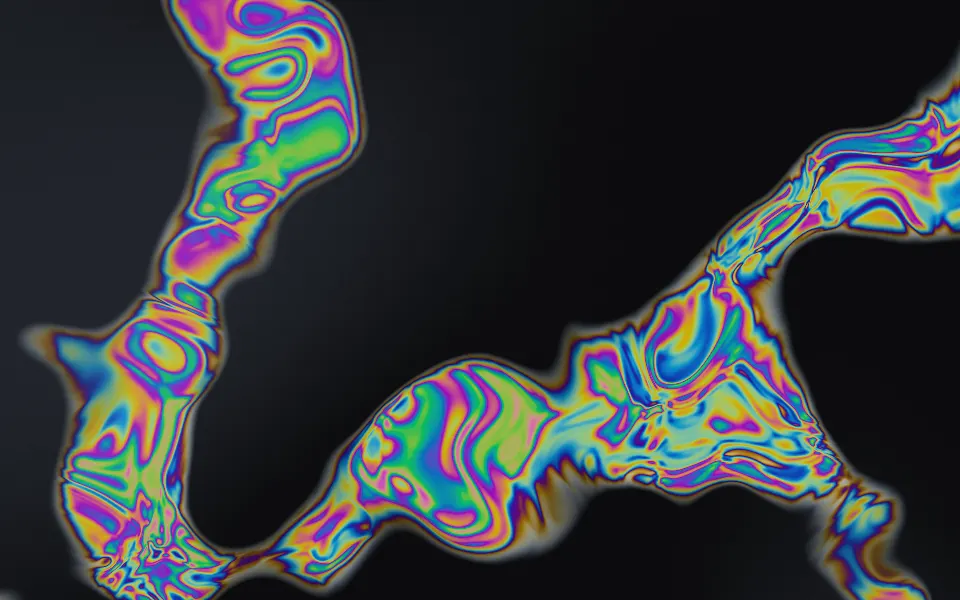
Oil Slick Shader
Flow & gradientsThin-film rainbows on wet asphalt
Hologram Shader
Light & glassClean holographic bands, free
- Pro
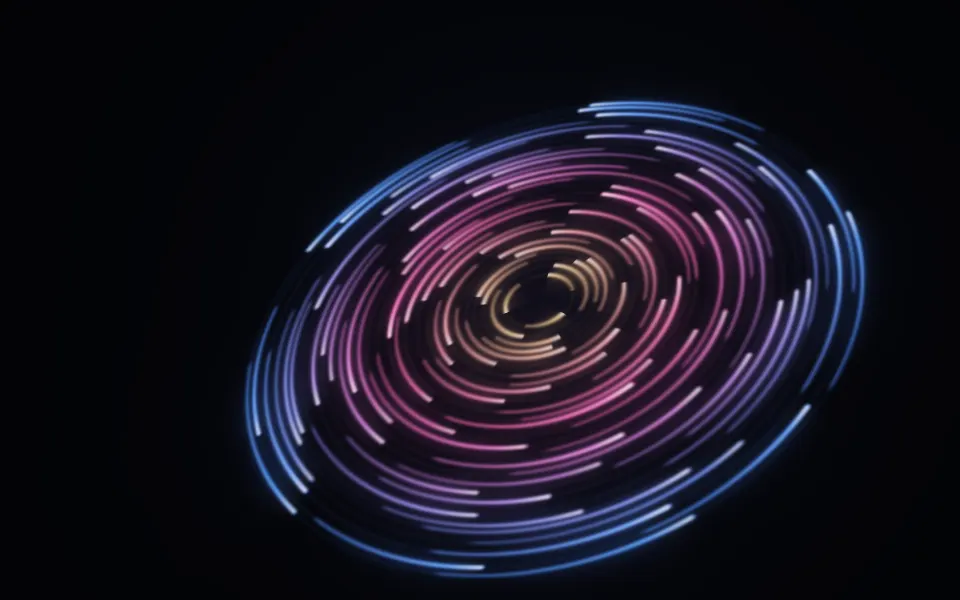
Cosmic Discs Shader
SpaceArcs of light orbiting a tipped disc
- Pro
Spectrogram Shader
Digital & retroLive signal for an audio product
Ridgeline Shader
Digital & retroAn iconic monochrome plot for music, free