shadcn.io is not affiliated with official shadcn/ui
Hologram covers its container in iridescent foil: soft thin-film colours (aqua, lilac, pink, gold) slide across a bare silver sheet as if it were tilting under a lamp, over a fine grain, and now and then a soft band of light sweeps across it. On a dark page the sheet turns to graphite and the colours to deep jewel tones. Two films of colour, crossed at 70°, slide opposite ways, each a repeating gradient moved by exactly one band so the loop never jumps; the grain is a still texture on top. There's no canvas, and nothing repaints while it moves.
Use it for collectible cards, limited drops, membership tiers and launch pages. It's calm enough for text on top. For a softer, flowing satin, use Silk; for liquid metal without the colour, Mercury; for the spectrum fanned out by a prism, Prism; for colour cycling everywhere at once, Plasma.
Installation
Usage
import { Hologram } from "@/components/ui/hologram";<Hologram className="flex min-h-[420px] items-center justify-center">
<h1 className="text-5xl font-semibold">Limited edition drop</h1>
</Hologram>Hologram is a container: give it a size, put your content inside, and the foil sits behind it, covering the box edge to edge. The colours are pastel on a light page and deeper on a dark one, so text in your foreground colour reads on both. For the whole page, pass className="fixed inset-0 -z-10".
Demos
Card
A collectible card in a 5:7 box. interactive tilts the foil toward the pointer, so the colours and the sheen slide as you move across it; the dark class gives it the graphite sheet, intensity="strong" full colour, and angle={40} leans the bands further.
Pearl
colors takes any CSS colours, spread in order across each band and back to the first. Pastels with near-white between them make a pearl foil; grain={0.3} softens the texture.
Accessibility
The foil is decoration: it's hidden from assistive tech and never takes the pointer, so your content is read and clicked as usual; with interactive it only follows the pointer, it never needs it. With reduced motion the films and the sheen stand still where they are and the pointer tilt is off, leaving a still picture of the foil. Nothing flashes: the colours slide slowly and the sheen crosses about once every 13 seconds.
Put copy over it in your foreground colour (text-foreground). At the default intensity it keeps about 9:1 on a light page and 4.5:1 on a dark one over the content area at the worst frame. intensity="strong" on a dark surface brings the brightest bands down to about 2.9:1, enough only for large headings, so keep small text on a panel there.
FAQ
How is the foil made?
Two films of the same thin-film colours, each a repeating CSS gradient, cross at 70° and slide opposite ways; where they cross, the hues shift as on a tilted foil. Stretches of bare silver (graphite on a dark page) between the colours keep it reading as metal, and a still grain with fine lines sits on top.
Can the foil follow the pointer?
Yes: interactive tilts the foil toward the pointer, so the colours and the sheen glide with it, and it settles back when the pointer leaves. Touch is ignored, so it never fights scrolling, and reduced motion turns it off.
How do I change the angle of the bands?
Pass angle, in degrees from vertical: 25 by default, from -45 to 45. The second film always crosses the first 70° further round.
Can I use my brand colours?
Pass colors: they're spread in order across each band, then back to the first. Put a near-white or a grey between them for bare metal, as the pearl demo does. Without colors, the foil uses its own pastel set on a light page and a deeper one on a dark page.
API Reference
Hologram
<div> data-slot="hologram"
angle?number
The colour bands' tilt in degrees from vertical, from -45 to 45; the
second film crosses it 70° further round. Ark default: 25.
- Default
== undefined
colors?string[]
The foil's colours, any CSS colours, spread in order across each band and back to the first. By default a pastel thin-film spectrum (pink, gold, mint, aqua, periwinkle, lilac), deeper on a dark page.
grain?number
How strong the foil's grain and fine lines are, from 0 to 1. @default 0.5.
- Default
== undefined
intensity?"subtle" | "medium" | "strong"
How strongly the foil shows over the surface: subtle behind body
text, strong for a collectible card.
- Type
"subtle" | "medium" | "strong"- Default
"medium"
interactive?boolean
Whether the foil tilts toward the pointer: the colours slide and the sheen follows, like a card turned in the hand.
- Default
false
sheen?boolean
Whether a soft specular band sweeps across now and then. @default true.
- Default
true
speed?number
How fast the colours slide: 2 is twice as fast, 0.5 half as fast.
- Default
1
render?ReactElement | ((props: object, state: object) => ReactElement)
Replace the host element or compose it with another component.
- Type
ReactElement | ((props: object, state: object) => ReactElement)
className?string
Merged with the part's classes.
--hologram-grainstring
The grain and lines' strength (0.5).
--hologram-speedstring
How fast the films slide, a multiplier (1).
--hologram-stopsstring
The films' colour stops, in em of one band (a pastel spectrum).
--hologram-tiltstring
The first film's tilt from vertical (25deg).
Related
- Pro
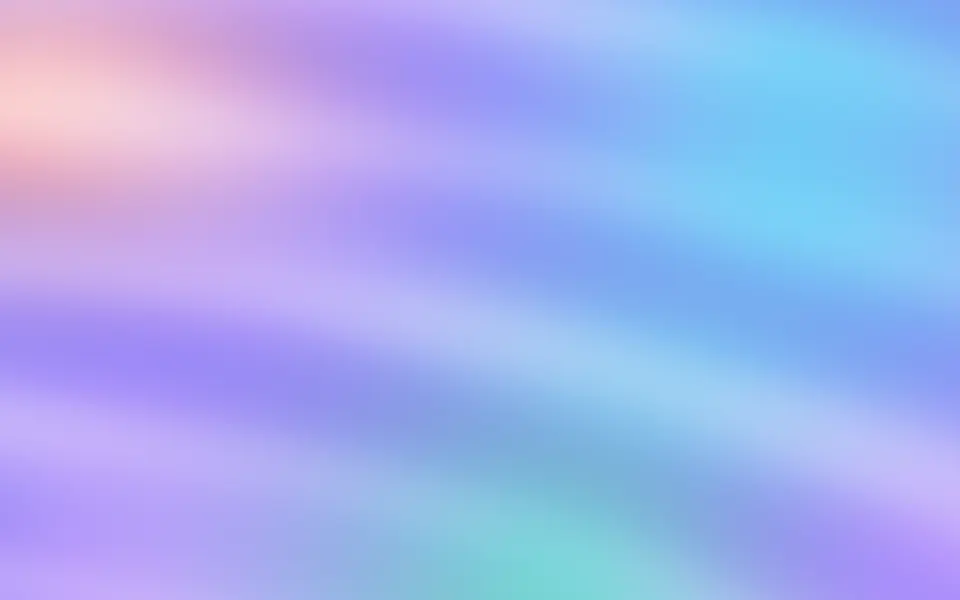
Silk Background
GradientsA softer, flowing iridescence
- Pro
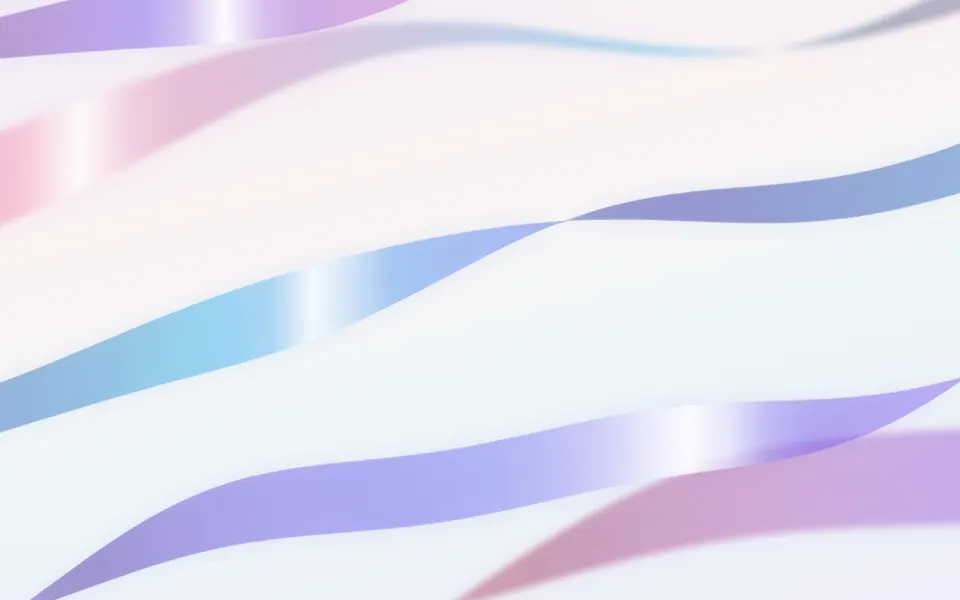
Ribbons Background
GradientsSilk ribbons that twist and catch the light
- Pro
Mercury Background
GradientsLiquid chrome without the colour
- Pro
Prism Background
LightThe spectrum as a refracted fan
- Pro
Plasma Background
GradientsA palette that cycles everywhere
- Pro
Grain Background
TextureThe foil's noise texture alone