shadcn.io is not affiliated with official shadcn/ui
Oil Slick Shader draws patches of oil on black wet asphalt on the GPU. Each patch is a thin film whose thickness follows two levels of swirling fractal noise, and its color is computed the way light does it: the film reflects each of eight wavelengths from 400 to 700 nm by how its two reflections interfere, and those are summed into a color through the CIE color-matching curves. So the bands run in the real order, magenta, gold, teal and violet, follow the swirl, and thin out through silver to gray at each patch's feathered edge. The asphalt under it has a faint grain and a soft sheen, and wide dark gaps between the patches leave room for text. Every pixel is computed each frame by a WGSL fragment shader on WebGPU, for about 1 ms of GPU time a frame.
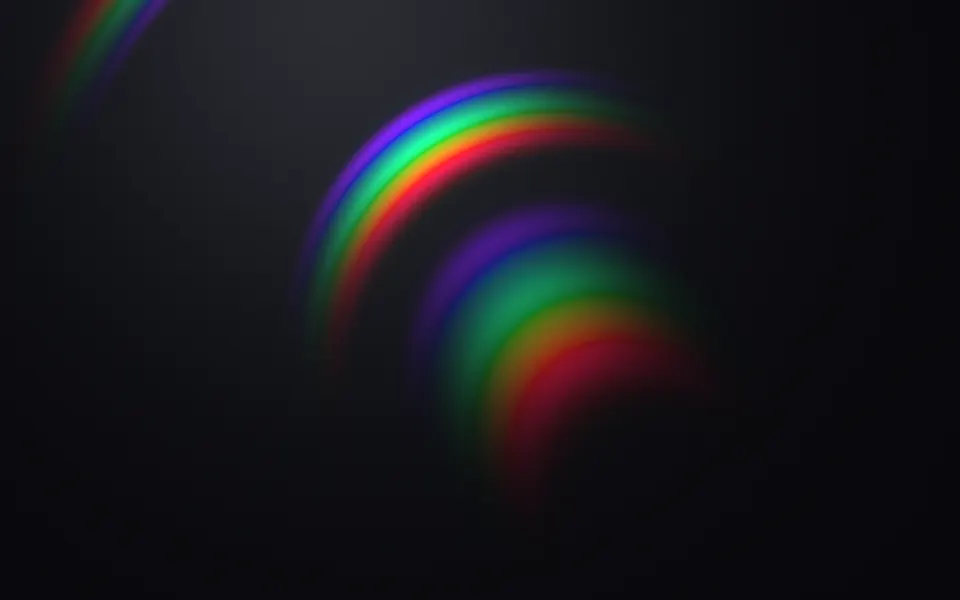
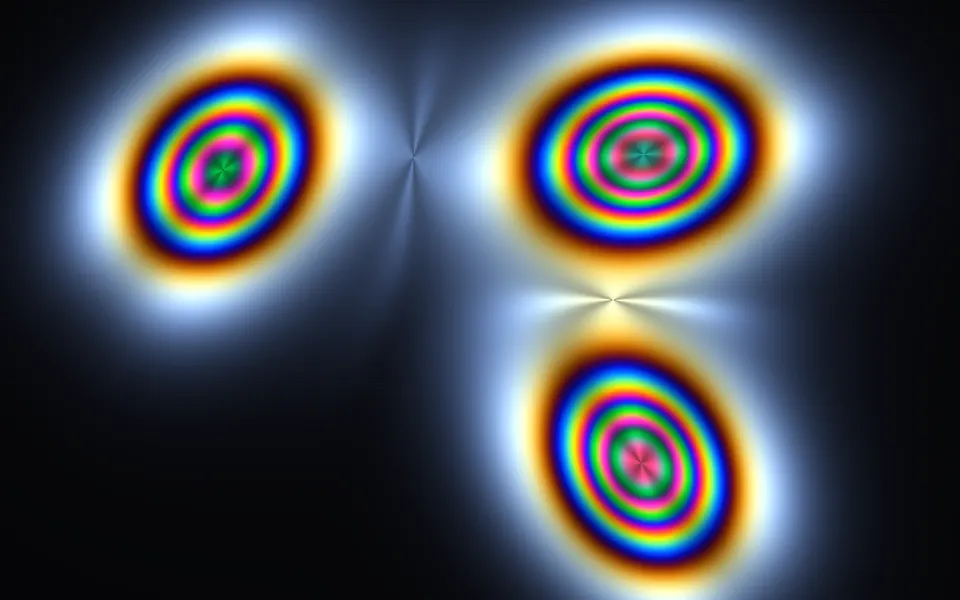
Use it behind a streetwear or sneaker drop, a music release, or a launch that wants iridescence with an edge. For silver foil with sliding rainbow bands in plain CSS, use the Hologram background; for spectral arcs on a grooved disc, Diffraction Shader; for stress fringes round moving loads, Photoelastic Shader. It runs only while it's on screen, holds a still frame with reduced motion, and shows soft CSS glows of the same colors in browsers without WebGPU.
Installation
Usage
import { OilSlickShader } from "@/components/ui/oil-slick-shader";<OilSlickShader className="flex min-h-[32rem] items-center justify-center">
<h1 className="rounded-2xl bg-black/40 px-6 py-3 text-5xl font-semibold text-white">
Drop 07
</h1>
</OilSlickShader>Oil Slick Shader is a container: your content sits on top of the oil, in normal flow. It fills its own box, so give it a height or content. For a backdrop behind the whole page, render it empty with className="fixed inset-0 -z-10". The asphalt is near-black in both color schemes, so put white text on it.
Demos
Pastel, with a soap drop
coverage={1} floods the whole frame with oil, and thickness={0.3} thins the film to its first colors, silver, gold and pale blue. interactive makes the pointer a drop of soap: the film pulls back from it and piles up round it in a ring of deeper color. When the pointer leaves, the film flows back and the ring fades.
In a card
swirl={0.6} relaxes the swirls into broad, smooth bands for a small surface, and coverage={0.65} lets the oil fill a little more of it.
Performance
About 1 ms of GPU time a frame at 1280×720 on an M2 Max laptop; slower GPUs take several times longer. Most of it is the swirl, five layers of fractal noise a pixel; the color is eight sines. None of the props changes the cost. The film's thinnest bands are a few pixels wide, so keep quality at 1 unless the GPU needs the room: at 0.5 they go soft. The animation stops when the shader scrolls out of view, and the browser pauses it in a hidden tab. Every shader on a page shares one GPU device and one frame loop, and vgpu (about 50 KB gzipped) loads only when the first one mounts.
Browser support
The shader needs WebGPU: Chrome and Edge, Safari 26 and later, and Firefox on Windows and macOS. Elsewhere, and until the first frame, the box shows soft magenta, teal and gold glows on your backgroundColor, so the layout never jumps. data-state on the root reads unsupported there, if you want to style around it. See Shader Canvas.
Accessibility
The oil is decoration: it's hidden from assistive tech and lets every click through to your content, even with interactive, which only reads the pointer's position. With reduced motion it draws one still frame, a long ribbon of oil across the asphalt, and stops. Nothing flashes: the patches drift and swirl over tens of seconds. Over ten moments, white text on the bare asphalt is above 16:1 for half the frame, but the brightest film drops it to 2:1, and the patches move under your text, so set it on a bg-black/40 panel, which keeps white text above 5:1 everywhere.
FAQ
Where do the colors come from?
From thin-film interference, the physics of real oil on water. Light reflects off the top and the bottom of the film, and the two reflections cancel or reinforce each wavelength depending on the film's thickness and the viewing angle. The shader works that out for eight wavelengths and turns the spectrum into a color through the CIE color-matching curves (an analytic fit by Wyman, Sloan and Shirley), so the bands come in the same order as on a puddle.
What does thickness change?
Which colors you see. A thin film, thickness={0.3}, shows the first colors: silver, gold and pale blue. The default runs through magenta, gold, teal and violet. A thick film, up to 2, shows many busy, paler bands, like an old slick. The film always thins to gray at the edge of each patch.
How do I get more or less oil?
coverage sets how much of the frame the oil covers, from 0 (none) to 1 (all of it). The default, 0.55, leaves wide dark gaps for text. swirl sets how much the oil is stirred, from 0 (smooth blobs) to 2 (tight, marbled swirls), and intensity how bright the film is.
What does interactive do?
It makes the pointer a drop of soap, as in the old kitchen experiment: the film pulls back from it in a clear circle and piles up round it, thicker, in deeper colors. The drop glides after the pointer, fades in as it comes over the box, and fades out when it leaves, so the film closes up again. Touch is ignored.
API Reference
OilSlickShader
data-slot="oil-slick-shader"
backgroundColor?string
The wet asphalt under the oil. Any CSS colour. @default "#0b0b0d".
- Default
"#0b0b0d"
coverage?number
How much of the frame the oil covers, from 0 (none) to 1 (all of it). @default 0.55.
- Default
0.55
fallback?string
What shows until the first frame and in browsers without WebGPU: a CSS
background value (gradients, sizes, a colour) that looks like the
shader. It can use the colour props' --shader-<field> variables.
intensity?number
How bright the rainbow film is, from 0 (hidden) to 2. @default 1.
- Default
1
interactive?boolean
Whether u.pointer follows the pointer. @default false.
- Default
false
paused?boolean
Holds the current frame. @default false.
quality?number
Render scale, from 0.25 to 1, of the screen's pixels (capped at 2×). @default 1.
sheenColor?string
The soft sheen of light across the asphalt. Any CSS colour. @default "#2a2f38".
- Default
"#2a2f38"
speed?number
Animation speed: 1 is normal, 0 holds the frame. @default 1.
swirl?number
How much the oil swirls, from 0 (smooth blobs) to 2 (tight marbled swirls). @default 1.
- Default
1
thickness?number
How thick the film is, from 0.3 (thin: silver, gold and pale blue) to 2 (thick: busy pastel bands). @default 1.
- Default
1
time?number
A fixed moment, in seconds: draws it and doesn't animate.
render?ReactElement | ((props: object, state: object) => ReactElement)
Replace the host element or compose it with another component.
- Type
ReactElement | ((props: object, state: object) => ReactElement)
className?string
Forwarded to the part.
Related
- Pro
Diffraction Shader
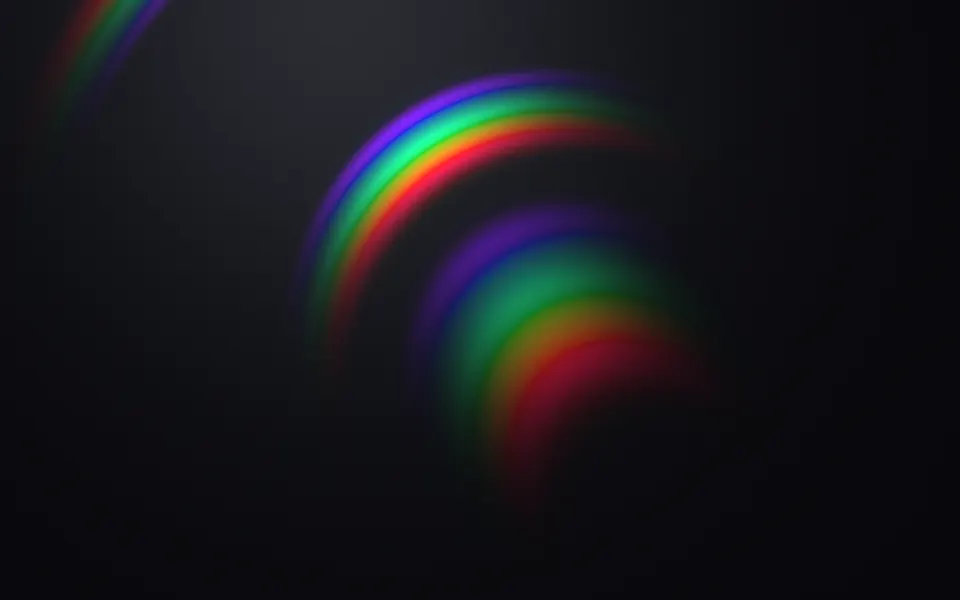
Light & glassSpectral arcs on a grooved disc
- Pro
Photoelastic Shader
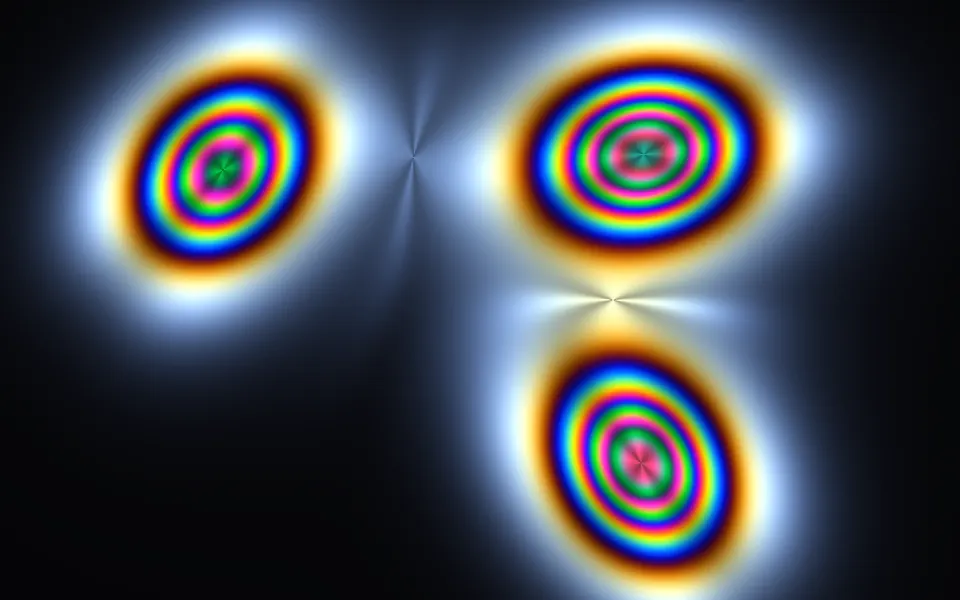
Light & glassStress fringes in the same spectral colors
Hologram Shader
Light & glassClean sci-fi bands of blue and violet, free
- Pro
Ferrofluid Shader
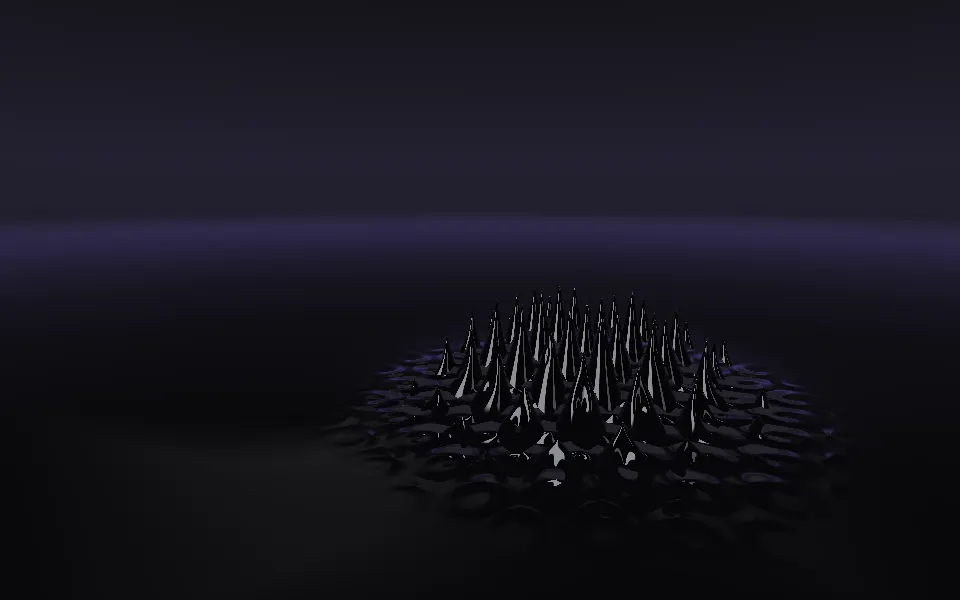
Flow & gradientsAnother dark liquid, rising into spikes
- Pro
Soap Bubbles 2D Shader
Water & landscapesThin-film color on rising bubbles
- Pro
Warped Noise Shader
Flow & gradientsSwirls of liquid color without the film