shadcn.io is not affiliated with official shadcn/ui
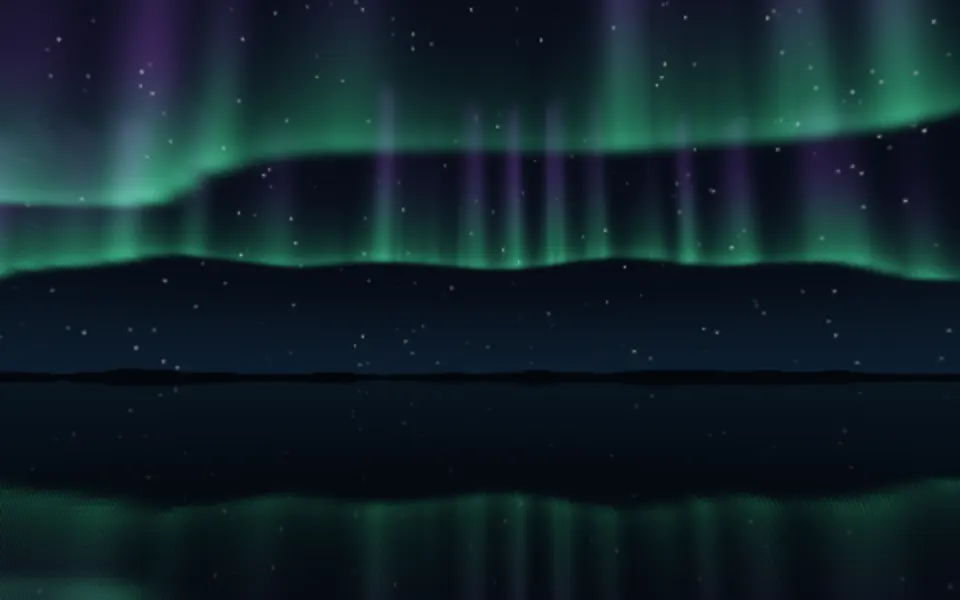
Aurora Shader draws the northern lights on the GPU. Three layers of fractal noise drift sideways inside bands that sway on two slow sine waves, tinted green at the bottom, through blue and violet, to cyan at the top, over black. Every pixel is computed each frame by a WGSL fragment shader on WebGPU, so the light folds and shimmers in ways CSS can't, for about half a millisecond of GPU time a frame.
Use it behind a dark hero, a launch page or a full-screen intro. For the same idea in plain CSS, with no GPU and themed colors, use the Aurora background; for cosmic clouds instead of bands, Nebula Shader. It runs only while it's on screen, holds a still frame with reduced motion, and shows a soft gradient of the same colors in browsers without WebGPU.
Installation
Usage
import { AuroraShader } from "@/components/ui/aurora-shader";<AuroraShader className="flex min-h-[32rem] items-center justify-center">
<h1 className="text-5xl font-semibold text-white">Ship faster</h1>
</AuroraShader>Aurora Shader is a container: your content sits on top of the light, in normal flow. It fills its own box, so give it a height or content. For a backdrop behind the whole page, render it empty with className="fixed inset-0 -z-10". The light is always on black, so put white or light text over it, in both color schemes.
Demos
Vivid
vibrancy={1.6} saturates the colors, frequency={1.4} packs the folds tighter, stretch={1.8} thins the band toward the middle, and speed={0.6} slows the drift.
In a card
The light scales with its box. intensity={1.4} brightens it for a small surface, and quality={0.5} renders at half resolution: the bands are soft, so you can't tell, and the GPU does a quarter of the work.
Performance
About 0.5 ms of GPU time a frame at 1280×720 on an M2 Max laptop, and a quarter of that at quality={0.5}; slower GPUs take several times longer. The animation stops when the shader scrolls out of view, and the browser pauses it in a hidden tab. Every shader on a page shares one GPU device and one frame loop, and vgpu (about 50 KB gzipped) loads only when the first one mounts.
Browser support
The shader needs WebGPU: Chrome and Edge, Safari 26 and later, and Firefox on Windows and macOS. Elsewhere, and until the first frame, the box shows a CSS gradient of the same colors, so the layout never jumps. data-state on the root reads unsupported there, if you want to style around it. See Shader Canvas.
Accessibility
The light is decoration: it's hidden from assistive tech and lets every click through to your content. With reduced motion it draws one still frame of the lights and stops. Nothing flashes: the bands brighten and fade over seconds. White text reads best on the black above and below the band; keep small body text off the brightest part of the band, especially at intensity above 1.
FAQ
Can I change the colors?
vibrancy sets how saturated they are, from 0 (grey) to 2 (vivid). The palette itself, green to blue to violet to cyan, is the shader's signature. For brand colors on a themed surface, use the CSS Aurora background, which takes any CSS colors.
How do I make it faster or slower?
speed scales time: 2 is twice as fast, 0.5 half as fast, and 0 holds the current frame. paused holds it too, and time draws one fixed moment, in seconds, which is handy for a poster or for tying the light to scroll.
Will it slow my page down?
It costs about 0.5 ms of GPU time a frame at 1280×720 on a laptop, and the CPU only sets a few numbers each frame. It stops when it's off screen. On a slow GPU or a large screen, quality={0.5} renders at half resolution, a quarter of the pixels, and the soft bands look the same.
What happens in browsers without WebGPU?
The box keeps its CSS gradient, a soft violet and blue glow on black, so the page still looks finished. Nothing errors: the root's data-state reads unsupported.
How is it different from the Aurora background?
The Aurora background is CSS: tilted color bands that slide, in your theme's colors, with no JavaScript. Aurora Shader computes every pixel on the GPU, so the light folds and shimmers like the real thing, always on black.
API Reference
AuroraShader
data-slot="aurora-shader"
fallback?string
What shows until the first frame and in browsers without WebGPU: a CSS
background value (gradients, sizes, a colour) that looks like the
shader. It can use the colour props' --shader-<field> variables.
frequency?number
How wide the bands sweep: higher packs more, finer folds. @default 1.
- Default
1
intensity?number
The light's brightness. @default 1.
- Default
1
interactive?boolean
Whether u.pointer follows the pointer. @default false.
paused?boolean
Holds the current frame. @default false.
quality?number
Render scale, from 0.25 to 1, of the screen's pixels (capped at 2×). @default 1.
speed?number
Animation speed: 1 is normal, 0 holds the frame. @default 1.
stretch?number
How tightly the light hugs the middle: higher is a thinner band. @default 1.
- Default
1
time?number
A fixed moment, in seconds: draws it and doesn't animate.
vibrancy?number
Colour saturation: 0 is grey, 2 is vivid. @default 1.
- Default
1
render?ReactElement | ((props: object, state: object) => ReactElement)
Replace the host element or compose it with another component.
- Type
ReactElement | ((props: object, state: object) => ReactElement)
className?string
Forwarded to the part.
Related
- Pro
Aurora 3D Shader
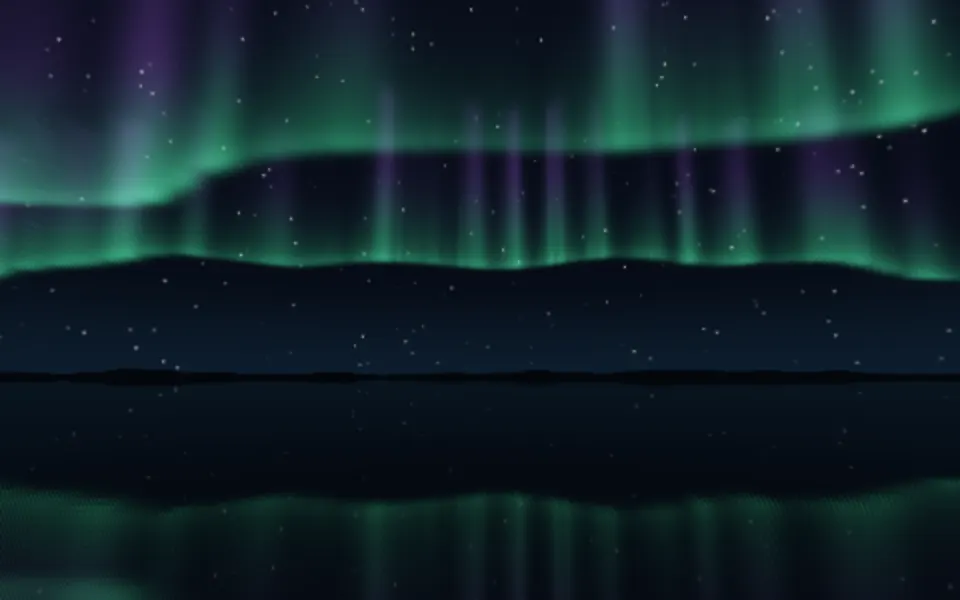
Water & landscapesThe same lights in perspective, over a lake
Nebula Shader
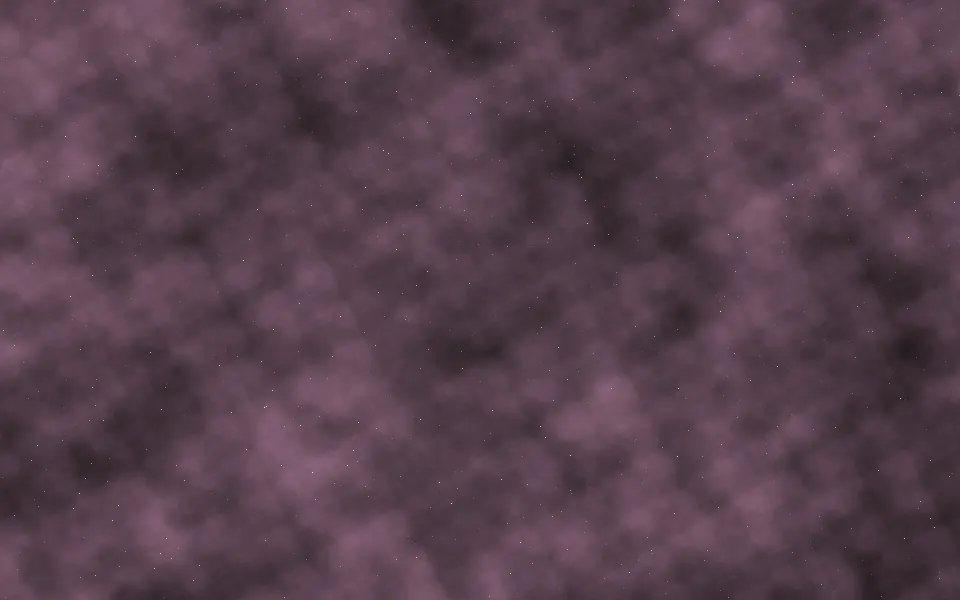
SpaceCosmic clouds instead of bands, free
- Pro
Cosmic Waves Shader
SpaceOne soft glow whose colors loop
Waves Shader
Water & landscapesCalm bands of color on a light ground, free
Gradient Mesh Shader
Flow & gradientsBolder, saturated color for a launch, free
- Pro
Bioluminescence Shader
Water & landscapesAnother night scene, with glowing surf