shadcn.io is not affiliated with official shadcn/ui
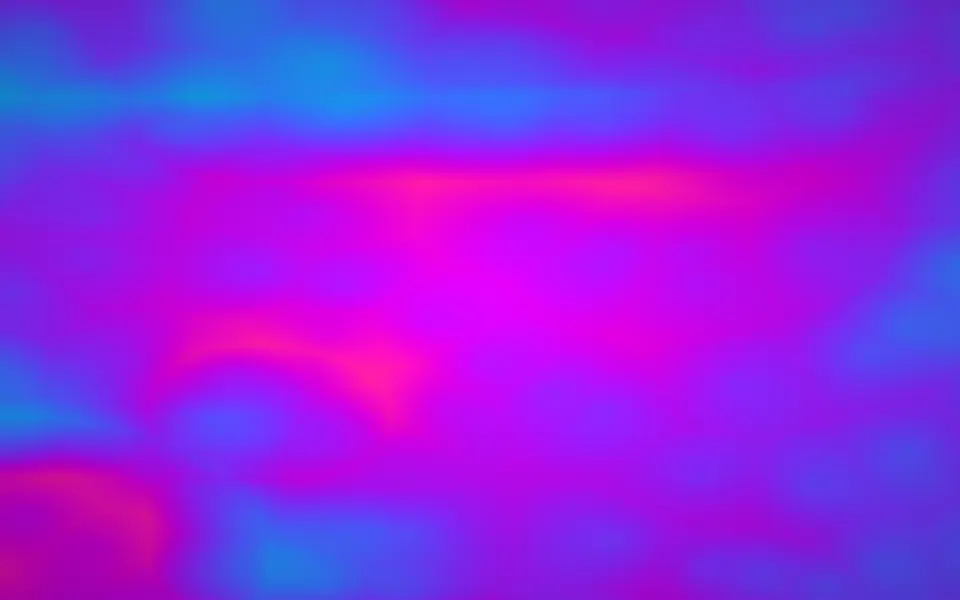
Gradient Mesh Shader draws a mesh gradient on the GPU. Six soft lights orbit the center on golden-angle paths, their orbits slowly widening and narrowing, and each one adds its color to every pixel with an inverse-square falloff, so they melt into one saturated field: hot magenta, electric blue, violet and neon lime. The colors cycle round the whole spectrum every 10 seconds, a faint layer of noise keeps the field from looking flat, and the brightness breathes a few percent. Every pixel is computed each frame by a WGSL fragment shader on WebGPU, for about 0.3 ms of GPU time a frame.
Use it behind a launch page, a product announcement or a pricing hero, where color is the message. For a calm mesh in your theme's colors, with no GPU, use the Mesh Gradient background; for the same palette as fractal noise, Noise Shader; for a busier, retro field, Plasma Shader. It runs only while it's on screen, holds a still frame with reduced motion, and shows a CSS mesh of the same colors in browsers without WebGPU.
Installation
Usage
import {
  GradientMeshShader,
} from "@/components/ui/gradient-mesh-shader";<GradientMeshShader className="flex min-h-[32rem] items-center justify-center">
<h1 className="rounded-2xl bg-white/40 px-6 py-3 text-5xl font-semibold text-black">
Launch day
</h1>
</GradientMeshShader>Gradient Mesh Shader is a container: your content sits on top of the color, in normal flow. It fills its own box, so give it a height or content. For a backdrop behind the whole page, render it empty with className="fixed inset-0 -z-10". The field is bright in the middle and darker toward the corners, in both color schemes, so black text reads best on it: put it on a light panel such as bg-white/40 for steady contrast.
Demos
Calm
saturation={0.6} mutes the colors toward a soft wash, colorSpeed={0.3} slows the cycle through the spectrum, and speed={0.5} halves everything, the orbits and the cycle alike.
In a card
colorSpeed={0} holds each light on its own color, so only the orbits move and the card keeps the same rainbow. quality={0.5} renders at half resolution: the field is soft, so you can't tell, and the GPU does a quarter of the work.
Performance
About 0.3 ms of GPU time a frame at 1280×720 on an M2 Max laptop; slower GPUs take several times longer. quality={0.5} renders a quarter of the pixels and looks the same, because nothing in the field is sharp. The animation stops when the shader scrolls out of view, and the browser pauses it in a hidden tab. Every shader on a page shares one GPU device and one frame loop, and vgpu (about 50 KB gzipped) loads only when the first one mounts.
Browser support
The shader needs WebGPU: Chrome and Edge, Safari 26 and later, and Firefox on Windows and macOS. Elsewhere, and until the first frame, the box shows a CSS mesh of the same colors, so the layout never jumps. data-state on the root reads unsupported there, if you want to style around it. See Shader Canvas.
Accessibility
The gradient is decoration: it's hidden from assistive tech and lets every click through to your content. With reduced motion it draws one still frame, magenta in the middle, lime in the lower left and blue at the top, and stops. Nothing flashes: the colors shift over seconds, and the brightness breathes by 5% every 3 seconds. The field runs from near white to deep plum, so never set text on it bare: over a dozen moments, black text on a bg-white/40 panel stays above 5.7:1, and white text needs bg-black/60 to stay above 6:1.
FAQ
How do the colors blend?
Each of the six lights adds its color to every pixel, weighted by 1 / (1 + 8d²), where d is the distance to the light. The sums overlap into one smooth field with no seams or edges, then a saturation and a contrast pass shape the result. It's a sum of soft lights, not a mesh of control points you can drag.
How do the lights move?
They sit on golden-angle orbits round the center, so they stay evenly spread, and turn together once every 12.6 seconds while each orbit widens and narrows on its own phase. That's why the field never quite repeats. speed scales all of it evenly; in shadcn.io's version the noise and the tints moved at the square of speed, and its complexity prop changed nothing you could see, so it's gone.
How do I stop the colors cycling?
colorSpeed={0} holds every light on its own color while the orbits keep moving; colorSpeed={0.3} slows the cycle to a 33-second loop. To freeze everything, set paused, or time to draw one fixed moment, in seconds.
Can I use my own colors?
Not as a list: the palette is a cosine rainbow, and the six lights are evenly spaced round it, which is the look. saturation (0 to 1.5) and contrast (0.5 to 1.5) tone it down or up. For a mesh in your brand colors, use the CSS Mesh Gradient background, which takes any CSS colors.
API Reference
GradientMeshShader
data-slot="gradient-mesh-shader"
colorSpeed?number
How fast the colours cycle round the spectrum, on top of speed: 0 holds them, 3 is three times faster. @default 1.
- Default
1
contrast?number
Contrast, from 0.5 (flat) to 1.5 (punchy). @default 1.
- Default
1
fallback?string
What shows until the first frame and in browsers without WebGPU: a CSS
background value (gradients, sizes, a colour) that looks like the
shader. It can use the colour props' --shader-<field> variables.
interactive?boolean
Whether u.pointer follows the pointer. @default false.
paused?boolean
Holds the current frame. @default false.
quality?number
Render scale, from 0.25 to 1, of the screen's pixels (capped at 2×). @default 1.
saturation?number
Colour saturation, from 0 (grey) to 1.5 (vivid). @default 1.
- Default
1
speed?number
Animation speed: 1 is normal, 0 holds the frame. @default 1.
time?number
A fixed moment, in seconds: draws it and doesn't animate.
render?ReactElement | ((props: object, state: object) => ReactElement)
Replace the host element or compose it with another component.
- Type
ReactElement | ((props: object, state: object) => ReactElement)
className?string
Forwarded to the part.
Related
Noise Shader
Flow & gradientsThe same palette as fractal noise, free
Plasma Shader
Flow & gradientsA busier, retro field, free and lighter
Orb Grid Shader
GeometrySoft orbs under a hairline grid, free and lighter
- Pro
Cosmic Waves Shader
SpaceOne big glow in four colors you set
Fluted Glass Shader
Light & glassSoft color behind reeded glass, free
Dither Gradient Shader
Digital & retroDrifting orbs, dithered to 1-bit inks, free