shadcn.io is not affiliated with official shadcn/ui
Shaders
FreeNoise Shader for React
Colorful fractal noise drawn on the GPU: soft saturated regions with bright ridges and faint cells, warping slowly while the hues slide round the spectrum. For React with Base UI, when a hero, a creative portfolio or a launch needs rich, organic color behind its copy.
Noise Shader layers five kinds of procedural noise on the GPU: fractal noise for the broad shapes, ridged noise for the bright crescents, billowy noise for soft folds, cellular noise for faint dimples and a little turbulence. The plane they sit on warps slowly, and the sum picks a color from a rainbow palette whose hues slide round the whole spectrum every 10 seconds, so magenta and blue give way to lime and yellow and back. Every pixel is computed each frame by a WGSL fragment shader on WebGPU, for about 0.5 ms of GPU time a frame.
Use it behind a hero, a creative portfolio or a launch page that wants color with an organic grain to it. For a cleaner field of a few big lights, use Gradient Mesh Shader; for interference blobs with a pinwheel, Plasma Shader. It runs only while it's on screen, holds a still frame with reduced motion, and shows a CSS gradient of the same magenta and blue in browsers without WebGPU.
Installation
Usage
import { NoiseShader } from "@/components/ui/noise-shader";<NoiseShader className="flex min-h-[32rem] items-center justify-center">
<h1 className="rounded-2xl bg-white/40 px-6 py-3 text-5xl font-semibold text-black">
Make some noise
</h1>
</NoiseShader>Noise Shader is a container: your content sits on top of the color, in normal flow. It fills its own box, so give it a height or content. For a backdrop behind the whole page, render it empty with className="fixed inset-0 -z-10". The colors are bright and change hue, in both color schemes, so black text reads best: put it on a light panel such as bg-white/40.
Demos
Fine detail
scale={3} fits three times as much of the pattern in the box, and octaves={8} adds four more layers of ever finer fractal noise (and two more of turbulence), for a grainy, marbled field.
In a card
colorSpeed={0} pins the palette and hue={0.1} turns it to teal and lime, so the card keeps its colors while the noise drifts. quality={0.5} renders at half resolution: the noise is soft, so you can't tell, and the GPU does a quarter of the work.
Performance
About 0.5 ms of GPU time a frame at 1280×720 on an M2 Max laptop with the default 4 octaves; slower GPUs take several times longer. octaves is the only prop that changes the cost, and only a little: each octave adds one layer of noise (and every second one a layer of turbulence) to the ten layers and the cell search a pixel does at the default. quality={0.5} renders a quarter of the pixels, and the soft field looks the same. The animation stops when the shader scrolls out of view, and the browser pauses it in a hidden tab. Every shader on a page shares one GPU device and one frame loop, and vgpu (about 50 KB gzipped) loads only when the first one mounts.
Browser support
The shader needs WebGPU: Chrome and Edge, Safari 26 and later, and Firefox on Windows and macOS. Elsewhere, and until the first frame, the box shows a CSS gradient of the same magenta, violet and blue, so the layout never jumps. data-state on the root reads unsupported there, if you want to style around it. See Shader Canvas.
Accessibility
The noise is decoration: it's hidden from assistive tech and lets every click through to your content. With reduced motion it draws one still frame, magenta and violet with blue patches, and stops. Nothing flashes: the hues slide over seconds, and the pattern drifts. Over a dozen moments, black text on the bare noise stays above 2.9:1, too little for body text; on a bg-white/40 panel it stays above 6.4:1. White text needs bg-black/60 to stay above 6.7:1.
FAQ
Why do the colors keep changing, and how do I pin them?
The palette slides round the spectrum by a tenth of a turn every second, on purpose: it's the shader's signature. colorSpeed={0} pins it, and hue (0 to 1) picks where on the spectrum it sits, so colorSpeed={0} hue={0.1} holds teal and lime. colorSpeed={0.3} keeps it moving, slowly.
What do octaves, persistence and lacunarity do?
The fractal noise is a stack of layers. octaves is how many (1 to 8), lacunarity how much finer each layer is than the last (2 doubles it), and persistence how strong each finer layer is next to the last (0.5 halves it). More octaves and higher persistence give a grainier, busier field; fewer and lower, a smoother one.
Which kinds of noise are layered?
Five, all built on the same value noise and added with weights of 0.4, 0.3, 0.2, 0.1 and 0.1: fractal noise for the broad shapes, ridged noise (sharp crescents where the noise crosses its middle), billowy noise (its mirror, soft folds), cellular noise (the distance to random points in a grid, the faint dimples) and a fractal turbulence. A slow warp of the plane underneath makes them all drift.
What is Hash without Sine?
A family of hash functions by Dave Hoskins (MIT) that turn a point into random-looking numbers with only multiplies, adds and fract. The classic fract(sin(x) * 43758.5) hash depends on how each GPU computes the sine of a large number, so it can differ between devices or band; Hoskins' hash doesn't use sine, so the noise is steadier across devices.
Will it slow my page down?
It costs about 0.5 ms of GPU time a frame at 1280×720 on a laptop, and the CPU only sets a few numbers each frame. It stops when it's off screen. scale doesn't change the cost; octaves does, a little. On a slow GPU or a large screen, quality={0.5} renders a quarter of the pixels, and the soft field looks the same.
Credits
The hash functions are Dave Hoskins' Hash without Sine (opens in a new tab), copyright 2014 David Hoskins, under the MIT license, whose notice is in the shader's source; the rest is shadcn.io's. The port to WGSL keeps the look exactly, and:
- Fixes the warp's speed: it moved at the square of
speed, and now scales evenly with it. - Adds
colorSpeedandhue, to slow, pin or turn the palette. - Drops an unused hash and a no-op
absin the turbulence.
API Reference
NoiseShader
data-slot="noise-shader"
colorSpeed?number
How fast the colours slide round the spectrum, on top of speed: 0 pins them. @default 1.
- Default
1
fallback?string
What shows until the first frame and in browsers without WebGPU: a CSS
background value (gradients, sizes, a colour) that looks like the
shader. It can use the colour props' --shader-<field> variables.
hue?number
Where on the spectrum the colours start, from 0 to 1 (a full turn). @default 0.
- Default
0
interactive?boolean
Whether u.pointer follows the pointer. @default false.
lacunarity?number
How much finer each layer of the fractal noise is than the last, from 1.5 to 3. @default 2.
- Default
2
octaves?number
How many layers of fractal noise add detail, from 1 to 8; the turbulence gets half as many. @default 4.
- Default
4
paused?boolean
Holds the current frame. @default false.
persistence?number
How strong each finer layer is next to the last, from 0.2 (smooth) to 0.8 (grainy). @default 0.5.
- Default
0.5
quality?number
Render scale, from 0.25 to 1, of the screen's pixels (capped at 2×). @default 1.
scale?number
How much of the pattern fits in the box, from 0.5 (a few broad regions) to 6 (fine detail). @default 1.
- Default
1
speed?number
Animation speed: 1 is normal, 0 holds the frame. @default 1.
time?number
A fixed moment, in seconds: draws it and doesn't animate.
render?ReactElement | ((props: object, state: object) => ReactElement)
Replace the host element or compose it with another component.
- Type
ReactElement | ((props: object, state: object) => ReactElement)
className?string
Forwarded to the part.
Related
- Pro
Warped Noise Shader
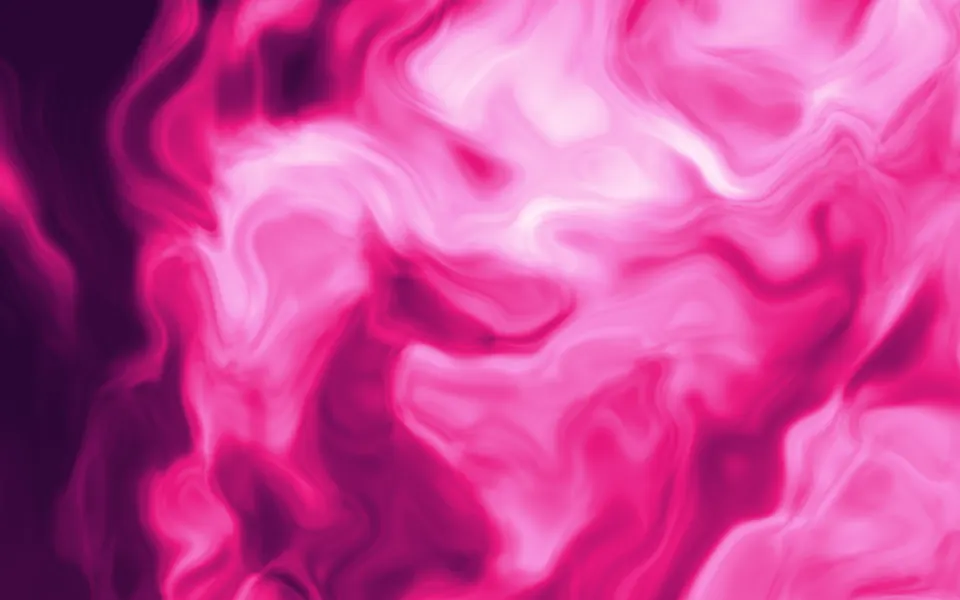
Flow & gradientsThe same noise, folded into marbled ink
Gradient Mesh Shader
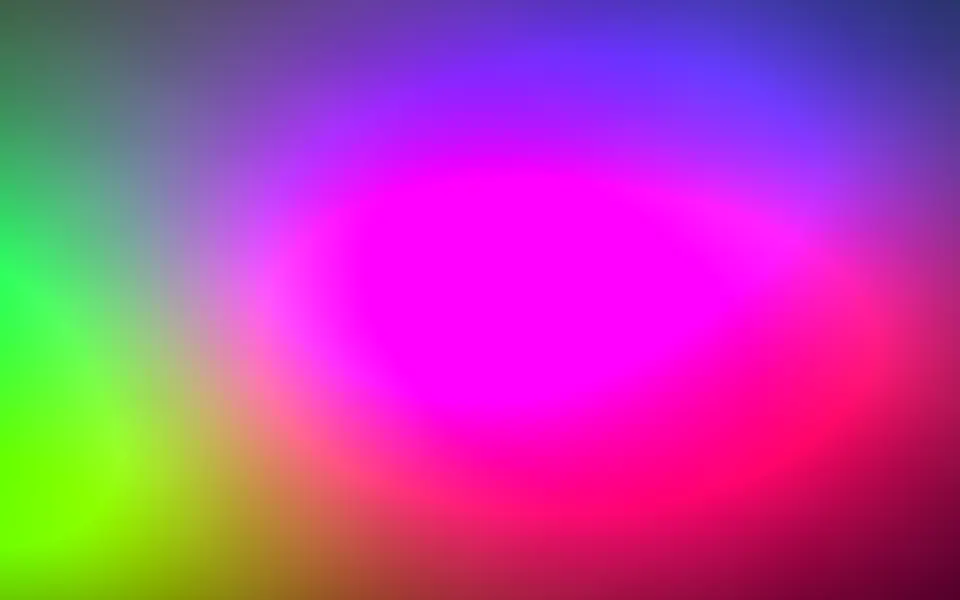
Flow & gradientsA cleaner field of a few big lights, free
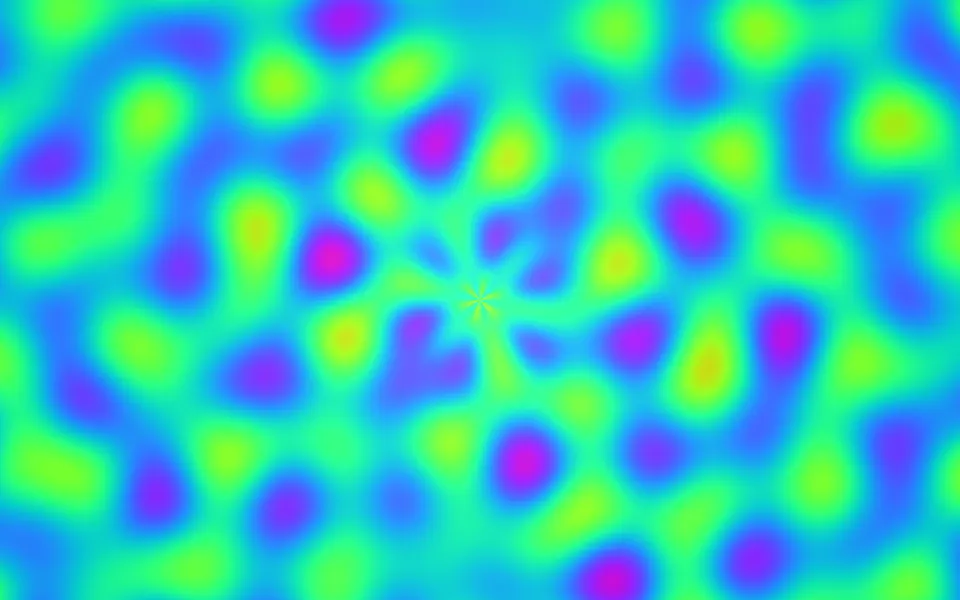
Plasma Shader
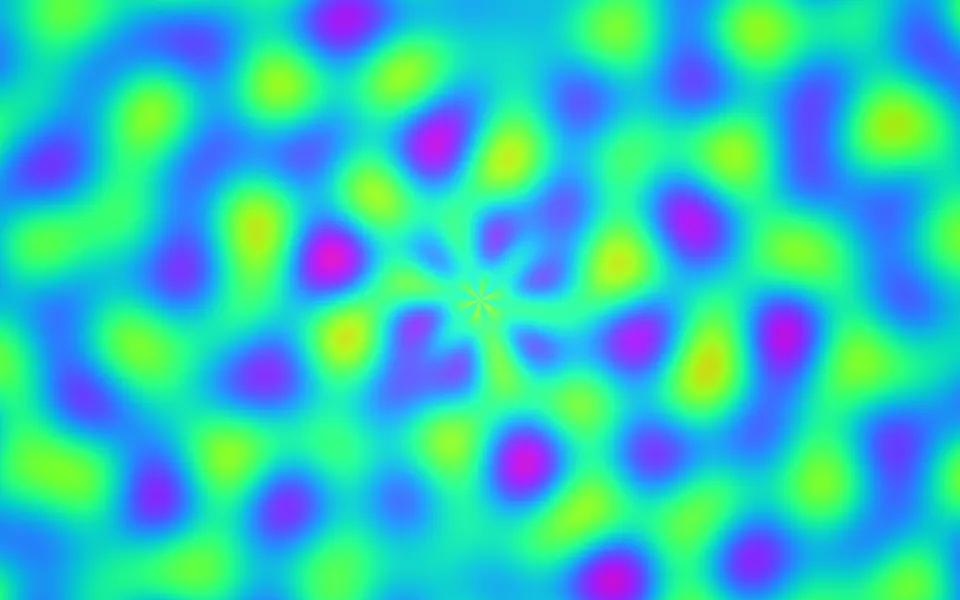
Flow & gradientsInterference blobs with a pinwheel, free and lighter
- Pro
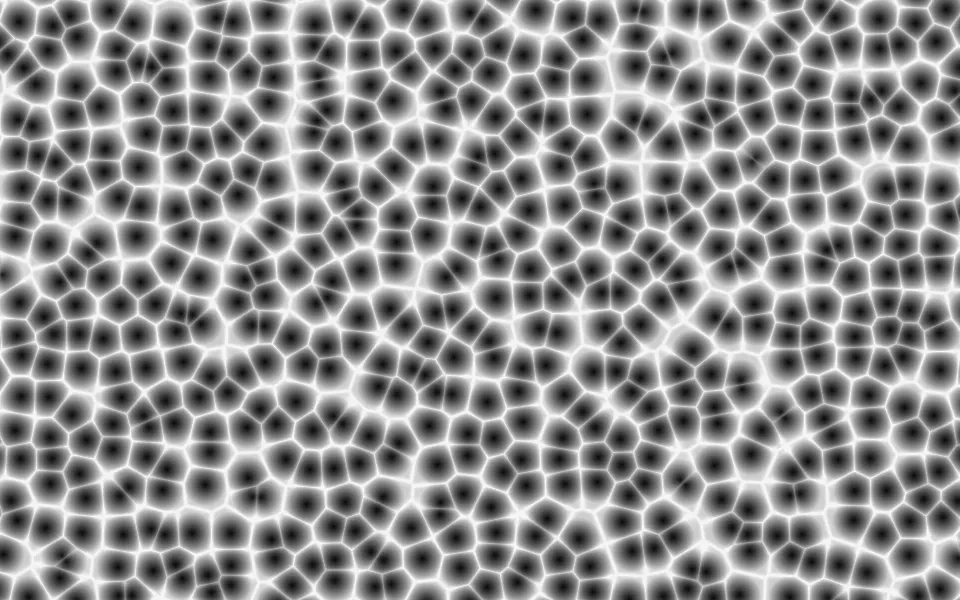
Worley Noise Shader
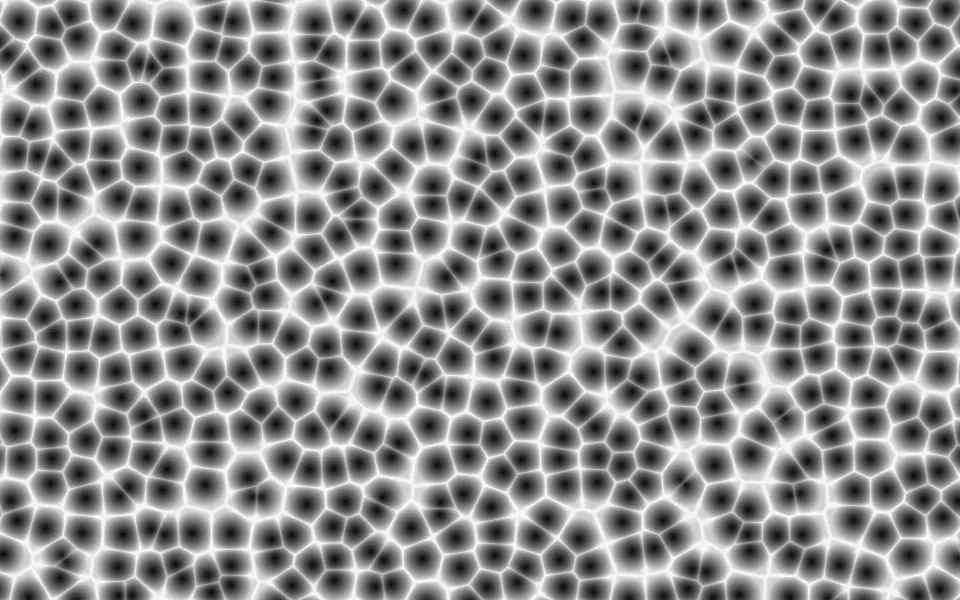
Patterns & tilingsCellular noise alone, as a fine web
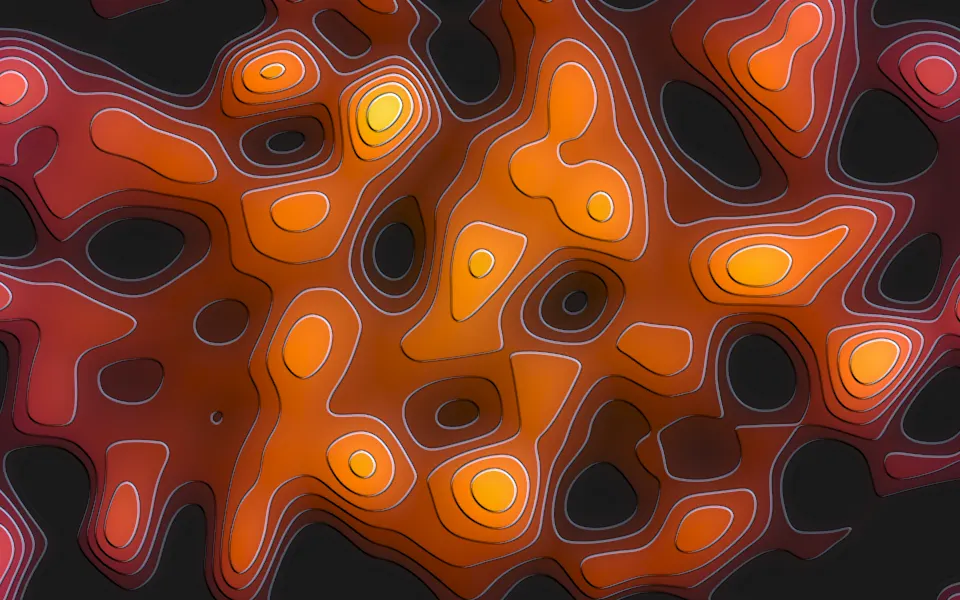
Smooth Noise Contours Shader
Patterns & tilingsNoise cut into embossed terraces, free
- Pro
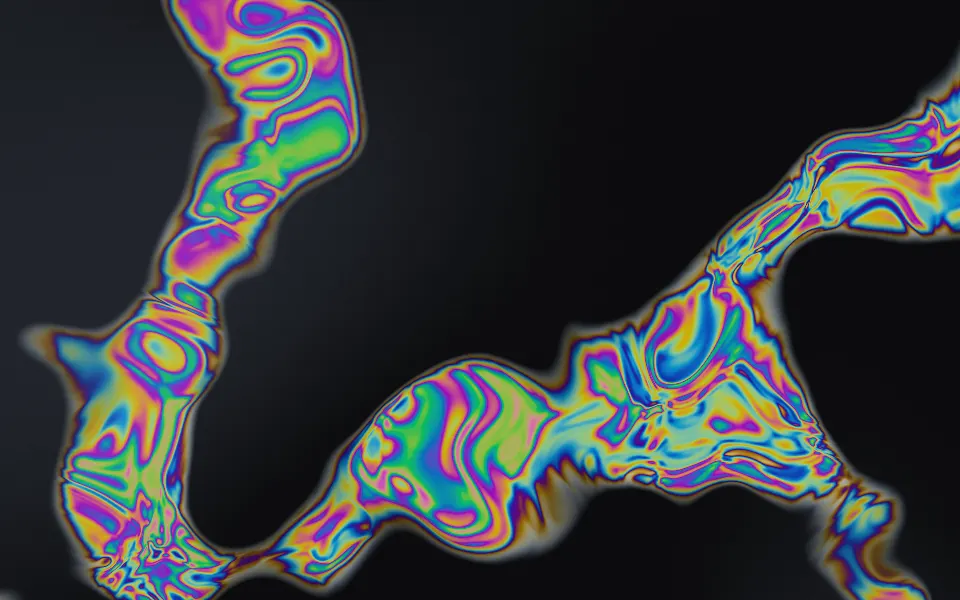
Oil Slick Shader
Flow & gradientsSwirling noise as rainbow oil on asphalt