shadcn.io is not affiliated with official shadcn/ui
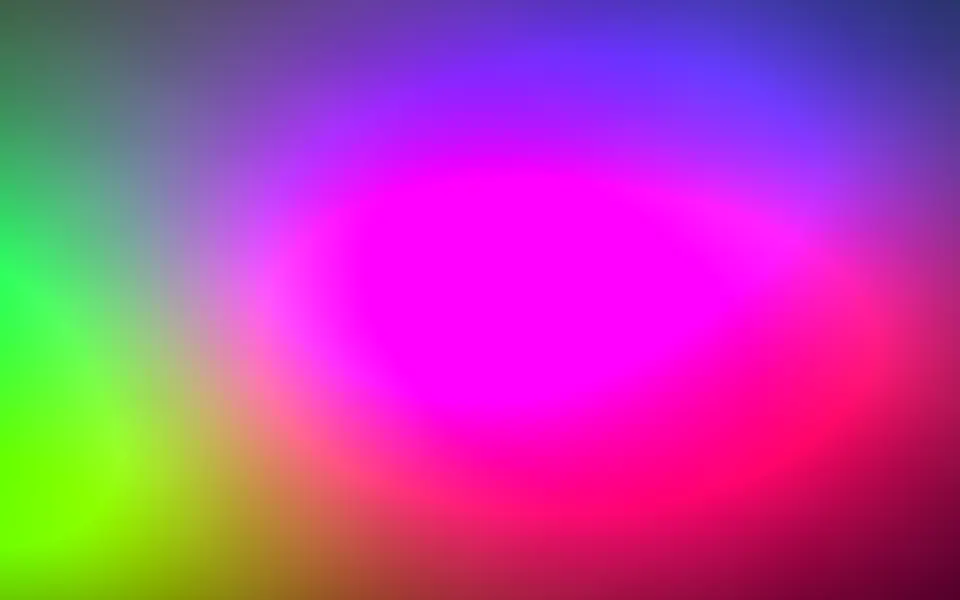
Plasma Shader draws the classic demoscene plasma on the GPU. Four waves of sines and cosines interfere: one along the axes, one across the diagonals, one in rings round the center and one in six spokes, which leave a pinwheel in the middle. Their sum becomes a color through three sines 120 degrees apart, so the field fills with soft round blobs in neon green, cyan, blue and violet, with yellow and orange hot spots, and the whole mapping turns through the spectrum every 12.6 seconds. Every pixel is computed each frame by a WGSL fragment shader on WebGPU, for about 0.1 ms of GPU time a frame, the lightest shader in the set.
Use it behind a retro hero, a music release, a club night or a game jam page, where the background is part of the show. For the same idea in plain CSS, calmer and in pastel or jewel tones, use the Plasma background; for big, slow color lights, Gradient Mesh Shader; for organic fractal color, Noise Shader. It runs only while it's on screen, holds a still frame with reduced motion, and shows CSS rings of the same colors in browsers without WebGPU.
Installation
Usage
import { PlasmaShader } from "@/components/ui/plasma-shader";<PlasmaShader className="flex min-h-[32rem] items-center justify-center">
<h1 className="rounded-2xl bg-white/40 px-6 py-3 text-5xl font-semibold text-black">
Turn it up
</h1>
</PlasmaShader>Plasma Shader is a container: your content sits on top of the plasma, in normal flow. It fills its own box, so give it a height or content. For a backdrop behind the whole page, render it empty with className="fixed inset-0 -z-10". The colors are bright in both color schemes, so black text reads best on them, and the busy pattern needs a panel behind body text, such as bg-white/40.
Demos
Rings
bands={3} spreads each wave across three times as many colors, so the blobs turn into tight rainbow rings, and scale={0.5} doubles their size. speed={0.6} slows it to suit the bigger shapes.
In a card
saturation={0.6} softens the colors, and speed={0.4} calms the motion for a small surface that sits next to text. quality={0.5} renders at half resolution: the blobs are soft, so you can't tell, and the GPU does a quarter of the work.
Performance
About 0.1 ms of GPU time a frame at 1280×720 on an M2 Max laptop: about 10 trigonometric calls a pixel, with no loops or textures. Slower GPUs take several times longer, and quality={0.5} renders a quarter of the pixels. The animation stops when the shader scrolls out of view, and the browser pauses it in a hidden tab. Every shader on a page shares one GPU device and one frame loop, and vgpu (about 50 KB gzipped) loads only when the first one mounts.
Browser support
The shader needs WebGPU: Chrome and Edge, Safari 26 and later, and Firefox on Windows and macOS. Elsewhere, and until the first frame, the box shows CSS rings of the same greens, cyans and blues, so the layout never jumps. data-state on the root reads unsupported there, if you want to style around it. See Shader Canvas.
Accessibility
The plasma is decoration: it's hidden from assistive tech and lets every click through to your content. With reduced motion it draws one still frame, green, cyan, blue and violet blobs round the pinwheel, and stops. Nothing flashes: every color changes along smooth waves, though the motion is brisk, so prefer speed below 1 next to long reading. Over a dozen moments, black text on the bare plasma stays above 3.6:1, enough only for large headings; on a bg-white/40 panel it stays above 7:1. White text needs bg-black/60 to stay above 6.5:1.
FAQ
How is a plasma made?
It's a sum of waves. Four products of sines and cosines, each with its own direction and speed, add up to one value per pixel that rises and falls smoothly across the screen. Three sines of that value, 120 degrees apart, give the red, green and blue, so every level of the sum is a hue. As time shifts the waves, the blobs merge, split and drift.
What do bands and scale do?
scale sets the size of the pattern: 0.5 draws a few big blobs, 3 many small ones. bands sets how far the sum swings through the spectrum: at 0.5 each blob stays near one hue, at 3 it runs through the rainbow several times, in rings.
How do I slow or stop the color cycle?
colorSpeed scales the turn through the spectrum on its own: colorSpeed={0} holds the palette while the blobs keep moving. hue picks where on the spectrum it starts, from 0 to 1. speed slows everything, and paused or time hold one frame.
Why is there a pinwheel in the middle?
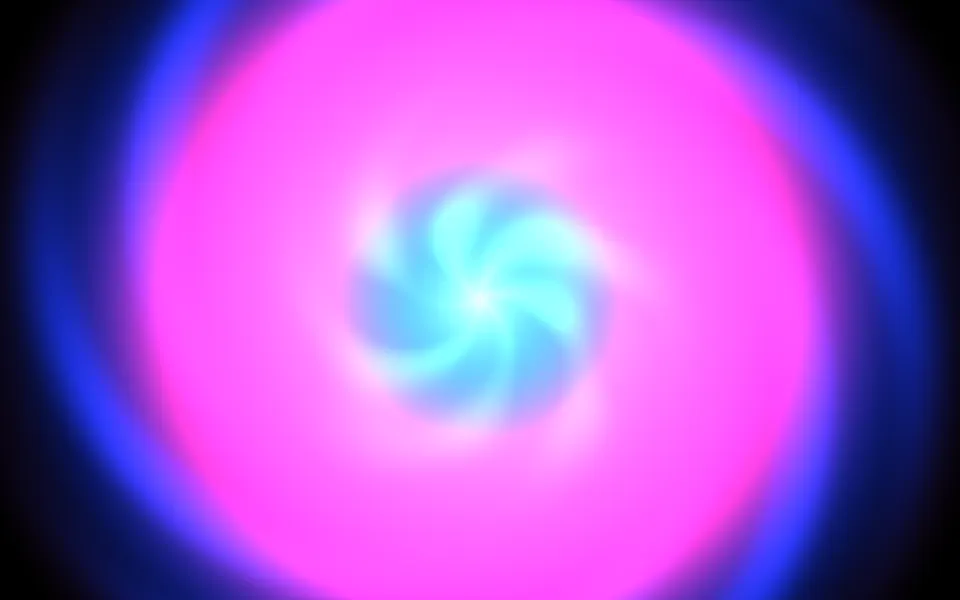
One of the four waves runs round the center, with six crests a turn. All six meet at the center, so they draw a small pinwheel there that turns with the colors. It's the signature of this plasma; scale doesn't change it, because it depends only on the angle.
Will it slow my page down?
It's the lightest shader in the set: about 0.1 ms of GPU time a frame at 1280×720 on a laptop, and the CPU only sets a few numbers each frame. It stops when it's off screen. On a slow GPU or a large screen, quality={0.5} renders a quarter of the pixels, and the soft blobs look the same.
How is it different from the Plasma background?
The Plasma background is CSS: grey waves mapped to a gradient, in soft pastel or jewel palettes, slow and calm. Plasma Shader is the raw sum of sines on the GPU, in full-spectrum color, faster, with the pinwheel at its center.
API Reference
PlasmaShader
data-slot="plasma-shader"
bands?number
How many colour bands the waves sweep through, from 0.5 (broad blobs) to 3 (tight rainbow rings). @default 1.
- Default
1
colorSpeed?number
How fast the colours turn round the spectrum, on top of speed: 0 holds them. @default 1.
- Default
1
fallback?string
What shows until the first frame and in browsers without WebGPU: a CSS
background value (gradients, sizes, a colour) that looks like the
shader. It can use the colour props' --shader-<field> variables.
hue?number
Where on the spectrum the colours start, from 0 to 1 (a full turn). @default 0.
- Default
0
interactive?boolean
Whether u.pointer follows the pointer. @default false.
paused?boolean
Holds the current frame. @default false.
quality?number
Render scale, from 0.25 to 1, of the screen's pixels (capped at 2×). @default 1.
saturation?number
Colour saturation, from 0 (grey) to 1 (full colour). @default 1.
- Default
1
scale?number
How fine the pattern is, from 0.5 (a few big blobs) to 3 (many small ones). @default 1.
- Default
1
speed?number
Animation speed: 1 is normal, 0 holds the frame. @default 1.
time?number
A fixed moment, in seconds: draws it and doesn't animate.
render?ReactElement | ((props: object, state: object) => ReactElement)
Replace the host element or compose it with another component.
- Type
ReactElement | ((props: object, state: object) => ReactElement)
className?string
Forwarded to the part.
Related
Gradient Mesh Shader
Flow & gradientsBig, slow color lights instead of blobs, free
Noise Shader
Flow & gradientsOrganic fractal color, free
- Pro
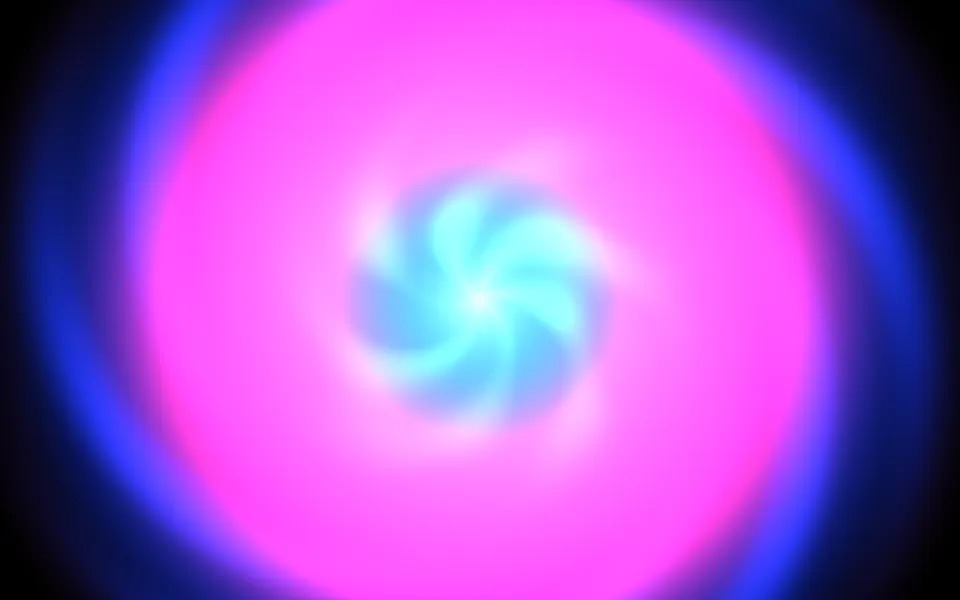
Kaleidoscope Shader
Patterns & tilingsA hot spiral bloom around one center
- Pro
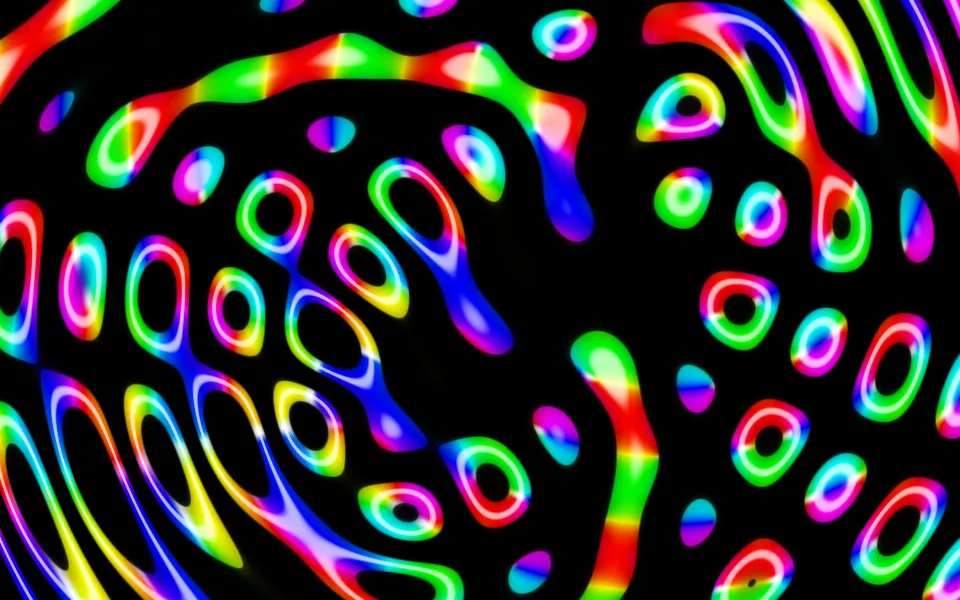
Ripples in Black Shader
Water & landscapesNeon interference tubes on black
- Pro
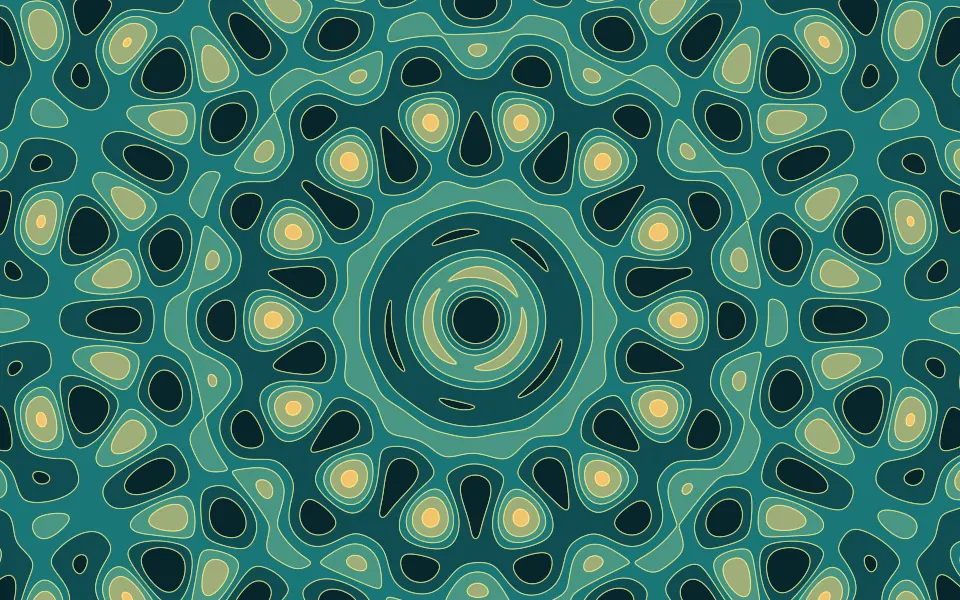
Quasicrystal Shader
GeometryWaves summed into rosettes that never repeat
Shader Canvas
CanvasWrite your own sines on the same canvas, free