shadcn.io is not affiliated with official shadcn/ui
Quasicrystal Shader adds up seven plane waves at evenly spaced angles. Where their crests meet they build rosettes, and because the angles don't fit any grid, the lattice never repeats: each rosette is a little different from the next, like a mosaic floor laid by hand. The waves' phases advance together, so the rosettes grow, split and fold into new ones, and a slow zoom breathes in and out. A WGSL fragment shader on WebGPU cuts the field into flat bands, from deep teal through teal to gold, with a thin bright line on every step.
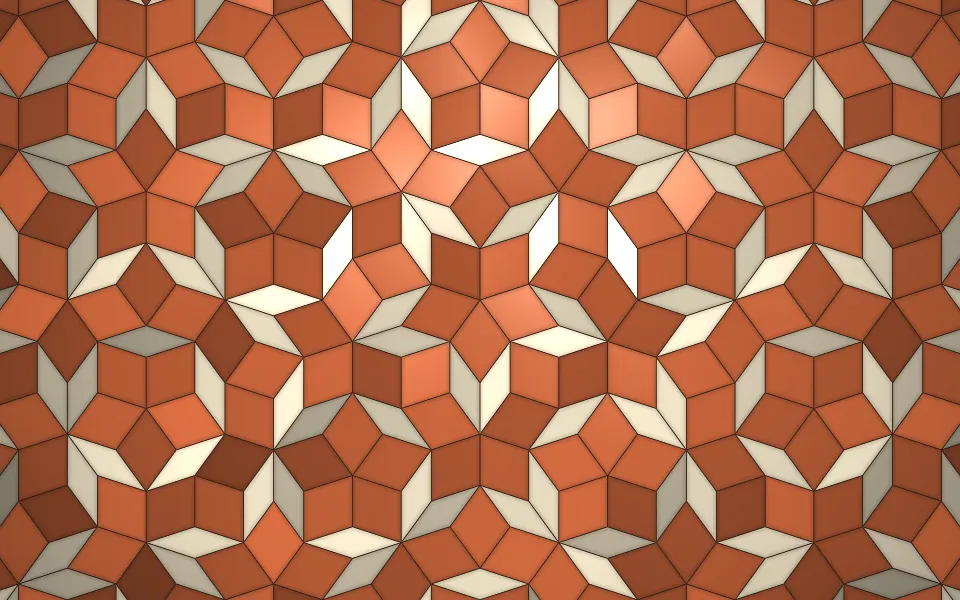
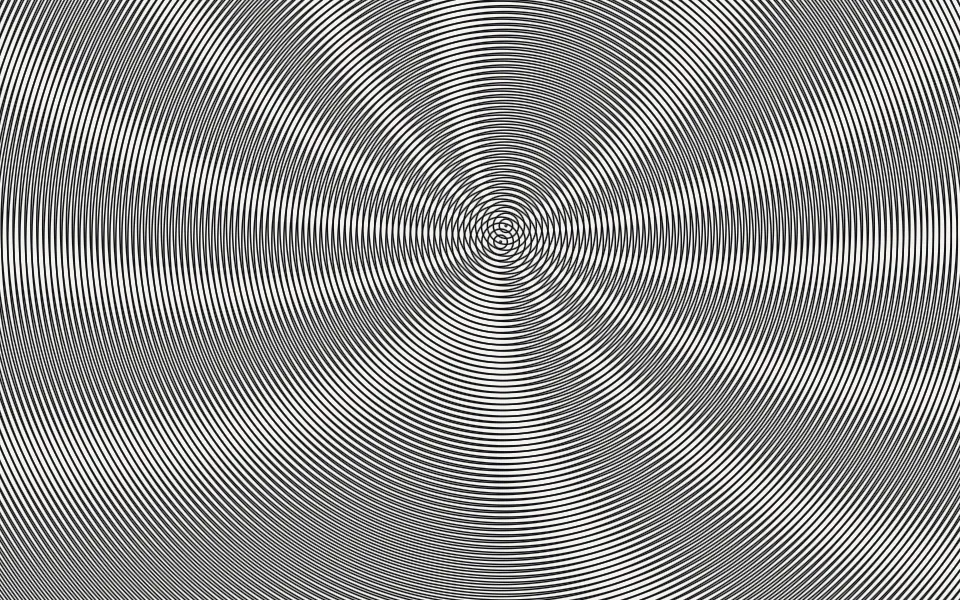
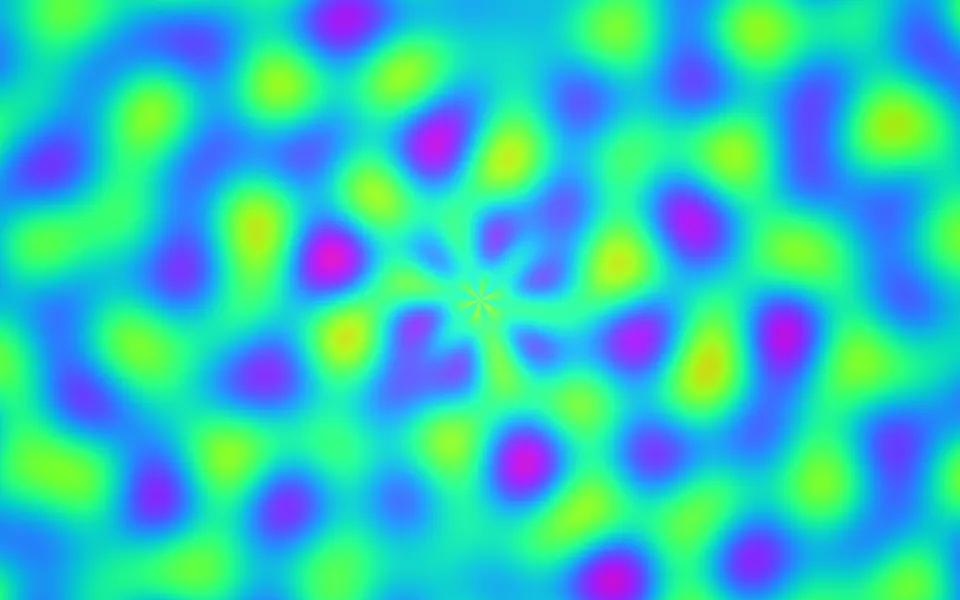
Use it behind a maths or science hero, a protocol or research page, or anywhere that wants pattern with structure rather than noise. For free-flowing sine color with no symmetry, use Plasma Shader; for an aperiodic tiling of real tiles, Penrose Tiling Shader; for black-and-white beats between gratings, Moire Shader. It runs only while it's on screen, holds a still frame with reduced motion, and shows a CSS rosette in the same colors in browsers without WebGPU.
Installation
Usage
import {
  QuasicrystalShader,
} from "@/components/ui/quasicrystal-shader";<QuasicrystalShader className="flex min-h-[32rem] items-center justify-center">
<div className="rounded-xl bg-black/60 px-8 py-6">
<h1 className="text-5xl font-semibold text-white">Ship faster</h1>
</div>
</QuasicrystalShader>Quasicrystal Shader is a container: your content sits on top of the lattice, in normal flow. It fills its own box, so give it a height or content. For a backdrop behind the whole page, render it empty with className="fixed inset-0 -z-10". The deep teal takes most of the box, but the gold peaks are bright, so white text needs a panel: bg-black/60 keeps it above 6.8:1 everywhere.
Demos
Fivefold
symmetry={5} uses five waves, so the rosettes are bolder and pentagonal, with more space between them. deepColor, midColor and lightColor recolor the ramp, here night indigo to ice blue, for a protocol or crypto page.
In a card
bands={0} turns off the bands and their lines, so the field blends smoothly from deep to gold, like soft focus on the same lattice: a quiet texture for a card. The pattern scales with the box's height, so the rosettes stay the same count in a card as in a hero.
Performance
About 0.2 ms of GPU time a frame at 1280×720 on an M2 Max laptop with the default 7 waves; each wave is one cosine and one sine per pixel, so symmetry={12} costs a little more. Keep quality at 1: the band lines are about a pixel wide and go soft at half resolution, and the cost is already small. The animation stops when the shader scrolls out of view, and the browser pauses it in a hidden tab. Every shader on a page shares one GPU device and one frame loop, and vgpu (about 50 KB gzipped) loads only when the first one mounts.
Browser support
The shader needs WebGPU: Chrome and Edge, Safari 26 and later, and Firefox on Windows and macOS. Elsewhere, and until the first frame, the box shows a CSS rosette of teal spokes around a gold glow, so the layout never jumps. data-state on the root reads unsupported there, if you want to style around it. See Shader Canvas.
Accessibility
The lattice is decoration: it's hidden from assistive tech and lets every click through to your content. With reduced motion it draws one still frame, a ringed rosette at the center of the lattice, and stops. Nothing flashes: the rosettes morph over about 12 seconds a cycle. The gold peaks are bright, so never set text on the lattice bare: a bg-black/60 panel keeps white text above 6.8:1, and a panel of the deep color at 80% (bg-[#06262b]/80) above 9:1.
FAQ
How is the pattern made?
It's a sum of plane waves, cosines running in evenly spaced directions. With 5, 7 or more directions there's no grid that fits them all, so the sum is quasiperiodic: ordered, with rosettes everywhere, but never the same twice. Advancing every wave's phase together makes the rosettes morph, and the field is then cut into flat bands.
What does symmetry change?
symmetry is how many waves meet, from 5 to 12. Five gives bold, pentagonal rosettes; 7 the default mosaic; 10 to 12 a large ringed medallion in the middle, framed by finer, lacy rosettes.
How do I get a smooth look instead of bands?
bands={0} blends the colors smoothly and drops the lines. From 2 to 12, bands sets how many flat steps the ramp is cut into: 3 is a bold, poster look, and 12 a fine contour map. intensity sets the contrast: lower keeps more of the box in the middle color, higher pushes it to deep and gold.
Can I change the colors?
Yes: deepColor is the low ground, midColor the middle of the ramp, and lightColor the peaks and the lines between bands. They take any CSS color, var(--primary) included, and follow a theme switch. Keep them ordered dark to light, or the rosettes read inside out.
API Reference
QuasicrystalShader
data-slot="quasicrystal-shader"
bands?number
How many flat bands the field is cut into, from 2 to 12; 0 is a smooth blend with no lines. @default 6.
- Default
6
deepColor?string
The low ground. Any CSS colour. @default "#06262b".
- Default
"#06262b"
fallback?string
What shows until the first frame and in browsers without WebGPU: a CSS
background value (gradients, sizes, a colour) that looks like the
shader. It can use the colour props' --shader-<field> variables.
intensity?number
Contrast, from 0 (flat) to 2 (more ground in the deep and light colours). @default 1.
- Default
1
interactive?boolean
Whether u.pointer follows the pointer. @default false.
lightColor?string
The rosette peaks and the lines. Any CSS colour. @default "#f2c46d".
- Default
"#f2c46d"
midColor?string
The middle of the ramp. Any CSS colour. @default "#1f8a8a".
- Default
"#1f8a8a"
paused?boolean
Holds the current frame. @default false.
quality?number
Render scale, from 0.25 to 1, of the screen's pixels (capped at 2×). @default 1.
scale?number
How large the rosettes are, from 0.3 to 3: 2 doubles them. @default 1.
- Default
1
speed?number
Animation speed: 1 is normal, 0 holds the frame. @default 1.
symmetry?number
How many plane waves meet at evenly spaced angles, from 5 to 12: more gives finer, rounder rosettes. @default 7.
- Default
7
time?number
A fixed moment, in seconds: draws it and doesn't animate.
render?ReactElement | ((props: object, state: object) => ReactElement)
Replace the host element or compose it with another component.
- Type
ReactElement | ((props: object, state: object) => ReactElement)
className?string
Forwarded to the part.
Related
- Pro
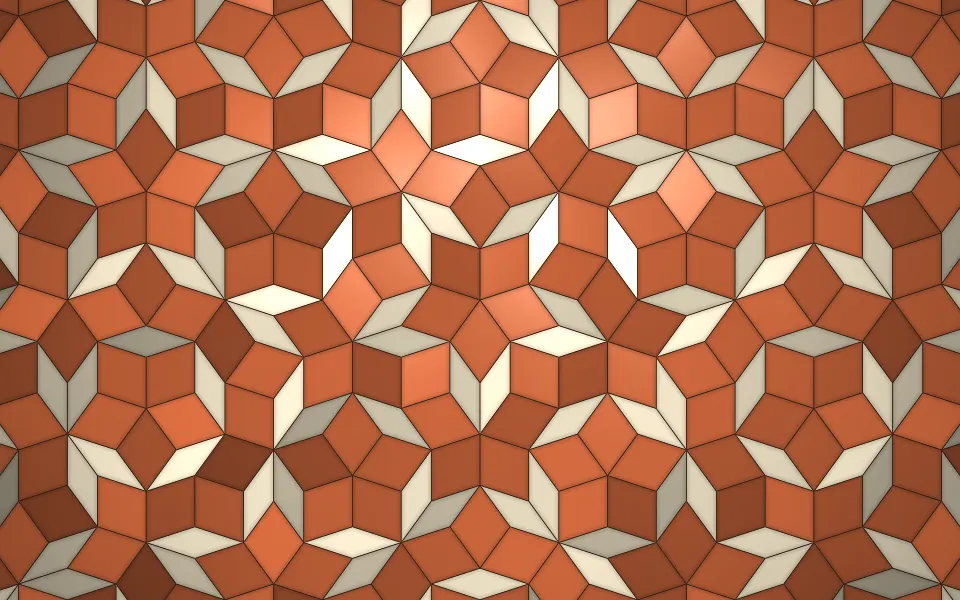
Penrose Tiling Shader
GeometryAn aperiodic tiling of real tiles
- Pro
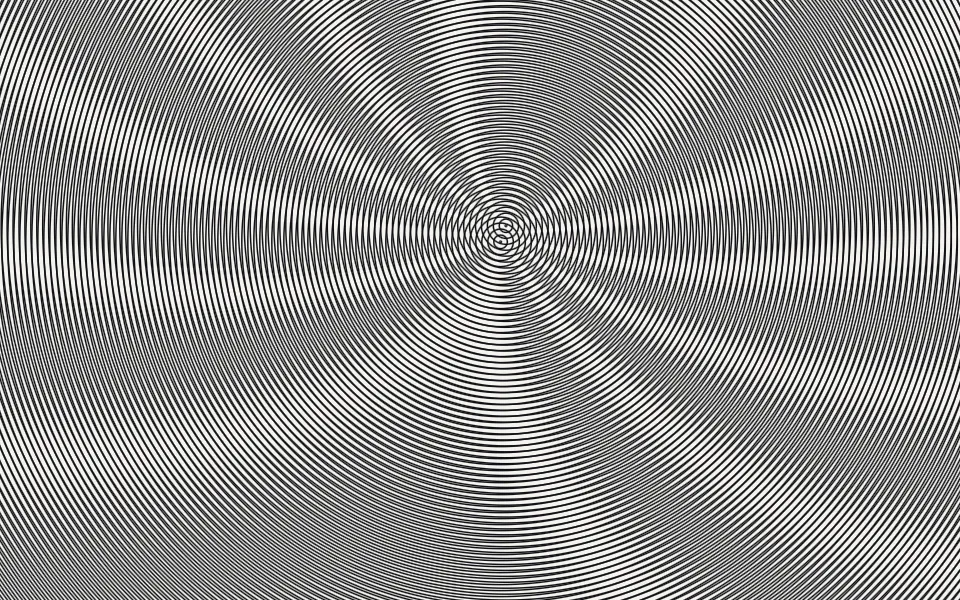
Moire Shader
GeometryBlack-and-white beats between gratings
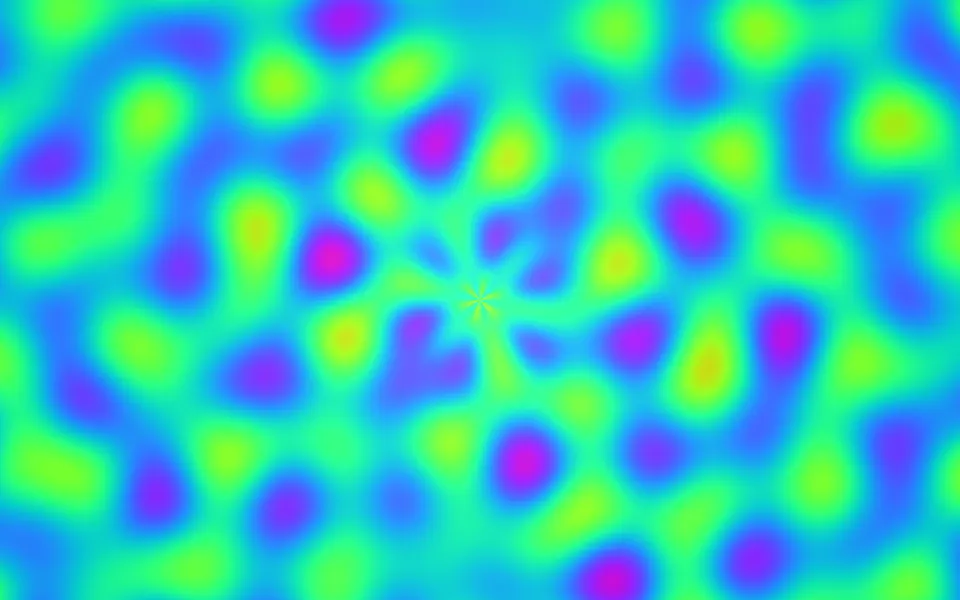
Plasma Shader
Flow & gradientsFree-flowing sine color, free and lighter
- Pro
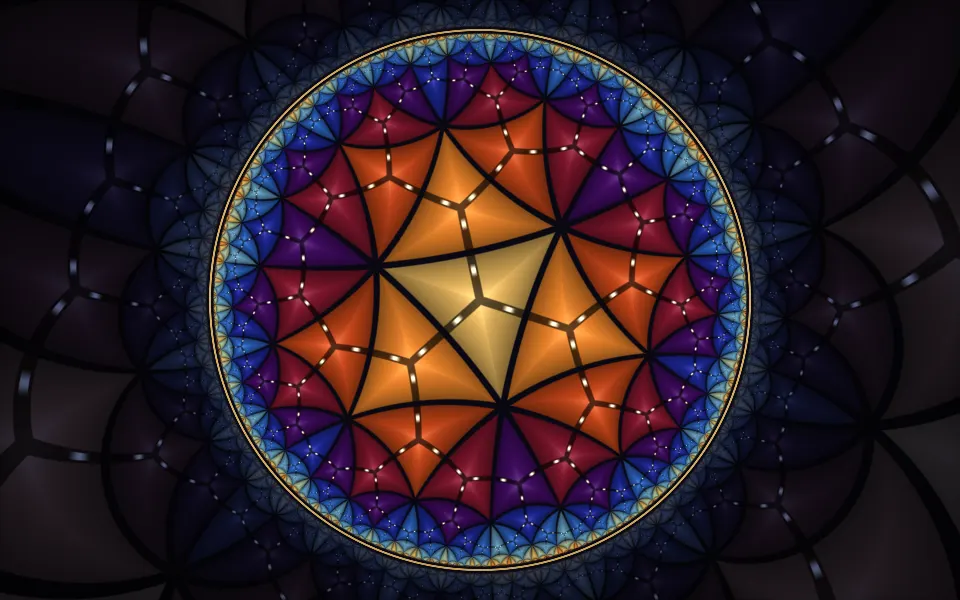
Poincaré Disc Animation Shader
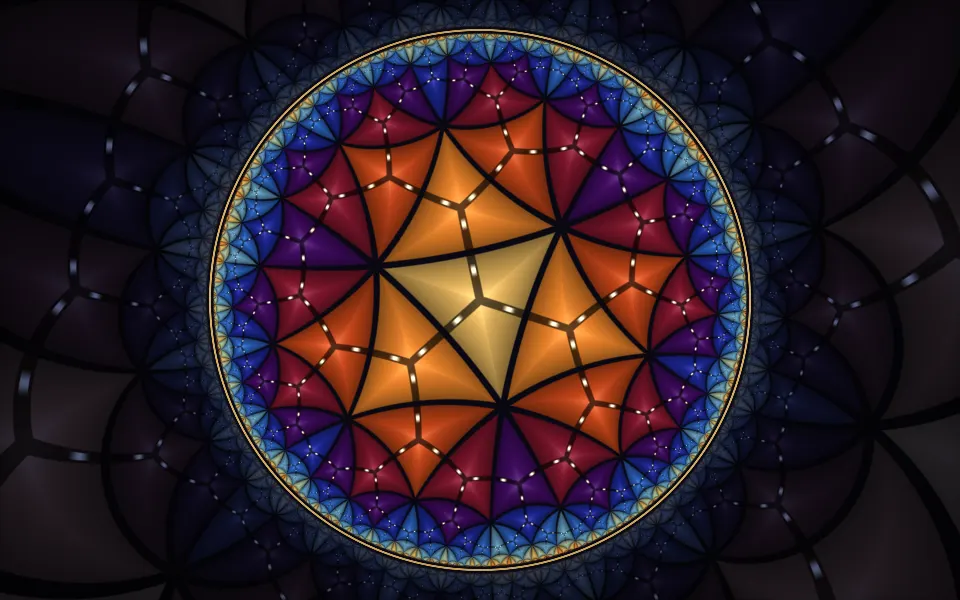
GeometryAnother infinite pattern, hyperbolic
- Pro
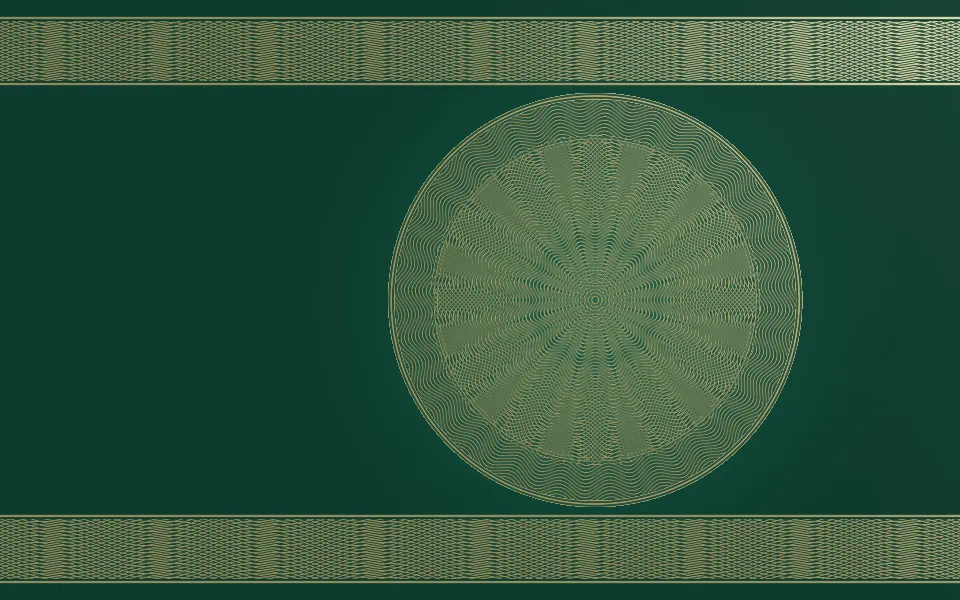
Guilloche Shader
GeometryEngraved rosettes, gold on emerald
- Pro
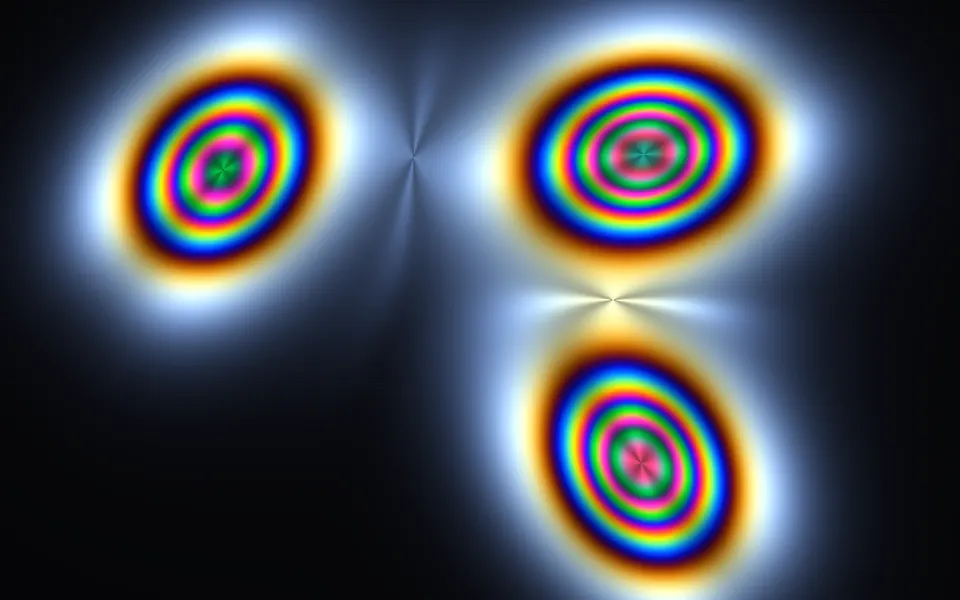
Photoelastic Shader
Light & glassColored bands for a science page