shadcn.io is not affiliated with official shadcn/ui
Breathing Dots Shader lays a grid of dots on a sheet tilted back from you, so the dots shrink and crowd toward the top. The sheet swells and settles: drifting 3D simplex noise and a slow breath that travels out from a wandering point set each dot's size and brightness, so dots on a crest grow and glow while dots in a trough shrink to pinpoints. The color runs from violet on the left through cyan to mint on the right, and the pointer presses a soft dimple into the sheet that sends out a ring every three seconds. A WGSL fragment shader on WebGPU draws every dot each frame, with anti-aliased edges and no texture.
Use it behind an AI product, a SaaS hero or an empty state that should feel alive without being busy. For a flat dot grid in plain CSS that lights up under the pointer, use the Dot Pattern background; for soft orbs under a hairline grid, Orb Grid Shader. It runs only while it's on screen, holds a still frame with reduced motion, and shows a CSS dot grid in browsers without WebGPU.
Installation
Usage
import {
  BreathingDotsShader,
} from "@/components/ui/breathing-dots-shader";<BreathingDotsShader className="flex min-h-[32rem] items-center justify-center">
<h1 className="text-5xl font-semibold text-white">Ship faster</h1>
</BreathingDotsShader>Breathing Dots Shader is a container: your content sits on top of the sheet, in normal flow. It fills its own box, so give it a height or content. For a backdrop behind the whole page, render it empty with className="fixed inset-0 -z-10". The sheet is dark in both color schemes, so put white or light text on it. The pointer's dimple fades in while the pointer is over the box and fades out when it leaves, so at rest the whole sheet breathes.
Demos
Flat
tilt={0} faces the sheet straight on, so every dot sits on an even grid, as on a sign-up panel. spacing={14} packs the dots tighter, and intensity={0.7} keeps the swell gentle.
In a card
spacing={22} and dotSize={1.4} make fewer, bigger dots that read at card size, and interactive={false} turns the pointer's dimple off, so the card only breathes.
Performance
About 0.24 ms of GPU time a frame at 1280×720 on an M2 Max laptop, so it keeps full quality: the dots are small and sharp, and half resolution would blur them. Slower GPUs take several times longer. The animation stops when the shader scrolls out of view, and the browser pauses it in a hidden tab. Every shader on a page shares one GPU device and one frame loop, and vgpu (about 50 KB gzipped) loads only when the first one mounts.
Browser support
The shader needs WebGPU: Chrome and Edge, Safari 26 and later, and Firefox on Windows and macOS. Elsewhere, and until the first frame, the box shows a CSS grid of cyan dots over a faint violet-to-mint wash, so the layout never jumps. data-state on the root reads unsupported there, if you want to style around it. See Shader Canvas.
Accessibility
The sheet is decoration: it's hidden from assistive tech and lets every click through to your content. The dimple follows a mouse or pen, never touch. With reduced motion it draws one still frame and stops. Nothing flashes: a breath takes about six seconds, and the ring fades as it spreads. White text reads well: across the renders it keeps above 7.4:1 contrast on 90% of the box, and the brightest crest dots drop to about 2:1, so keep small body text on a panel.
FAQ
How does the pointer interact with it?
The pointer presses a soft dimple into the sheet: the dots under it shrink, and a ring leaves it every three seconds and fades as it spreads. It eases after the pointer, fades in as the pointer comes over the box, and fades out when it leaves. interactive={false} turns the dimple off; touch never moves it.
How do I change the perspective?
tilt is how far the sheet leans back, from 0 (flat, facing you) to 60 degrees. At 0 every dot sits on an even grid; at 60 the far rows crowd toward the top and fade out before they get too small to draw cleanly.
Can I change the colors?
Yes: fromColor, viaColor and toColor are the three stops from left to right, and backgroundColor is the page behind the dots. They take any CSS color, var(--primary) included, and follow a theme switch. Keep the background dark: the crests brighten toward white.
How do I make it calmer?
Lower intensity: 0 stops the swell and leaves even dots, and 0.5 is a gentle breath. speed={0.5} breathes half as fast, and paused or time holds one frame.
Will it slow my page down?
It costs about 0.24 ms of GPU time a frame at 1280×720 on a laptop, and the CPU only sets a few numbers each frame. It stops when it's off screen. On a very slow GPU, a larger spacing doesn't save work, but quality={0.75} does, at the cost of slightly softer dots.
How is it different from the Dot Pattern background?
The Dot Pattern background is a flat CSS grid of dots that lights up near the pointer. Breathing Dots Shader draws a sheet in perspective whose dots swell and shrink with it, in a three-color sweep, on the GPU.
API Reference
BreathingDotsShader
data-slot="breathing-dots-shader"
backgroundColor?string
The page behind the dots. Any CSS colour; keep it dark. @default "#0a0a12".
- Default
"#0a0a12"
dotSize?number
How big the dots get, from 0.5 to 2: 2 lets the crests touch. @default 1.
- Default
1
fallback?string
What shows until the first frame and in browsers without WebGPU: a CSS
background value (gradients, sizes, a colour) that looks like the
shader. It can use the colour props' --shader-<field> variables.
fromColor?string
The colour on the left of the sheet. Any CSS colour. @default "#7c5cff".
- Default
"#7c5cff"
intensity?number
How much the sheet swells, from 0 (still, even dots) to 2 (deep crests and troughs). @default 1.
- Default
1
interactive?boolean
Whether the pointer presses a dimple into the sheet and sends out rings. @default true.
- Default
true
paused?boolean
Holds the current frame. @default false.
quality?number
Render scale, from 0.25 to 1, of the screen's pixels (capped at 2×). @default 1.
spacing?number
The distance between two dots at the middle of the box, in CSS pixels, from 8 to 40. @default 18.
- Default
18
speed?number
Animation speed: 1 is normal, 0 holds the frame. @default 1.
tilt?number
How far the sheet leans back, in degrees, from 0 (flat, facing you) to 60. @default 30.
- Default
30
time?number
A fixed moment, in seconds: draws it and doesn't animate.
toColor?string
The colour on the right of the sheet. Any CSS colour. @default "#34d399".
- Default
"#34d399"
viaColor?string
The colour in the middle. Any CSS colour. @default "#22d3ee".
- Default
"#22d3ee"
render?ReactElement | ((props: object, state: object) => ReactElement)
Replace the host element or compose it with another component.
- Type
ReactElement | ((props: object, state: object) => ReactElement)
className?string
Forwarded to the part.
Related
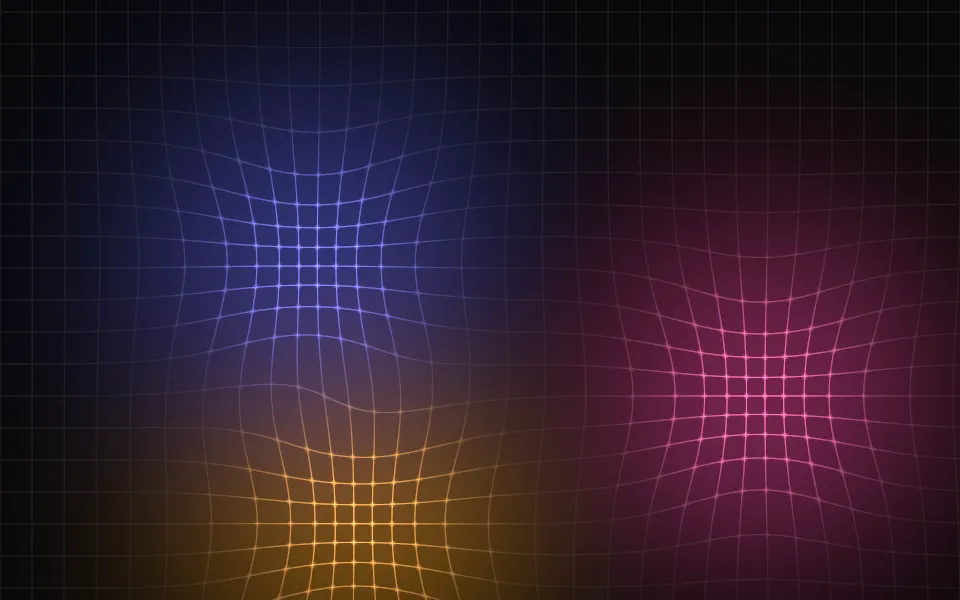
Orb Grid Shader
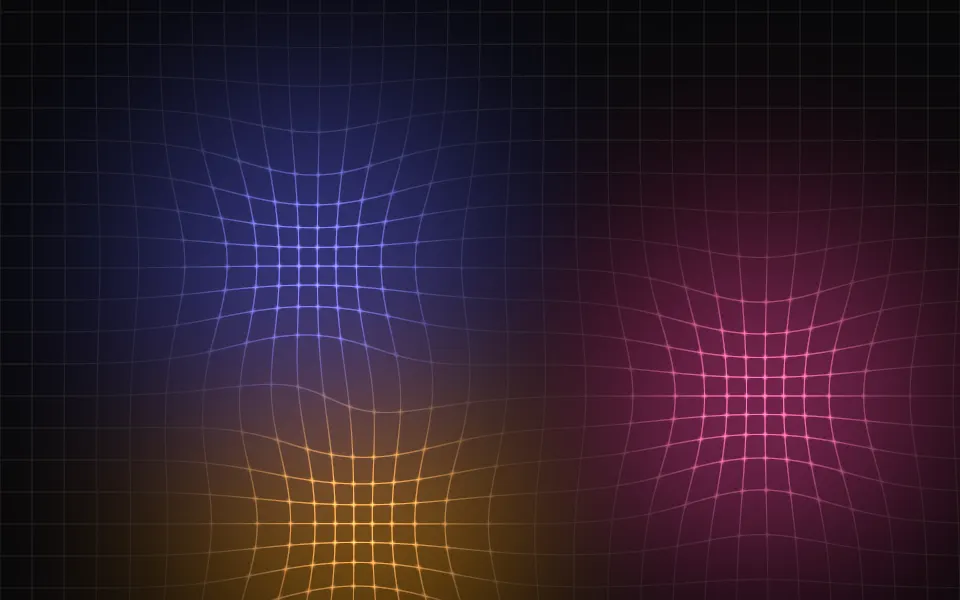
GeometrySoft orbs under a hairline grid, free
- Pro
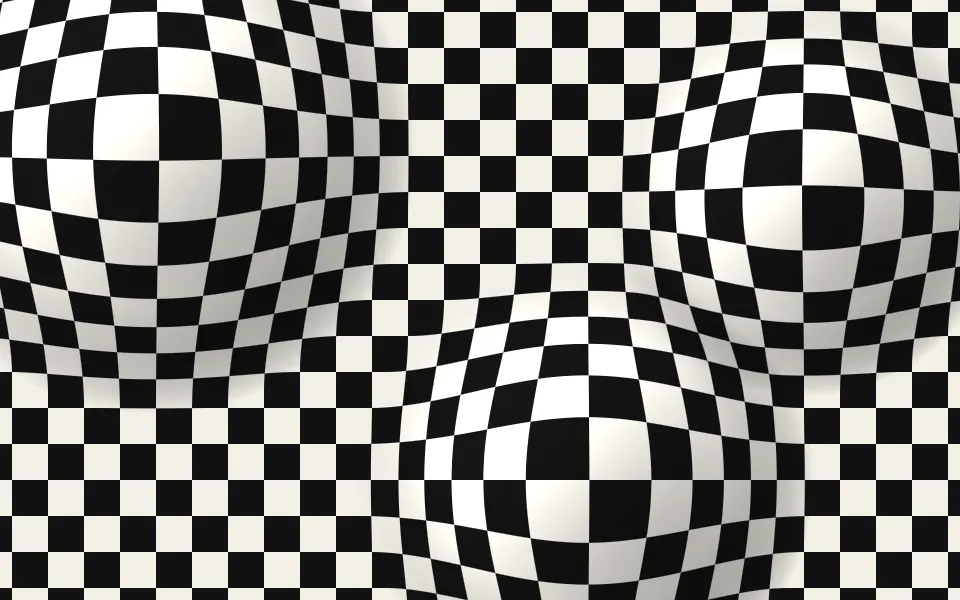
Op Art Bulge Shader
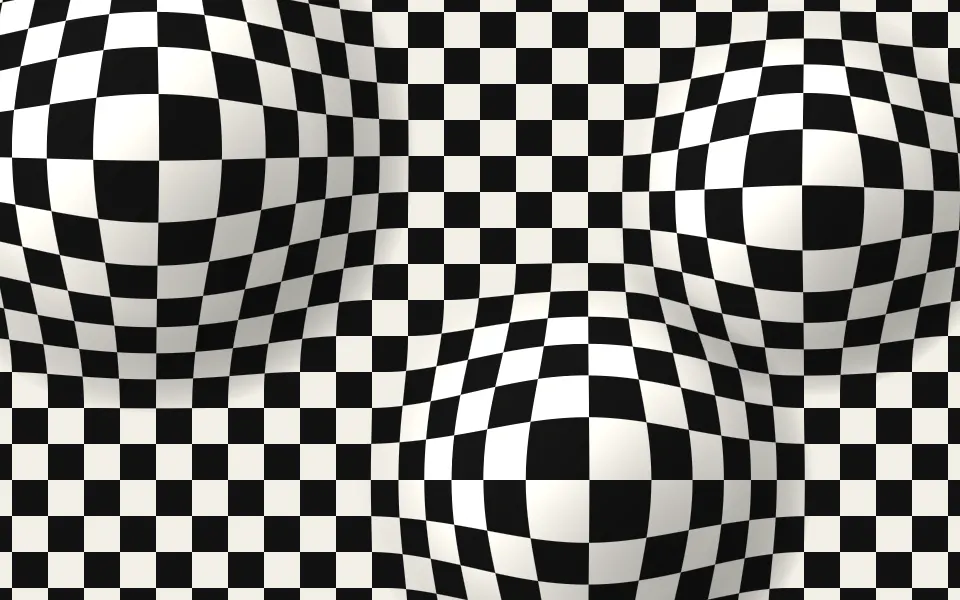
GeometryA grid that swells over spheres
Ripple Shader
Water & landscapesCalm rings in one brand color, free
- Pro
Binary Shader
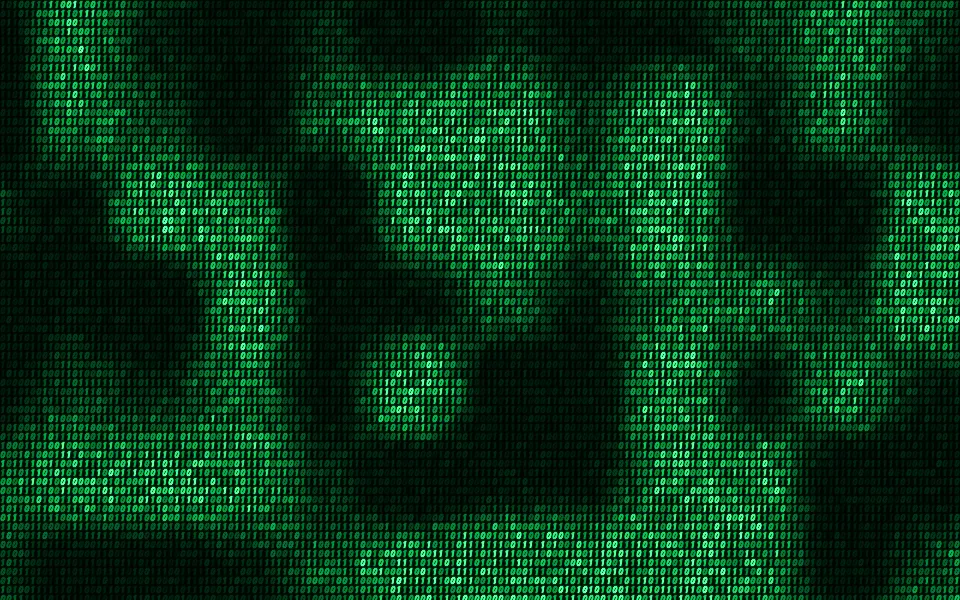
Digital & retroA grid of living digits
- Pro
Cosmic Waves Shader
SpaceA soft glow in your brand's colors
Waves Shader
Water & landscapesPastel motion for a light hero, free