shadcn.io is not affiliated with official shadcn/ui
Platonic Solids Shader nests the five Platonic solids inside each other, from an icosahedron on the outside through a dodecahedron, a cube and an octahedron to a tetrahedron at the heart. Each shell turns on its own axis at its own speed, drawn in fine brass lines on deep navy with mild perspective: front edges are solid, back edges dimmer and dashed, and every corner carries a dot. Thin orbit rings with a bead each run between the shells, inside a ticked outer ring, like an astrolabe. A WGSL fragment shader on WebGPU measures the distance from every pixel to all 90 edges each frame, so the lines stay crisp and anti-aliased at any size.
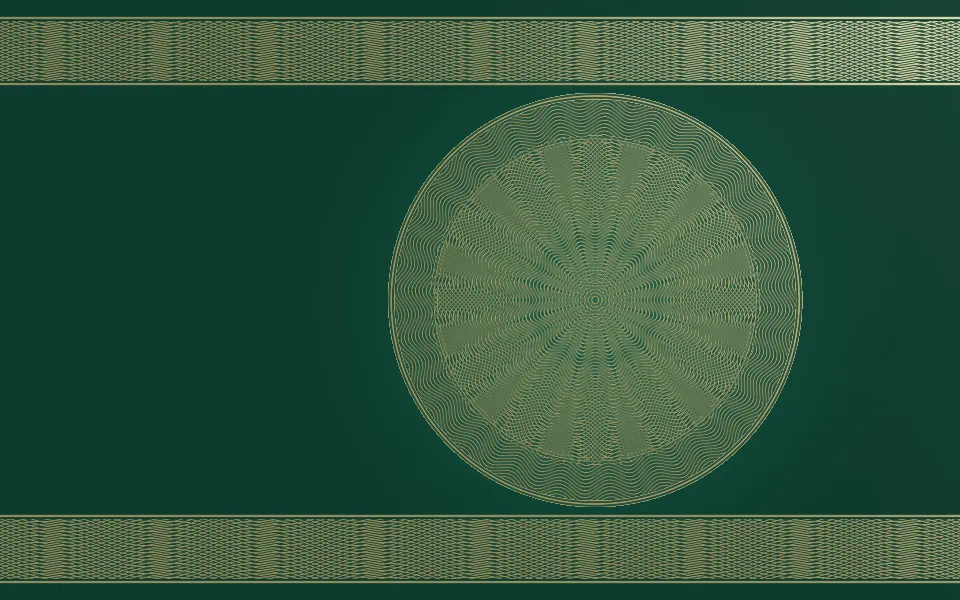
Use it behind a research, education, science or protocol page that wants geometry with some ceremony. For a single four-dimensional cube in plain CSS, use the Tesseract background; for engraved, banknote-style line art, Guilloche Shader. It runs only while it's on screen, holds a still frame with reduced motion, and shows CSS rings on a navy glow in browsers without WebGPU.
Installation
Usage
import {
  PlatonicSolidsShader,
} from "@/components/ui/platonic-solids-shader";<PlatonicSolidsShader className="flex min-h-[32rem] items-center justify-center">
<h1 className="text-5xl font-semibold text-white">Ship faster</h1>
</PlatonicSolidsShader>Platonic Solids Shader is a container: your content sits on top of the stack, in normal flow. It fills its own box, so give it a height or content. For a backdrop behind the whole page, render it empty with className="fixed inset-0 -z-10". The stack and its outer ring fill about 90% of the box's shorter side, centered; align="right" moves it right of center, so copy on the left sits on bare navy. The background is dark in both color schemes, so put white or light text on it.
Demos
Offset
align="right" moves the stack to the right and enlarges it a little, for a hero with copy on the left. solids={3} keeps only the three outer shells, and lineColor with backgroundColor turn the brass and navy into silver on near-black.
In a card
solids={1} draws the icosahedron alone, and align="right" lets it run off the card's edge, a quiet corner piece. lineWidth={1.25} thickens the lines a little for a small surface.
Performance
About 1.5 ms of GPU time a frame at 1280×720 on an M2 Max laptop with all five solids, and less with fewer: the cost grows with the number of edges each pixel checks, and pixels outside a shell skip its edges. It keeps full quality, because the lines are a pixel wide and blur at half resolution; on a slow GPU, lower solids first. The animation stops when the shader scrolls out of view, and the browser pauses it in a hidden tab. Every shader on a page shares one GPU device and one frame loop, and vgpu (about 50 KB gzipped) loads only when the first one mounts.
Browser support
The shader needs WebGPU: Chrome and Edge, Safari 26 and later, and Firefox on Windows and macOS. Elsewhere, and until the first frame, the box shows faint brass rings on a navy glow, so the layout never jumps. data-state on the root reads unsupported there, if you want to style around it. See Shader Canvas.
Accessibility
The stack is decoration: it's hidden from assistive tech and lets every click through to your content. With interactive, the tilt follows a mouse or pen, never touch. With reduced motion it draws one still frame and stops. Nothing flashes: the fastest shell takes about 20 seconds to turn once. White text reads well on it: across the renders it keeps above 8.8:1 contrast on 90% of the middle of the box, and drops to about 2.6:1 only where it crosses a line, so headlines read bare; keep small body text on a panel or beside the stack with align="right".
FAQ
Which solids are drawn, and in what order?
From the outside in: the icosahedron (20 triangles), the dodecahedron (12 pentagons), the cube, the octahedron (8 triangles) and the tetrahedron (4 triangles). solids sets how many shells you see, from the outside: solids={1} is the icosahedron alone, and 5 is all of them.
Why are some edges dashed?
They're the back edges, behind the middle of their solid. Drawing them dimmer and dashed, as in a technical drawing, keeps the depth readable without hiding them, and they fade from solid to dashed as a shell turns.
Can the pointer move it?
With interactive, the pointer tilts the whole stack toward it, easing as it moves, and the stack settles back when the pointer leaves. It's off by default, so the stack turns on its own.
Can I change the colors?
Yes: lineColor colors the lines, dots and rings, and backgroundColor the page, which the shader lifts a little behind the stack. They take any CSS color, var(--primary) included, and follow a theme switch. Keep the background dark and the lines light: the back edges are dimmer versions of the line color.
API Reference
PlatonicSolidsShader
data-slot="platonic-solids-shader"
align?"center" | "right"
Where the stack sits: in the middle, or right of centre to leave room for copy on the left. @default "center".
- Type
"center" | "right"- Default
"center"
backgroundColor?string
The background, lifted a little behind the stack. Any CSS colour; keep it dark. @default "#0b1430".
- Default
"#0b1430"
fallback?string
What shows until the first frame and in browsers without WebGPU: a CSS
background value (gradients, sizes, a colour) that looks like the
shader. It can use the colour props' --shader-<field> variables.
intensity?number
How much the lines glow, from 0 (crisp lines only) to 2. @default 1.
- Default
1
interactive?boolean
Whether u.pointer follows the pointer. @default false.
lineColor?string
The lines, dots and rings. Any CSS colour. @default "#d8b56a".
- Default
"#d8b56a"
lineWidth?number
The line width in CSS pixels, from 0.5 to 3. @default 1.
- Default
1
paused?boolean
Holds the current frame. @default false.
quality?number
Render scale, from 0.25 to 1, of the screen's pixels (capped at 2×). @default 1.
solids?number
How many shells, from 1 (the icosahedron alone) to 5 (all five solids). @default 5.
- Default
5
speed?number
Animation speed: 1 is normal, 0 holds the frame. @default 1.
time?number
A fixed moment, in seconds: draws it and doesn't animate.
render?ReactElement | ((props: object, state: object) => ReactElement)
Replace the host element or compose it with another component.
- Type
ReactElement | ((props: object, state: object) => ReactElement)
className?string
Forwarded to the part.
Related
- Pro
Guilloche Shader
GeometryEngraved line art, gold on emerald
- Pro
Poincaré Disc Animation Shader
GeometryGeometry that feels infinite
- Pro
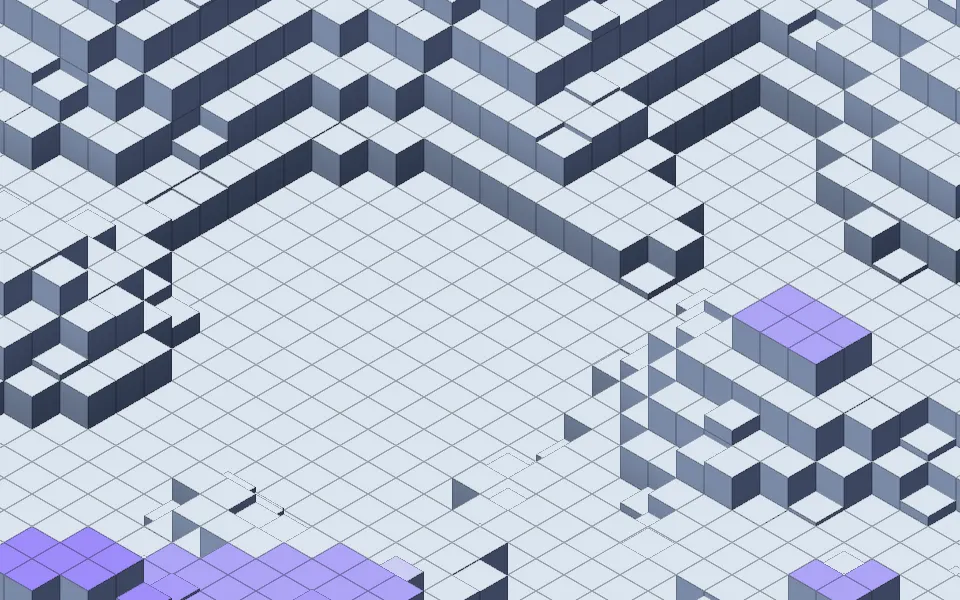
Isometric Blocks Shader
GeometrySolid cubes in isometric view
- Pro
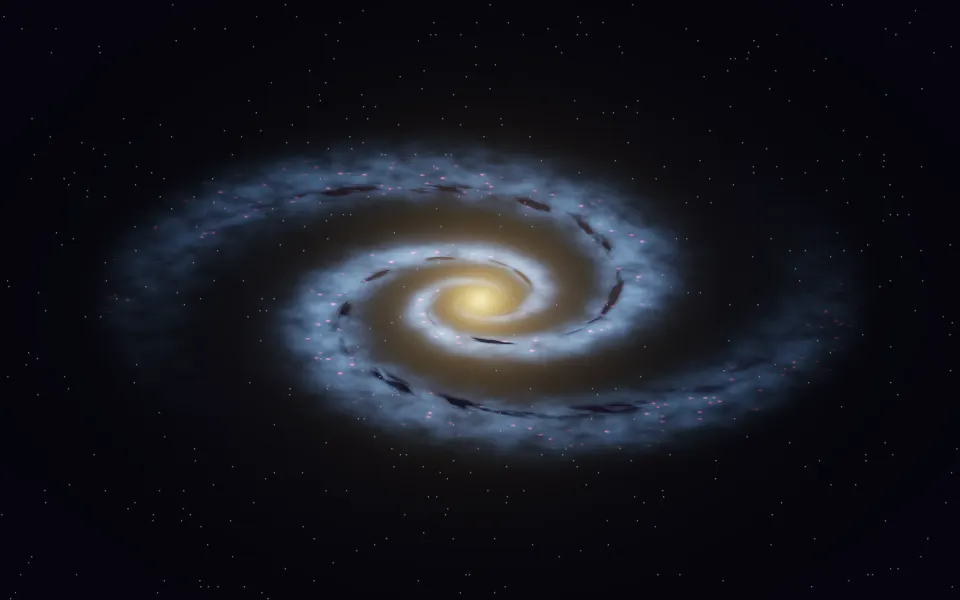
Spiral Galaxy Shader
SpaceA whole galaxy for a science hero
- Pro
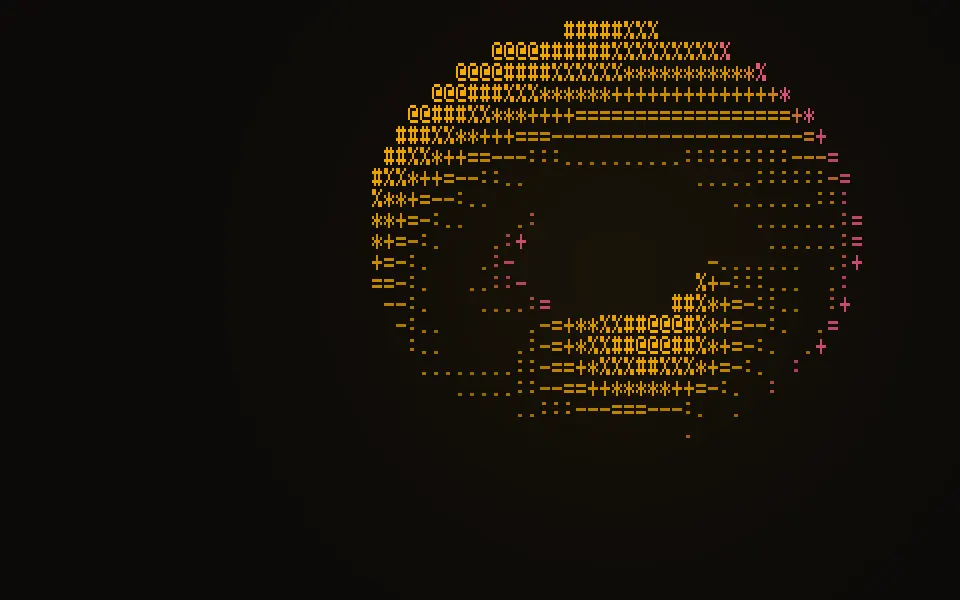
ASCII Sculpture Shader
Digital & retroA turning 3D form, in glyphs
- Pro
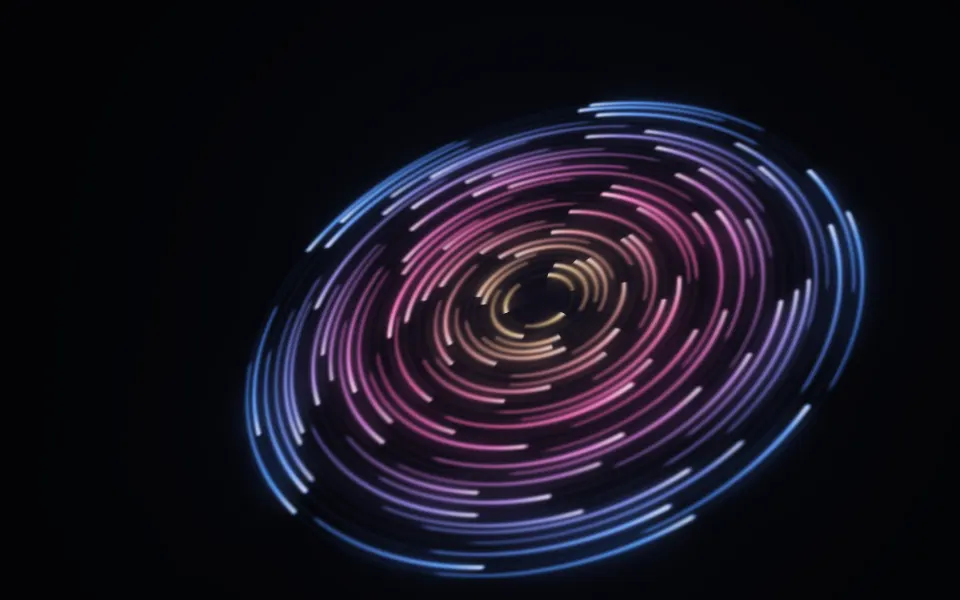
Cosmic Discs Shader
SpaceOrbiting rings of light, warmer