shadcn.io is not affiliated with official shadcn/ui
Spiral Galaxy Shader draws a grand-design spiral galaxy, tilted 60° away from you across the box: a warm golden bulge, two blue-white arms threaded with dark dust lanes along their inner edges, pink star-forming knots where the arms are densest, and a halo of faint stars on black-indigo. A WGSL fragment shader on WebGPU un-tilts each pixel into the galaxy's own plane and computes it there: the arms are a logarithmic spiral density wave, the dust is fractal simplex noise, the knots are Voronoi cells, and a filmic curve maps the light. The arms turn slowly as one pattern while the dust turns faster near the centre, as in a real galaxy, but it never winds up.
Use it behind an astronomy, science or education hero, or an AI "universe of data" landing page. For the Milky Way band seen from inside, use the Galaxy background; for gas clouds instead of a galaxy, Nebula Shader; for a single world, Planet Shader. It runs only while it's on screen, holds a still frame with reduced motion, and shows a CSS glow of the same colors in browsers without WebGPU.
Installation
Usage
import {
  SpiralGalaxyShader,
} from "@/components/ui/spiral-galaxy-shader";<SpiralGalaxyShader className="flex min-h-[32rem] flex-col justify-between p-12">
<h1 className="text-5xl font-semibold text-white">Map the universe</h1>
<p className="text-white/80">Every star, one query away.</p>
</SpiralGalaxyShader>Spiral Galaxy Shader is a container: your content sits on top of the galaxy, in normal flow. It fills its own box, so give it a height or content. For a backdrop behind the whole page, render it empty with className="fixed inset-0 -z-10". The galaxy sits in the middle of the box on near-black, in both color schemes, so put white or light text above and below it rather than over the bright bulge.
The galaxy scales to fit its box at any tilt. armColor, coreColor, knotColor and dustColor take any CSS color and follow a theme switch.
Demos
Three arms
arms={3} gives the galaxy three arms, twist={1.4} winds them tighter, and tilt={45} leans the disc less, so more of the spiral shows.
Face-on, in a card
tilt={0} shows the galaxy face-on, a round spiral that suits a square or tall card.
Performance
About 0.95 ms of GPU time a frame at 1280×720 on an M2 Max laptop; slower GPUs take several times longer. It keeps quality={1} by default, for crisp knots and stars; quality={0.5} renders a quarter of the pixels and softens them. The animation stops when the shader scrolls out of view, and the browser pauses it in a hidden tab. Every shader on a page shares one GPU device and one frame loop, and vgpu (about 50 KB gzipped) loads only when the first one mounts.
Browser support
The shader needs WebGPU: Chrome and Edge, Safari 26 and later, and Firefox on Windows and macOS. Elsewhere, and until the first frame, the box shows a CSS glow, a golden core in a blue haze tilted like the galaxy, so the layout never jumps. data-state on the root reads unsupported there, if you want to style around it. See Shader Canvas.
Accessibility
The galaxy is decoration: it's hidden from assistive tech and lets every click through to your content. With reduced motion it draws one still frame and stops. Nothing flashes: the galaxy turns once every three and a half minutes. White text reads at about 17:1 or better on three quarters of the box, and above 5:1 on 95% of it. Over the bulge it drops to about 3:1, so keep text above and below the galaxy, or lower intensity.
FAQ
Why don't the arms wind up as the galaxy turns?
In a real galaxy the arms are a density wave: a pattern that turns as a whole while the stars and gas pass through it. The shader does the same. The spiral turns rigidly, so it keeps its shape forever, and only the dust turns faster toward the centre. Two copies of the dust cross-fade on a 40-second cycle, so its shear never builds up into fine streaks.
What do tilt and twist change?
tilt is how far the disc leans away from you, in degrees: 0 is face-on, a round spiral, and 80 is nearly edge-on, a thin streak. twist sets how tightly the arms wind, from 0.5 (open, sweeping arms) to 2 (tight coils). arms sets how many there are, from 2 to 4.
Can I change the colors?
Yes. coreColor sets the bulge, armColor the arms' stars, knotColor the star-forming knots and dustColor the lanes. Each takes any CSS color and follows a theme switch, so knotColor="var(--primary)" works. Space stays near-black.
Where should I put my text?
Above and below the galaxy, or to its sides in a wide box: space there is near-black, and white text reads at about 17:1. The bulge in the middle is bright, about 3:1 against white, so avoid small text over it, or lower intensity.
API Reference
SpiralGalaxyShader
data-slot="spiral-galaxy-shader"
armColor?string
The spiral arms' stars. Any CSS colour. @default "#9cc8ff".
- Default
"#9cc8ff"
arms?number
How many spiral arms, from 2 to 4. @default 2.
- Default
2
coreColor?string
The bulge at the centre. Any CSS colour. @default "#ffd58a".
- Default
"#ffd58a"
dustColor?string
The dark lanes along the arms' inner edges. Any CSS colour. @default "#1a0f1f".
- Default
"#1a0f1f"
fallback?string
What shows until the first frame and in browsers without WebGPU: a CSS
background value (gradients, sizes, a colour) that looks like the
shader. It can use the colour props' --shader-<field> variables.
intensity?number
Overall brightness, from 0 to 2. @default 1.
- Default
1
interactive?boolean
Whether u.pointer follows the pointer. @default false.
knotColor?string
The star-forming knots along the arms. Any CSS colour. @default "#ff6fae".
- Default
"#ff6fae"
paused?boolean
Holds the current frame. @default false.
quality?number
Render scale, from 0.25 to 1, of the screen's pixels (capped at 2×). @default 1.
speed?number
Animation speed: 1 is normal, 0 holds the frame. @default 1.
tilt?number
How far the disc leans away from you, in degrees: 0 is face-on, 80 nearly edge-on. @default 60.
- Default
60
time?number
A fixed moment, in seconds: draws it and doesn't animate.
twist?number
How tightly the arms wind, from 0.5 (open) to 2 (tight). @default 1.
- Default
1
render?ReactElement | ((props: object, state: object) => ReactElement)
Replace the host element or compose it with another component.
- Type
ReactElement | ((props: object, state: object) => ReactElement)
className?string
Forwarded to the part.
Related
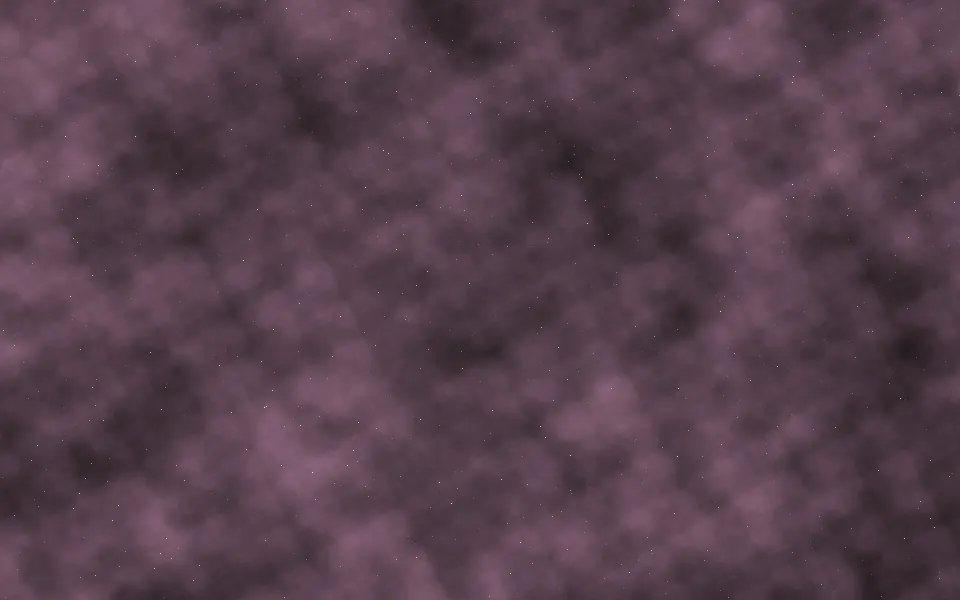
Nebula Shader
SpaceGas clouds instead of a galaxy, free
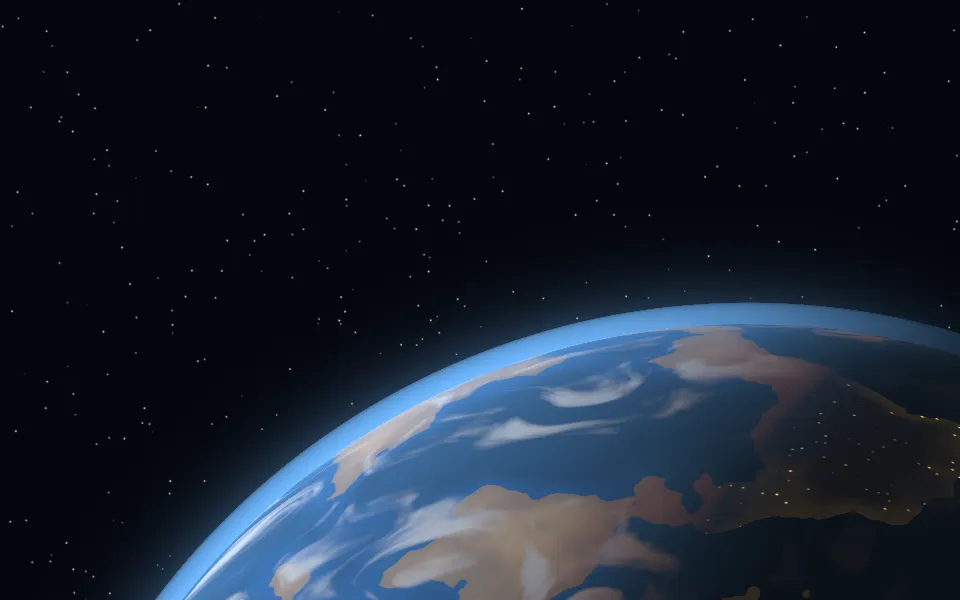
Planet Shader
SpaceA single world, free
- Pro
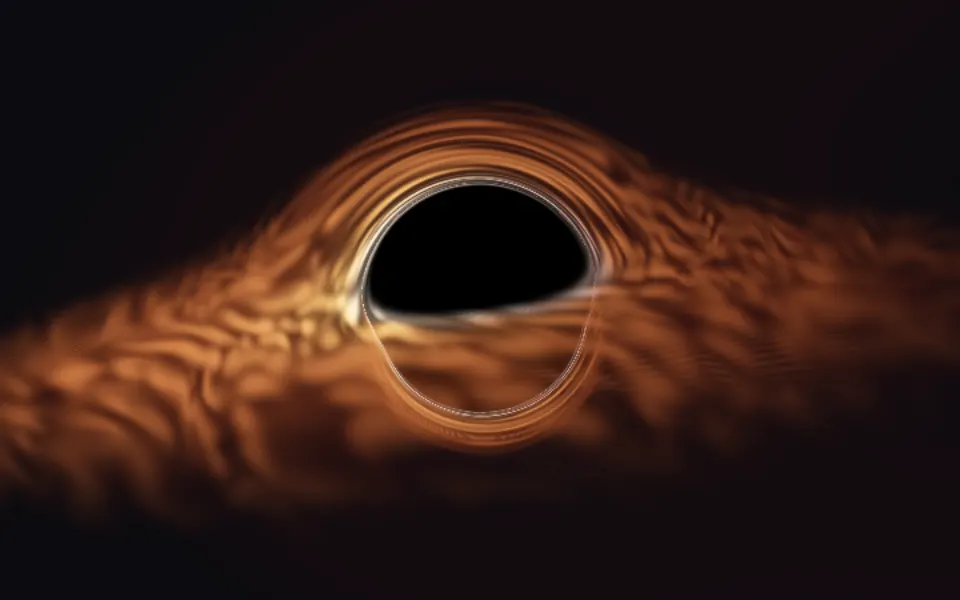
Accretion Shader
SpaceA black hole up close
- Pro
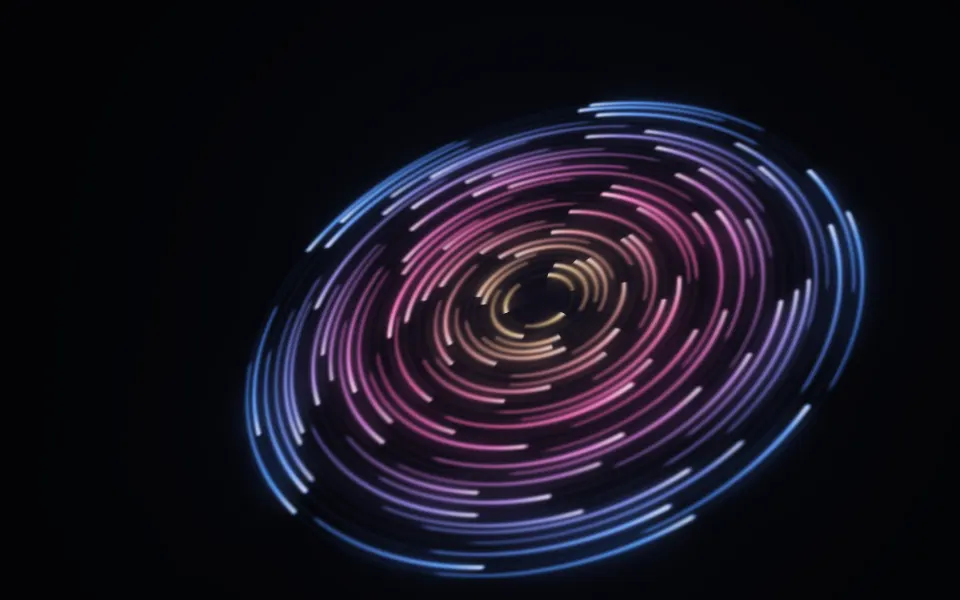
Cosmic Discs Shader
SpaceOrbiting rings of light
- Pro
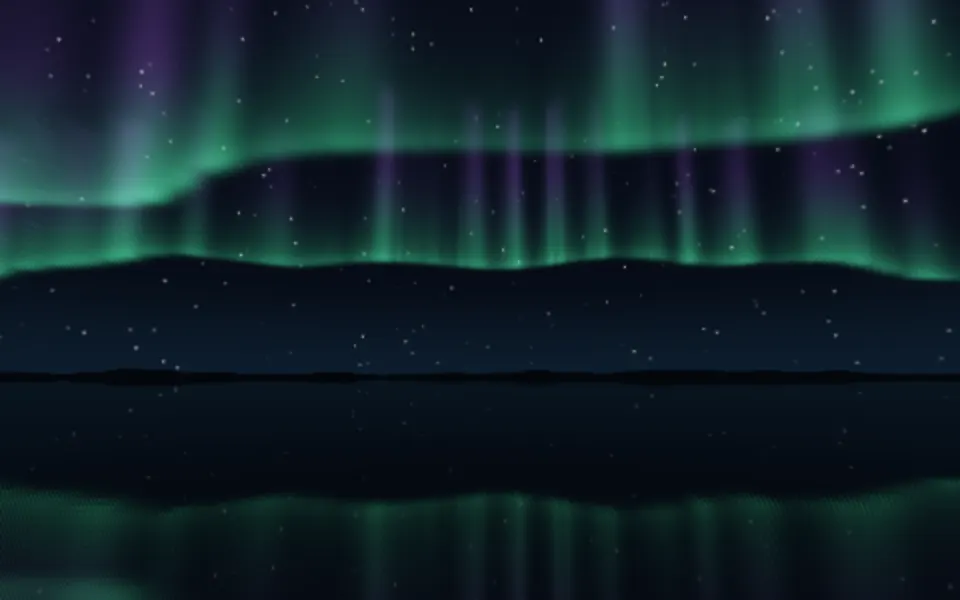
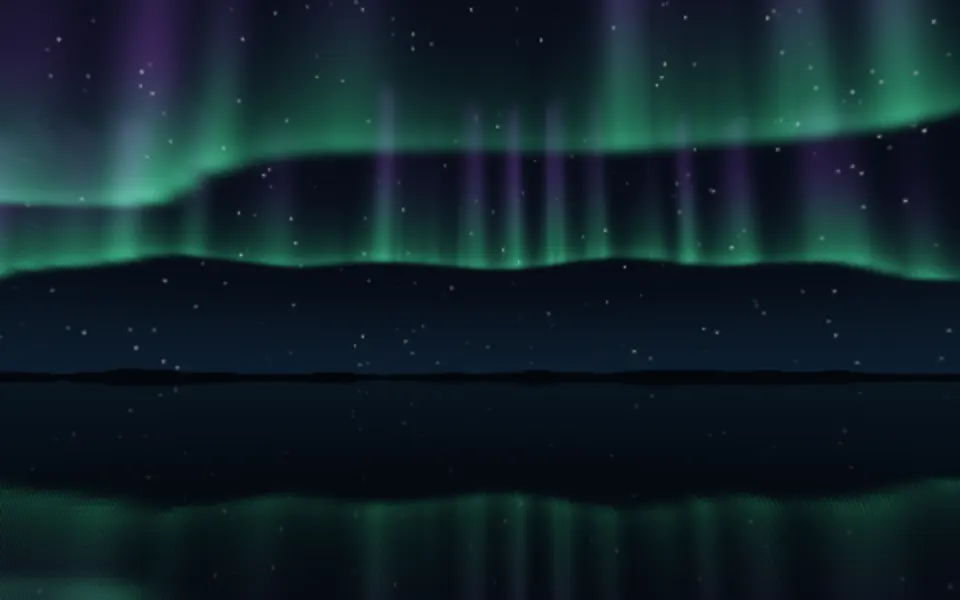
Aurora 3D Shader
Water & landscapesA night sky over a lake
- Pro
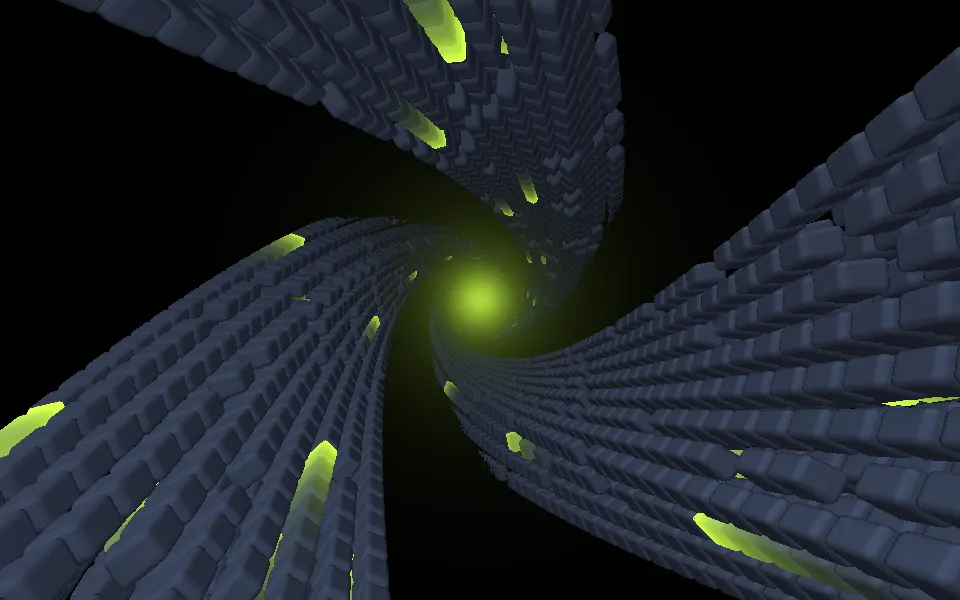
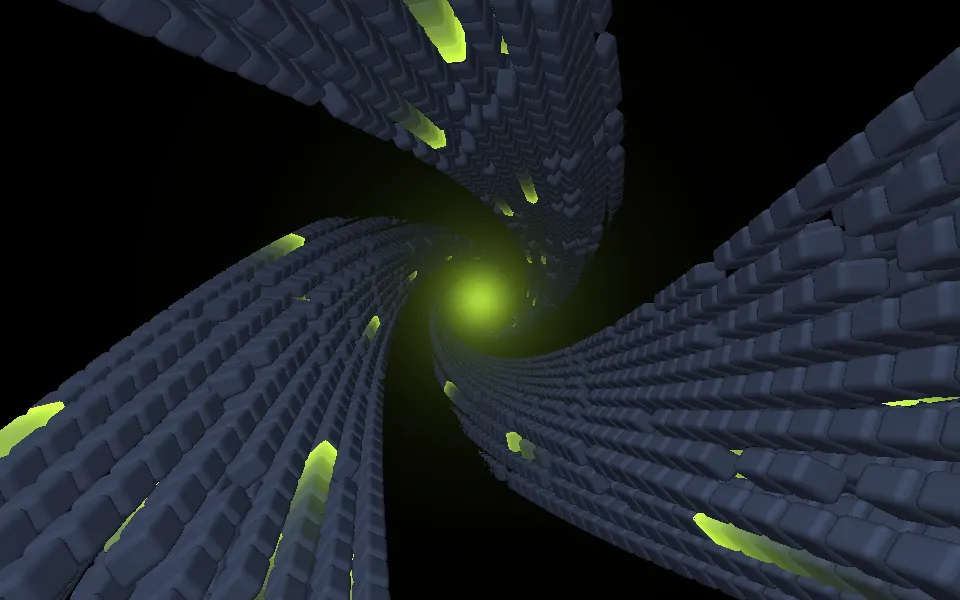
Abstract Mod Shader
Tunnels & 3DSpiral arms built from slabs