shadcn.io is not affiliated with official shadcn/ui
Shaders
FreePlanet Shader for React
A lit ocean world rising from the lower right, drawn on the GPU: continents under drifting clouds, a crisp terminator, city lights on the night side and a thin blue atmosphere. For React with Base UI, when a space, telecom or global product hero wants a whole world behind its copy.
Planet Shader draws a lit ocean world rising from the lower right of the box. Ochre continents sit on a deep blue ocean under drifting bands of cloud; the sun comes from the upper left, so a crisp terminator crosses the planet, warm city lights speckle the night side, and a thin blue atmosphere glows brightest on the lit edge, over sparse stars. The planet is an analytic sphere, with no mesh: a WGSL fragment shader on WebGPU finds the surface under each pixel, builds land, sea and cloud from 3D simplex noise on it, and lights it, every frame, as it slowly turns.
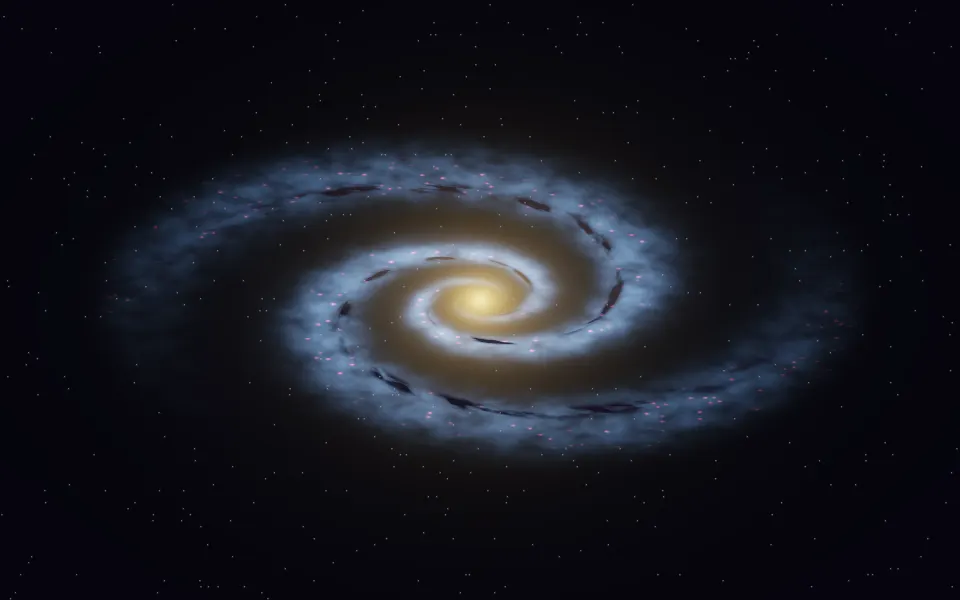
Use it behind a space, telecom, travel or global SaaS hero, or as a curved horizon under a headline. For a dotted globe in plain CSS, use the Sphere background; for a ringed giant, Saturn; for a whole galaxy instead of one world, Spiral Galaxy Shader. It runs only while it's on screen, holds a still frame with reduced motion, and shows a CSS disc with its rim in browsers without WebGPU.
Installation
Usage
import { PlanetShader } from "@/components/ui/planet-shader";<PlanetShader className="flex min-h-[32rem] items-start p-12">
<h1 className="text-5xl font-semibold text-white">Connect the world</h1>
</PlanetShader>Planet Shader is a container: your content sits on top of the scene, in normal flow. It fills its own box, so give it a height or content. For a backdrop behind the whole page, render it empty with className="fixed inset-0 -z-10". Space is near-black in both color schemes, so put white or light text over it, in the upper left, away from the planet.
position sets where the planet sits: "bottom-right" (the default) rises from the lower right corner, "center" shows the whole world in the middle of the box, and "horizon" draws it much larger, so its edge is a gentle curve along the bottom. size scales it, from 0.5 to 2: at the lower right, its radius is that many box heights.
Demos
Horizon
position="horizon" puts the planet's edge along the bottom of the box, like the view from orbit, and leaves the top two thirds to space and your headline.
In a card
size={0.6} makes the planet small enough to show most of its upper half in a card, with the terminator and the night side's lights in view.
Performance
About 0.55 ms of GPU time a frame at 1280×720 on an M2 Max laptop, at the default size and position; slower GPUs take several times longer. Only the pixels the planet covers compute land, sea and clouds, so a larger planet costs more, up to about 1.3 ms when it fills the box. It keeps quality={1} by default, for sharp coasts and city lights; quality={0.5} renders a quarter of the pixels and softens them slightly. The animation stops when the shader scrolls out of view, and the browser pauses it in a hidden tab. Every shader on a page shares one GPU device and one frame loop, and vgpu (about 50 KB gzipped) loads only when the first one mounts.
Browser support
The shader needs WebGPU: Chrome and Edge, Safari 26 and later, and Firefox on Windows and macOS. Elsewhere, and until the first frame, the box shows a CSS disc in the ocean color with a blue rim and a shaded night side, at the same position, so the layout never jumps. data-state on the root reads unsupported there, if you want to style around it. See Shader Canvas.
Accessibility
The planet is decoration: it's hidden from assistive tech and lets every click through to your content. With reduced motion it draws one still frame and stops. Nothing flashes: the planet turns once every three minutes, and the clouds drift with it. In the space above the planet, white text reads at about 20:1. Over the planet itself it drops to under 6:1 on a quarter of it and to about 3:1 on the lit clouds, so keep text in the upper left, or use position="horizon" for more room.
FAQ
How is the planet drawn without a 3D model?
The planet is a sphere solved analytically: for each pixel, the shader works out where a straight view ray meets it and the surface's direction there. Land, sea and clouds are 3D simplex noise read at that point, turned slowly about a tilted axis, so the continents keep their shapes as they move. Sunlight is Lambert shading with a glint on open water, and the atmosphere is the length of the view ray through a thin shell around it.
Can I change the colors?
Yes. oceanColor, landColor, atmosphereColor and cityLightsColor take any CSS color and follow a theme switch, so atmosphereColor="var(--primary)" works. The deeps and shallows are darker and lighter shades of the ocean, and the land varies around its color with height. Space stays near-black.
Can I show the night side, or only the day side?
intensity sets the sun, from 0 to 2. Lower it and more of the planet falls into night, where the city lights show; at 0 the whole world is dark, lit only by its cities and a faint rim. Above 1 the day side and the atmosphere grow brighter.
How do I place the planet somewhere else?
position has three settings: "bottom-right" rises from the lower right corner, "center" shows the whole planet in the middle, and "horizon" draws a curved horizon along the bottom. size scales the planet in each. For any other placement, give the shader a larger box and position it with CSS.
Will it slow my page down?
It costs about 0.55 ms of GPU time a frame at 1280×720 on a laptop, a little more when the planet fills more of the box, and the CPU only sets a few numbers each frame. It stops when it's off screen. On a slow GPU or a very large screen, quality={0.5} renders at half resolution, a quarter of the pixels, and the planet stays smooth.
API Reference
PlanetShader
data-slot="planet-shader"
atmosphereColor?string
The thin glow around the planet, brightest on its lit edge. Any CSS colour. @default "#6fb7ff".
- Default
"#6fb7ff"
cityLightsColor?string
The lights of the night side's cities. Any CSS colour. @default "#ffcf7a".
- Default
"#ffcf7a"
fallback?string
What shows until the first frame and in browsers without WebGPU: a CSS
background value (gradients, sizes, a colour) that looks like the
shader. It can use the colour props' --shader-<field> variables.
intensity?number
How strong the sunlight is, from 0 (night all over) to 2. @default 1.
- Default
1
interactive?boolean
Whether u.pointer follows the pointer. @default false.
landColor?string
The continents. Any CSS colour. @default "#c9a46b".
- Default
"#c9a46b"
oceanColor?string
The ocean; the deeps are a darker shade, the shallows a lighter one. Any CSS colour. @default "#1d4e89".
- Default
"#1d4e89"
paused?boolean
Holds the current frame. @default false.
position?"bottom-right" | "center" | "horizon"
Where the planet sits: rising from the lower right, whole in the middle, or a curved horizon along the bottom. @default "bottom-right".
- Type
"bottom-right" | "center" | "horizon"- Default
"bottom-right"
quality?number
Render scale, from 0.25 to 1, of the screen's pixels (capped at 2×). @default 1.
size?number
How big the planet is, from 0.5 to 2. At the lower right, its radius in box heights. @default 1.2.
- Default
1.2
speed?number
Animation speed: 1 is normal, 0 holds the frame. @default 1.
time?number
A fixed moment, in seconds: draws it and doesn't animate.
render?ReactElement | ((props: object, state: object) => ReactElement)
Replace the host element or compose it with another component.
- Type
ReactElement | ((props: object, state: object) => ReactElement)
className?string
Forwarded to the part.
Related
- Pro
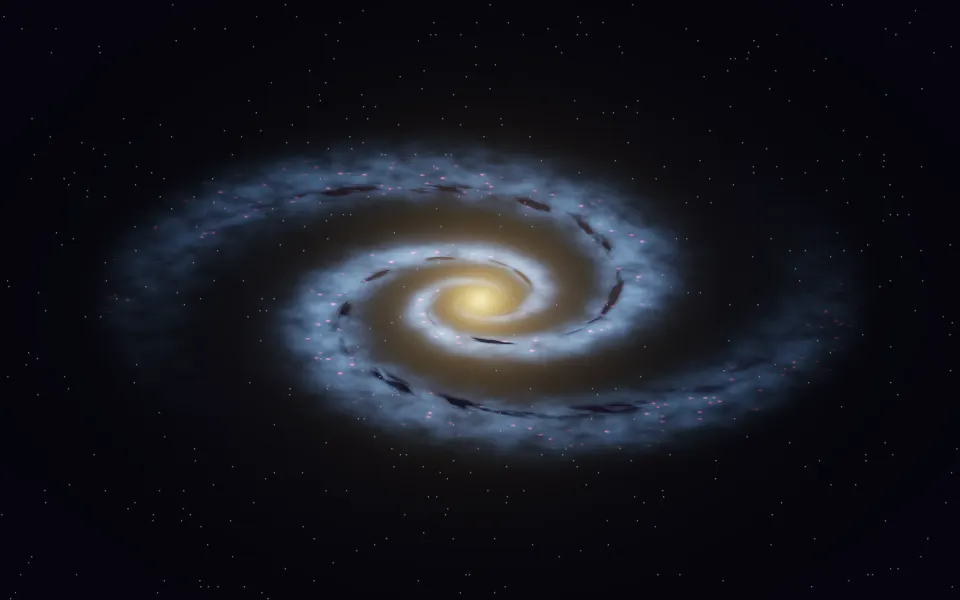
Spiral Galaxy Shader
SpaceA whole galaxy instead of one world
- Pro
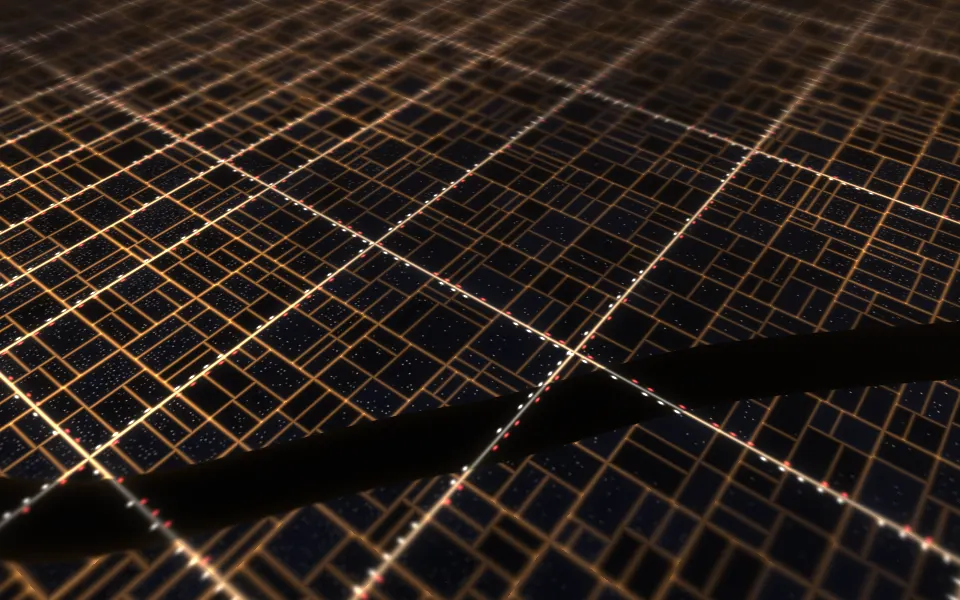
City Lights Shader
Water & landscapesThe night side up close: a city from above
Nebula Shader
SpaceA deep cosmic backdrop, free
- Pro
Singularity Shader
SpaceAnother focal point beside your copy
- Pro
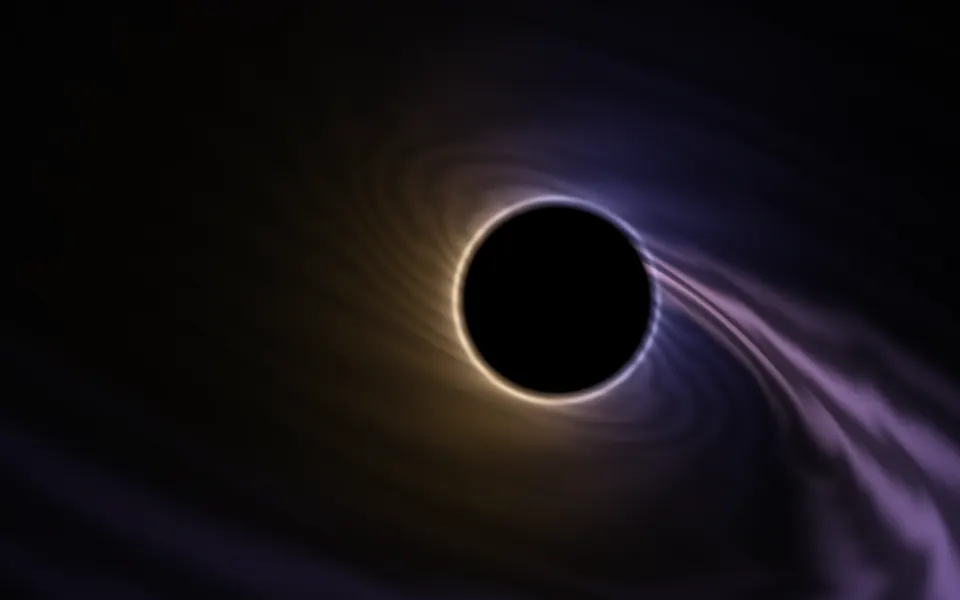
Accretion Shader
SpaceA black hole for a space hero
- Pro
Cloud Sea Shader
Water & landscapesAbove the clouds, for a travel page