shadcn.io is not affiliated with official shadcn/ui
Starry Planes Shader flies you through a stack of planes, each cut with a five-pointed star. Every plane has a white outline and fine rings of color, and the hues shift from plane to plane, so the tunnel reads as a spectrum that deepens toward a dark center. The camera follows a gentle corkscrew, so the stars sway and turn as they pass. A WGSL fragment shader on WebGPU finds where each pixel's ray meets each plane, front to back, and stops as soon as the view is covered.
Use it behind a launch, a playful hero or an intro screen, where it pulls the eye to the middle. For a perspective tunnel in plain CSS, with no GPU, use the Portal background; for a darker, techier flight, Digital Tunnel Shader. It runs only while it's on screen, holds a still frame with reduced motion, and shows a gradient of the same colors in browsers without WebGPU.
Installation
Usage
import {
  StarryPlanesShader,
} from "@/components/ui/starry-planes-shader";<StarryPlanesShader className="flex min-h-[32rem] items-center justify-center">
<div className="rounded-xl bg-black/60 px-8 py-6 backdrop-blur">
<h1 className="text-5xl font-semibold text-white">Ship faster</h1>
</div>
</StarryPlanesShader>Starry Planes Shader is a container: your content sits on top of the tunnel, in normal flow. It fills its own box, so give it a height or content. For a backdrop behind the whole page, render it empty with className="fixed inset-0 -z-10". The tunnel is bright and busy, and its colors change as it plays, so neither white nor black text reads on it alone: put text on a panel such as bg-black/60, in both color schemes.
Demos
Shallow
depth={6} draws only six planes ahead, so the tunnel ends in a black star, and fadeStart={3} darkens it from the third plane on. It's a more graphic look, with room in the middle for a logo.
In a card
The tunnel scales with its box. speed={0.5} halves the flight, one plane every two seconds, which is calmer next to text. The fine rings are the detail here, so the card keeps full quality; the shader is light enough for it.
Performance
About 0.5 ms of GPU time a frame at 1280×720 on an M2 Max laptop, and roughly half that at quality={0.5}; slower GPUs take several times longer. Nine pixels in ten stop within four planes, because a plane covers them; only the middle of the tunnel looks deep, so a lower depth saves little. At quality={0.5} the fine rings blur into smooth color, so keep it for slow GPUs. The animation stops when the shader scrolls out of view, and the browser pauses it in a hidden tab. Every shader on a page shares one GPU device and one frame loop, and vgpu loads only when the first one mounts.
Browser support
The shader needs WebGPU: Chrome and Edge, Safari 26 and later, and Firefox on Windows and macOS. Elsewhere, and until the first frame, the box shows a CSS gradient of the same colors, a black center in a gold ring fading to cyan and blue, so the layout never jumps. data-state on the root reads unsupported there, if you want to style around it. See Shader Canvas.
Accessibility
The tunnel is decoration: it's hidden from assistive tech and lets every click through to your content. With reduced motion it draws one still frame, a cyan tunnel with a gold center, and stops. One plane passes per second at the default speed, and by WCAG's test (a quarter of a 10° field changing brightness together) we measured at most two flashes a second. The fine rings do sweep outward past any one point several times a second, and at speed={2} the count nears three, so keep speed at 2 or below. Text needs a panel: across a full cycle of colors, white text reaches 4.5:1 on 48% of the shader on average, and black text on 53%. White text on a bg-black/60 panel stayed above 6:1 on every frame we measured.
FAQ
How do I make it faster or slower?
speed scales time: at 1, one plane passes per second, at 2 two, and 0 holds the current frame. Keep it at 2 or below: faster, the fine rings start to flicker. paused holds it too, and time draws one fixed moment, in seconds, which is handy for a poster or for tying the flight to scroll.
Can I make the tunnel denser or sparser?
spacing sets the distance between planes, from 0.2 to 1. Lower packs them tight, so the bends between them flatten and you see straight down a shorter tunnel; higher spreads them, so the path bends more between them and fewer show at once. The flight keeps pace, so one plane still passes per second. depth sets how many planes are drawn, up to 16, and fadeStart where they start to fade into the dark.
Can I change the colors?
Not with a prop: the hues run through the whole spectrum, shifting from plane to plane, and they come round about every 12.6 seconds at the default speed. That cycle is the shader's signature. To show a moment you like, set time to it, or pause there.
Will it slow my page down?
It costs about 0.5 ms of GPU time a frame at 1280×720 on an M2 Max laptop, and the CPU only sets a few numbers each frame. It stops when it's off screen. On a slow GPU or a large screen, quality={0.5} renders at half resolution, a quarter of the pixels; the fine rings blur into smooth color and the outlines soften.
What happens in browsers without WebGPU?
The box keeps its CSS gradient, a black center in a gold ring fading to cyan and blue, so the page still looks finished. Nothing errors: the root's data-state reads unsupported.
How is it different from the Portal background?
The Portal background is CSS: glowing rings fly out of a vanishing point, in fixed colors, with no GPU. Starry Planes Shader computes every pixel on the GPU: real perspective, star-shaped holes, a winding path and a palette that keeps shifting.
Credits
Based on Starry planes (opens in a new tab) by mrange, released under CC0, through shadcn.io's version. The rounded smooth minimum and the five-pointed star distance function are by Inigo Quilez, under the MIT licence, and keep their credit lines in the WGSL. What changed in the port:
- The original's tonemap, an ACES approximation marked "License: Unknown", is replaced by our own curve, a Naka-Rushton response fitted to the same look. Rendered side by side with the original, 99% of pixels are within 3 of 255 levels.
- The GLSL is now WGSL: reversed
smoothsteps are flipped, the alpha blend is premultiplied front to back (the same result, with no division), and the centers of the star holes no longer divide by zero. - Unused code is gone, and the props have clearer names (
planeDistisspacing,furthestisdepth,fadeFromisfadeStart), withdepthcapped at 16 andfadeStartkept below it.
API Reference
StarryPlanesShader
data-slot="starry-planes-shader"
depth?number
How many planes ahead are drawn, from 1 to 16: fewer is a shallower tunnel. @default 16.
- Default
16
fadeStart?number
The plane, counted from the camera, where the tunnel starts to fade to black. Below depth. @default 8.
- Default
8
fallback?string
What shows until the first frame and in browsers without WebGPU: a CSS
background value (gradients, sizes, a colour) that looks like the
shader. It can use the colour props' --shader-<field> variables.
interactive?boolean
Whether u.pointer follows the pointer. @default false.
paused?boolean
Holds the current frame. @default false.
quality?number
Render scale, from 0.25 to 1, of the screen's pixels (capped at 2×). @default 1.
spacing?number
The distance between planes, from 0.2 to 1: higher spreads them out and the path bends more between them. @default 0.5.
- Default
0.5
speed?number
Animation speed: 1 is normal, 0 holds the frame. @default 1.
time?number
A fixed moment, in seconds: draws it and doesn't animate.
render?ReactElement | ((props: object, state: object) => ReactElement)
Replace the host element or compose it with another component.
- Type
ReactElement | ((props: object, state: object) => ReactElement)
className?string
Forwarded to the part.
Related
- Pro
Digital Tunnel Shader
Tunnels & 3DA darker, techier flight
- Pro
Truchet Kaleidoscope Shader
Patterns & tilingsLayers of line art turning as you pass
- Pro
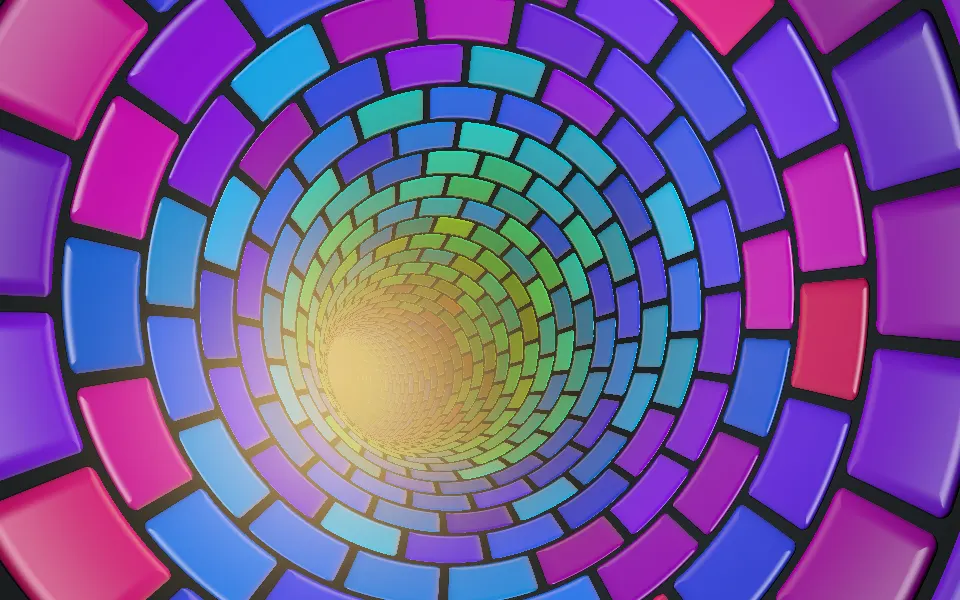
Advanced Tunnel Shader
Tunnels & 3DA tunnel of glossy tiles
- Pro
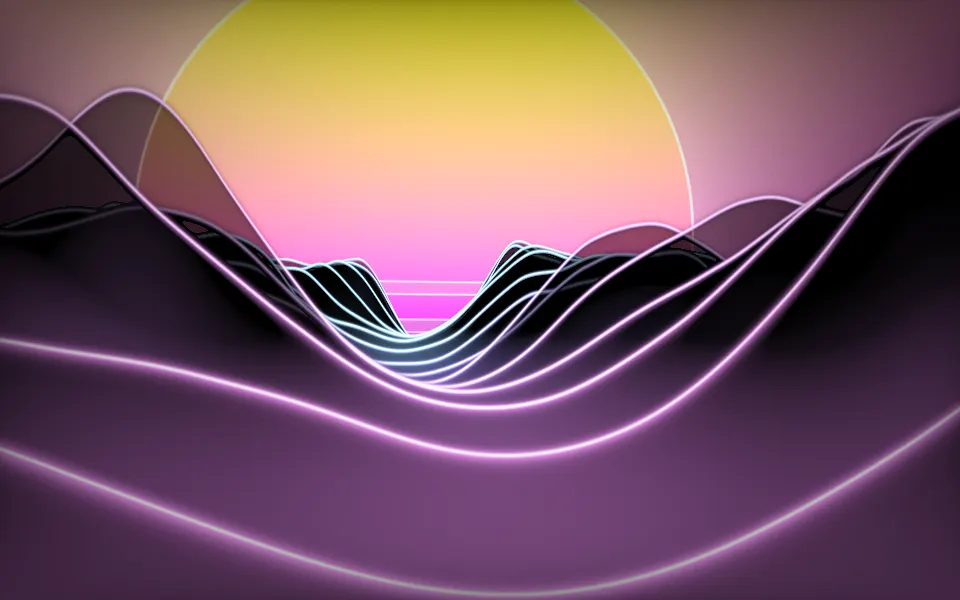
Synthwave Canyon Shader
Water & landscapesAnother flight through layers, at sunset
- Pro
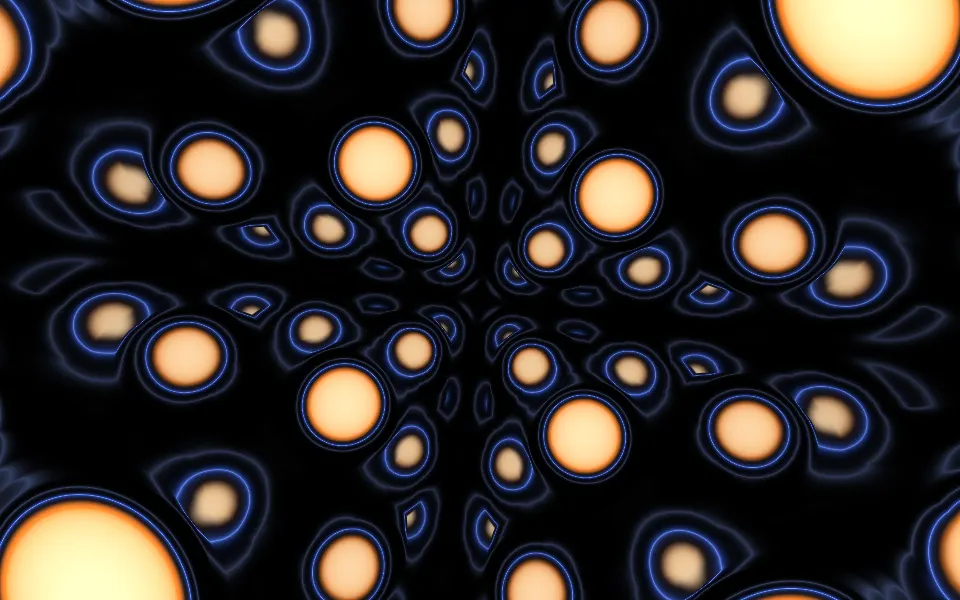
Sphere Field Shader
Tunnels & 3DA flight through glowing spheres
- Pro
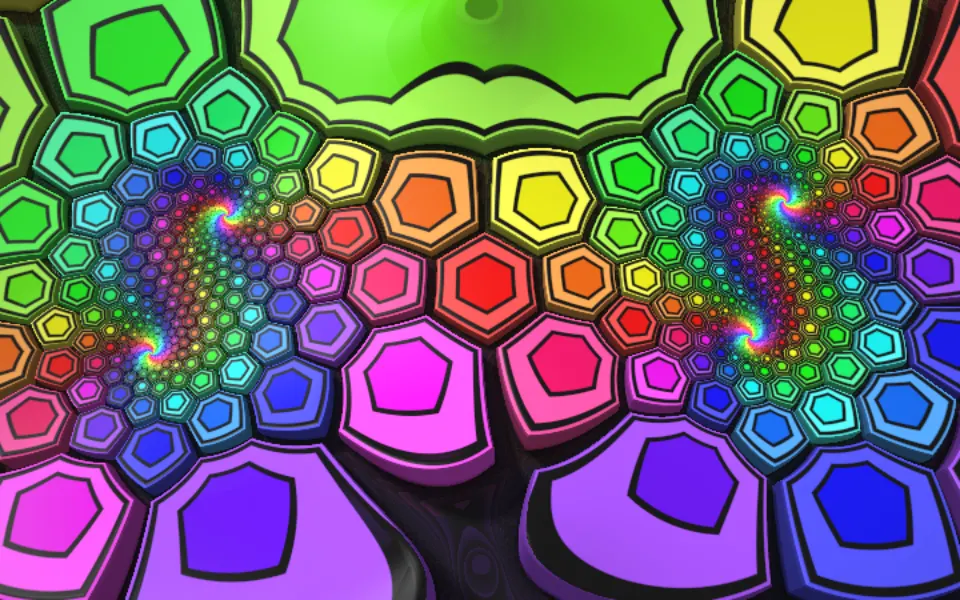
Extruded Mobius Spiral Shader
Tunnels & 3DBold rainbow color for a playful hero