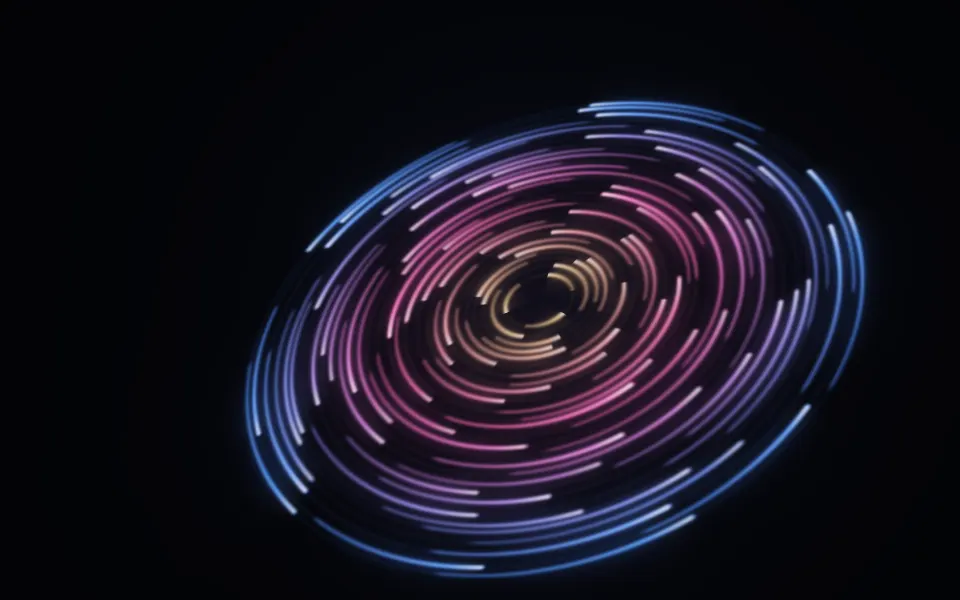
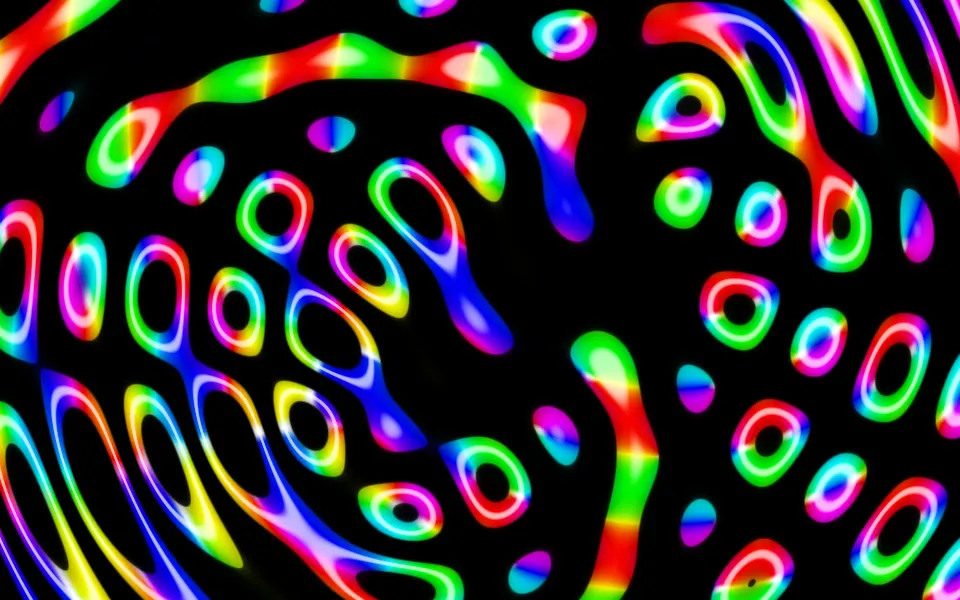
shadcn.io is not affiliated with official shadcn/ui
Sphere Field Shader flies a fisheye camera through an endless lattice of spheres on black. Each sphere glows like a hot bulb, cream where it faces you and amber at its rim, with a thin electric-blue halo around it and faint webs of blue light in the gaps. Small, dim spheres crowd the centre of the view and swell as they rush out past the edges, and the whole field rolls slowly. A WGSL fragment shader on WebGPU marches each pixel's ray only nine short steps, bending it outward at every step, so the rays never quite settle at the rims: those leftover distances are what paint the halos and the webs.
Use it behind a dark hero, a music or event page, or a launch that should feel deep and electric. For soft out-of-focus lights in plain CSS, with no GPU, use the Bokeh background; for a flight through patterned planes, Starry Planes Shader. It runs only while it's on screen, holds a still frame with reduced motion, and shows a CSS gradient of glowing spheres in browsers without WebGPU.
Installation
Usage
import { SphereFieldShader } from "@/components/ui/sphere-field-shader";<SphereFieldShader className="flex min-h-[32rem] items-center justify-center">
<div className="rounded-xl bg-black/60 px-8 py-6">
<h1 className="text-5xl font-semibold text-white">Live tonight</h1>
</div>
</SphereFieldShader>Sphere Field Shader is a container: your content sits on top of the spheres, in normal flow. It fills its own box, so give it a height or content. For a backdrop behind the whole page, render it empty with className="fixed inset-0 -z-10". The field is black in both color schemes, so use white text, but the spheres are nearly white themselves: put copy on a panel, like the bg-black/60 one above.
Demos
Dense
sphereSize={0.6} shrinks the spheres and spacing={0.7} packs the lattice closer, so many more, smaller lights fill the view and the halos and webs between them carry more of the picture.
In a card
The field scales with its box. glowColor="#d946ef" turns the halos and webs magenta, and speed={0.6} slows the flight for a small surface. It keeps full quality: the shader is light, and the thin halos go soft at half resolution.
Performance
About 0.25 ms of GPU time a frame at 1280×720 on an M2 Max laptop, at the default quality={1}: every pixel takes nine steps through the lattice, whatever the props. Slower GPUs take several times longer, which still leaves plenty of room. The animation stops when the shader scrolls out of view, and the browser pauses it in a hidden tab. Every shader on a page shares one GPU device and one frame loop, and vgpu (about 50 KB gzipped) loads only when the first one mounts.
Browser support
The shader needs WebGPU: Chrome and Edge, Safari 26 and later, and Firefox on Windows and macOS. Elsewhere, and until the first frame, the box shows a CSS gradient of two glowing spheres round a dim centre, in your sphereColor and glowColor, so the layout never jumps. data-state on the root reads unsupported there, if you want to style around it. See Shader Canvas.
Accessibility
The field is decoration: it's hidden from assistive tech and lets every click through to your content. With reduced motion it draws one still frame, a ring of glowing spheres round the dim centre, and stops. Nothing flashes: at the default speed the nearest spheres glide out of view over about four seconds, and the roll turns 3° a second. The background is black, so white text is above 13:1 on three quarters of the frame, but it drops to nearly 1:1 on the spheres. A bg-black/60 panel keeps white text above 5.7:1 even over the brightest sphere, and bg-black/70 above 8.5:1.
FAQ
Why does it look so rich with so few steps?
Each pixel's ray takes only nine steps through the lattice, and at every step it bends outward by the distance it just covered. Rays aimed at the middle of a sphere still land on it, and are shaded as a glowing ball. Rays that pass near a rim run out of steps before they settle, and the distance they have left decides their color: a soft amber bloom, then a dark gap, a blue halo, and faint webs further out. Those "unfinished" distances are the art.
How do I change the spheres?
sphereSize scales them, from 0.3 (specks) to 2.5 (nearly touching). spacing sets the gap between them, from 0.5 (packed) to 2 (sparse); larger values show fewer, lonelier spheres. Both change the look, not the cost.
Can I change the colors?
sphereColor sets the hot cores, and their amber rims are a warmer, darker shade of it. glowColor sets the halos and the webs. Both take any CSS color and follow a theme switch, so var(--primary) works. Keep the background dark: the field is lit spheres on black, and the colors only add light.
Can I stop it moving?
speed={0} or paused holds the current frame, and time={2.5} draws one fixed moment. spin={0} stops only the roll, so the camera keeps flying straight. With reduced motion, the shader draws its still frame and stops on its own.
Why is the view curved like a fisheye?
The rays fan out by angle rather than across a flat screen: the farther a pixel is from the centre, the more sideways its ray looks. That's why the spheres at the edges stretch into big ovals as they pass, and why the lattice seems to stream out of one point.
Will it slow my page down?
No: it's one of the lightest shaders, about 0.25 ms of GPU time a frame at 1280×720 on an M2 Max laptop, and the CPU only sets a few numbers each frame. It stops when it's off screen. On a very slow GPU, quality={0.75} draws about half as many pixels; the soft glows hide it, and only the thin halos soften.
Credits
Inspired by a sphere-field shader by nocrex on Shadertoy (opens in a new tab), through shadcn.io's version. The idea, a short march through repeated spheres with rays that bend outward and colors read from the distance left over, is the same; the code, the lattice flight, the shading and the palette are ours, written from scratch.
API Reference
SphereFieldShader
data-slot="sphere-field-shader"
fallback?string
What shows until the first frame and in browsers without WebGPU: a CSS
background value (gradients, sizes, a colour) that looks like the
shader. It can use the colour props' --shader-<field> variables.
glowColor?string
The halos round the spheres and the webs between them. Any CSS color. @default "#3b6cff".
- Default
"#3b6cff"
interactive?boolean
Whether u.pointer follows the pointer. @default false.
paused?boolean
Holds the current frame. @default false.
quality?number
Render scale, from 0.25 to 1, of the screen's pixels (capped at 2×). @default 1.
spacing?number
The gap between spheres, from 0.5 (packed) to 2 (sparse). @default 1.
- Default
1
speed?number
Animation speed: 1 is normal, 0 holds the frame. @default 1.
sphereColor?string
The glowing cores of the spheres. Any CSS color. @default "#fff1cc".
- Default
"#fff1cc"
sphereSize?number
The spheres' size, from 0.3 (specks) to 2.5 (nearly touching). @default 1.
- Default
1
spin?number
How fast the field rolls, on top of speed: 1 is 3° a second, 0 holds it level. @default 1.
- Default
1
time?number
A fixed moment, in seconds: draws it and doesn't animate.
render?ReactElement | ((props: object, state: object) => ReactElement)
Replace the host element or compose it with another component.
- Type
ReactElement | ((props: object, state: object) => ReactElement)
className?string
Forwarded to the part.
Related
- Pro
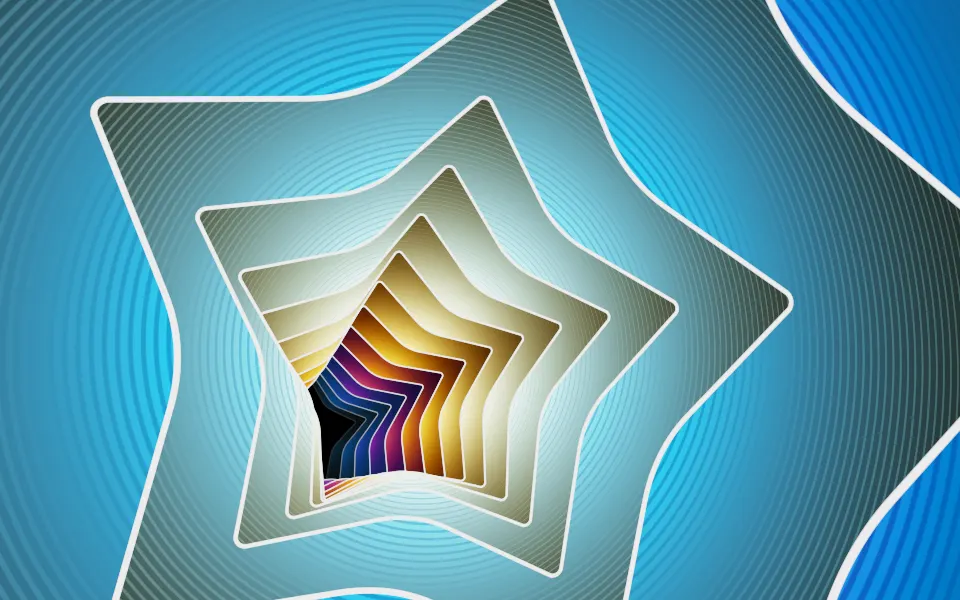
Starry Planes Shader
SpaceA flight through patterned planes
- Pro
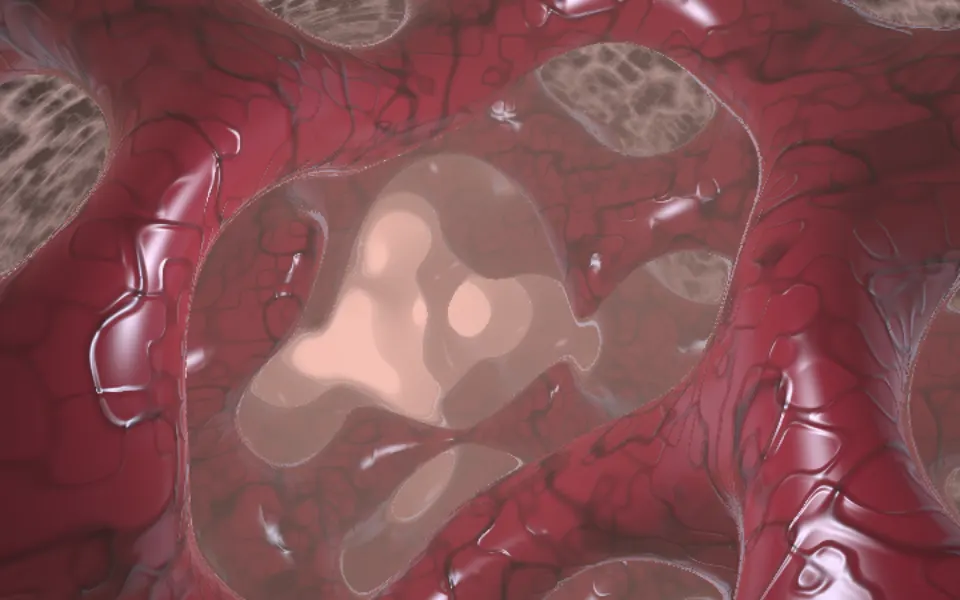
Biomine Shader
Tunnels & 3DGlowing tubes in a living cavern
- Pro
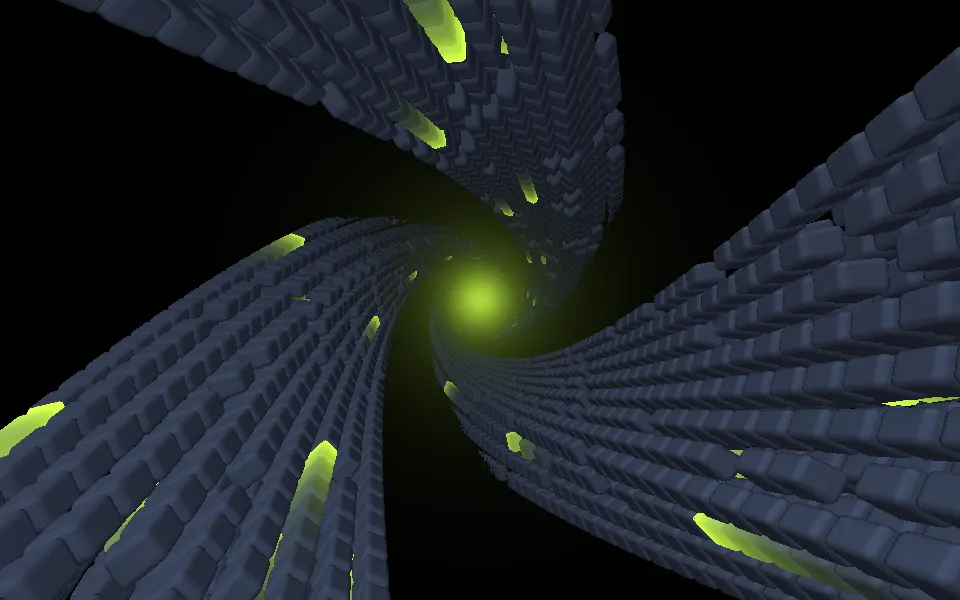
Abstract Mod Shader
Tunnels & 3DA vortex of slabs toward a sun
- Pro
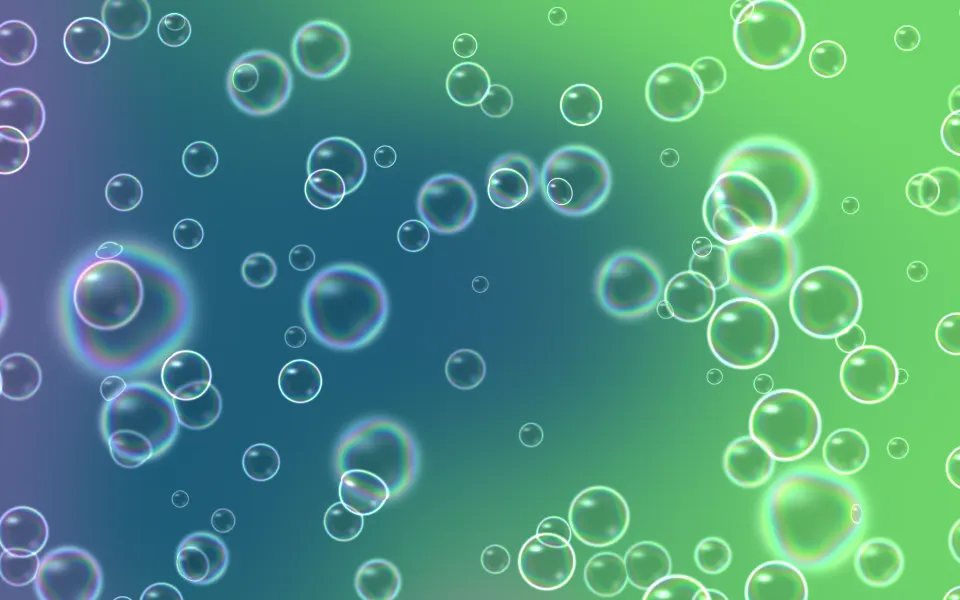
Soap Bubbles 2D Shader
Water & landscapesBubbles with depth of field, for a lighter page
- Pro
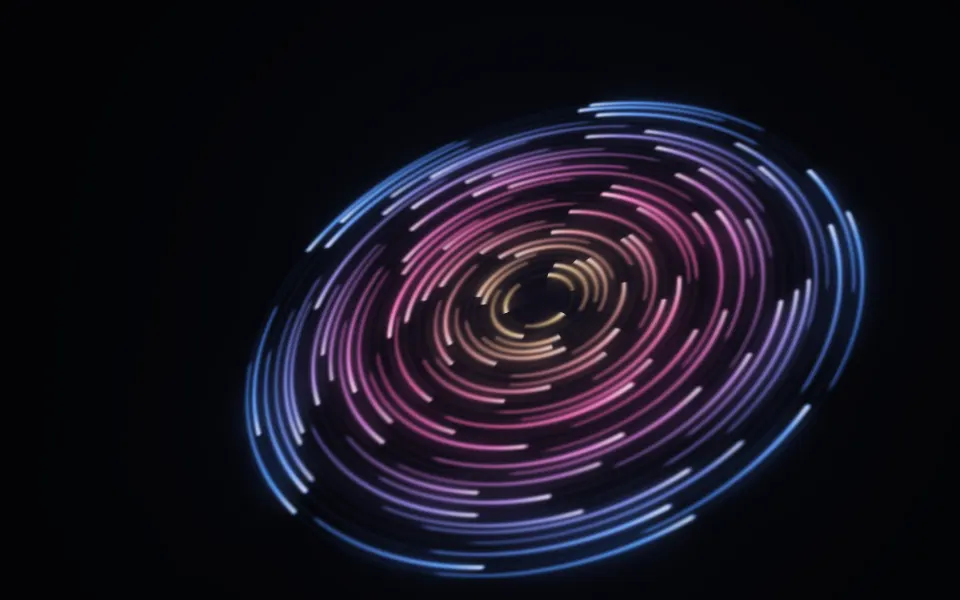
Cosmic Discs Shader
SpaceGlowing rings for a music page
- Pro
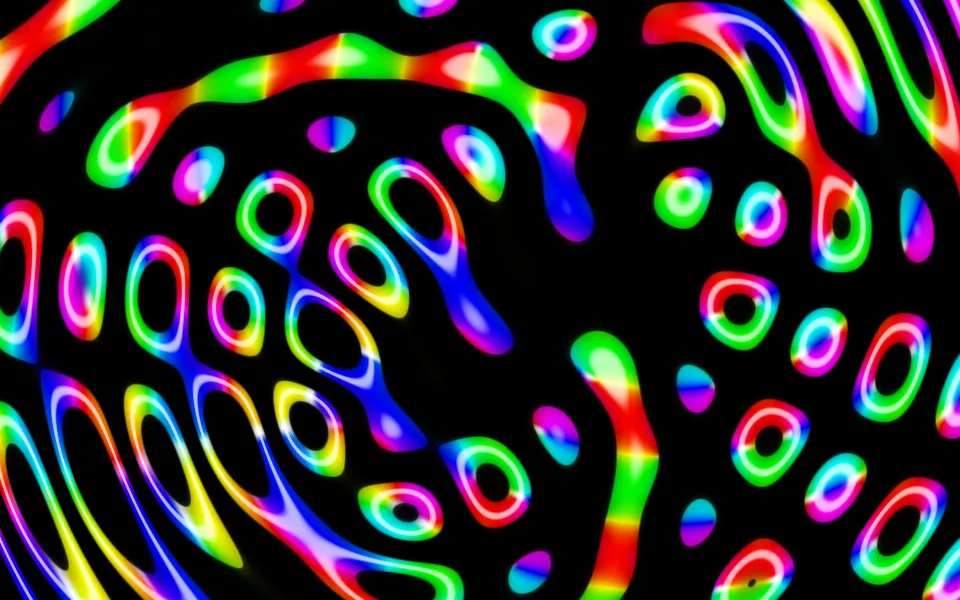
Ripples in Black Shader
Water & landscapesNeon on black for a music page