shadcn.io is not affiliated with official shadcn/ui
Shaders
ProBiomine Shader for React
A raymarched flight through a living cavern drawn on the GPU: glossy crimson tubes that glow red where light passes through them, over crusty mineral walls fading into pink haze. For React with Base UI, when a biotech, a science or a game page wants an organic, otherworldly backdrop.
Biomine Shader flies a camera along a winding path through a living cavern. Glossy crimson tubes branch and loop across the view, wet with silver-blue highlights and webbed with dark veins under the skin, and they glow red wherever they're thin enough for the light to shine through. Behind them, crusty grey-pink mineral walls close the cavern, and the depths fade into a pale salmon haze. The tubes swell in slow waves that run along them. A WGSL fragment shader on WebGPU ray marches the scene for every pixel: the tubes are one side of a warped gyroid, a surface made of a single line of trigonometry, with a corridor carved out round the camera's path.
Use it behind a biotech, medical or science page, a game or a sci-fi launch, anywhere that wants something organic and strange rather than abstract. For a flight through glowing spheres instead, use Sphere Field Shader; for a lit tunnel of cells, Cellular Tiled Tunnel Shader. It runs only while it's on screen, holds a still frame with reduced motion, and shows a gradient of the same chamber in browsers without WebGPU.
Installation
Usage
import { BiomineShader } from "@/components/ui/biomine-shader";<BiomineShader className="flex min-h-[32rem] items-center justify-center">
<div className="rounded-xl bg-black/60 px-8 py-6">
<h1 className="text-5xl font-semibold text-white">Grown, not built</h1>
</div>
</BiomineShader>Biomine Shader is a container: your content sits on top of the cavern, in normal flow. It fills its own box, so give it a height or content. For a backdrop behind the whole page, render it empty with className="fixed inset-0 -z-10". The scene mixes dark tubes with a pale glowing chamber in the middle, and looks the same in both color schemes, so no bare text color reads everywhere: put copy on a panel, like the bg-black/60 one above.
Demos
Cold cave
glowColor="#22d3ee" makes the light through the tubes cyan, fogColor="#cfe8ef" turns the haze and the mineral walls an icy blue-grey, and tubeColor="#16404f" gives the tubes a deep teal skin. The three together turn the warm, fleshy cavern into a frozen one.
In a card
speed={0.4} slows the flight and pulse={0.5} halves the swelling, so the card stays calm next to its content. quality={0.5} renders a quarter of the pixels: in a box this small the soft, wet surfaces hide it, and the GPU does a fraction of the work.
Performance
Biomine Shader renders at quality={0.75} by default: three quarters of the screen's resolution, a little over half the pixels. On an M2 Max laptop at 1280×720, a frame takes about 2 ms of GPU time at that default, 3.4 ms at quality={1} and 1.4 ms at quality={0.5}. Slower GPUs take several times longer, so keep the default, or go to 0.5 on phones. Your own quality prop overrides it. The animation stops when the shader scrolls out of view, and the browser pauses it in a hidden tab. Every shader on a page shares one GPU device and one frame loop, and vgpu (about 50 KB gzipped) loads only when the first one mounts.
Browser support
The shader needs WebGPU: Chrome and Edge, Safari 26 and later, and Firefox on Windows and macOS. Elsewhere, and until the first frame, the box shows a CSS gradient of the same chamber, a pale center ringed with crimson, in your fogColor, glowColor and tubeColor, so the layout never jumps. data-state on the root reads unsupported there, if you want to style around it. See Shader Canvas.
Accessibility
The cavern is decoration: it's hidden from assistive tech and lets every click through to your content. With reduced motion it draws one still frame, a ring of tubes framing the glowing chamber, and stops. Nothing flashes: the camera glides at a walking pace, the tubes swell over two seconds, and the corridor is carved round the camera's path, so it never passes through a tube. Bare white text drops below 3:1 on the pale chamber, so use a panel: bg-black/60 keeps white text above 5.8:1 everywhere on the default colors, and bg-black/70 above 8.6:1.
FAQ
What is a gyroid, and why use one?
A gyroid is a surface that repeats in all three directions and splits space into two interlocking labyrinths. It comes from one line of trigonometry, sin x cos y + sin y cos z + sin z cos x, so it's cheap to ray march. Taking just one of its two sides, and bending space slightly before evaluating it, turns it into a network of branching, looping tubes that looks grown rather than designed.
How do the tubes glow red where they're thin?
It's a fake of subsurface scattering, the way light shines through skin or wax. At each point on a tube, the shader samples a few points inward, against the surface's normal, and checks how soon it leaves the tube. Where the tube ends quickly, it's thin, and the light from the lamp ahead of the camera shows through, tinted with glowColor. It's brightest when you look toward the lamp, so the tubes in front light up like a hand over a torch.
How do I make it calmer?
speed slows the whole scene: the flight, the swelling and the drift of the highlights. pulse scales only the swelling and the drift, so pulse={0} holds the tubes still while the camera keeps flying. winding sets how much the path bends, from 0 (a straight flight) to 2; lower values make a steadier ride.
Can I change the colors?
Yes, three of them, each any CSS color that follows a theme switch. tubeColor is the skin of the tubes, glowColor the light that shines through them, and fogColor the haze the cavern fades into, which also tints the mineral walls. The far haze is exactly fogColor, so pick it as the brightest color of the scene; dark tube colors keep the glow readable.
Will the fine detail flicker as the camera moves?
No. The veins and the crust of the rock are noise on an integer hash, which stays stable however far the camera travels, and every fine layer widens or fades out once it gets close to the size of a pixel. That keeps the surfaces smooth in motion instead of breaking into glints.
Will it slow my page down, or drain a phone?
It's a ray marcher, so it's one of the heavier shaders: about 2 ms of GPU time a frame at 1280×720 on an M2 Max laptop at its default quality={0.75}, and several times that on a phone. It stops when it's off screen. quality is the knob that matters: quality={0.5} costs about 1.4 ms and the soft surfaces hide it. The color props, pulse and winding change the look, not the cost.
Credits
Inspired by Biomine (opens in a new tab) by Shane on Shadertoy, through shadcn.io's version. The idea, a flight through a gyroid of glossy tubes with faked translucency over mineral walls, is the same; the code, the scene, the shading and the palette are ours, written from scratch. The smooth maximum follows Inigo Quilez's article (MIT), and the hash is lowbias32 by Chris Wellons (public domain).
API Reference
BiomineShader
data-slot="biomine-shader"
brightness?number
Overall light, from 0.5 (dim) to 1.5 (bright). @default 1.
- Default
1
fallback?string
What shows until the first frame and in browsers without WebGPU: a CSS
background value (gradients, sizes, a colour) that looks like the
shader. It can use the colour props' --shader-<field> variables.
fogColor?string
The haze the cavern fades into with distance. Any CSS color. @default "#f6c0b4".
- Default
"#f6c0b4"
glowColor?string
The light that shines through the thin parts of the tubes. Any CSS color. @default "#ff4263".
- Default
"#ff4263"
interactive?boolean
Whether u.pointer follows the pointer. @default false.
paused?boolean
Holds the current frame. @default false.
pulse?number
How much the tubes swell and the sheen drifts, from 0 (still) to 2. @default 1.
- Default
1
quality?number
Render scale, from 0.25 to 1, of the screen's pixels (capped at 2×). @default 1.
- Default
0.75
speed?number
Animation speed: 1 is normal, 0 holds the frame. @default 1.
time?number
A fixed moment, in seconds: draws it and doesn't animate.
tubeColor?string
The skin of the tubes. Any CSS color. @default "#6b1a2a".
- Default
"#6b1a2a"
winding?number
How much the flight path winds, from 0 (straight) to 2. @default 1.
- Default
1
render?ReactElement | ((props: object, state: object) => ReactElement)
Replace the host element or compose it with another component.
- Type
ReactElement | ((props: object, state: object) => ReactElement)
className?string
Forwarded to the part.
Related
- Pro
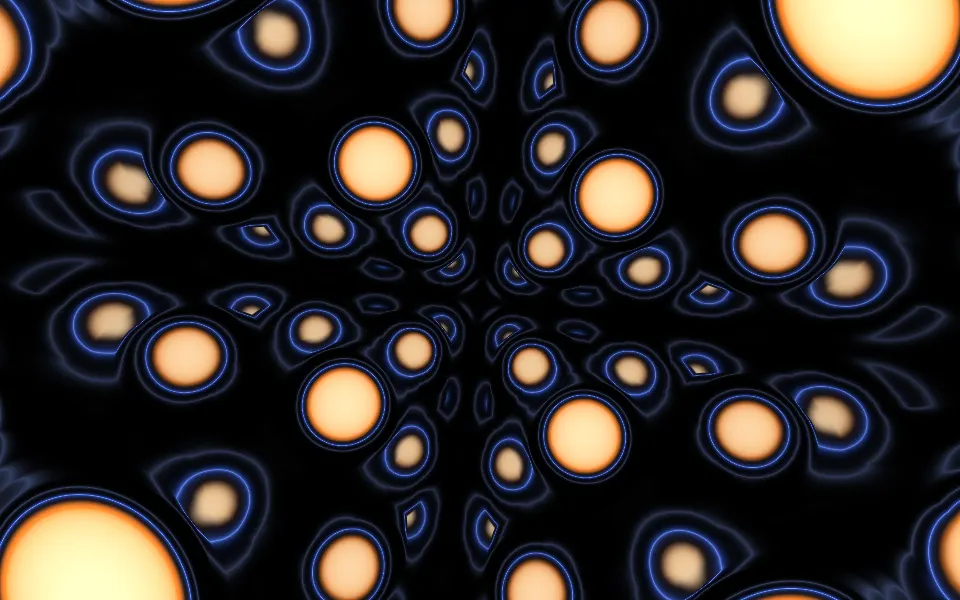
Sphere Field Shader
Tunnels & 3DA flight through glowing spheres
- Pro
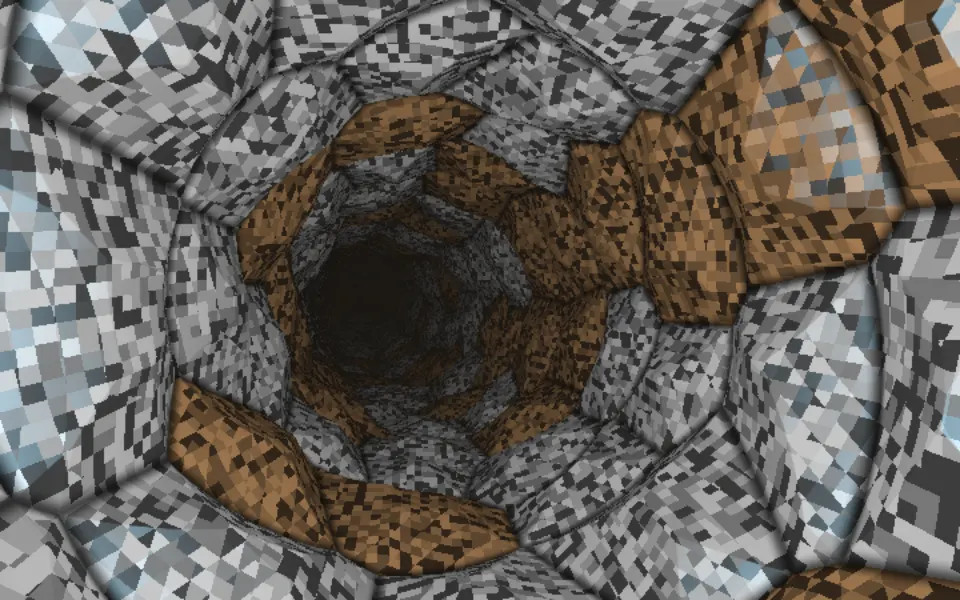
Cellular Tiled Tunnel Shader
Tunnels & 3DA lit tunnel of metal cells
- Pro
Raymarching Shader
Tunnels & 3DGyroid folds that glow, like porcelain
- Pro
Monster Tunnel Shader
Tunnels & 3DBlades twisting into a dark core
- Pro
Bioluminescence Shader
Water & landscapesLiving light on a calm night beach
- Pro
Warped Noise Shader
Flow & gradientsOrganic color with no 3D, lighter