shadcn.io is not affiliated with official shadcn/ui
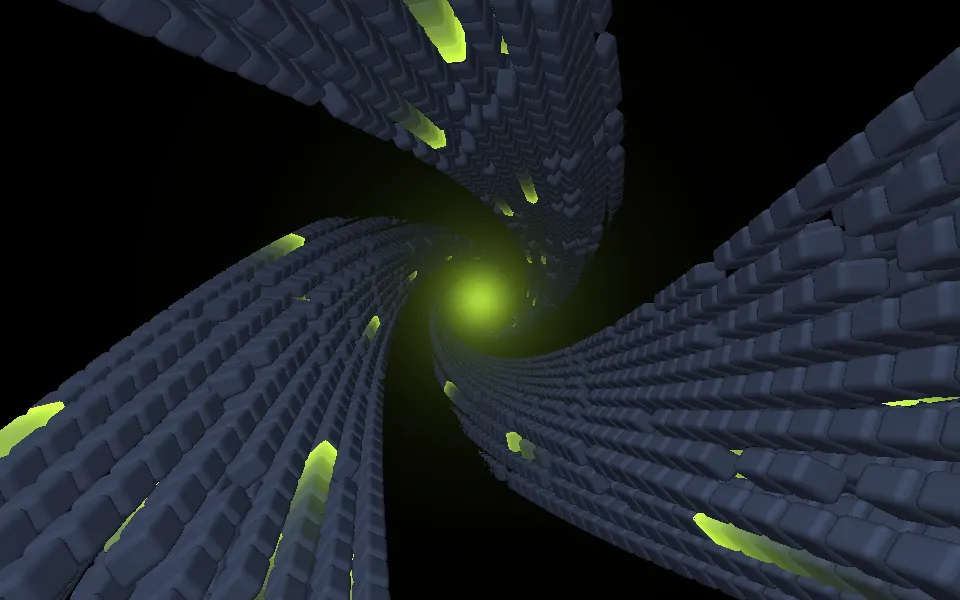
Monster Tunnel Shader flies a camera down a tunnel of jagged blades on the GPU. A WGSL fragment shader on WebGPU builds the blades from one box: it repeats the space around the tunnel's axis six times, folds it over itself twice, thins the blades to points toward the center and twists the whole tunnel with depth, so they spiral into a dark core like claws. A lamp ahead of the camera shades their faces in teal, their edges glow neon green, and sheets of green light drift through them toward you while the tunnel slowly rolls and the blades writhe.
Use it behind a gaming or Halloween launch, a sci-fi hero or a full-screen intro that wants energy and a little menace. For a cleaner neon tunnel, use Digital Tunnel Shader; for a bright, friendly flight through tiles, Advanced Tunnel Shader; for a whirlpool of fine streaks in plain CSS, with no GPU, the Vortex background. It runs only while it's on screen, holds a still frame with reduced motion, and shows a CSS gradient of the same colors in browsers without WebGPU.
Installation
Usage
import {
  MonsterTunnelShader,
} from "@/components/ui/monster-tunnel-shader";<MonsterTunnelShader className="flex min-h-[32rem] items-center justify-center">
<h1 className="text-5xl font-semibold text-white">Into the maw</h1>
</MonsterTunnelShader>Monster Tunnel Shader is a container: your content sits on top of the vortex, in normal flow. It fills its own box, so give it a height or content. For a backdrop behind the whole page, render it empty with className="fixed inset-0 -z-10". The scene is dark in both color schemes, so put white text over it: large headings read well, and smaller text wants a light panel behind it.
Demos
Ember
segments={3} gives the vortex three wide arms instead of six, color="#a855f7" turns the blades violet and glowColor="#f97316" makes their edges and the sweeping light orange.
In a card
The vortex scales with its box. spin={0.3} slows the roll and the writhing to a crawl, which suits a small surface next to text, while the camera keeps flying at full speed.
Performance
About 2.4 ms of GPU time a frame at 1280×720 on an M2 Max laptop, so it renders at full resolution, where the blade edges stay crisp; slower GPUs take several times longer. Each pixel marches up to 80 steps through the folded blades, and shades the one it lands on. segments and the colors don't change the cost. On a slow GPU or a large screen, quality={0.75} renders about half the pixels, and the edges stay sharp enough. The animation stops when the shader scrolls out of view, and the browser pauses it in a hidden tab. Every shader on a page shares one GPU device and one frame loop, and vgpu (about 50 KB gzipped) loads only when the first one mounts.
Browser support
The shader needs WebGPU: Chrome and Edge, Safari 26 and later, and Firefox on Windows and macOS. Elsewhere, and until the first frame, the box shows a CSS gradient of teal and green rings, cut by dark spokes around a black core, so the layout never jumps. data-state on the root reads unsupported there, if you want to style around it. See Shader Canvas.
Accessibility
The vortex is decoration: it's hidden from assistive tech and lets every click through to your content. With reduced motion it draws one still frame, the blades spiraling around the dark core, and stops. Nothing flashes: a new ring of blades reaches the camera every 1.75 seconds, a sheet of light every 6.7, and the overall brightness swells and fades over about 16 seconds. White text reaches 4.5:1 on 92% of the frame and 9.8:1 on a typical pixel, but drops to about 1.8:1 on the brightest green edges; on a bg-black/40 panel it stays above 4.7:1 everywhere.
FAQ
How do I change the symmetry?
segments sets how many times the pattern repeats around the center, a whole number from 3 to 12; other values round to the nearest one. 3 gives three wide, sweeping arms, 6 the default vortex, and 12 a dense, bristling ring of blades.
What are the blades made of?
One box. The shader repeats the space around the tunnel's axis, then folds it twice: each fold mirrors it and turns it, so the single box becomes a cluster of blades. It also repeats along the tunnel, twists with depth, and thins the blades toward the center, so they read as claws closing in. The folds sway slowly, which makes the blades writhe.
How do I stop the rolling?
spin={0} holds the roll and the writhing, and the camera keeps flying down the tunnel. spin scales both on top of speed, so spin={0.3} is a slow crawl and spin={2} a fast whirl. speed scales everything, the flight included.
Can I change the colors?
Yes: color is the blades and glowColor their glowing edges and the sheets of light. They take any CSS color, var(--primary) included, and follow a theme switch. A dark, saturated color and a bright glowColor keep the menace; brightness scales the whole scene, from 0.5 to 2.
Credits
Inspired by a monster tunnel shader (opens in a new tab) by butadiene on Shadertoy. This is a new shader written from a description of the look, not a port: the blade geometry, the folds, the lighting, the sheets of light and the code are ours. The box distance follows Inigo Quilez's articles (MIT), with its credit line in the WGSL.
API Reference
MonsterTunnelShader
data-slot="monster-tunnel-shader"
brightness?number
How bright the whole vortex is, from 0.5 (dim) to 2 (vivid). @default 1.
- Default
1
color?string
The shards. Any CSS colour. @default "#1ab3b3".
- Default
"#1ab3b3"
fallback?string
What shows until the first frame and in browsers without WebGPU: a CSS
background value (gradients, sizes, a colour) that looks like the
shader. It can use the colour props' --shader-<field> variables.
glowColor?string
The light that sweeps through the shards. Any CSS colour. @default "#1aff1a".
- Default
"#1aff1a"
interactive?boolean
Whether u.pointer follows the pointer. @default false.
paused?boolean
Holds the current frame. @default false.
quality?number
Render scale, from 0.25 to 1, of the screen's pixels (capped at 2×). @default 1.
segments?number
How many times the pattern repeats around the centre, a whole number from 3 to 12. @default 6.
- Default
6
speed?number
Animation speed: 1 is normal, 0 holds the frame. @default 1.
spin?number
How fast the vortex rolls and the shards writhe, on top of speed: 0 holds them. @default 1.
- Default
1
time?number
A fixed moment, in seconds: draws it and doesn't animate.
render?ReactElement | ((props: object, state: object) => ReactElement)
Replace the host element or compose it with another component.
- Type
ReactElement | ((props: object, state: object) => ReactElement)
className?string
Forwarded to the part.
Related
- Pro
Digital Tunnel Shader
Tunnels & 3DA cleaner neon tunnel
- Pro
Advanced Tunnel Shader
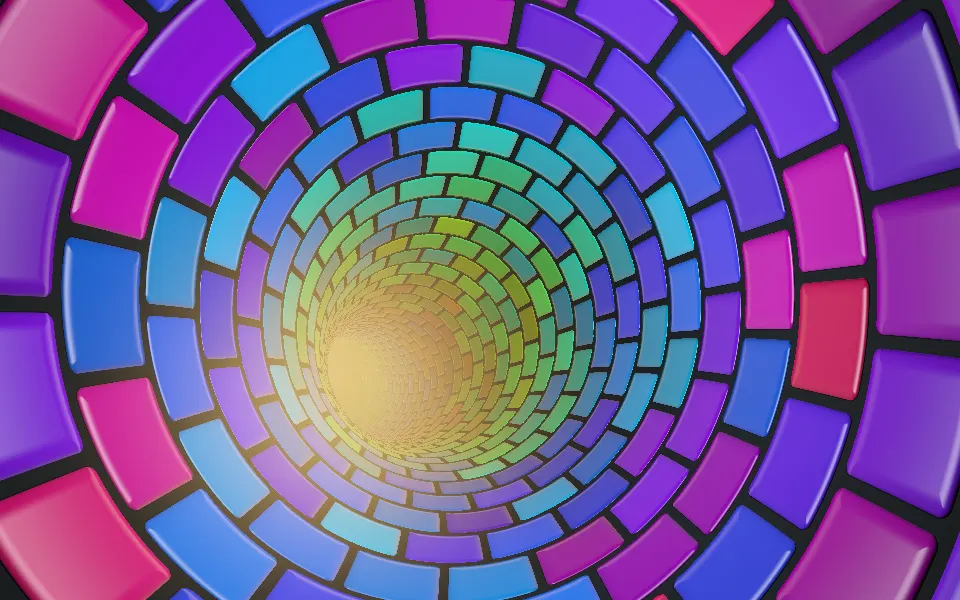
Tunnels & 3DA bright, friendly flight through tiles
- Pro
Abstract Mod Shader
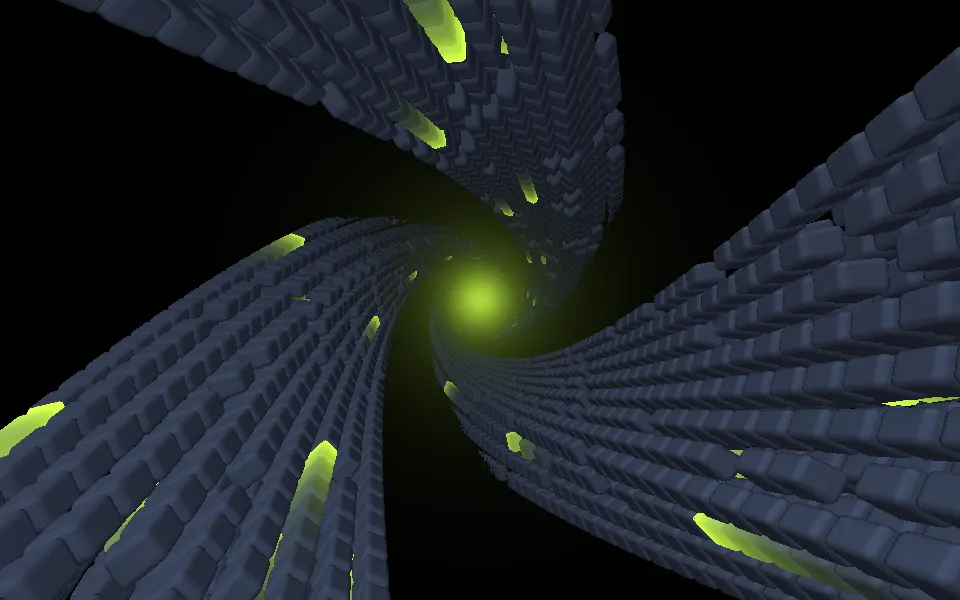
Tunnels & 3DSlabs winding into spiral arms
- Pro
Biomine Shader
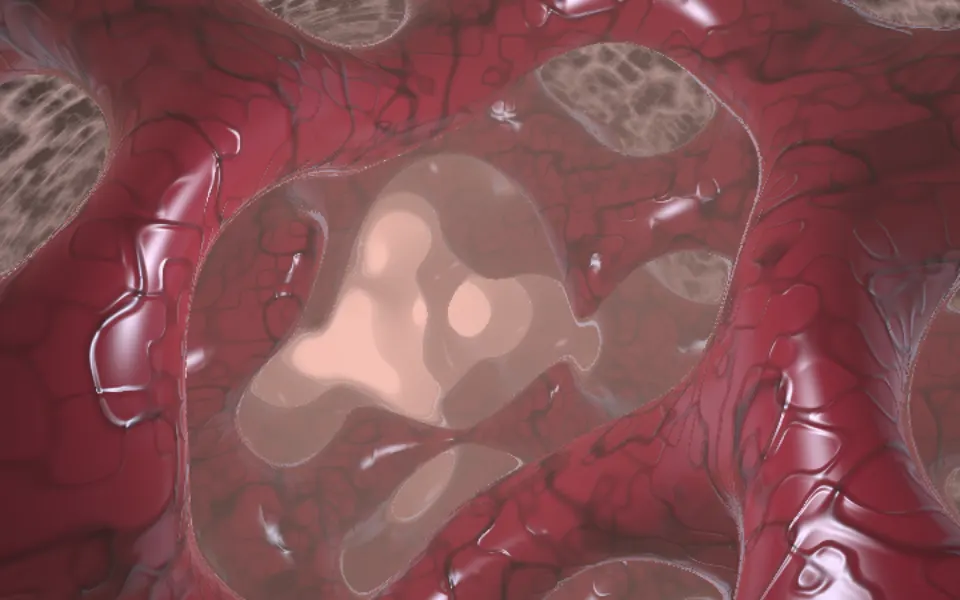
Tunnels & 3DAn organic, otherworldly cavern
Glitch Shader
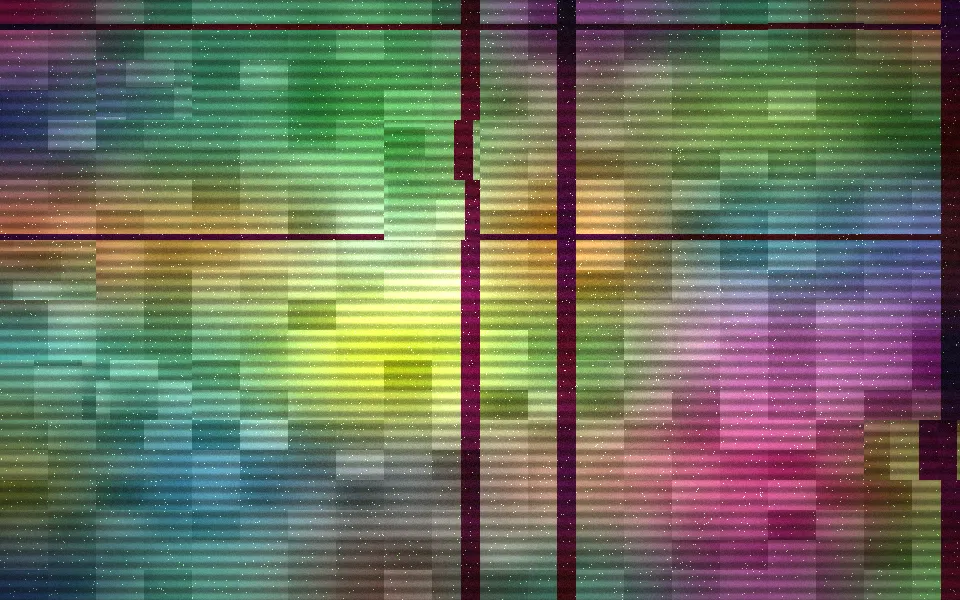
Digital & retroA corrupted screen for a game, free
- Pro
Burning Paper Shader
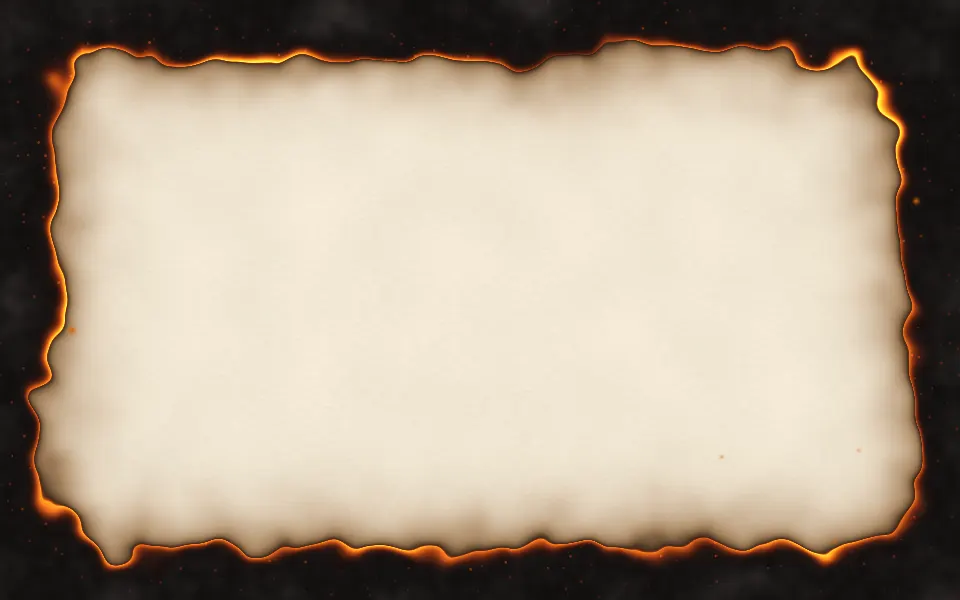
Ink, smoke & fireAnother Halloween hero, on a light page