shadcn.io is not affiliated with official shadcn/ui
Vortex fills its container with fine streaks that circle an eye: fast close to it, slow far out, each drifting gently inward along a spiral. The speed difference shears the field into long arcs that keep re-forming, the brighter streaks gather on two slowly turning spiral arms, and a faint glow sits under the eye. Streaks grow out of nothing, then shrink away into the calm eye or at the end of their life, so nothing pops. They're pink near the eye, violet half-way out and indigo at the edges, deeper on a light page and brighter on a dark one.
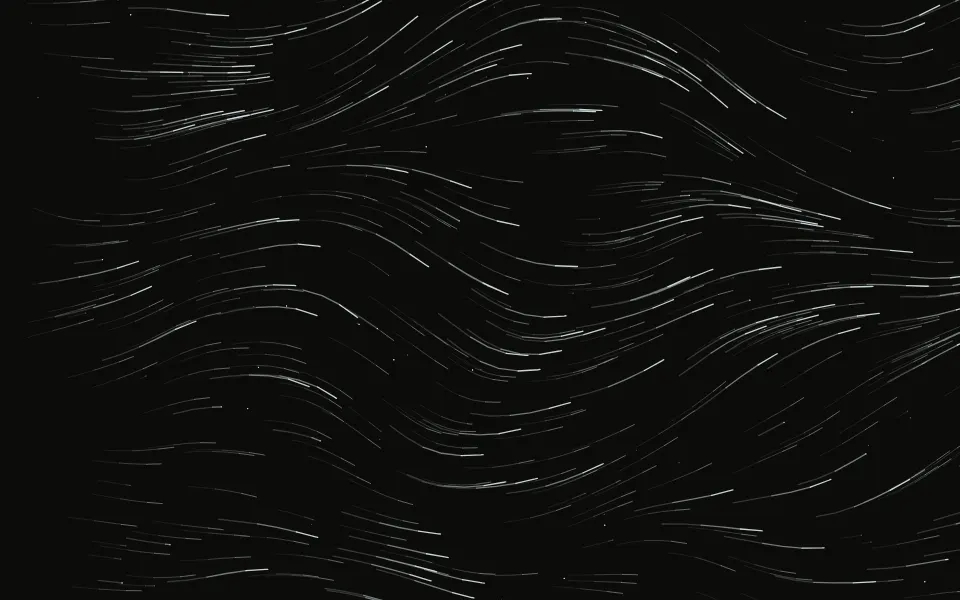
It's a small canvas with no package, paused offscreen, and it covers the whole box at any size or shape: the eye can sit anywhere with centerX and centerY. For straight streamlines across the area use Wind; for a funnel seen from the side, Tornado; for a soft band of color without particles, Aurora.
Installation
Usage
import { Vortex } from "@/components/ui/vortex";<Vortex className="min-h-[480px]">
<h1 className="text-5xl font-semibold">Ship faster</h1>
</Vortex>Vortex is a container: give it a size, put your content inside, and the streaks swirl behind it. For a background behind the whole page, pass className="fixed inset-0 -z-10" and no children.
Demos
Theme colors, eye to the side
colors takes up to three CSS colors, from the eye outward, repeated when there are fewer. Theme tokens, here var(--primary) and var(--muted-foreground), give an ink-like version that follows light and dark mode. centerX={0.78} moves the eye toward the end edge, leaving calm space for a headline at the start.
Interactive
With interactive, the pointer stirs a small whirl of its own: streaks within 160 px of it curl around it as they pass. This card uses the most streaks, count={1500}, at speed={0.7}.
Accessibility
The canvas is decoration: it's hidden from assistive tech and never takes the pointer, so your content is read and clicked as usual. With reduced motion it draws one frame, trails included, and ignores the pointer. The eye itself is calm and the streaks are thin, so a centered headline in text-foreground reads well over them; keep long body copy short or on a surface, where the arms are busiest. Nothing flashes: every streak grows in and shrinks away.
FAQ
What moves the streaks?
Each streak circles the eye at a speed that peaks a little way out and falls off toward the edges, and it drifts inward at a fixed share of that speed, so its path is a spiral. A slow wobble bends the flow so the arcs never look ruled. The near, brighter streaks are born on two spiral arms that follow the flow and turn slowly, which gives the whirl its shape.
Does it fill wide or tall boxes?
Yes. The streaks are spread over the whole box and the spin reaches every corner, whatever the shape: a 1440×360 banner, a phone hero or a card. count is how many there are in a 1440×900 box; other sizes get as many per area, and small boxes a few more so they never look sparse.
Can I move the eye?
centerX and centerY place it, as shares of the box from 0 to 1. centerX counts from the start edge, so it mirrors in right-to-left pages. Put the eye to one side of a split hero, or low in the box to frame a headline above it.
How do I change the colors?
colors takes up to three CSS colors, from the eye outward. By default they're a pink, violet and indigo tuned separately for light and dark mode; pass theme tokens for a monochrome look, or set --vortex-color-1 to --vortex-color-3 in your CSS. The glow under the eye follows them.
How are the trails made?
Each streak keeps its last few positions and draws them as a short tail that fades toward the end, in two widths for depth. The canvas is cleared every frame, so nothing smears or lingers, and the tails keep their length at 60 or 120 Hz and at any speed.
API Reference
Vortex
<div> data-slot="vortex"
centerX?number
Where the eye sits across the box, from the start edge: 0 to 1. @default 0.5.
- Default
0.5
centerY?number
Where the eye sits down the box: 0 (top) to 1 (bottom). @default 0.5.
- Default
0.5
colors?string[]
Up to three CSS colors, from the eye outward, taken in turn and repeated when there are fewer.
- Default
pink, violet and indigo, tuned for light and dark
count?number
How many streaks in a 1440×900 box; other sizes get as many per area, never more than 1,500.
- Default
1200
interactive?boolean
Whether the pointer stirs a small whirl of its own. @default false.
- Default
false
size?number
Scales the streaks' width: 0.8 and 1.5 px at 1. @default 1.
- Default
1
speed?number
Multiplies the spin; 0 holds the streaks still. @default 1.
- Default
1
render?ReactElement | ((props: object, state: object) => ReactElement)
Replace the host element or compose it with another component.
- Type
ReactElement | ((props: object, state: object) => ReactElement)
className?string
Merged with the part's classes.
--vortex-color-1string
The streaks' color by the eye (pink).
--vortex-color-2string
Their color half-way out (violet).
--vortex-color-3string
Their color far out (indigo).
Related
- Pro
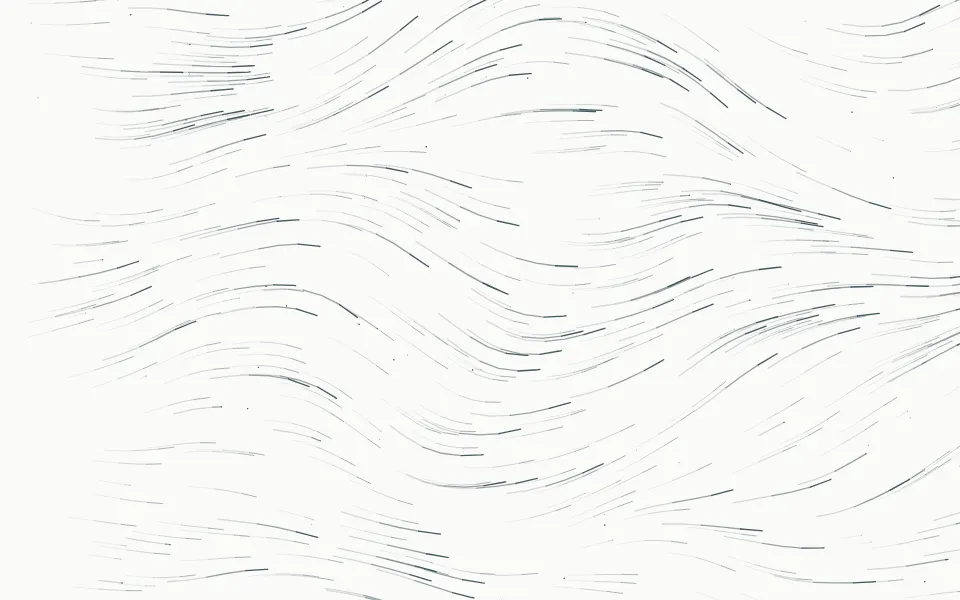
Wind Background
WeatherStreamlines across the whole area, no eye
- Pro
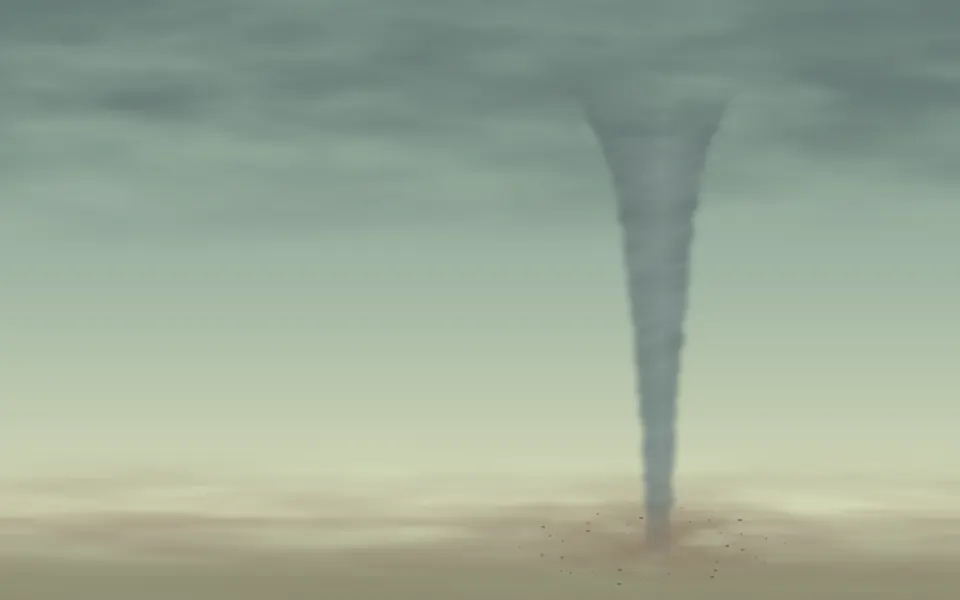
Tornado Background
WeatherA storm funnel that turns on its axis
- Pro
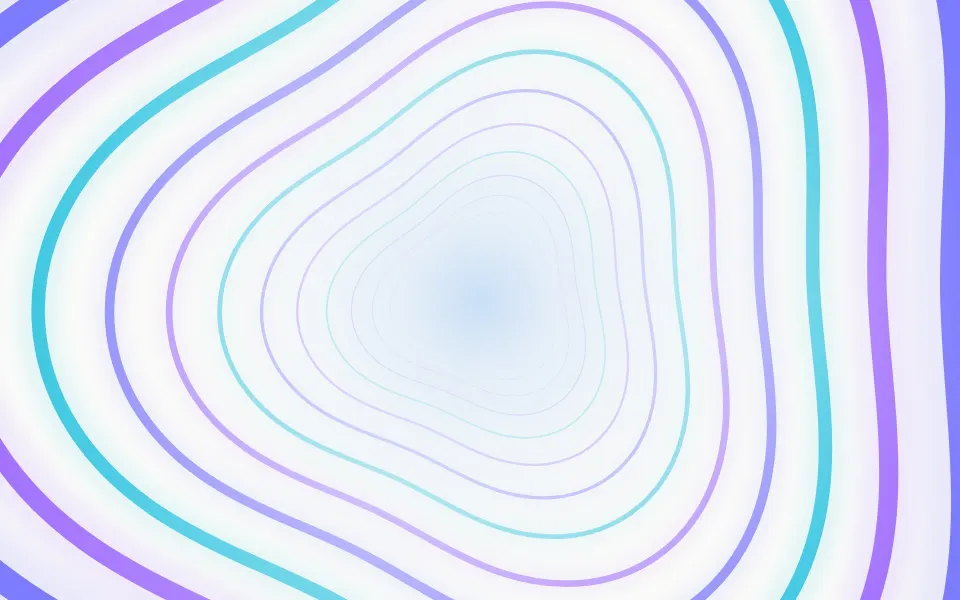
Portal Background
LightRings flying out of a centre instead of into it
- Pro
Filings lined up along a field, with the pointer as a pole
Particles
ParticlesA calmer drift with pointer pull

Aurora Background
SpaceA soft band of colour without particles