shadcn.io is not affiliated with official shadcn/ui
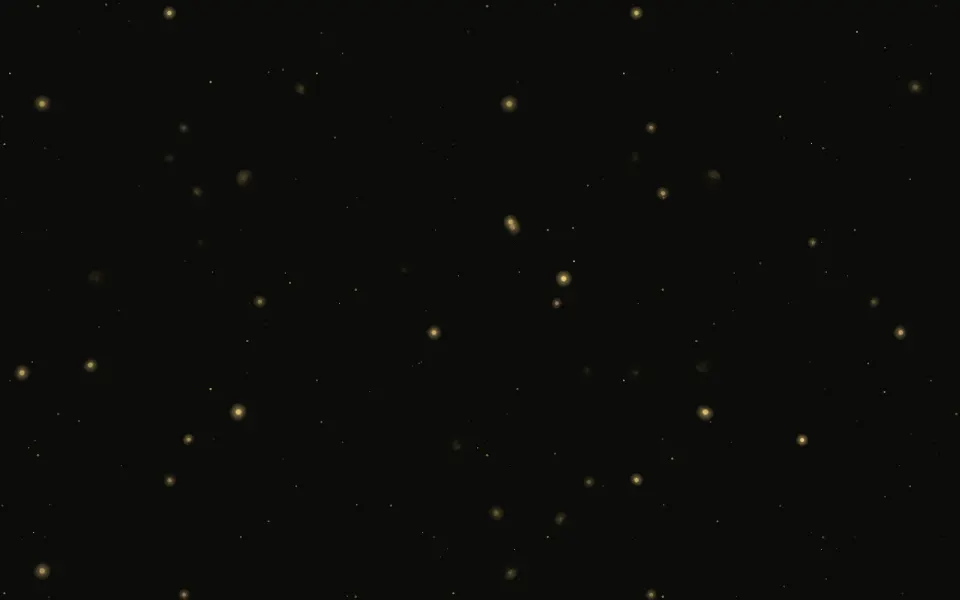
Fireflies fills its box with warm lights that wander on slow curves and switch on and off at their own pace. They live in two depths: near fireflies are bigger and brighter and roam further, and every third one is far away, a small dim glow that drifts more slowly. Each firefly is a soft gradient, from a bright core to a wide faint halo, with no blur filter. Three CSS animations move it: a sideways and an up-down sway whose timings never line up, so its path is a loop that rarely repeats, and a slow pulse that leaves it dark about a third of the time. At night the glows are pale yellow-green with white-hot cores over a navy dusk; on a light page they're deep amber with larger, softer halos and a few fewer of them, so each reads as a glow rather than a speck. No script runs in the browser.
Use it for calm, storytelling sections, portfolios or a summer campaign. For a still twinkle use Sparkles; for soft out-of-focus circles, Bokeh; for a night-sky glow, Aurora.
Installation
Usage
import { Fireflies } from "@/components/ui/fireflies";<Fireflies className="min-h-[420px]">
<h1>Summer evening</h1>
</Fireflies>Fireflies is a container: put your content inside and the fireflies wander behind it. It fills the box you give it, so set its height (min-h-[420px]), or className="fixed inset-0 -z-10" to cover the whole page.
Demos
Cool glow
fireflyColor takes any CSS colour, here a fantasy cyan, and sets one colour for both themes. Pick a mid-strength colour: a very pale glow disappears on a light page.
A few fireflies
count={12} and intensity="strong" for a sparse meadow with wide halos, in a card that stays dark in both themes (the dark class with bg-background), where the glows turn pale yellow-green with white-hot cores over a navy dusk.
Accessibility
The fireflies are decoration: the whole layer is hidden from screen readers and ignores the pointer, and your content inside reads as usual. With reduced motion every firefly stops where it is, some lit and some dark, so a still meadow of glows stays. The pulses are not flashes: each glow is a soft gradient that never rises in less than half a second, whatever the speed. Text in the foreground colour stays readable in both themes; a glow passing behind a letter lowers its contrast for a moment, so keep body text on a solid panel.
FAQ
How is the glow made?
Each firefly is one radial gradient, from a bright core through its colour to a wide faint halo, sized and brightened by how close it is. There's no blur filter, so the browser paints each glow once. On a light page the halo is larger and fainter, so it reads against paper.
How does the depth work?
Every third firefly is far: small, dim and slower, so the near ones seem to pass in front of a deeper meadow. Each firefly's depth also sets how far it roams.
Why do the paths curve?
Each firefly sways sideways and up and down on two timings that never line up, and every swing has its own reach, so its path traces a smooth loop that rarely repeats. Near fireflies roam further than far ones.
How many fireflies should I use?
count defaults to 48, a third of them far. 15 to 25 is sparse and calm, 60 a dense meadow; it stops at 100. On a light page one in six stays dark, so the meadow looks a little calmer.
Can I change the colour?
fireflyColor takes any CSS colour. By default it's pale yellow-green with white-hot cores in dark mode and deep amber in light mode, so it shows on both. intensity sets how far the halo reaches: subtle, medium or strong.
API Reference
Fireflies
<div> data-slot="fireflies"
count?number
How many fireflies there are, from 0 to 100.
- Default
48
fade?"none" | "radial" | "top" | "bottom"
Where the fireflies fade out: toward every edge, toward the top, toward the bottom, or nowhere.
- Type
"none" | "radial" | "top" | "bottom"- Default
"radial"
fireflyColor?string
The fireflies' glow, any CSS colour. By default pale yellow-green in dark mode and amber in light mode, so it shows on both.
intensity?"subtle" | "medium" | "strong"
How far each glow's halo reaches and how strong it is.
- Type
"subtle" | "medium" | "strong"- Default
"medium"
speed?number
How fast the fireflies wander and pulse, as a multiplier: 0.5 is dreamy, 1.5 lively. The pulse never rises faster than half a second.
- Default
1
render?ReactElement | ((props: object, state: object) => ReactElement)
Replace the host element or compose it with another component.
- Type
ReactElement | ((props: object, state: object) => ReactElement)
className?string
Merged with the part's classes.
--fireflies-colorstring
The glow's colour (deep amber in light mode, pale yellow-green in dark).
--fireflies-speedstring
How fast they wander and pulse (1).
Related
- Pro
Bokeh Background
ParticlesSoft out-of-focus circles
- Pro

Sparkles Background
ParticlesA still twinkle with star glints
- Pro

Pollen Background
ParticlesDrifting specks in the light
Particles
ParticlesDust at three depths that leans toward the pointer

Aurora Background
SpaceA calm night-sky glow
- Pro
Fireplace Background
WeatherWarm light with embers