shadcn.io is not affiliated with official shadcn/ui
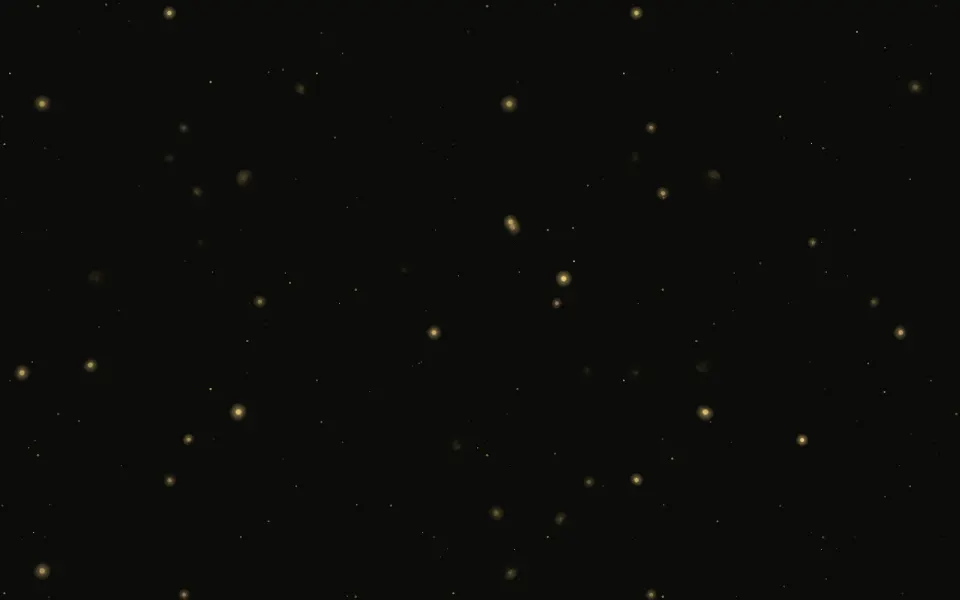
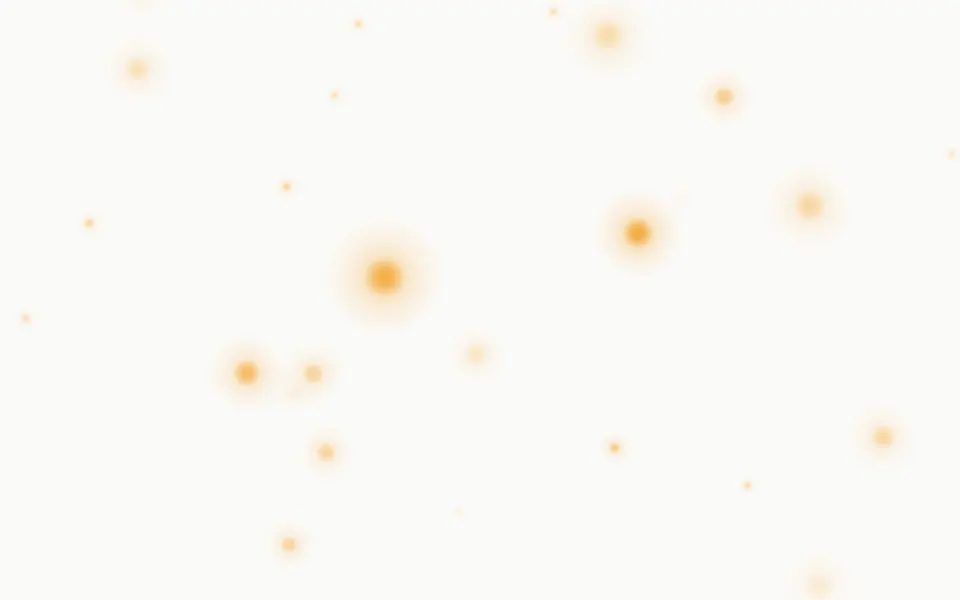
Pollen fills the box with golden motes drifting through a soft diagonal shaft of sunlight. The shaft is a broad band of warm light with a few brighter rays inside it, strongest at the top, and it slowly brightens and dims. Inside it the motes shine; outside it they're dimmer, so it reads as pollen in a sunbeam. The field has depth: a few large out-of-focus discs float nearest the eye, 36 near motes, each a tiny glowing core, float, sway and twinkle on their own, and three far layers of fine dust rise behind them, the farthest dimmest and slowest. On a light page the shaft is warm sunlight and the motes a deep gold; at night the shaft is a pale gold glow and the motes shine. The far layers are repeating tiles and the near motes are spans placed when the page renders; CSS keyframes move them all, so no script runs.
Use it behind calm pages and body text. For bigger flakes falling with the same depth use Snow; for fewer, larger points that glow and blink, Fireflies; for points that twinkle in place, Sparkles; for large soft discs, Bokeh.
Installation
Usage
import { Pollen } from "@/components/ui/pollen";<Pollen className="min-h-[420px]">
<h1>Slow mornings</h1>
</Pollen>Pollen is a container: put your content inside and the motes drift behind it. It fills the box you give it, so set its height (min-h-[420px]), or className="fixed inset-0 -z-10" to cover the whole page. It has no background of its own: your page shows through, or set one on the container.
Demos
Settling dust
A negative speed lets the motes settle downward instead of rising. Without the beam (beam={false}) the field is even; here pale motes drift over a container that stays dark in both themes (the dark class).
Inside a card
density scales the far dust per area (0.6 here), so a card and a full page look equally dusty. The 36 near motes and the out-of-focus discs always stay.
Accessibility
The motes are decoration: the whole layer is hidden from screen readers and ignores the pointer, and your content inside reads as usual. With reduced motion every mote stops where it is and the shaft stays, a still picture of pollen in light. Nothing flashes: the twinkle is a slow fade on tiny points and the shaft brightens and dims over 11 seconds.
The motes are tiny, so text on top keeps its contrast. In light mode the shaft is a pale warm tint, and foreground text over its brightest part stays above 14:1; at night it's a faint glow.
FAQ
How big are the motes?
Near motes are a 2–4 px core in a soft glow, the far dust 1–3 px, so they read as pollen in light rather than as generic particles. There are about 375 on a laptop screen, plus ten large out-of-focus discs.
How does the depth work?
Three far layers are repeating tiles that rise at different speeds, the farthest dimmest and slowest; 36 near motes float, sway and twinkle in front of them; and ten soft discs, out of focus, drift slowly nearest the eye.
Can the dust fall instead?
Yes: a negative speed makes it settle downward. sway={0} stills the sideways drift, and a larger sway widens it.
What is the light shaft?
With beam (on by default), a soft diagonal band of light with a few brighter rays crosses the box, strongest at the top, and the motes outside it are dimmer. beam={false} gives an even field. Its colour is the --pollen-beam variable.
API Reference
Pollen
<div> data-slot="pollen"
beam?boolean
Lights a soft diagonal shaft of sunlight across the box (it slowly
brightens and dims) and dims the motes outside it, like pollen in a
sunbeam; false gives an even field.
- Default
true
density?number
How many far motes, as a multiplier from 0.25 to 3. It's per area, so a card and a full page look equally dusty; the 36 near motes and the out-of-focus discs stay.
- Default
1
moteColor?string
The motes' colour, any CSS colour.
- Default
a golden pollen colour, deep gold on paper and pale gold at night
speed?number
How fast the motes rise, as a multiplier: 0.5 is slower, 2 faster, and a negative number lets them settle downward instead.
- Default
1
sway?number
How far the motes sway sideways, as a multiplier: 0 stills it. @default 1.
render?ReactElement | ((props: object, state: object) => ReactElement)
Replace the host element or compose it with another component.
- Type
ReactElement | ((props: object, state: object) => ReactElement)
className?string
Merged with the part's classes.
--pollen-beamstring
The light shaft's colour (warm sunlight in light mode, a pale gold glow in dark).
--pollen-colorstring
The motes' colour (golden pollen, deeper on paper, paler at night).
--pollen-speedstring
How fast they rise, a multiplier; negative settles (1).
--pollen-swaystring
How far they sway, a multiplier (1).
Related
- Pro

Snow Background
WeatherThe same layered depth, with bigger flakes falling
- Pro
Fireflies Background
ParticlesFewer, larger points that glow and blink
- Pro

Sparkles Background
ParticlesTwinkling points that stay in place
- Pro

Bokeh Background
ParticlesThe same depth idea with large soft discs

Starfield Background
SpaceDots streaming toward you through space

Fog Background
WeatherSlow mist for an even quieter background