shadcn.io is not affiliated with official shadcn/ui
Starfield flies you forward through a field of stars: each one appears small and dim near the centre, then speeds up, grows, brightens and streaks into a short comet as it passes the edge, while distant stars hold still behind them. Each star is a span placed at render from its index and moved by CSS keyframes timed like a perspective camera, with no canvas and no script running in the browser. Smaller boxes fly fewer stars, so a card is as dense as a full page and costs less.
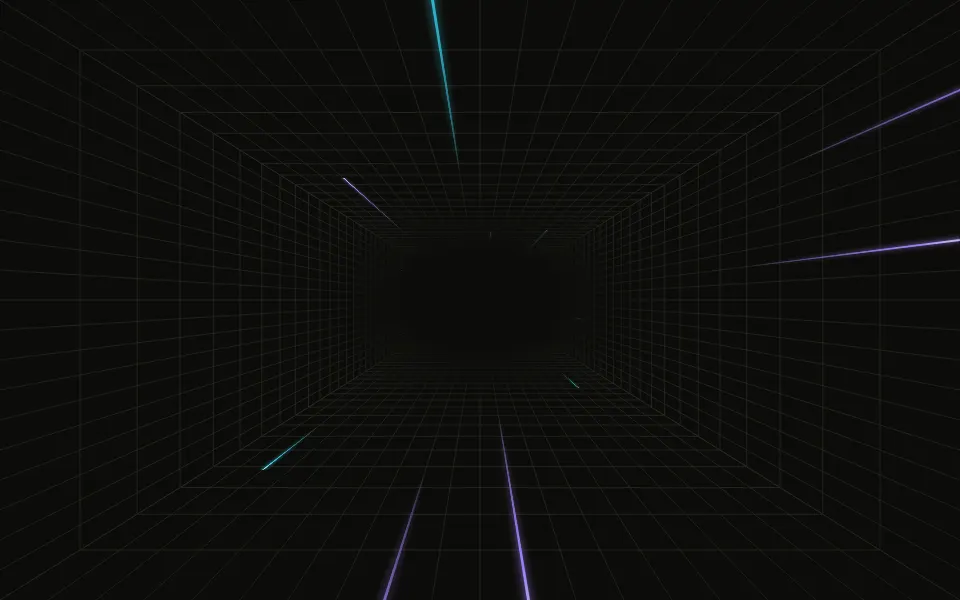
Use it behind a hero or a launch page. For a hyperspace tunnel use Warp; for a still sky that twinkles, Sparkles; for streaks crossing still stars, one or two at a time, Shooting Stars.
Installation
Usage
import { Starfield } from "@/components/ui/starfield";<Starfield className="min-h-[420px]">
<h1>Into the night</h1>
</Starfield>Starfield is a container: put your content inside and the stars fly behind it. It fills the box you give it, so set its height (min-h-[420px]), or className="fixed inset-0" to cover the whole page.
Demos
Warp speed
speed multiplies how fast you fly: 1 is a calm cruise, 3 a jump to warp, where the streaks grow longer with the speed. count is how many stars fly at once in a large box, 160 by default; 240 makes a denser field (300 is the most it takes).
Always dark
The stars take the text colour, so the field is dark specks on a light page and a night sky in dark mode. For a scene that stays dark in both, give the container a dark background and white text, and pass starColor="white".
Accessibility
The stars are decoration: the whole layer is hidden from screen readers and ignores the pointer, and your content inside reads as usual. With reduced motion every star stops where it is, so the field becomes a still star map rather than an empty box. Nothing flashes. Keep text over the field in the foreground colour: the stars are smallest and faintest at the centre, and fade fades them toward the edges, so a centred headline stays clear in light and dark.
FAQ
How is the depth made?
Each flight is timed like a camera flying toward the star: its distance from the centre grows like one over its depth, slowly at first and then fast, while it grows from a speck to a dot and brightens. Once it's fast it stretches into a tail as long as its speed, so the stars near the edge streak like comets. Behind them, a still scatter of distant stars stays put, as stars too far away to move would.
Can I change the speed?
Yes: speed multiplies it. 1 is a calm cruise, where a star takes up to about 25 seconds to cross; 3 is warp speed, with longer streaks. You can also set --starfield-speed from CSS.
How many stars should I use?
count is how many stars fly at once in a large box (from 1100×640), 160 by default and at most 300. A box of at least 640×400 flies the first 80% of them and a card or a phone the first 55%, so small boxes stay as dense as large ones without moving stars they don't need. 100 is a sparse sky and 240 a dense one.
Can I change the star colour?
starColor takes any CSS colour. By default the stars use your theme's foreground colour, so they work in light and dark mode.
How do I fade the edges?
fade is radial by default, which fades the stars toward every edge; top or bottom fades them toward one edge only, and none keeps them at full strength to the border. It's a mask, so it fades into whatever is behind the field.
Does it respect reduced motion?
Yes: with reduced motion the stars stop where they are, as a still star map.
Does it slow the page down?
No script runs: the stars are placed when the page renders, and the browser's compositor moves them, off the main thread, so scrolling and typing stay smooth. Each star's loop holds five flights, about a minute and a half, and ends on a tick it shares with every other star, so the main thread only wakes for a moment every few seconds. At the default count the compositor spends about a millisecond a frame on the field. When it scrolls out of view the browser skips it entirely. count stops at 300 because each star is one more layer for the compositor to move every frame.
API Reference
Starfield
<div> data-slot="starfield"
count?number
How many stars fly at once in a large box (from 1100×640), from 0 to 300. A box of at least 640×400 flies the first 80% of them, a card or a phone the first 55%, so small boxes are as dense as large ones.
- Default
160
fade?"none" | "radial" | "top" | "bottom"
Where the stars fade out: toward every edge, toward the top, toward the bottom, or nowhere.
- Type
"none" | "radial" | "top" | "bottom"- Default
"radial"
speed?number
How fast you fly, as a multiplier: 1 is a calm cruise, 3 is warp speed.
- Default
1
starColor?string
The stars' colour, any CSS colour. @default "var(--foreground)".
render?ReactElement | ((props: object, state: object) => ReactElement)
Replace the host element or compose it with another component.
- Type
ReactElement | ((props: object, state: object) => ReactElement)
className?string
Merged with the part's classes.
data-tier?string
Mirrors tier.
--starfield-colorstring
The stars' colour (var(--foreground)).
--starfield-speedstring
The flight's speed, a multiplier (1).
Related
- Pro
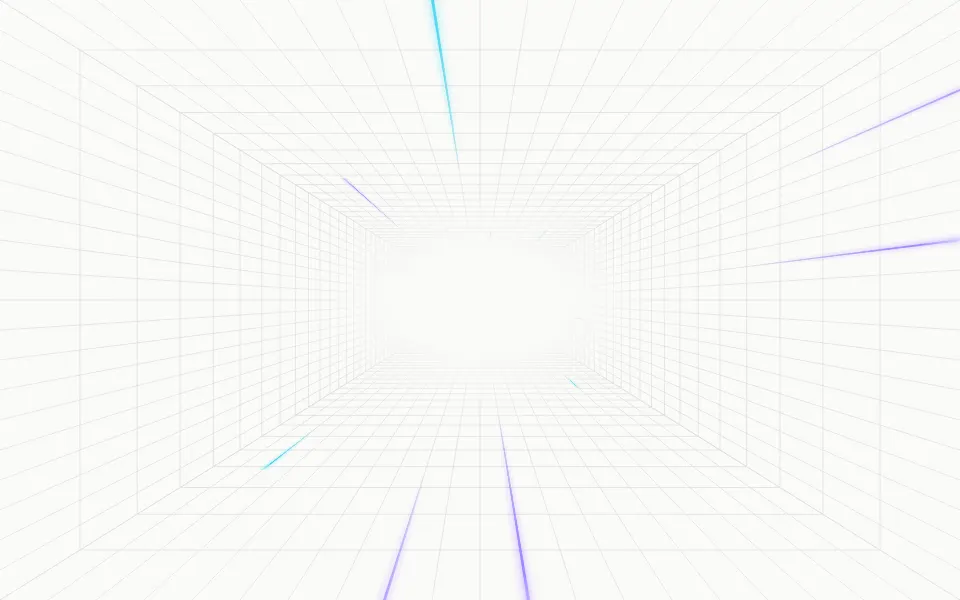
Warp Background
TechA faster hyperspace tunnel
- Pro

One or two streaks at a time over a still sky
- Pro
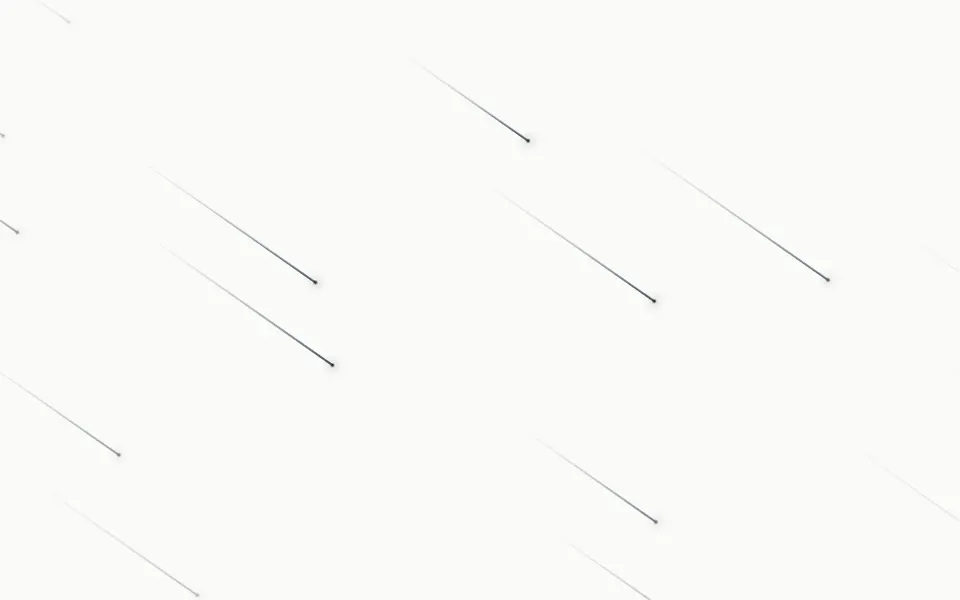
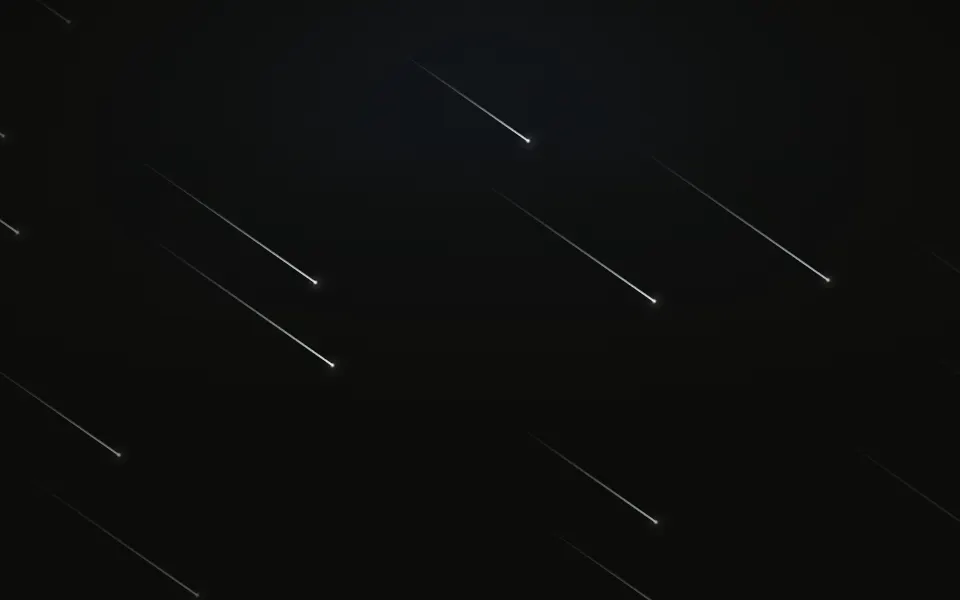
Meteors Background
SpaceA steady diagonal shower
- Pro
Sparkles Background
ParticlesA still, twinkling sky
- Pro
Nebula Background
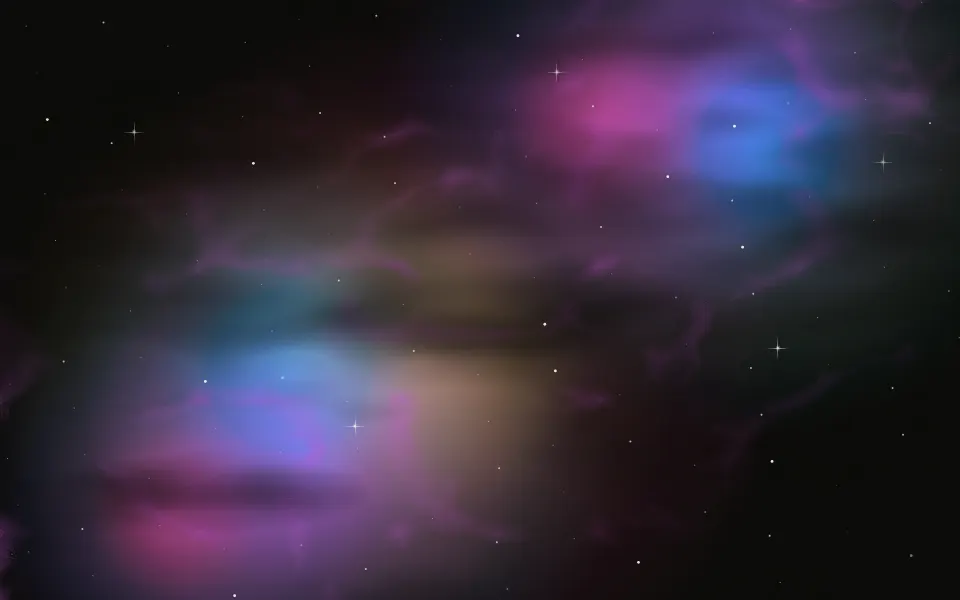
SpaceColour clouds to layer behind the stars
- Pro
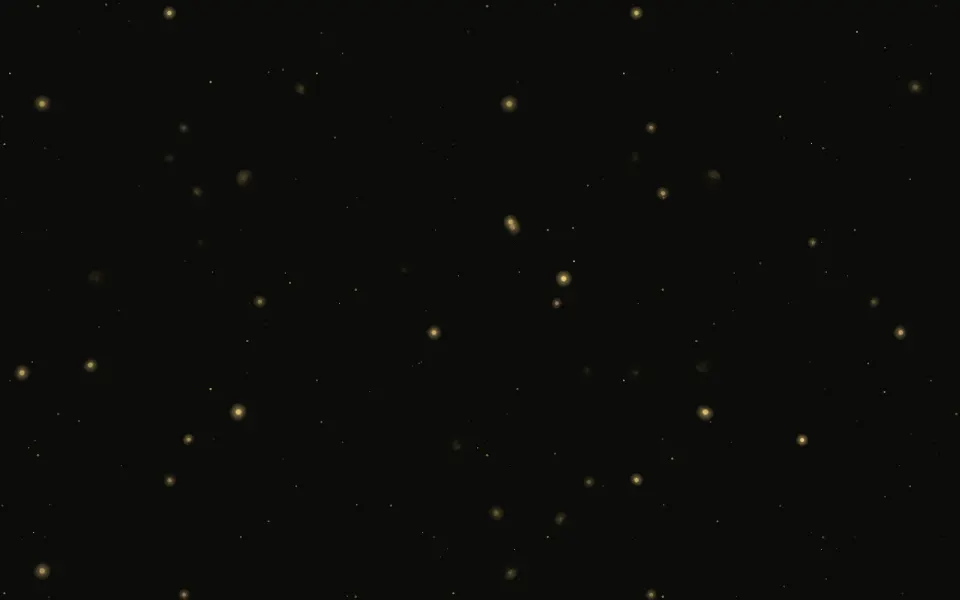
Galaxy Background
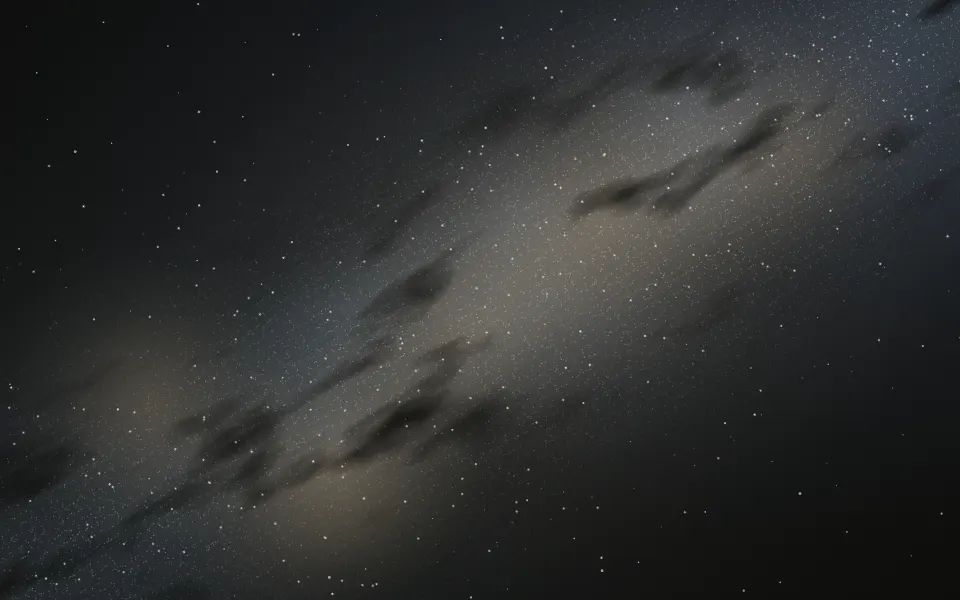
SpaceThe Milky Way drifting along the diagonal