shadcn.io is not affiliated with official shadcn/ui
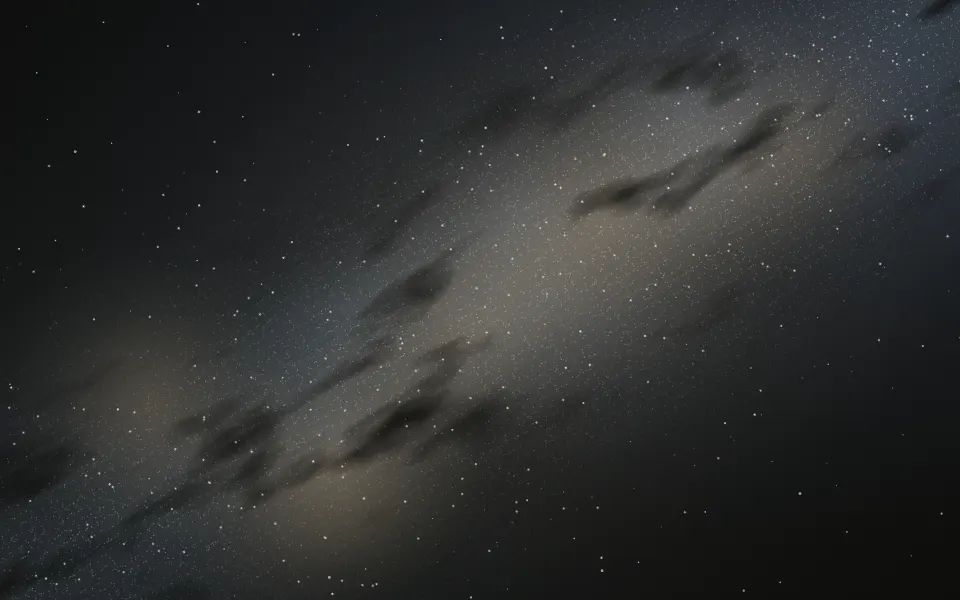
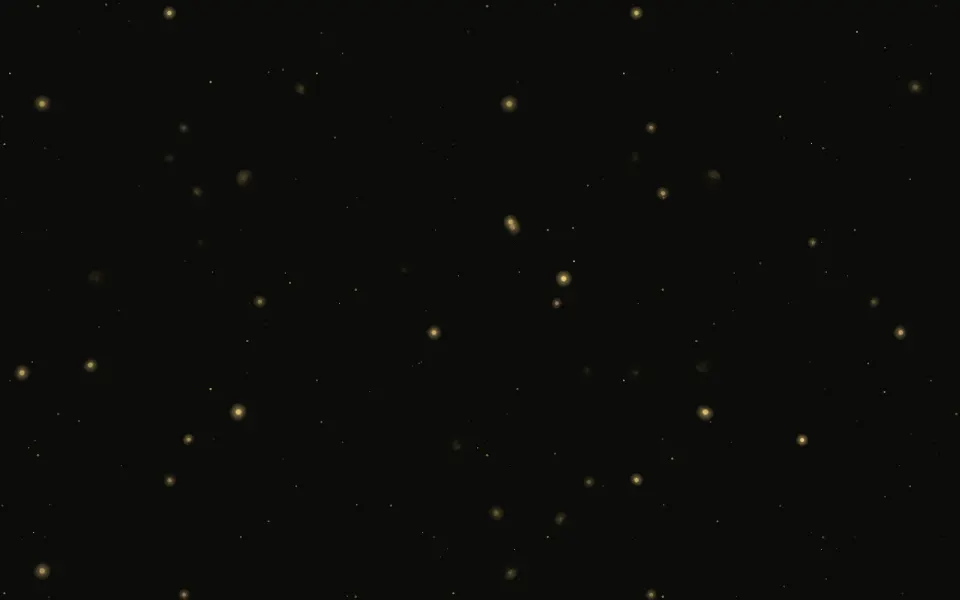
Large clouds of coloured gas drift and swell slowly along one band that rises across the box, overlapping and shifting hue as they thin, adding up into brighter colours in dark mode. Fine bright filaments lace the band and darker lanes of dust cut across it, and stars in three sizes shine through, a few with a soft cross of light. Each cloud is a soft radial gradient placed when the page renders, moved and scaled by CSS keyframes; the filaments and the dust are noise textures drawn once and never moved. There's no canvas and no blur filter, and every render has the same composition. On a light page the clouds turn pastel behind ink stars.
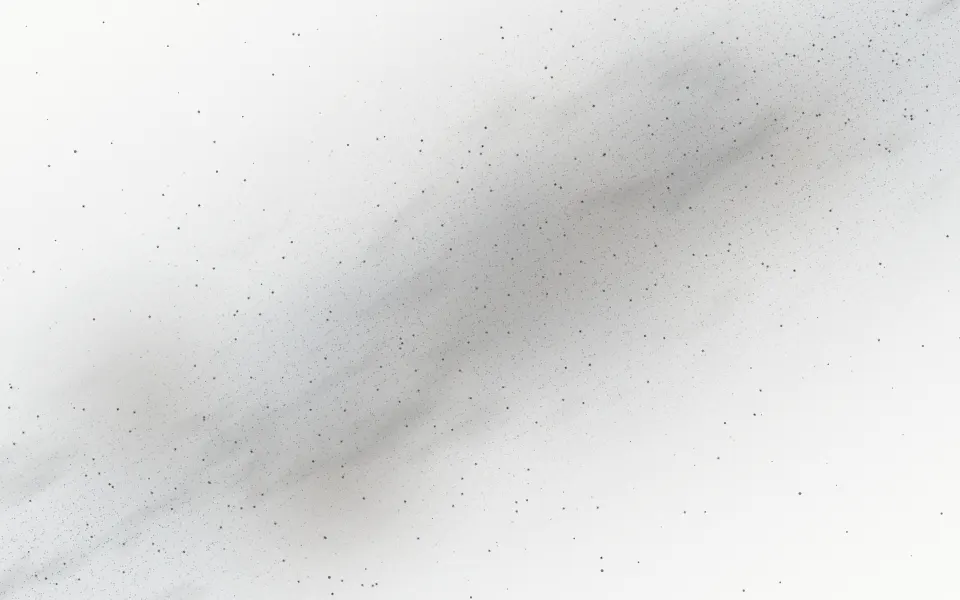
Use it for a calm space backdrop. For the same softness without stars, use Mesh Gradient; for the Milky Way as a band of stars across the sky, Galaxy; for curtains of light instead of round clouds, Aurora.
Installation
Usage
import { Nebula } from "@/components/ui/nebula";<Nebula className="flex min-h-[440px] items-center justify-center">
<h1 className="text-5xl font-semibold">Into the void</h1>
</Nebula>Nebula is a container: whatever you put inside sits on top of the clouds, in normal flow. The clouds follow a band from the bottom left corner to the top right one, sized from the container's shorter side, so give it a height or content. For the whole page, render it empty with className="fixed inset-0 -z-10".
Demos
In a card
count={4} thins the clouds and intensity="subtle" pales them, quiet enough for body text on a card.
Deep field
colors takes up to four colours, taken in turn by the clouds: here teal, indigo and violet. The container's dark class and bg-background keep this scene dark in both colour schemes.
Accessibility
The nebula is decorative: it's hidden from screen readers and never takes the pointer, and your content stays on top in normal flow. With reduced motion the clouds stop drifting and the stars stop twinkling, holding the same composition, filaments and dust included. Nothing flashes. Text in your foreground colour reads over it in both colour schemes: on a light page the clouds are pastel, and in dark mode even the brightest overlaps stay at mid luminance, below white text.
FAQ
How do I change the palette?
Pass colors, up to four CSS colours: the clouds take them in turn, each cloud's core one colour and its edge the next, so neighbours never match. The default is pink, violet, cyan and amber (a light coral in dark mode, where amber turns muddy). The filaments take a tint of the first two. You can also set --nebula-color-1 to --nebula-color-4 in your CSS.
How many clouds and stars?
count sets the clouds, from 3 to 10 (7 by default), and stars the stars (120 by default, about one in five twinkling). Fewer clouds leave more empty sky along the band.
How do I slow the drift?
Pass speed: at 1 a cloud drifts over 40 to 70 seconds and swells over about 8; 0.5 is half as fast. The stars' twinkle follows the same speed.
How is it drawn?
Each cloud is a radial gradient and the stars are dots, all placed when the page renders; CSS keyframes move and scale the clouds, with additive blending in dark mode. The filaments (the creases of turbulent noise) and the dust lanes (stretched smooth noise, in your background colour) are SVG noise textures the browser draws once. There's no canvas, no blur filter and no script, so it renders the same on the server.
API Reference
Nebula
<div> data-slot="nebula"
colors?string[]
Up to four CSS colours for the clouds, taken in turn and repeated when there are fewer. By default pink, violet, cyan and amber.
count?number
How many gas clouds, from 3 to 10. @default 7.
- Default
7
intensity?"subtle" | "medium" | "strong"
How strongly the clouds show; on a light page they're always paler.
- Type
"subtle" | "medium" | "strong"- Default
"medium"
speed?number
How fast the clouds drift and swell and the stars twinkle: 0.5 is half as fast.
- Default
1
stars?number
How many stars shine through the gas, from 0 to 400. @default 120.
- Default
120
render?ReactElement | ((props: object, state: object) => ReactElement)
Replace the host element or compose it with another component.
- Type
ReactElement | ((props: object, state: object) => ReactElement)
className?string
Merged with the part's classes.
--nebula-anglestring--nebula-color-1string
The first cloud colour (pink).
--nebula-color-2string
The second cloud colour (violet).
--nebula-color-3string
The third cloud colour (cyan).
--nebula-color-4string
The fourth cloud colour (amber).
--nebula-sizestring--nebula-skystring--nebula-speedstring
How fast the clouds drift (1).
--nebula-xstring--nebula-ystringRelated

Aurora Background
SpaceCurtains of light instead of round clouds
Mesh Gradient Background
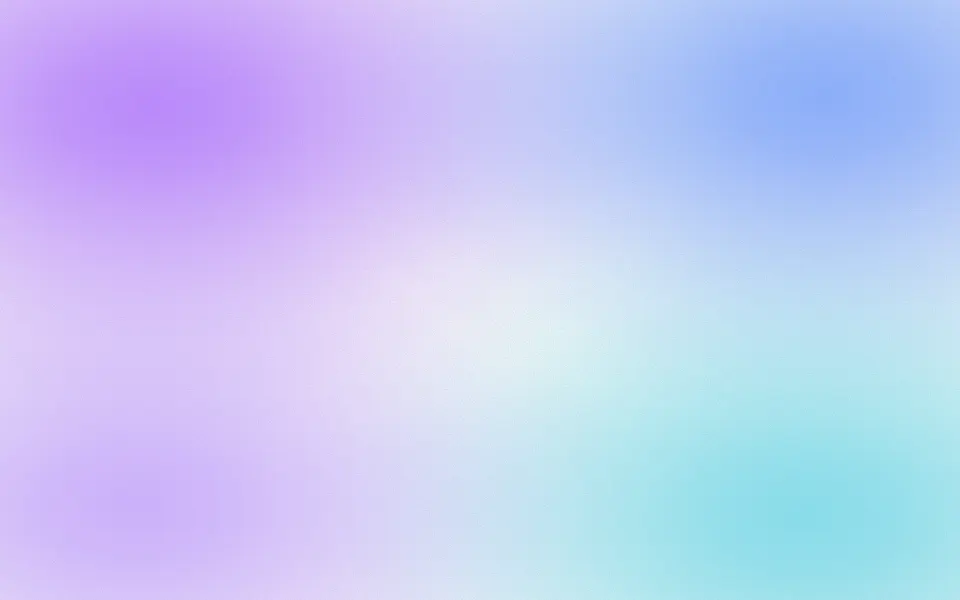
GradientsThe same soft blobs without stars, for product heroes
Fog Background
WeatherGrey mist drifting sideways
- Pro
Galaxy Background
SpaceThe Milky Way as a band across the sky
- Pro
Sparkles Background
ParticlesTwinkling points without the clouds
- Pro
Smoke Background
WeatherRising wisps instead of drifting clouds