shadcn.io is not affiliated with official shadcn/ui
Meteors runs a steady shower behind your content: long streaks that taper to a point fall at one angle behind bright, softly glowing heads and fade out before they land, over a faint night glow in dark mode. Each meteor is a span the server places from its index, moved by one set of CSS keyframes, and the shower starts along the top of a box turned to your angle, so it covers the whole area at any angle with no script running in the browser. Tails are a share of the box's diagonal, and smaller boxes have fewer meteors, so the shower looks the same in a card as on a page.
Use it for a calm night-sky section or a launch page. For bright streaks from every side, one or two at a time, use Shooting Stars; for flying through stars, Starfield; for the same slant as weather, Rain.
Installation
Usage
import { Meteors } from "@/components/ui/meteors";<Meteors className="min-h-[420px]">
<h1>Meteor shower tonight</h1>
</Meteors>Meteors is a container: put your content inside and the shower falls behind it. It fills the box you give it, so set its height (min-h-[420px]), or className="fixed inset-0 -z-10" to cover the whole page.
Demos
Straight down
angle works like a CSS gradient's angle: 180 falls straight down, 135 down and to the right, 225 down and to the left. Straight down, every meteor is in view at once, so count={60} reads like a storm.
Night shift
The meteors take the text colour, with a cool tint on the tails, so they're slate streaks on a light page and pale ones at night. For a card that stays dark in both themes, add the dark class to it with bg-background and text-foreground, or give it your own dark background and pass meteorColor and tailColor.
Accessibility
The shower is decoration: the whole layer is hidden from screen readers and ignores the pointer, and your content inside reads as usual. With reduced motion every meteor stops where it is, so the shower becomes a still picture of streaks rather than an empty box. Nothing flashes. The streaks are two pixels wide at the head and taper to nothing, so text in the foreground colour stays clear over them in light and dark.
FAQ
How many meteors should I have?
count is how many meteors fall in a large box (from 1100×640), 44 by default, about 20 in view at once at a slant. A box of at least 640×400 has the first 75% of them and a card or a phone the first 45%, so a small box is as busy as a large one. 20 makes a calm sky and 70 a storm. At a slant about half of them are in view at once, because the rest are falling past the corners; straight down, all of them are.
How do I change the direction?
angle is the direction of travel in degrees, the way a CSS gradient's angle works: 180 falls straight down, 135 down and to the right, 225 down and to the left, 90 straight across. The default, 125, is a long shallow slant to the right. You can also set --meteors-angle from CSS.
Can I change the colours?
meteorColor sets the heads and tailColor the tails, both any CSS colour. The heads default to your theme's foreground and the tails to the same with a cool tint, so the shower works in light and dark mode.
Can I make them faster or slower?
speed multiplies the pace: each meteor takes 2.5 to 7 seconds to cross at 1, half that at 2. Every meteor has its own pace, so the shower never falls in step.
How do I fade the edges?
fade is radial by default, which fades the meteors toward every edge; top or bottom fades them toward one edge only, and none keeps them at full strength to the border. It's a mask, so it fades into whatever is behind the shower.
Can I put content on top?
Yes: whatever you put inside renders above the shower, which sits behind it and ignores the pointer, so links and buttons work as usual.
Does it slow the page down?
No script runs: the meteors are placed when the page renders, and the browser's compositor moves them, off the main thread. Each meteor's loop holds twelve falls, so the main thread barely wakes, and each path ends just past the edge of the box, so none of them travels far out of view.
API Reference
Meteors
<div> data-slot="meteors"
angle?number
The direction the meteors travel, in degrees, like a CSS gradient's angle: 180 falls straight down, 135 down and to the right, 225 down and to the left, 90 straight across to the right.
- Default
125
count?number
How many meteors are in the shower in a large box (from 1100×640), from 0 to 100; about half are in view at once at a slant, all of them when they fall straight. A box of at least 640×400 has the first 75% of them, a card or a phone the first 45%, so small boxes are as busy as large ones.
- Default
44
fade?"none" | "radial" | "top" | "bottom"
Where the shower fades out: toward every edge, toward the top, toward the bottom, or nowhere.
- Type
"none" | "radial" | "top" | "bottom"- Default
"radial"
meteorColor?string
The meteors' heads, any CSS colour. @default "var(--foreground)".
speed?number
How fast the meteors fall, as a multiplier: each takes 3 to 10 seconds to cross at 1, half that at 2.
- Default
1
tailColor?string
The meteors' tails, any CSS colour.
- Default
the text colour with a cool tint
render?ReactElement | ((props: object, state: object) => ReactElement)
Replace the host element or compose it with another component.
- Type
ReactElement | ((props: object, state: object) => ReactElement)
className?string
Merged with the part's classes.
data-tier?string
Mirrors tier.
--meteors-anglestring
The direction of travel (125deg).
--meteors-headstring
The heads' colour (var(--foreground)).
--meteors-speedstring
The fall's speed, a multiplier (1).
--meteors-tailstring
The tails' colour (the text colour with a cool tint).
Related
- Pro

One or two bright streaks at a time, from every edge

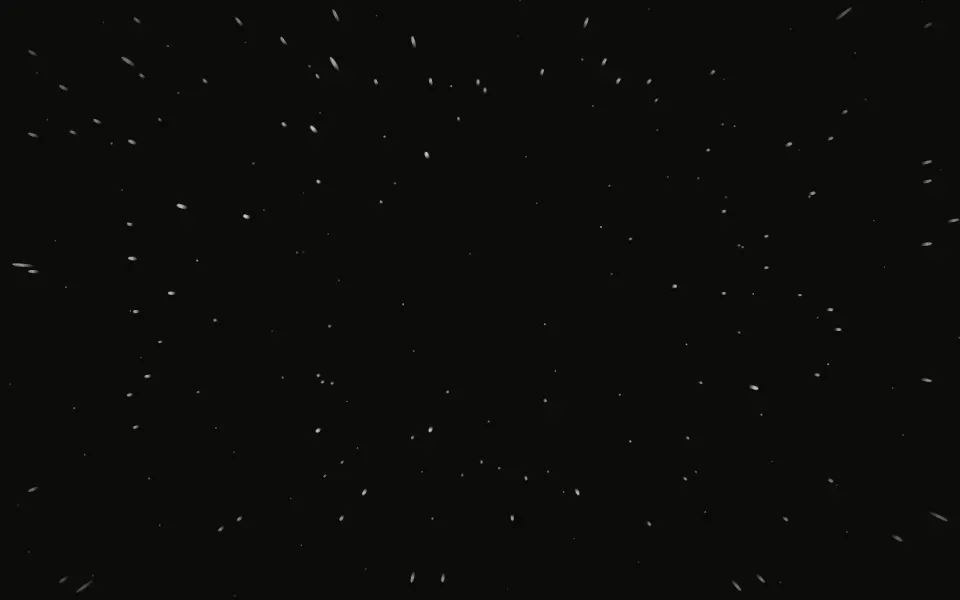
Starfield Background
SpaceFlying through stars
- Pro

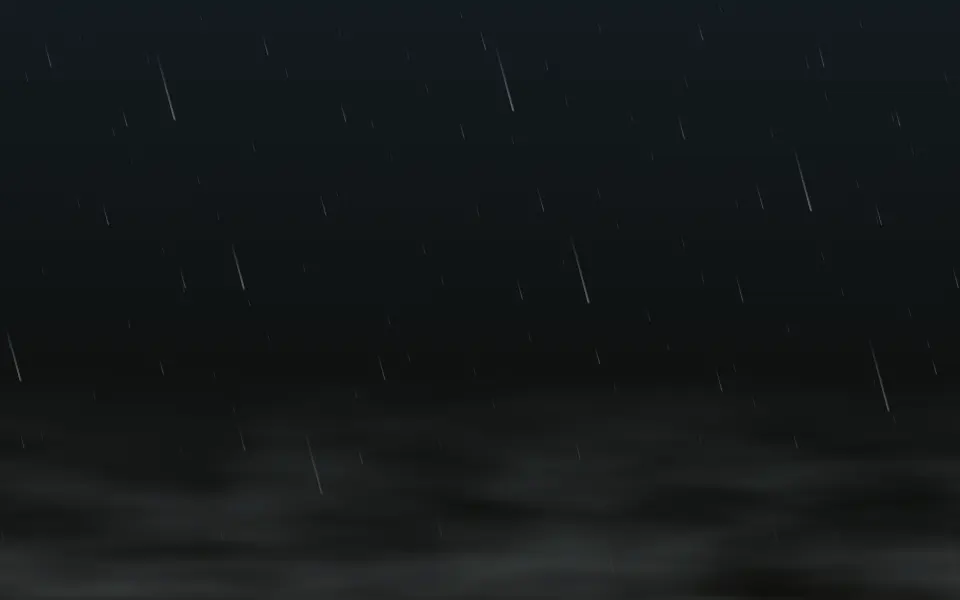
Rain Background
WeatherThe same diagonal streak idea, as weather
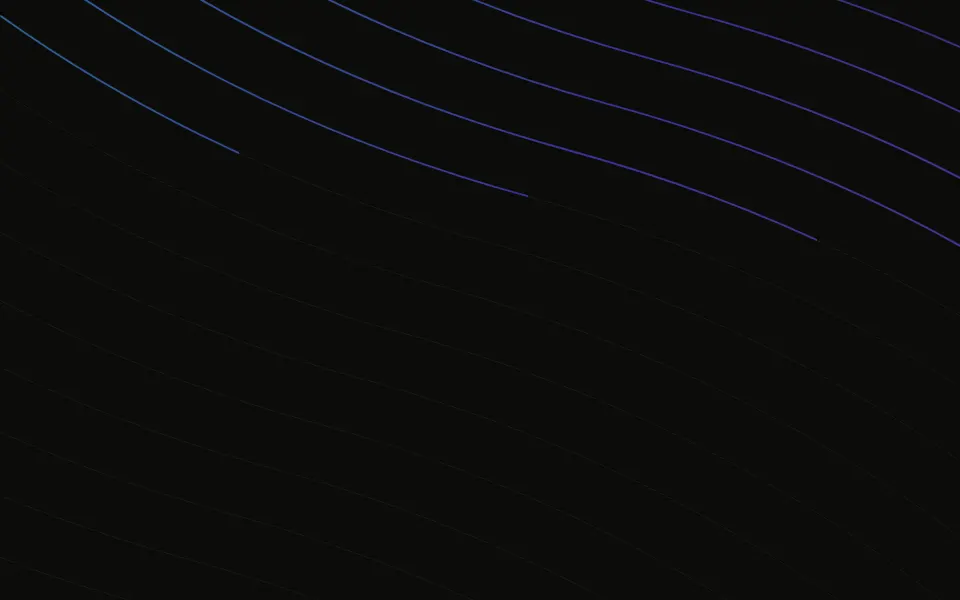
Beams Background
LightLines of light instead of falling stars
- Pro
Sparkles Background
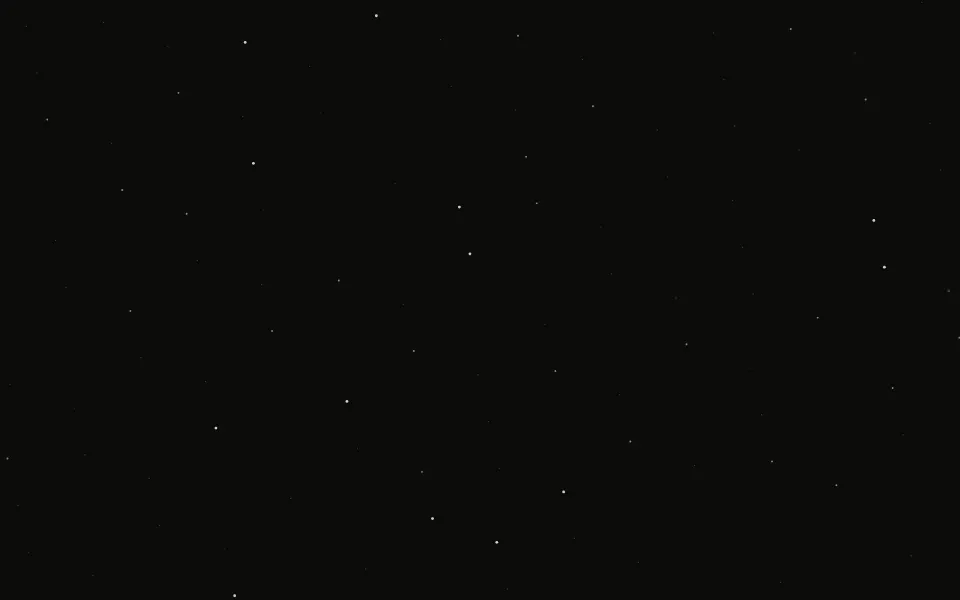
ParticlesA still, twinkling sky
- Pro
Nebula Background
SpaceColour clouds to place behind the shower