shadcn.io is not affiliated with official shadcn/ui
The Milky Way crosses the box from corner to corner: a band of soft light with a warm bulge glowing along it, split by dark lanes of dust and crowded with stars, while more stars are scattered across the rest of the sky and some of them twinkle. The clouds and the band's stars drift slowly along the band at two speeds, so the near stars pass the far dust, each by exactly one box length per loop, so it never jumps. The glow is CSS gradients and a fine grain painted once, the stars are placed by a fixed seed, and the drift is a transform the browser composites without repainting. On a light page it reads like an ink drawing of the sky on paper; on a dark page, deep space.
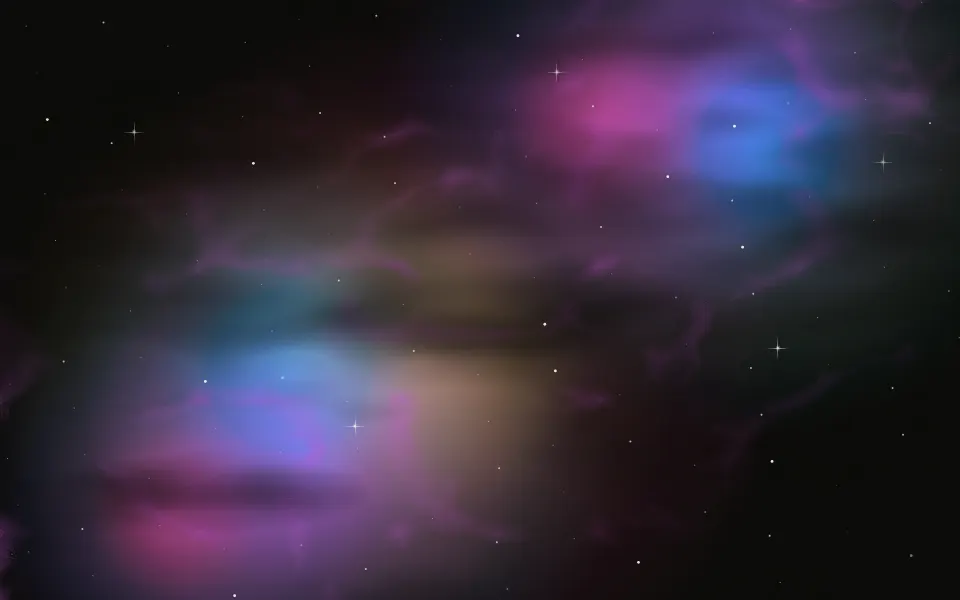
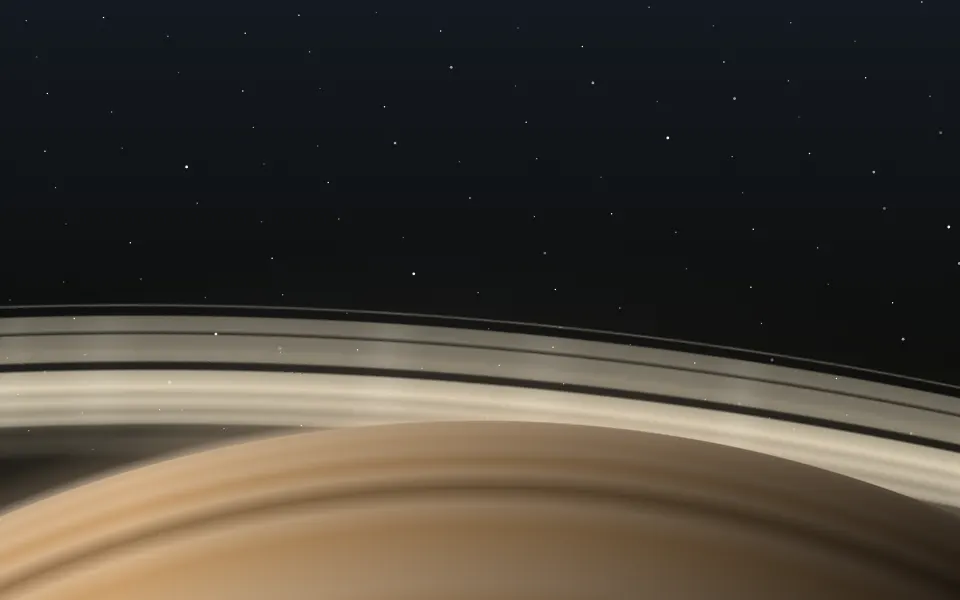
Use it behind space, science or research headlines. For colour clouds without the band, use Nebula; for a ringed planet's horizon, Saturn; for flying through the stars instead of watching them drift, Starfield.
Installation
Usage
import { Galaxy } from "@/components/ui/galaxy";<Galaxy className="flex min-h-[440px] flex-col items-center justify-center">
<h1 className="text-5xl font-semibold">Explore the deep sky</h1>
</Galaxy>Galaxy is a container: whatever you put inside sits on top of the sky, in normal flow. The band follows the container's diagonal, from the bottom corner on the start side to the top corner on the end side, and its thickness follows the shorter side, so it crosses a card, a banner or a full page the same way. Give the container a height or content. For the whole page, render it empty with className="fixed inset-0 -z-10".
Demos
In a card
count={400} thins the band's stars, intensity="subtle" pales the glow and speed={2} drifts twice as fast. The band scales with the box, so it still runs corner to corner.
Ice
coreColor and dustColor take any CSS colour: here a cyan bulge in a violet band, at intensity="strong". The container's dark class and bg-background keep this scene dark in both colour schemes.
Accessibility
The galaxy is decorative: it's hidden from screen readers and never takes the pointer, and your content stays on top in normal flow. With reduced motion the band stops drifting and the stars stop twinkling, so a still sky stays. Nothing flashes; the twinkling stars fade over three seconds or more.
Text in your foreground colour (text-foreground) reads across the whole box at the default intensity, the band included: on a dark page the glow stays a mid-dark tone, and on a light page it's a pale grey wash. At intensity="strong" the bulge brightens, so keep small text off it there.
FAQ
Which way does the band run?
Along the container's diagonal, from the bottom corner on the start side to the top corner on the end side (bottom left to top right, mirrored on a right-to-left page). It's laid in a square as wide as that diagonal, so it reaches every corner at any aspect.
How fast does it drift?
At speed={1} the dust clouds move one box length along the band every 4 minutes and the band's stars every 170 seconds, slow enough to notice only if you watch; 0.5 is half as fast, 2 twice as fast.
Does it run JavaScript while it moves?
No: the stars are placed when the page renders, as lists of round shadows, and CSS keyframes slide the dust and the band's stars and fade the twinkling ones. Only translate and opacity change, which the browser animates without repainting.
How do I match my brand?
dustColor sets the band's glowing clouds, coreColor the warm bulge and starColor the stars (your text colour by default), each any CSS colour. You can also set --galaxy-dust, --galaxy-core and --galaxy-star in your CSS. The dark lanes always take your page's background, so they cut the band in either theme.
How does it look on a light page?
Like an ink drawing of the sky: a soft slate band with a warmer bulge, darker lanes of dust and stars in your text colour on your background. For deep space on a light page, give the container the dark class and bg-background.
API Reference
Galaxy
<div> data-slot="galaxy"
coreColor?string
The galactic core's colour, any CSS colour: the warm bulge along the band. By default a soft gold, a warm grey on a light page.
count?number
How many stars crowd the band, from 200 to 1600; about 160 more are scattered over the rest of the sky.
- Default
1100
dustColor?string
The band's glowing clouds, any CSS colour. By default a cool blue white, slate grey on a light page.
intensity?"subtle" | "medium" | "strong"
How strongly the band glows.
- Type
"subtle" | "medium" | "strong"- Default
"medium"
speed?number
How fast the band drifts: 1 moves its clouds one box length every 4 minutes, 0.5 half as fast.
- Default
1
starColor?string
The stars' colour, any CSS colour. @default "var(--foreground)".
render?ReactElement | ((props: object, state: object) => ReactElement)
Replace the host element or compose it with another component.
- Type
ReactElement | ((props: object, state: object) => ReactElement)
className?string
Merged with the part's classes.
--galaxy-corestring
The bulge's colour (gold; warm grey in light mode).
--galaxy-duststring
The band's clouds (blue white; slate in light mode).
--galaxy-liststring--galaxy-speedstring
How fast the band drifts (1).
--galaxy-starstring
The stars' colour (var(--foreground)).
--galaxy-tstringRelated
- Pro
Nebula Background
SpaceColoured gas clouds without the band
- Pro

Saturn Background
SpaceA ringed planet's horizon under the stars
- Pro
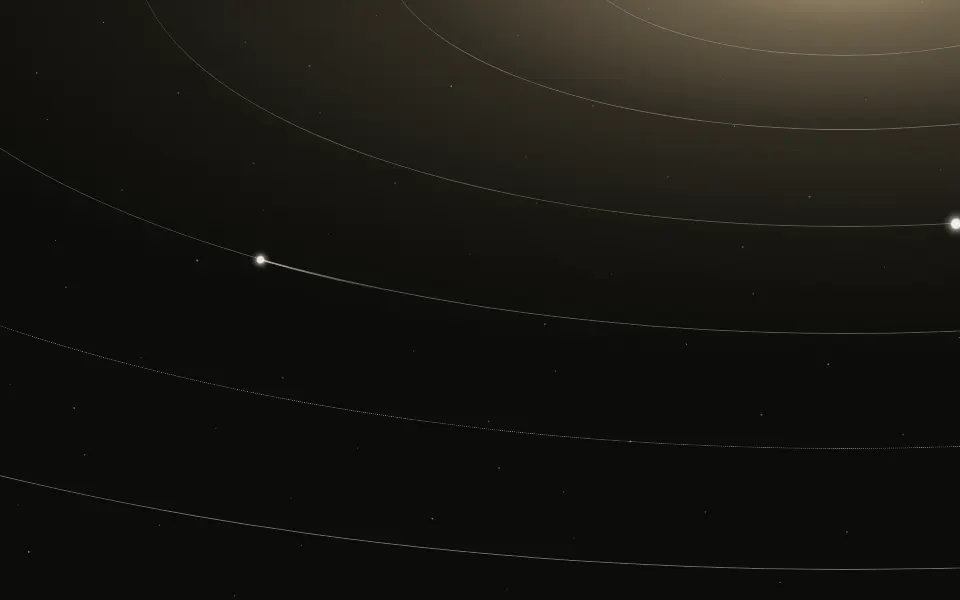
Orbits Background
SpaceElliptical orbits with travelling bodies, more diagrammatic

Starfield Background
SpaceFlying through the stars instead of watching them drift
- Pro

Bright streaks crossing a still sky
- Pro
Constellation Background
ParticlesStars joined by lines, a network look