shadcn.io is not affiliated with official shadcn/ui
Backgrounds
ProOrbits Background for React
A planetary system seen from low down, its star just past the corner: flat elliptical orbits sweep across the whole box while glowing bodies glide along them at Kepler speeds. For React with Base UI, when a hero, a platform overview or a science page wants a calm system in motion.
A planetary system seen from low down, its star just past the top corner: flat elliptical orbits sweep across the whole box, brighter on their near side, with a dotted belt between them, and small glowing bodies glide along them with short trails, the inner ones fast and the outer ones slow, as Kepler's law has it. The star's warm glow rises from the corner. The orbits are sized from the box, flatter in a wide box and rounder in a tall one, so they always fill it. It's CSS only: the orbits and the glow are drawn once, and each body is carried round its ellipse by CSS rotations, turned back so it stays a round dot, with no canvas and no script running in the browser.
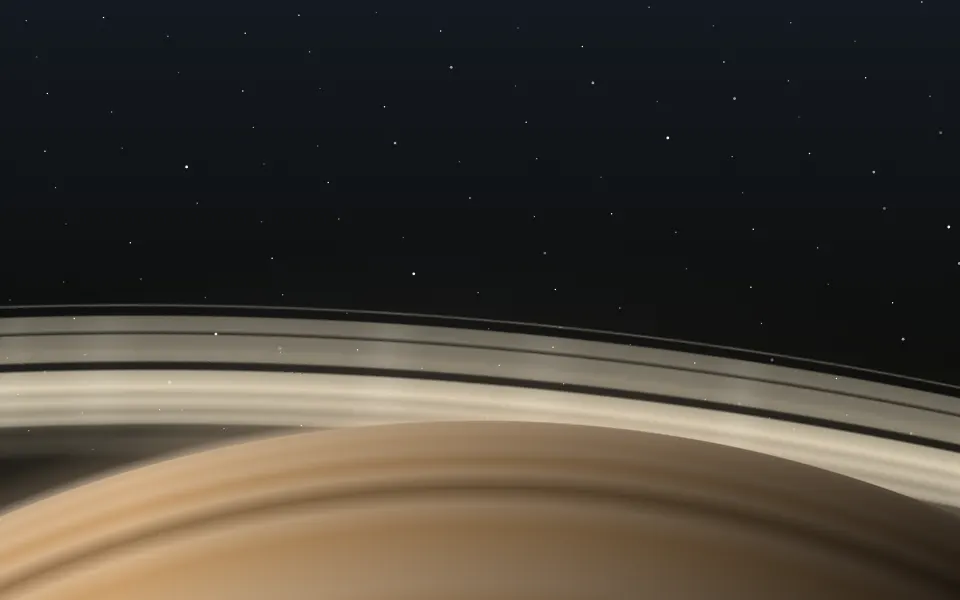
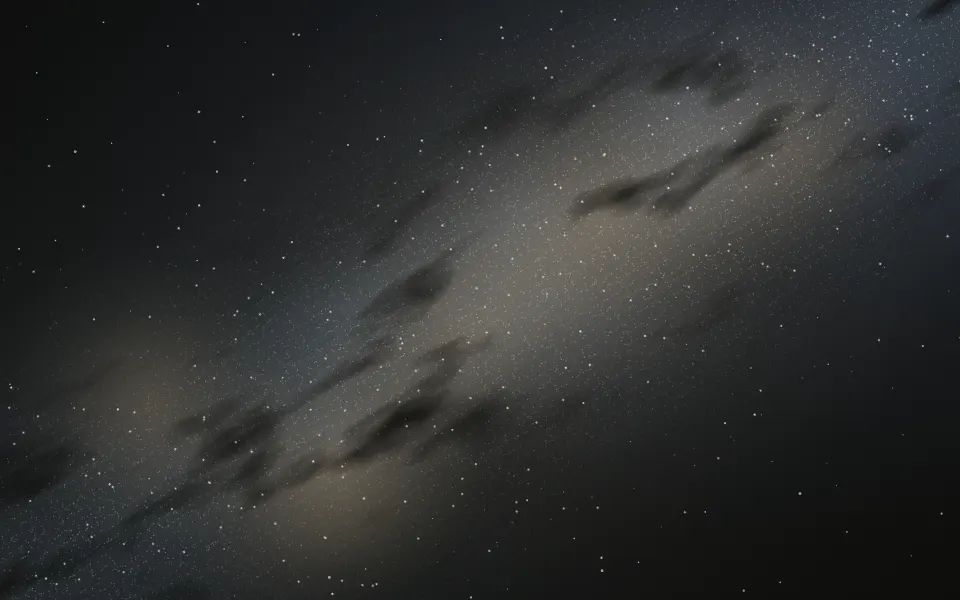
Use it behind heroes, platform overviews, and science and space pages. For a ringed planet's horizon use Saturn; for the Milky Way across the sky, Galaxy; for a radar scope, Sonar.
Installation
Usage
import { Orbits } from "@/components/ui/orbits";The system sits behind whatever you put inside. Its star is just past the top corner on the end side (top left on a right-to-left page), and the orbits sweep across the rest, so the middle of the box stays calm. Give the container a height; for the whole page, className="fixed inset-0 -z-10" with no children.
<Orbits className="flex min-h-[480px] items-center justify-center">
  <h1 className="text-4xl font-semibold">Everything in orbit</h1>
</Orbits>
Demos
Blue star
A cyan color for the orbits and the bodies' glow, coreColor="white" for their bright centres and a blue sunColor on a dark card; fade="bottom" fades the orbits out toward the card's bottom edge. By default the orbits take your text colour and the star is a warm amber.
Busy
count={9}, the most it takes, adds orbits, and speed={1.5} sends the bodies round half again as fast.
Accessibility
The system is decorative: it's hidden from screen readers and never takes the pointer, and your content stays on top in normal flow. With reduced motion every body stops where it is on its orbit, a still picture of the system. Nothing flashes. The orbits are hairlines and the bodies small, so a headline in your foreground colour stays readable; the star's glow sits in the top corner, away from centred text.
FAQ
How many orbits are there?
Seven by default; count takes 4 to 9. They're spaced wider toward the outside, and the third from the outside is a dotted belt with no bodies. Everything is fixed from the orbit's index, so it looks the same on every render.
What are the moving dots?
Planets: one on each inner orbit and up to four on the outer ones, which show less of their round. Each is a glowing dot with a short trail, larger and brighter on the near side of its orbit than on the far side.
Why do the inner bodies move faster?
Each body takes a Kepler year to go round: the orbit's size to the power 1.5, from about 19 seconds for the innermost to 6 minutes for the outermost, as real planets do. They all go round the same way.
Can I change the colours?
Yes: color sets the orbits and the bodies' glow (your text colour by default), coreColor the bodies' bright centres, and sunColor the star's glow (a warm amber). All take any CSS colour.
Does it work in a tall or a narrow box?
Yes: the orbits are sized from the box. In a wide box you see the system from lower down, so they're flatter; in a tall one, from higher up, so they're rounder. Either way the outermost orbit reaches the far corner.
API Reference
Orbits
<div> data-slot="orbits"
color?string
The orbits' and the bodies' glow colour, any CSS colour. @default "var(--foreground)".
coreColor?string
The bodies' bright centres, any CSS colour. By default color.
count?number
How many orbits, from 4 to 9. @default 7.
- Default
7
fade?"none" | "radial" | "top" | "bottom"
Where the system fades out: toward every edge from the centre
(radial), toward the top, toward the bottom, or nowhere.
- Type
"none" | "radial" | "top" | "bottom"- Default
"none"
speed?number
How fast the bodies go round: 2 is twice as fast, 0.5 half as fast.
- Default
1
sunColor?string
The glow of the star below the box, any CSS colour. @default a warm amber.
render?ReactElement | ((props: object, state: object) => ReactElement)
Replace the host element or compose it with another component.
- Type
ReactElement | ((props: object, state: object) => ReactElement)
className?string
Merged with the part's classes.
--orbits-colorstring
The orbits' and the bodies' glow (var(--foreground)).
--orbits-corestring
The bodies' centres (the orbits' colour).
--orbits-speedstring
How fast the bodies go round, a multiplier (1).
--orbits-sunstring
The star's glow (a warm amber).
Related
- Pro
Saturn Background
SpaceA ringed planet's horizon
- Pro
Galaxy Background
SpaceThe Milky Way across the sky
- Pro
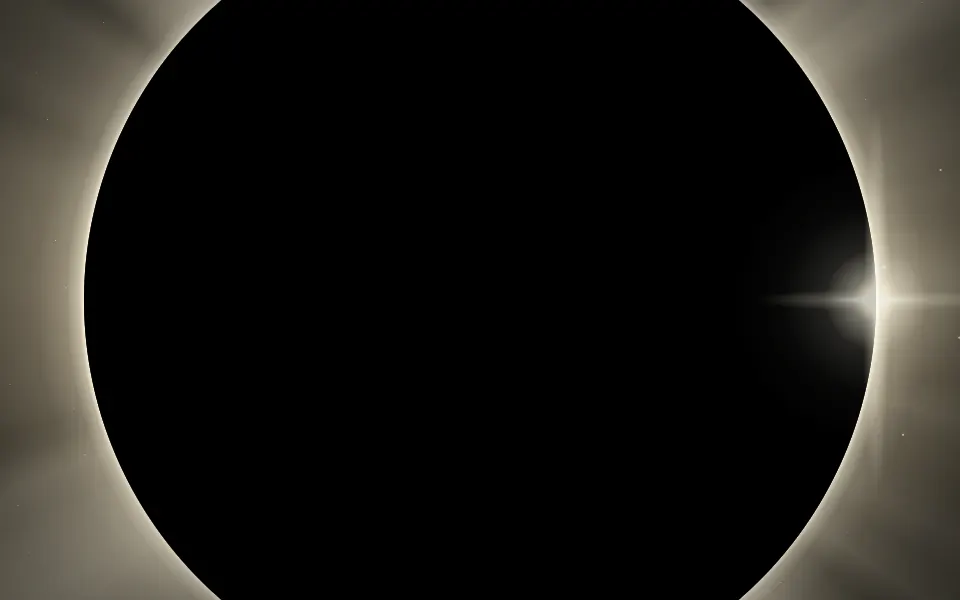
Eclipse Background
SpaceA moon framed by its corona

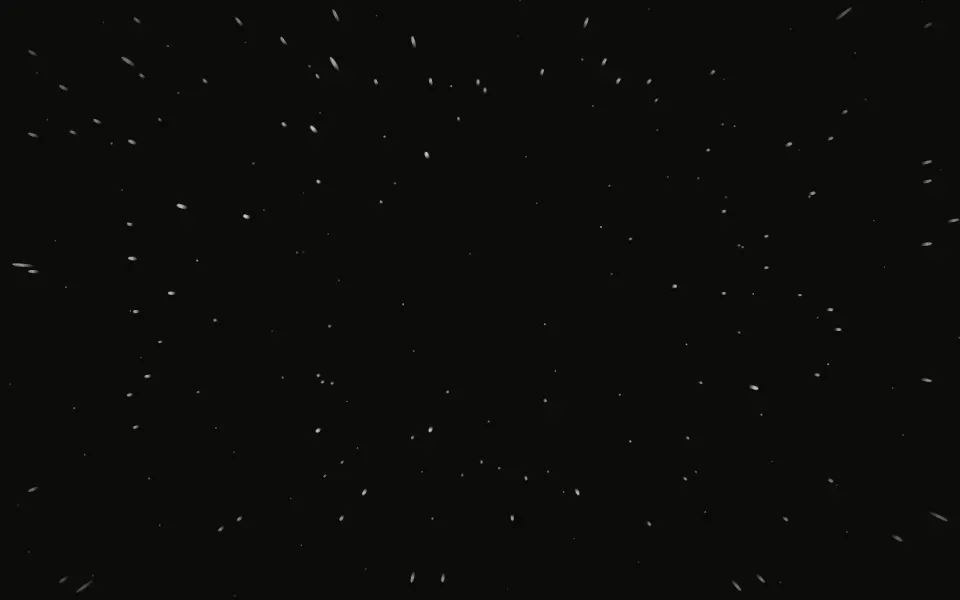
Starfield Background
SpaceDeep-space stars
- Pro
Sphere Background
GenerativeA turning 3D globe
- Pro
Circles Background
LightConcentric circles