shadcn.io is not affiliated with official shadcn/ui
A huge dotted globe rises from the bottom of the box like a planet seen from orbit, and turns slowly under your content. You look down on its pole, so its rings of dots curve along the horizon and crowd together toward the rim, getting smaller and fainter as the surface turns away, and a soft band of atmosphere glows along the edge and thins into the sky. Faint lines mark latitude and longitude. A canvas draws the globe once, when it changes size or colour, and a single CSS rotation turns it, so nothing runs while it moves.
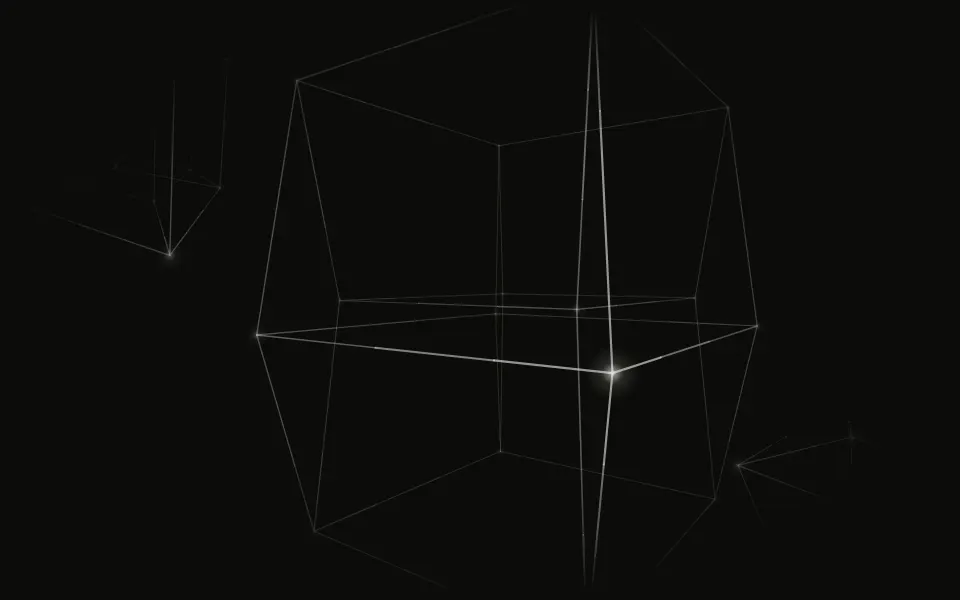
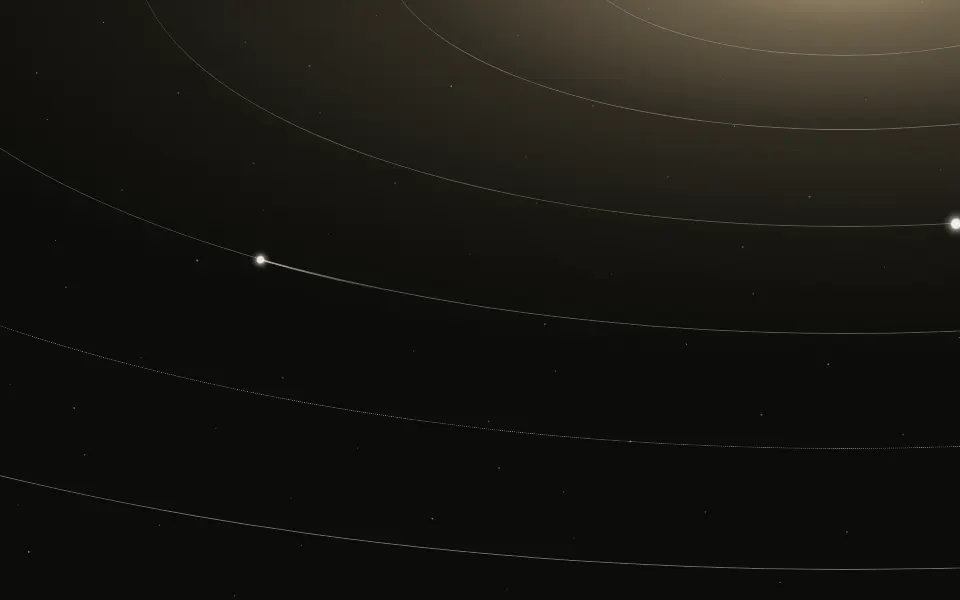
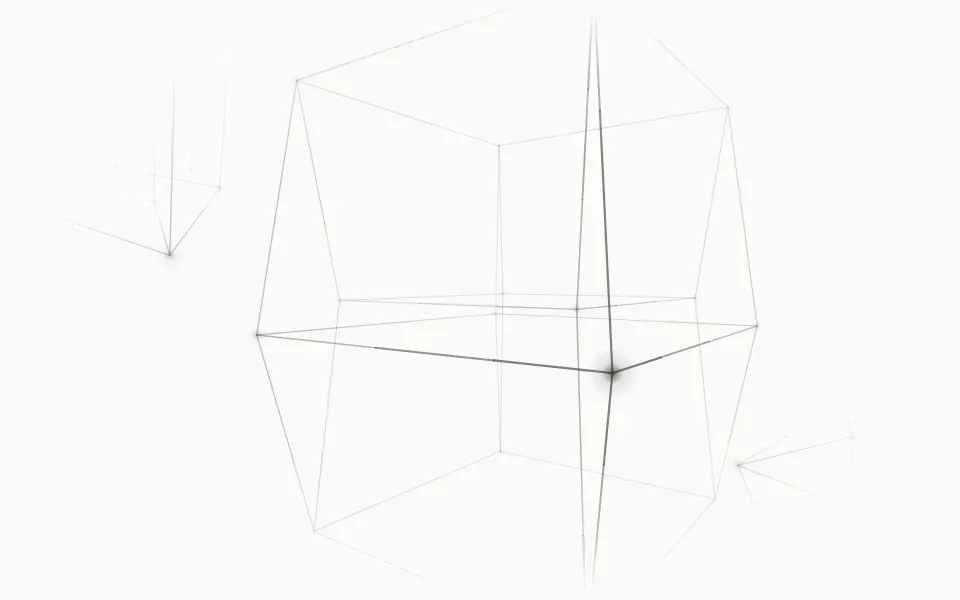
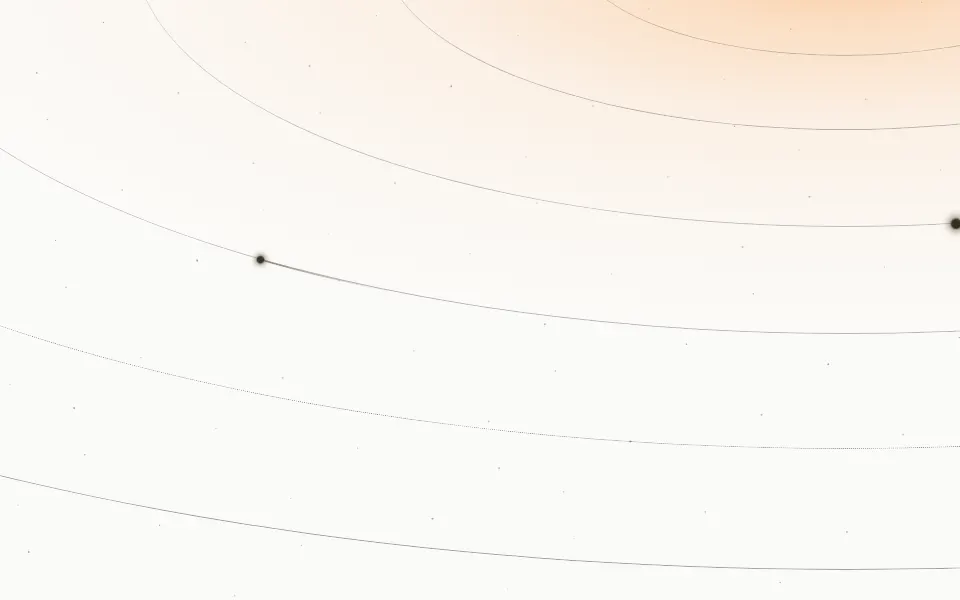
Use it under a hero's headline on a launch page, or behind a global, network or infrastructure product. For a wireframe figure turning through four dimensions use Tesseract; for elliptical orbits with bodies gliding along them, Orbits; for the same dots flat and still, Dot Pattern.
Installation
Usage
import { Sphere } from "@/components/ui/sphere";<Sphere className="flex min-h-[480px] flex-col items-center pt-24">
<h1 className="text-4xl font-semibold">One network, every region</h1>
</Sphere>Sphere is a container: whatever you put inside sits on top, in normal flow. The globe's top edge sits at 45% of the box's height (horizon), so the upper half stays clear for your copy; its radius follows the box's width, so at any shape it reads as a horizon rather than a ball. There's no painted panel: your page's background shows through, the dots take your text colour and the atmosphere a soft sky blue. For a backdrop behind the whole page, render it empty with className="fixed inset-0 -z-10".
Demos
Color
color sets the dots and grid lines and glowColor the atmosphere, here pale dots under a violet glow on a dark section.
Dense
In a card, horizon={0.3} raises the globe, spacing={9} packs the dots closer and speed={0.5} turns it every eight minutes.
Accessibility
The globe is decorative: it's hidden from screen readers and never takes the pointer, and your content stays on top in normal flow. With reduced motion it stops turning and stays whole, a still horizon. Nothing flashes. The upper half of the box is open sky with only a faint haze, so a headline there keeps your foreground colour's full contrast; over the globe itself the dots are small and faint, but text across the bright rim reads best in your foreground colour, not a muted one.
FAQ
How does it turn without a frame loop?
The globe is seen from above its pole, so turning it on its axis is the same as turning the picture: a canvas draws it once and one CSS rotate turns that drawing on the GPU. Every ring holds a multiple of 24 dots and the grid lines are 15° apart, so after a 24th of a turn the globe looks exactly as it started; the animation turns that far and starts over without a seam, and the canvas only has to cover the box over that sweep.
Does it cost much?
Almost nothing while it moves: no script runs per frame and the browser repaints nothing, it only turns one layer. The drawing itself runs once, on the frame after the globe first scrolls into view, and again when the box changes size or your theme changes.
How do I move the horizon?
horizon is where the globe's top edge sits, as a share of the box's height: 0.45 by default, 0.3 higher, 0.6 lower. radius sizes the globe against the box's width (or 85% of its height, whichever is larger), 0.9 by default.
Can I change how many dots there are?
Yes: spacing is the space between dots in pixels, 12 by default, from 6 to 40. The dots keep their size on screen, so a larger box shows more of them, never bigger ones.
Can I use my brand colours?
Yes: color sets the dots and grid lines and glowColor the atmosphere, any CSS colour, theme variables included. You can also set --sphere-color and --sphere-glow in your CSS. The default atmosphere is a little paler on a light page than on a dark one.
API Reference
Sphere
<div> data-slot="sphere"
color?string
The dots' and grid lines' colour, any CSS colour. @default "var(--foreground)".
glowColor?string
The atmosphere's colour along the horizon, any CSS colour. @default a soft sky blue.
horizon?number
Where the globe's top edge sits, as a share of the box's height from the top: 0.45 leaves the upper half for your content.
- Default
0.45
radius?number
The globe's radius, as a share of the box's width (or of 85% of its height, whichever is larger), so it stays a horizon at any shape.
- Default
0.9
spacing?number
The space between dots, in pixels, from 6 to 40. @default 12.
- Default
12
speed?number
How fast the globe turns: 1 is a full turn every four minutes, 2 twice as fast, 0.5 half as fast.
- Default
1
render?ReactElement | ((props: object, state: object) => ReactElement)
Replace the host element or compose it with another component.
- Type
ReactElement | ((props: object, state: object) => ReactElement)
className?string
Merged with the part's classes.
--sphere-colorstring
The dots' and grid lines' colour (--foreground).
--sphere-glowstring
The atmosphere's colour (a soft sky blue).
--sphere-speedstring
How fast it turns, a multiplier (1).
Related
- Pro
Tesseract Background
GenerativeAnother rotating 3D figure
- Pro
Orbits Background
SpaceElliptical orbits sweeping across the box
- Pro
Saturn Background
SpaceA ringed planet's horizon
- Pro
Galaxy Background
SpaceThe Milky Way drifting across the sky
- Pro
Constellation Background
ParticlesDots joined by lines

Dot Pattern
GridsThe same dots, flat and still