shadcn.io is not affiliated with official shadcn/ui
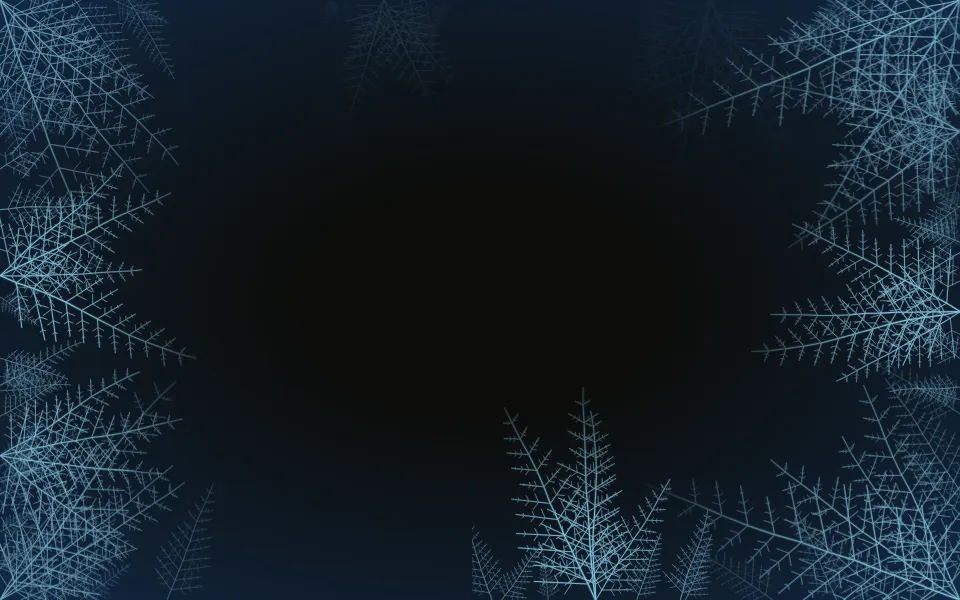
An infinite zoom into a fractal fern. Fronds spiral in toward the centre of the box, each branch splits into smaller branches, and every turn of a frond is a scaled copy of the one inside it, so the view can zoom in forever: it grows by exactly one turn per cycle and the loop never jumps. A fainter far layer drifts at its own pace behind, and the centre, where the lines grow too fine to see, fades out. It's SVG drawn once at render and turned and scaled with CSS transforms; nothing runs in script.
Use it where a page should feel deep and calm: a wellbeing app, a nature or science product, a hero with centred copy. For frost that creeps in from the edges, use Crystals; for single-colour contour lines, Topography; for other line art in motion, Paths or Magnetic Field; for points joined by lines, Constellation.
Installation
Usage
import { Fractal } from "@/components/ui/fractal";Fractal is a container: give it a height and put your content inside. The fern fills the whole box at any size and aspect, and its centre stays calm, so centred copy reads well.
<Fractal className="flex min-h-[420px] flex-col items-center justify-center">
  <h1 className="text-5xl font-semibold">Grow something that lasts</h1>
</Fractal>
For a backdrop behind the whole page, leave it empty and fix it under everything else:
<Fractal className="fixed inset-0 -z-10" />Demos
Spring
lineColor and accentColor take any CSS colours, here a leaf green for the near fern and a soft teal for the far one, on a dark panel. twist={12} winds the fronds into tighter spirals.
In a card
count={5} draws five fronds, twist={0} makes them straight spokes, and speed={0.6} slows the zoom, a quieter fern for a small box.
Accessibility
The fern is decoration: it's hidden from screen readers and lets every click through to the content. With reduced motion it stands still, a fern spiral frozen mid-zoom. Nothing flashes. The lines are thin and the centre fades out, so text on top in your foreground colour keeps its contrast in light and dark; at intensity="strong" keep small text near the centre.
FAQ
How does it zoom forever without a jump?
Every turn of a frond is the turn inside it, 1.3 times larger and turned a little further round. The view zooms in by exactly that much in one cycle, so the last frame is the first one again, and the loop restarts where you can't see it.
How do I make it faster or slower?
speed multiplies the pace: at 1 the near fern zooms one turn every 10 seconds and the far one every 17, so the two drift past each other. 0.5 halves it, 2 doubles it.
Can I change the shape?
count sets how many fronds spiral in, from 3 to 12 (6 by default). twist sets how far each frond turns from one branch pair to the next, in degrees: 0 draws straight spokes and 16 tight spirals.
How do I recolour it?
lineColor colours the near fern and accentColor the far one; both take any CSS colour. By default they're 34% and 16% of your theme's foreground, so the fern follows light and dark mode. You can also set --fractal-color and --fractal-accent from CSS, and --fractal-stroke for the line width.
Where do I put text?
Anywhere: the fern fills the box edge to edge and fades out toward the centre, so a centred headline sits on the calmest part.
API Reference
Fractal
<div> data-slot="fractal"
accentColor?string
The far layer's colour, any CSS colour. @default 16% of var(--foreground).
count?number
How many fronds spiral in toward the centre, from 3 to 12.
- Default
6
intensity?"subtle" | "medium" | "strong"
How strongly the lines show over the surface.
- Type
"subtle" | "medium" | "strong"- Default
"medium"
lineColor?string
The near layer's colour, any CSS colour. @default 34% of var(--foreground).
speed?number
How fast it zooms in: 2 is twice as fast, 0.5 half as fast.
- Default
1
twist?number
How far each frond turns from one branch pair to the next, in degrees: 0 draws straight spokes, 16 tight spirals.
- Default
8
render?ReactElement | ((props: object, state: object) => ReactElement)
Replace the host element or compose it with another component.
- Type
ReactElement | ((props: object, state: object) => ReactElement)
className?string
Merged with the part's classes.
--fractal-accentstring
The far layer's colour (16% of --foreground).
--fractal-colorstring
The near layer's colour (34% of --foreground).
--fractal-speedstring
How fast it zooms in, a multiplier (1).
--fractal-strokestring
The outermost lines' width in pixels (1.6).
Related
- Pro

Crystals Background
GenerativeFrost that creeps in from the edges
- Pro
Paths Background
WavesLine art in motion
- Pro

Topography Background
GenerativeSingle-colour line art
- Pro

DNA Background
GenerativeA field of turning helices
- Pro
Curved field lines
- Pro
Constellation Background
ParticlesPoints and links