shadcn.io is not affiliated with official shadcn/ui
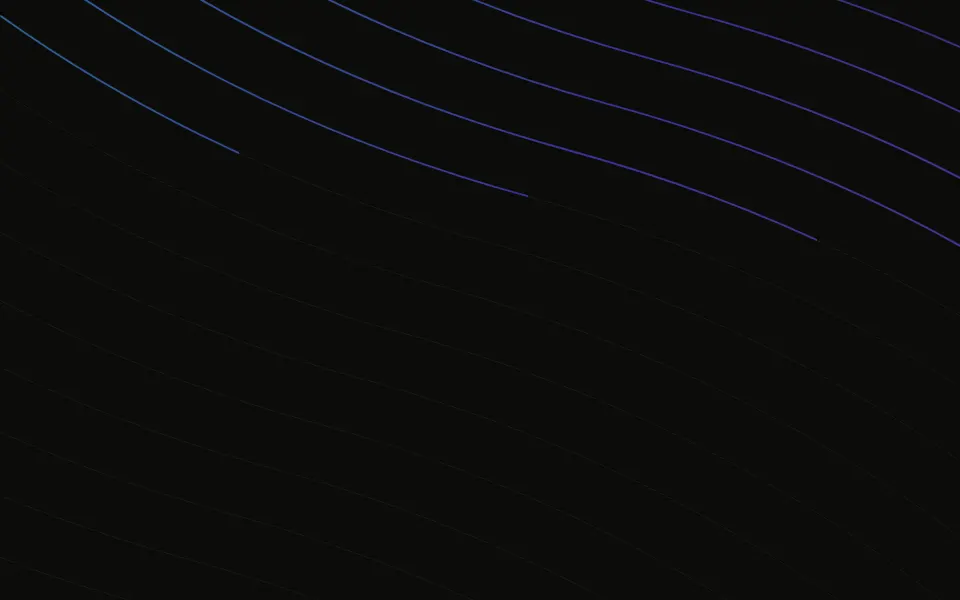
Two fans of fine curves sweep across the section while a dash grows and slides along each one to its far end and back, and each curve breathes between faint and brighter. The curves fall into ten groups, every tenth curve in each, and each group has its own 20 to 33.5 second cycle, as in the original, so they drift in and out of step. Each group of curves is drawn once and shown through two sliding windows, one for each end of the dash, so the browser's compositor moves it without repainting and no script runs. The curves use your text colour, so they read in light and dark.
Use it for a calm hero or a quiet section divider. For coloured light on similar curves, use Beams; for soft, blurred ribbons of colour, Wavy; for contour lines, Topography; for soft ambient motion without lines, Light Waves.
Installation
Usage
import { Paths } from "@/components/ui/paths";Paths is a container: give it a size and put your content inside. The curves sit behind the content, scale to cover the box, and fade toward its edges.
<Paths className="flex min-h-[420px] items-center justify-center">
  <h1 className="text-5xl font-semibold">Quiet motion, clear message</h1>
</Paths>
For a backdrop behind the whole page, leave it empty and fix it under everything else:
<Paths className="fixed inset-0 -z-10" />Demos
Colour and count
lineColor="var(--primary)" draws the curves in your theme's primary colour, and count={24} thins each fan from 36 curves to 24.
Speed
speed={0.5} doubles every curve's cycle, for a card that barely moves.
Accessibility
The curves are decorative: they're hidden from screen readers and never take the pointer, and your content stays on top in normal flow. With reduced motion every curve stops where it is, a still drawing of dashes along both fans. The curves are hairlines at no more than 60% opacity and gather in the lower left, so put text in your foreground colour over the centre or the upper half. Nothing flashes.
FAQ
How are the curves made?
Two fans of count cubic Bézier curves, 36 each by default, each a few units from the last and a little thicker and brighter. One fan spreads to the right and the other to the left, so they cross in the lower left.
What moves?
A dash grows and slides along each curve to its far end and back, while the curve fades between 30% and 60% opacity. The curves fall into ten groups (every tenth curve), each with its own 20 to 33.5 second cycle, so they drift out of step. The dash is the gap between two windows sliding over a drawing that stays put: transform and opacity keyframes, so it renders the same on the server.
Is it heavy?
No. The curves are drawn once and only their windows move, by transform, so the compositor animates them without repainting: about a millisecond of main-thread work per second for a full-screen box, whatever the count, and nothing runs in JavaScript. A lower count uses a little less graphics memory.
How do I change the colour?
lineColor takes any CSS colour; it defaults to your text colour, so the curves are dark on light pages and light on dark ones.
API Reference
Paths
<div> data-slot="paths"
count?number
How many curves each of the two fans has, from 4 to 48.
- Default
36
fade?"none" | "radial" | "top" | "bottom"
Where the curves fade out: toward every edge from the centre, toward the top, toward the bottom, or nowhere. It's a mask, so they fade into whatever is behind them.
- Type
"none" | "radial" | "top" | "bottom"- Default
"radial"
lineColor?string
The curves' colour, any CSS colour. @default "var(--foreground)".
speed?number
How fast the dashes travel, as a multiplier: each curve takes 20 to 33.5 seconds at 1, half as long at 2.
- Default
1
render?ReactElement | ((props: object, state: object) => ReactElement)
Replace the host element or compose it with another component.
- Type
ReactElement | ((props: object, state: object) => ReactElement)
className?string
Merged with the part's classes.
--paths-colorstring
The curves' colour (var(--foreground)).
--paths-speedstring
The dashes' speed, a multiplier (1).
Related
Beams Background
LightColoured beams on similar curves
- Pro
Wavy Background
WavesSoft blurred ribbons of colour
- Pro
Silk Background
GradientsA satin sheen over soft colour
- Pro
Ribbons Background
GradientsTwisting silk ribbons
- Pro

Topography Background
GenerativeContour lines
- Pro
Soft ambient motion