shadcn.io is not affiliated with official shadcn/ui
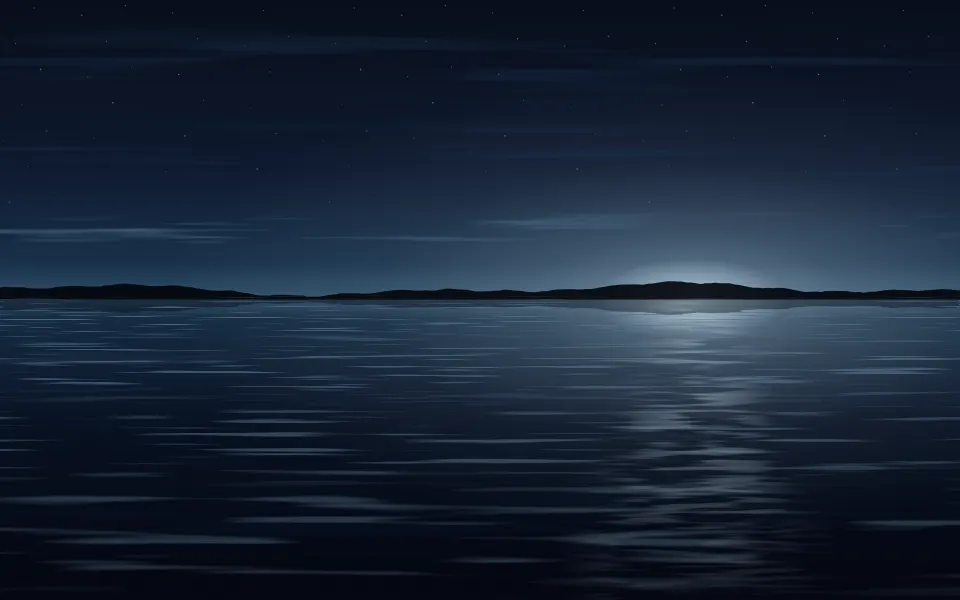
The open sea, seen out to the horizon. Rows of waves, fine and close together far away and broad near you, drift sideways and rise and fall with a slow swell, while glitter twinkles on the path of light under the sun. In light mode it's a clear day, with a pale sky and a white haze on the horizon; in dark mode it's a night sea, with faint stars, a silver glow where the moon is about to rise, and moonlight on the water.
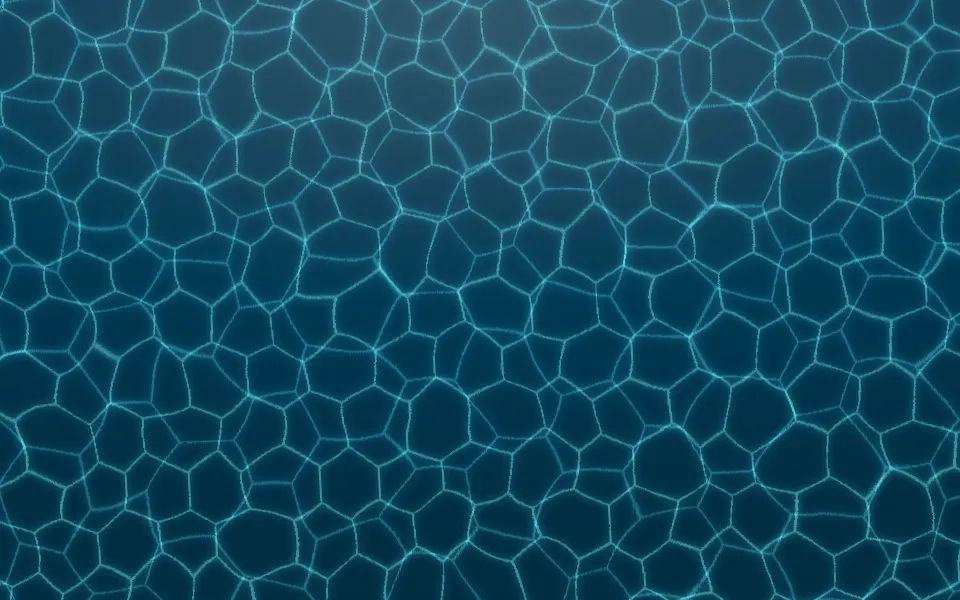
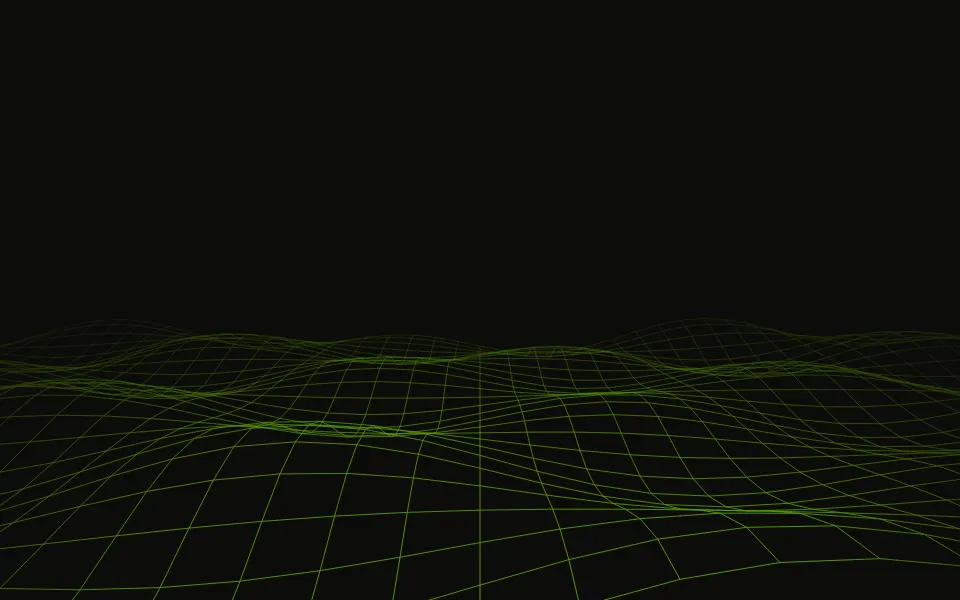
Each row of waves is a strip of noise the browser draws once, as an image, and slides sideways by exactly one tile, so the loop never jumps; neighbouring rows of light and shade slide opposite ways, so the surface keeps changing in place. The glitter is three layers of streaks that fade in and out in turn. Only transforms and opacity animate, and no script runs. Use it behind a travel or sailing hero, a meditation app or a marine product page, with the headline in the sky. For the same water from below, use Underwater; for sunlight on a pool floor, Caustics; for a sky mirrored on still water, Reflection; for the sea as a wireframe, Wave Grid.
Installation
Usage
import { Ocean } from "@/components/ui/ocean";<Ocean className="flex min-h-[480px] flex-col items-center pt-16">
<h1 className="text-5xl font-semibold">Somewhere warmer</h1>
</Ocean>Ocean is a container: whatever you put inside sits on top of the scene, in normal flow. It paints its own sky and sea, so give it a height or content, and put copy in the sky above the horizon. For a backdrop behind the whole page, render it empty with className="fixed inset-0 -z-10".
Demos
Sunset
seaColor sets the water, and the sky, the haze and the light and shade on the waves follow it; sunColor colours the glow on the horizon, the path of light and the glitter. A violet sea and an amber sun at sunX={0.72} give a sunset, and horizon={0.6} lowers the horizon for more sky.
Calm
A small card with a quiet sea: intensity="subtle" softens the light and shade on the waves, glitter={false} turns the glitter off for an overcast day, speed={0.6} slows the drift and the swell, and horizon={0.6} gives the sky most of the card.
Accessibility
The scene is decoration: it's hidden from assistive tech and lets every click through to your content. With reduced motion the waves and the glitter stop where they are, so a still picture of the sea remains. Nothing flashes: the glitter is thin streaks that brighten and fade over more than a second, sparkle rather than flashes.
Put copy in the sky, in your foreground colour (text-foreground): the sky is pale in light mode and deep in dark mode, so the foreground colour reads in both. The water is busier, so keep body text off it. A dark seaColor darkens the sky on a light page too, so check your copy against it.
FAQ
How do I move the horizon?
Pass horizon, from 0.15 (top) to 0.85 (bottom); 0.45 by default. Headlines read best in the sky, so a horizon around 0.6 leaves more room for a hero's copy. The rows of waves fit whatever sea is below it.
Can I change the colours?
Yes. seaColor sets the water, and the sky, the haze and the light and shade on the waves are mixed from it; sunColor colours the glow on the horizon, the path of light and the glitter. Without them it's a clear blue day in light mode and a moonlit navy sea in dark mode. You can also set --ocean-sea and --ocean-sun in your CSS.
What does it look like in dark mode?
A night at sea, not a darkened day: the sky deepens to navy with faint stars, a silver glow sits on the horizon where the moon is, the water turns dark blue with moonlight on its crests, and the glitter turns silver.
Can I turn the glitter off or move the sun?
glitter={false} gives an overcast sea with no glitter, and sunX, from 0 (left) to 1 (right), moves the glow on the horizon, the path of light and its glitter along the horizon.
How do I make it calmer or livelier?
intensity sets how strongly the light and shade show on the waves (subtle, medium or strong), and speed how fast they drift and heave: 0.5 is a slow, glassy sea, 2 a breezy one.
API Reference
Ocean
<div> data-slot="ocean"
glitter?boolean
Glitter on the water under the sun (the moon on a dark page); false
gives an overcast sea.
- Default
true
horizon?number
Where the horizon sits, from 0.15 (top) to 0.85 (bottom). @default 0.45.
- Default
== undefined
intensity?"subtle" | "medium" | "strong"
How lively the water looks: the strength of the light and shade on the waves.
- Type
"subtle" | "medium" | "strong"- Default
"medium"
seaColor?string
The sea's colour, any CSS colour; the sky, the haze and the light and shade on the waves follow it. By default a clear blue, or a moonlit navy on a dark page.
speed?number
How fast the waves move: 2 is twice as fast, 0.5 half as fast.
- Default
1
sunColor?string
The light's colour, any CSS colour: the glitter, the glow on the horizon and the path of light. By default a warm white, or silver on a dark page.
sunX?number
Where the sun is along the horizon, from 0 (left) to 1 (right). @default 0.5.
- Default
== undefined ? undefined : clamp(sunX
render?ReactElement | ((props: object, state: object) => ReactElement)
Replace the host element or compose it with another component.
- Type
ReactElement | ((props: object, state: object) => ReactElement)
className?string
Merged with the part's classes.
--ocean-horizonstring
Where the horizon sits, from the top (45%).
--ocean-seastring
The sea's colour (a clear blue; a moonlit navy on a dark page).
--ocean-speedstring
The waves' speed, a multiplier (1).
--ocean-sunstring
The light's colour (a warm white; silver on a dark page).
--ocean-sun-xstring
Where the sun is, from 0 (left) to 1 (right) (0.5).
Related
- Pro

Underwater Background
WeatherThe same water from below
- Pro
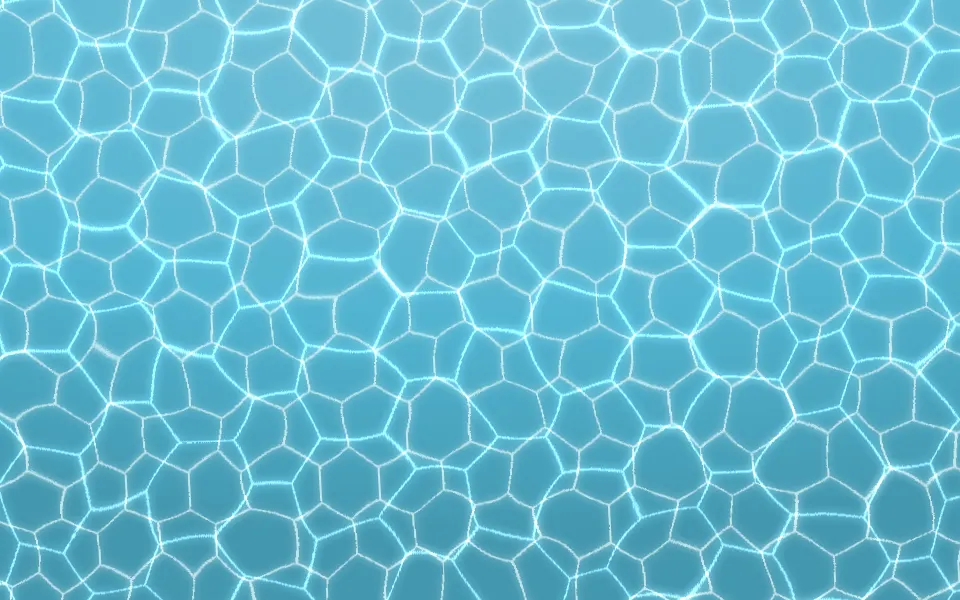
Caustics Background
WavesSunlight on a pool floor
- Pro
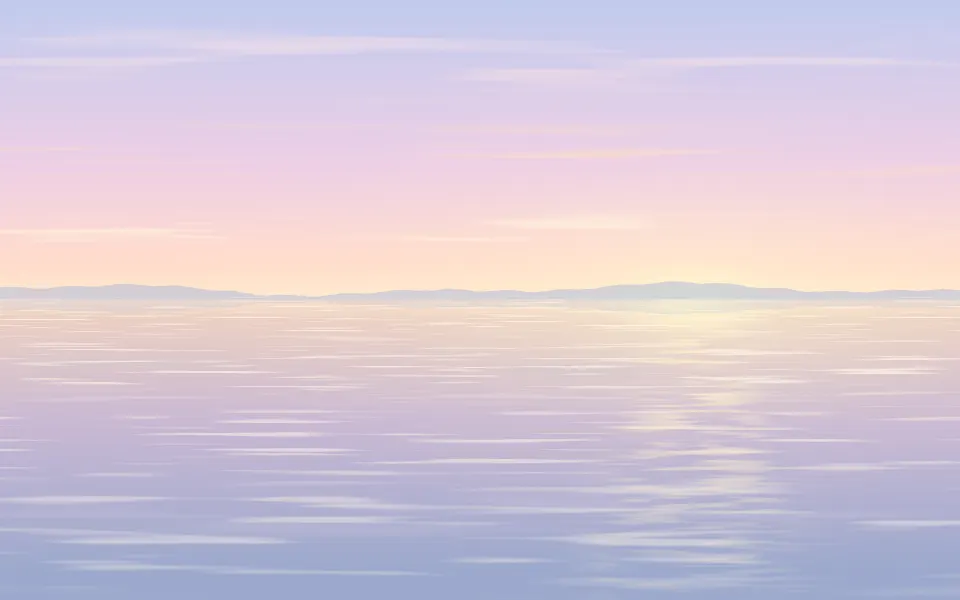
A sky mirrored on rippled water
- Pro
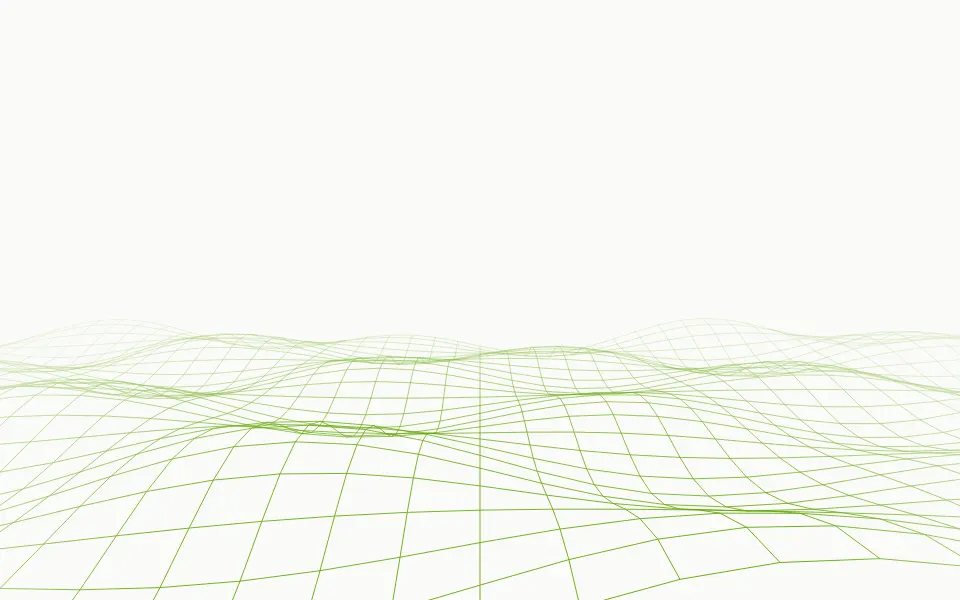
Wave Grid Background
WavesThe sea as a wireframe
- Pro

Dunes Background
WeatherThe same layered horizon, in a desert
- Pro
A perspective floor, synthwave instead of sea