shadcn.io is not affiliated with official shadcn/ui
An 80s perspective floor: a grid runs from the bottom edge to a glowing horizon under a softly tinted sky, and its lines roll toward you. The lines are sharpest at the near edge and melt into haze toward the horizon, where a glow in your primary colour takes over. It's one CSS 3D plane hinged on the bottom edge and a keyframe that slides its lines by exactly one cell, so the loop never jumps and nothing runs in JavaScript. The perspective is sized to the box, so the horizon sits at the same height in a card, a banner or a phone, and the floor never comes near the eye.
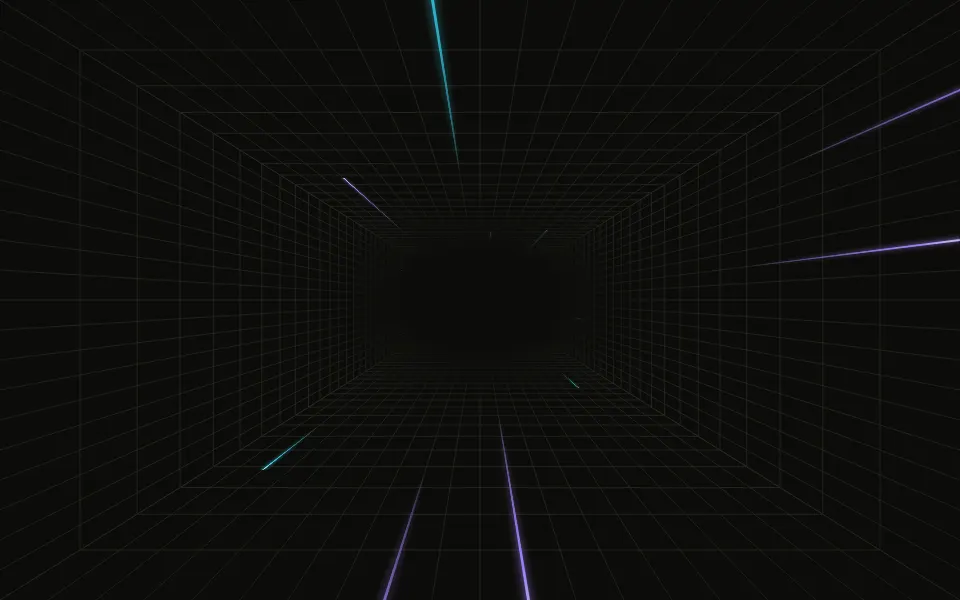
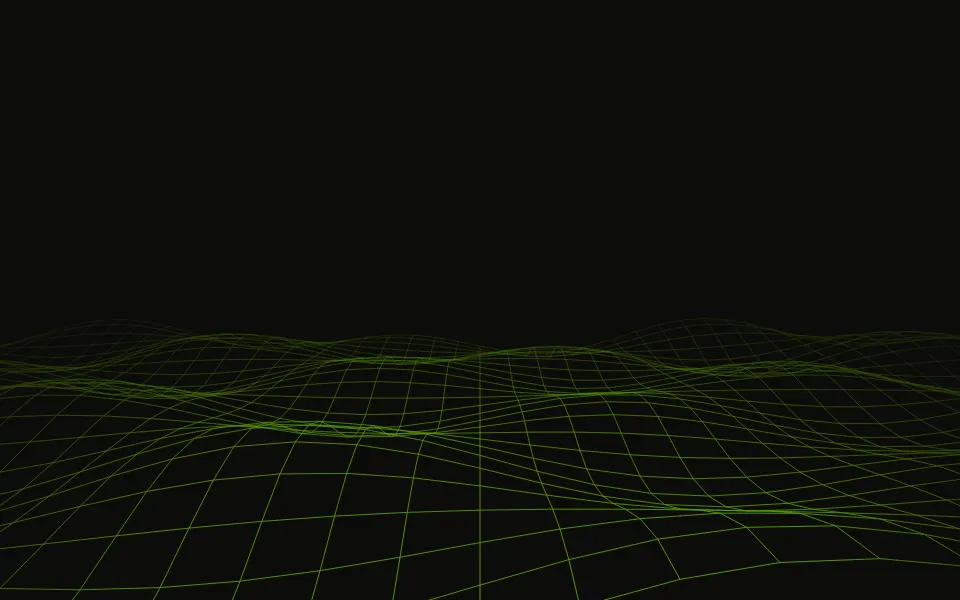
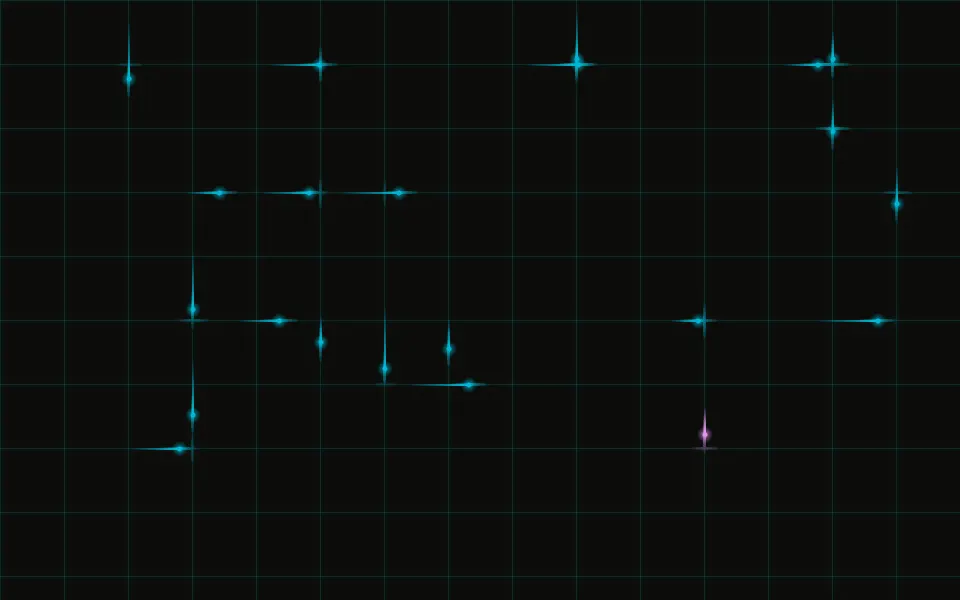
Use it under a retro, gaming or synthwave hero. For a flat static grid, use Grid Pattern; for the same perspective trick as a tunnel, Warp; for a 3D surface that undulates, Wave Grid; for neon pulses on a flat grid, Laser Grid.
Installation
Usage
import { RetroGrid } from "@/components/ui/retro-grid";Retro Grid is a container: give it a size and put your content inside. The floor fills the lower half of the box at the default angle and the sky above the horizon stays calm, so put your headline there.
<RetroGrid className="flex min-h-[420px] flex-col items-center pt-16">
  <h1 className="text-5xl font-semibold">Back to 1985</h1>
</RetroGrid>
For a backdrop behind the whole page, leave it empty and fix it under everything else:
<RetroGrid className="fixed inset-0 -z-10" />Demos
Neon
lineColor="#ff2fd6" and a hot glowColor on a dark section give the classic synthwave sunset, and angle={72} lays the floor flatter, with a lower horizon.
Dense
cellSize={30} halves the cells and speed={2} doubles the pace, inside a card. The pace is set in pixels a second at the near edge, so smaller cells don't roll faster on their own.
Accessibility
The floor is decorative: it's hidden from screen readers and never takes the pointer, and your content stays on top in normal flow. With reduced motion the floor stands still. The lines are your muted text colour at about half strength and the glow is a light tint, quiet enough that text stays readable; keep text in your foreground colour, ideally on the sky above the horizon. Nothing flashes.
FAQ
How does the 3D effect work?
One grid plane is hinged on the bottom edge and tilted back by angle (65° by default) under a perspective sized to the box, with the eye a little above the floor. The whole plane lies behind the screen, so nothing is ever magnified or clipped, and a mask fades it into haze before its lines crowd into a moiré.
How does the loop stay smooth?
The grid slides toward you by exactly one cell, then starts again from where it began, which looks the same, so there's no jump. It only moves the lines' position, which the browser animates without repainting.
Can I make it neon?
Yes: lineColor takes any CSS colour, for example #ff2fd6 on a dark section, and glowColor sets the sky's tint and the horizon glow, your primary colour by default. Put transparency in the line colour for a fainter floor.
Where is the horizon?
Half-way down at the default angle, at any size. A higher angle lays the floor flatter and puts the horizon lower; a lower one raises it.
API Reference
RetroGrid
<div> data-slot="retro-grid"
angle?number
How far the floor tilts away from you, in degrees: higher lies flatter and puts the horizon lower.
- Default
65
cellSize?number
The side of one grid cell, in pixels. @default 60.
- Default
60
glowColor?string
The colour of the sky's tint and the glow along the horizon, any CSS colour.
- Default
"var(--primary)"
lineColor?string
The lines' colour, any CSS colour; put transparency in it for a fainter floor.
- Default
"color-mix(in oklab, var(--muted-foreground) 55%, transparent)"
speed?number
How fast the lines roll toward you, as a multiplier: 1 is 90 pixels a second at the near edge, whatever the cell size.
- Default
1
render?ReactElement | ((props: object, state: object) => ReactElement)
Replace the host element or compose it with another component.
- Type
ReactElement | ((props: object, state: object) => ReactElement)
className?string
Merged with the part's classes.
--retro-grid-anglestring
The floor's tilt (65deg).
--retro-grid-cellstring--retro-grid-glowstring
The sky's tint and the horizon glow (var(--primary)).
--retro-grid-line-colorstring
The lines' colour (the muted foreground at 55%).
--retro-grid-speedstring
How fast the lines roll, a multiplier (1).
Related
- Pro
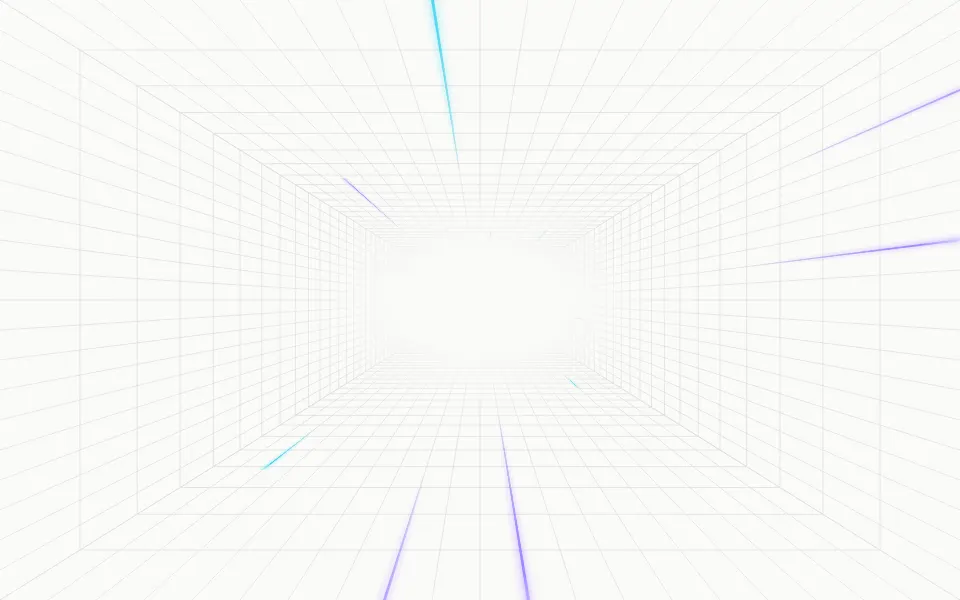
Warp Background
TechThe same perspective trick as a tunnel
- Pro
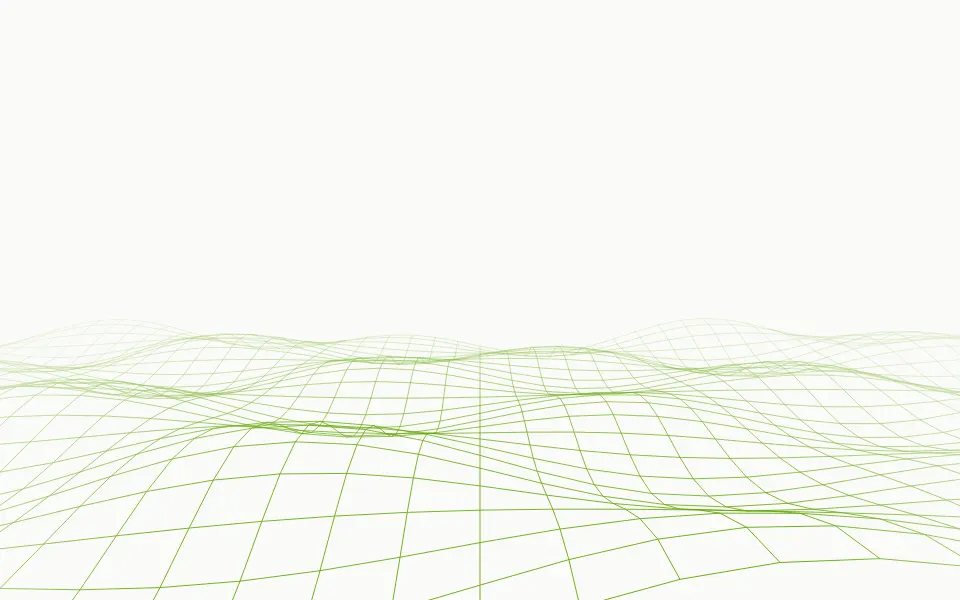
Wave Grid Background
WavesA 3D grid surface that undulates
- Pro
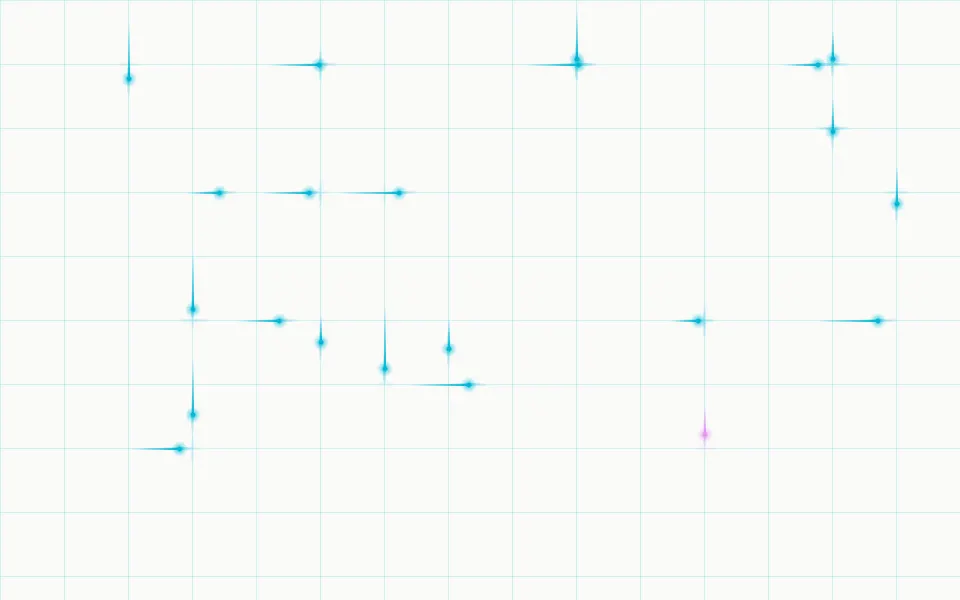
Neon pulses on a flat grid
Grid Pattern
GridsThe static flat grid
- Pro
Cells that light on hover
- Pro
A quiet animated grid