shadcn.io is not affiliated with official shadcn/ui
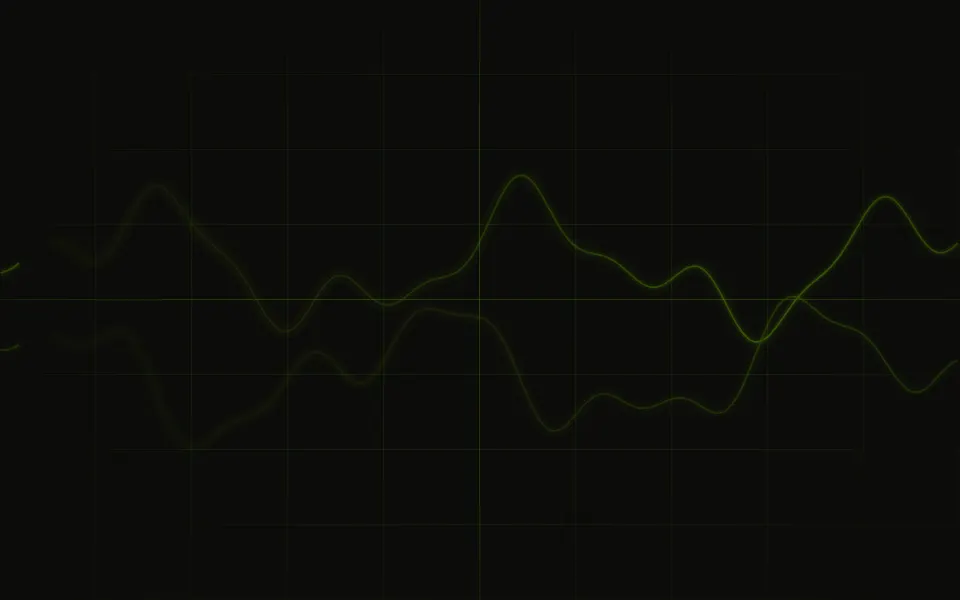
Brainwaves lays a few EEG channels across its container and drifts them slowly to the left over a still grid of faint lane lines and time columns. Each trace has a slow rhythm, a jagged noise floor and a spike now and then, in one tint from your theme; the channels alternate between near and far, the far ones fainter and slower, so the lanes drift past each other, and a radial fade softens the edges. Each trace is worked out when the page renders, from its channel's number, as one seamless SVG tile that repeats across a strip, and two CSS animations slide the strips, so no script runs and they look the same on every load.
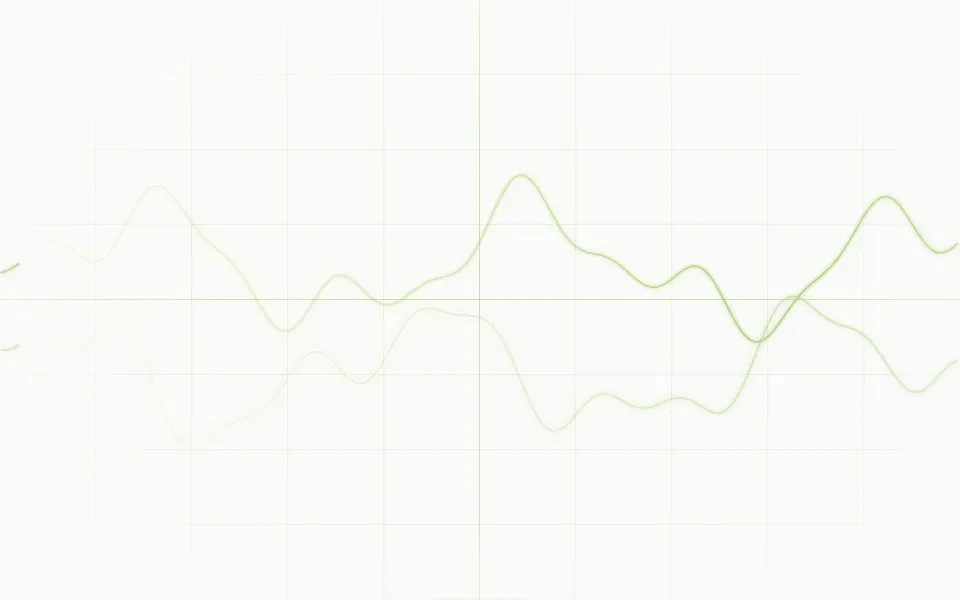
Use it for neuroscience, sleep, health and focus products, or any hero that should read as live measurement. For a single bright trace with afterglow, use Oscilloscope; for soft, blurred waves of colour without the noise, Wavy; for flowing curves, Paths; for signals travelling along circuit traces, Circuit.
Installation
Usage
import { Brainwaves } from "@/components/ui/brainwaves";<Brainwaves className="flex min-h-[420px] items-center justify-center">
<h1 className="text-5xl font-semibold">Focus, measured</h1>
</Brainwaves>Brainwaves is a container: give it a size, put your content inside, and the traces sit behind it. They take your theme's primary colour, so they're ink on a paper chart in light mode and glowing lines in dark mode. For the whole page, pass className="fixed inset-0 -z-10".
Demos
Clinical
The polysomnograph look: a card that stays dark in both themes (className="dark bg-[#020617]"), six colors, one per channel, from cyan to red, the montage's names in the gutter with labels, and fade="none" to keep the plot edge to edge.
Calm
A quieter card: count={3} channels, jitter={0.4} for a smoother noise floor, spikeRate={0} for no spikes and speed={0.5}.
Accessibility
The traces and their labels are decoration, not data: they're hidden from assistive tech and never take the pointer, so your content is read and clicked as usual. With reduced motion the traces stand still. Nothing flashes; the traces only drift. They're thin, faint at the edges and fainter on the far lanes, but they still cross whatever sits on top, so keep text in your foreground colour, or use 3 channels and a jitter under 1 behind body text. The time axis runs left to right on every page, as on a real EEG, and the gutter stays on the left.
FAQ
How do I add or remove channels?
Pass count, from 2 to 12 (4 by default). The even channels drift up front and the odd ones behind them, fainter and slower.
Can I show the channel names?
Yes: labels shows a gutter on the left with the classic 10–20 montage (Fp1, Fp2, Cz…), or pass your own list; channels past it are named Ch5, Ch6 and so on. It's off by default, so the background reads as signal rather than a chart.
What does fade do?
It fades the traces toward the box's edges: radial (the default) all round, top or bottom toward that edge, none keeps them edge to edge.
How do I slow the drift?
speed: at 1 the near lanes move about 60 pixels a second on a 1200-pixel plot and the far ones a little over half that; 0.5 halves both and reads as calm.
Can I tune the spikes and the noise?
spikeRate, from 0 to 1, sets how often spikes fire, and jitter how strong the noise floor is (0 is a clean rhythm). Both shape the traces when they render.
How do I match my brand?
traceColor sets the one tint every channel takes (your theme's primary by default), or pass colors, one per channel, repeated when there are more channels. You can also set --brainwaves-color from your CSS.
API Reference
Brainwaves
<div> data-slot="brainwaves"
colors?string[]
A colour per channel instead, any CSS colours, in order and repeated when there are more channels.
count?number
How many channels, from 2 to 12. @default 4.
fade?"none" | "radial" | "top" | "bottom"
Which edge the traces fade out toward: radial all of them, top or
bottom one, none keeps them edge to edge.
- Type
"none" | "radial" | "top" | "bottom"- Default
"radial"
grid?boolean
Whether faint lane baselines and a scrolling time grid show. @default true.
- Default
true
jitter?number
How strong each trace's noise is: 0 is a clean rhythm. @default 1.
labels?boolean | string[]
Channel names in a gutter on the left: true for the EEG montage
(Fp1, Fp2, Cz…), or your own list, top to bottom (channels past it
are Ch5, Ch6…). Off by default.
- Type
boolean | string[]- Default
false
speed?number
How fast the traces scroll: 1 is about 60px a second up front. @default 1.
spikeRate?number
How often spikes fire, from 0 (never) to 1. @default 0.3.
traceColor?string
The traces' colour, any CSS colour: one tint for every channel.
- Default
"var(--primary)"
render?ReactElement | ((props: object, state: object) => ReactElement)
Replace the host element or compose it with another component.
- Type
ReactElement | ((props: object, state: object) => ReactElement)
className?string
Merged with the part's classes.
data-fade?string
Mirrors fade.
--brainwaves-colorstring
The traces' colour (var(--primary)).
--brainwaves-speedstring
How fast the traces scroll, a multiplier (1).
Related
- Pro
A single instrument trace with afterglow
- Pro

Wavy Background
WavesSoft blurred waves of colour, without the noise
- Pro

Paths Background
WavesFlowing SVG curves
- Pro
Signals travelling on a PCB, also Tech
- Pro

Topography Background
GenerativeData-like contour lines
Another 'screen' for tech heroes