shadcn.io is not affiliated with official shadcn/ui
Backgrounds
ProOscilloscope Background for React
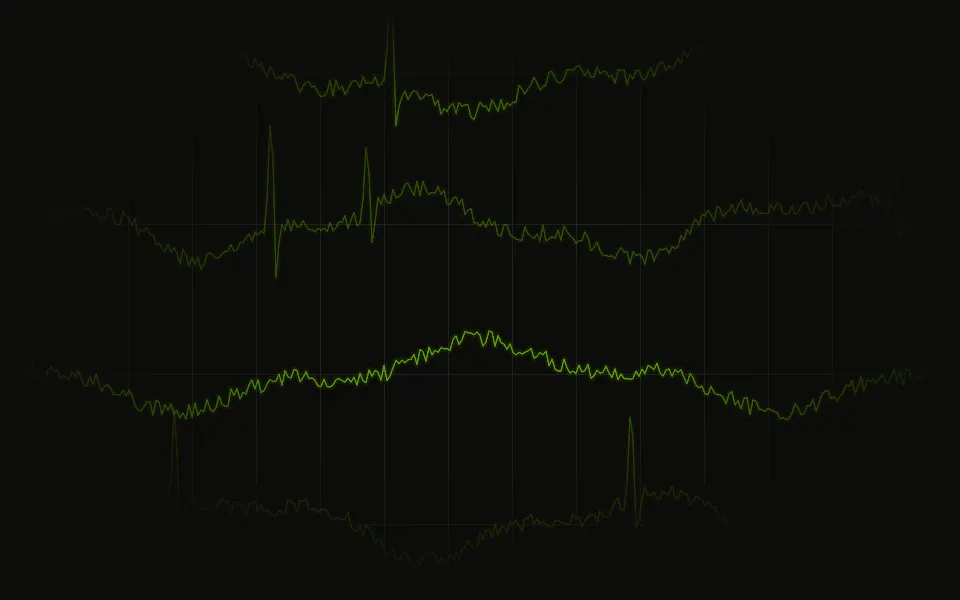
A beam sweeps a graticule and leaves its trace glowing on the phosphor, fading behind it, while the signal drifts from sweep to sweep. For React with Base UI, when an audio tool, a hardware product or an instrumentation page should read as precisely measured signal.
Oscilloscope turns its container into a bench scope, softly, behind your content: a beam sweeps across a 10 × 8 graticule drawing two channels, and the trace stays glowing on the phosphor behind it, fading over a few seconds, while the signal's three harmonics drift so each sweep is a little different. The screen fades toward its edges like a tube's. A small canvas draws only the beam's newest stretch each frame and dims the rest a step four times a second, so a frame costs a handful of short strokes; it runs only while it's on screen, and the graticule is plain CSS.
Use it for audio tools, synthesisers, test equipment, biomedical devices and anything that should look measured. For many channels scrolling past like a chart recorder, use Brainwaves; for soft ribbons of colour without the instrument, Wavy; for another instrument screen, with a sweeping beam, Sonar; for the same CRT look broken up, Glitch.
Installation
Usage
import { Oscilloscope } from "@/components/ui/oscilloscope";<Oscilloscope className="flex min-h-[420px] items-center justify-center">
<h1 className="text-5xl font-semibold">Every signal, measured</h1>
</Oscilloscope>Oscilloscope is a container: give it a size, put your content inside, and the scope sits behind it. The trace takes your theme's primary colour, so it's a plotter's ink line in light mode and a glowing trace in dark mode. For the whole page, pass className="fixed inset-0 -z-10".
Demos
Lissajous
mode="lissajous" swaps the channels for a 3:5 figure that the beam traces twice a sweep, turning slowly in the centre; amplitude={0.32} sizes it to the card. mode="both" draws one channel with the figure over it.
Amber
A screen that stays dark in both themes (className="dark bg-black") with traceColor set to amber, like vintage tube gear. The graticule takes the trace's colour too.
Accessibility
The scope is decoration: it's hidden from assistive tech and never takes the pointer, so your content is read and clicked as usual. With reduced motion it draws one still sweep, afterglow included, and never starts its loop. Nothing flashes: the beam moves smoothly and the phosphor fades slowly. The layer shows at 75% by default and fades toward the edges; the trace crosses whatever sits on top, so keep text in your foreground colour, and use intensity="subtle" or an amplitude of 0.2 or less behind body text.
FAQ
What do the modes look like?
wave (the default) is two channels swept across the width, the second dimmer; lissajous a 3:5 figure turning in the centre; both one channel with the figure over it, the classic twin-channel scope.
How is the afterglow made?
Like phosphor: the canvas keeps what the beam drew and dims it a step four times a second, and just ahead of a sweeping beam it's wiped clean. persistence sets how long the trace glows, in milliseconds, until it's down to a few percent: 3600 by default, from 300 to 6000.
Can I change the colour?
traceColor takes any CSS colour: phosphor green, amber, cyan. By default it's your theme's primary colour, and it updates when the theme switches. The graticule is drawn in the same colour, fainter.
Is it heavy?
No. Each frame draws only the beam's newest few pixels, a fraction of a millisecond, and the loop stops when it scrolls out of view or the tab is hidden. The pixel ratio is capped at 2.
API Reference
Oscilloscope
<div> data-slot="oscilloscope"
amplitude?number
How far the trace swings from its centre line, as a share of the box's height; the figure's size follows.
- Default
0.3
grid?boolean
Whether the graticule shows: a 10 × 8 grid with brighter centre axes. @default true.
- Default
true
intensity?"subtle" | "medium" | "strong"
How strongly the scope shows over the surface.
- Type
"subtle" | "medium" | "strong"- Default
"medium"
mode?"wave" | "lissajous" | "both"
What the beam draws: wave, two channels sweeping the width;
lissajous, a 3:5 figure turning in the centre; both, one channel
and the figure.
- Type
"wave" | "lissajous" | "both"- Default
"wave"
persistence?number
How long the phosphor glows behind the beam, in milliseconds, until it's down to a few percent (300 to 6000).
- Default
3600
speed?number
How fast the beam sweeps and the trace changes shape: 2 is twice as fast, 0 holds it. @default 1.
- Default
1
traceColor?string
The trace's and the graticule's colour, any CSS colour. @default "var(--primary)".
render?ReactElement | ((props: object, state: object) => ReactElement)
Replace the host element or compose it with another component.
- Type
ReactElement | ((props: object, state: object) => ReactElement)
className?string
Merged with the part's classes.
--oscilloscope-colorstring
The trace's and the graticule's colour (the theme's --primary).
Related
- Pro
Many channels scrolling, a strip-chart instead of a scope
- Pro

Wavy Background
WavesSoft ribbons of colour without the instrument
- Pro
Paths Background
WavesCurves weaving across the page
- Pro
Sonar Background
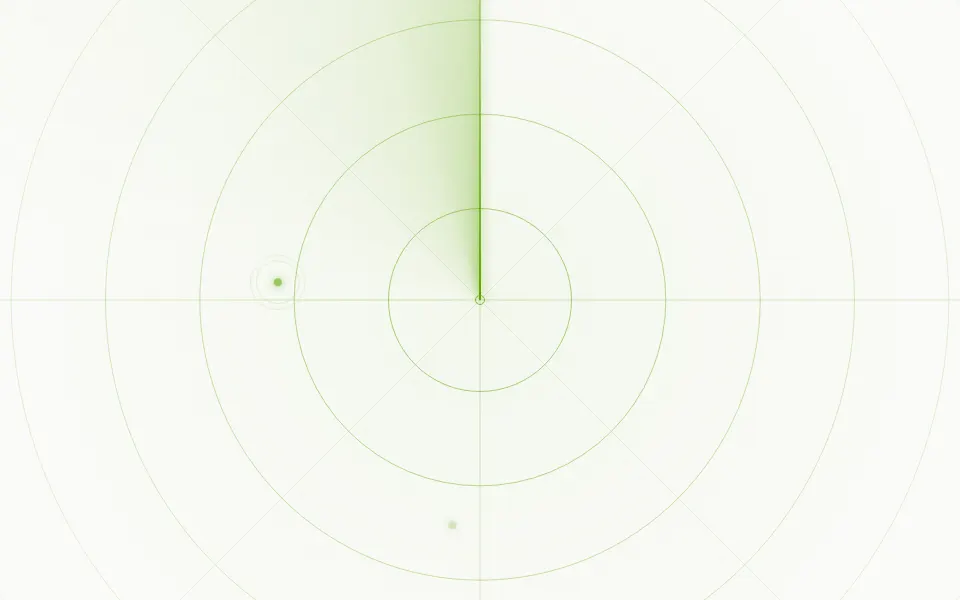
TechAnother instrument screen, with a sweep
Green-on-black
- Pro
The CRT look, broken