shadcn.io is not affiliated with official shadcn/ui
Backgrounds
ProDunes Background for React
A wind-swept dune field: layered sand ridges with sunlit and shaded faces pan slowly past while sand drifts on the wind, in warm daylight or under the moon. For React with Base UI, when a travel, outdoor or editorial hero needs a calm, expansive landscape behind its copy.
A wind-swept dune field fills the lower half of the box under a hazy sky. Five ridges of sand, smaller and paler the farther away they are, pan slowly past at different speeds. Each dune has a long sunlit back, a sharp crest and a shaded slip face that turns softly into the next dune, with fine wind ripples on the sand. Faint sand streams off the nearest crests and drifts along the ground. On a light page it's warm daylight; on a dark page it's the same dunes in cool moonlight, under stars.
Each ridge is a repeating SVG shape one period wider than the box, and it slides by exactly one period, so the loop never jumps. The shapes ship in the CSS the install adds to your stylesheet, and only transforms and opacity animate, so the browser composites the motion without repainting. There's no script: it's a server component. Use it behind travel, hospitality, outdoor and editorial heroes, with the copy in the sky. For water instead of sand, use Ocean or Reflection; for the land as a map, Terrain; for the texture alone, as film grain, Grain.
Installation
Usage
import { Dunes } from "@/components/ui/dunes";<Dunes className="min-h-[480px] px-12 pt-16">
<h1 className="text-5xl font-semibold">Somewhere warm</h1>
</Dunes>Dunes is a container: whatever you put inside sits on top of the desert, in normal flow. It paints its own sky, so give it a height or content, and keep copy in the upper part of the box, where the sky is. The ridges are sized from the box itself, so a banner, a card and a phone screen all get dunes of a sensible size. For a backdrop behind the whole page, render it empty with className="fixed inset-0 -z-10".
Demos
Night
colors takes the sky, the haze at the horizon, the sunlit sand and the shaded sand, and a fifth colour for the stars, which then show on a light page too. Here a moonlit palette keeps the desert at night in both colour schemes, and speed={0.5} slows the pan.
In a card
count={3} keeps three ridges, so the dunes read bigger in a small box, and density={2} carries twice as much sand off the crests and along the ground.
Accessibility
The desert is decoration: it's hidden from assistive tech and lets every click through to your content. With reduced motion the ridges, the drifting sand and the stars stop where they are, and the still dune field stays. Nothing flashes.
Put copy over it in your foreground colour (text-foreground). With the default palette it keeps at least 13:1 over the sky and 7.7:1 over the sand on a light page, and at least 5:1 over the sky and 4.7:1 over the sand on a dark page, at the worst frame. Custom colors change that, so check your copy against them, and keep long text in the sky.
FAQ
Does it follow light and dark mode?
Yes. On a light page the dunes are golden sand in warm daylight under a pale sky; on a dark page they're blue-grey sand in moonlight, under a night sky with stars. Your colors apply in both, and you can set --dunes-sky, --dunes-haze, --dunes-sand, --dunes-shadow, --dunes-glow and --dunes-star in your CSS instead.
How many ridges can I use?
count, from 2 to 7, 5 by default. Far ridges are smaller, paler and slower; three give bigger dunes and a calmer horizon, seven a deep field.
Can I turn the blowing sand off?
density sets how much sand the wind carries, off the nearest crests and along the ground: 2 is twice as much, and density={0} removes it, which also saves two animated layers. sun={false} drops the glow of the sun (or the moon) in the top corner.
How do I change the speed?
speed scales everything: 2 is twice as fast, 0.5 half as fast. The nearest ridge always passes about six times faster than the farthest, so the depth stays.
API Reference
Dunes
<div> data-slot="dunes"
colors?string[]
Four CSS colours: the sky at the top, the haze at the horizon, the sunlit sand and the shaded sand; far ridges melt into the haze. A fifth colours the stars, which then show on a light page too. By default warm daylight on a light page and moonlight, with stars, on a dark one; yours apply in both.
count?number
How many ridges, far to near, from 2 to 7. @default 5.
- Default
5
density?number
How much sand the wind carries, off the crests and along the ground: 2 is twice as much, 0 none.
- Default
1
speed?number
How fast the ridges pan and the sand blows, as a multiplier: 2 is twice as fast, 0.5 half as fast. Near ridges always pass faster than far ones.
- Default
1
sun?boolean
Whether the low sun (the moon, on a dark page) lights the sky from the top left.
- Default
true
render?ReactElement | ((props: object, state: object) => ReactElement)
Replace the host element or compose it with another component.
- Type
ReactElement | ((props: object, state: object) => ReactElement)
className?string
Merged with the part's classes.
--dunes-densitystring
How much sand blows, a multiplier (1).
--dunes-glowstring
The sun's (or moon's) glow in the sky.
--dunes-hazestring
The haze at the horizon, where far ridges fade (cream; dusky blue).
--dunes-sandstring
The sunlit sand (gold; moonlit blue-grey).
--dunes-shadowstring
The shaded sand (terracotta; cool blue).
--dunes-skystring
The sky at the top (pale blue; deep night blue on a dark page).
--dunes-speedstring
How fast everything moves, a multiplier (1).
--dunes-starstring
The stars' colour (none on a light page; pale blue on a dark one).
Related
- Pro
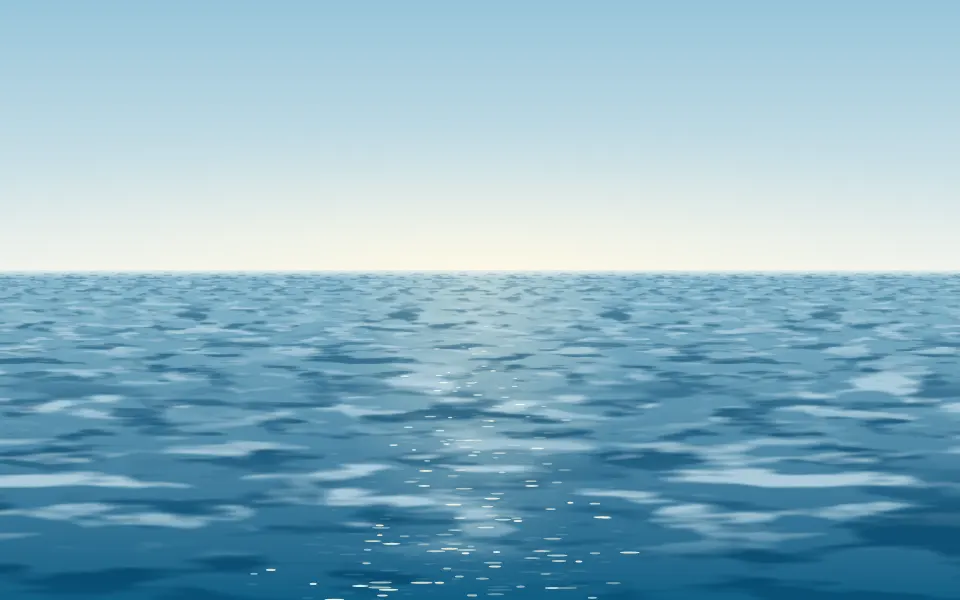
Ocean Background
WavesLayered water instead of sand

Fog Background
WeatherSoft drifting layers
- Pro

Grain Background
TextureOnly the texture
- Pro

Topography Background
GenerativeThe same landscape as a map

Aurora Background
SpaceA sky-led backdrop
- Pro
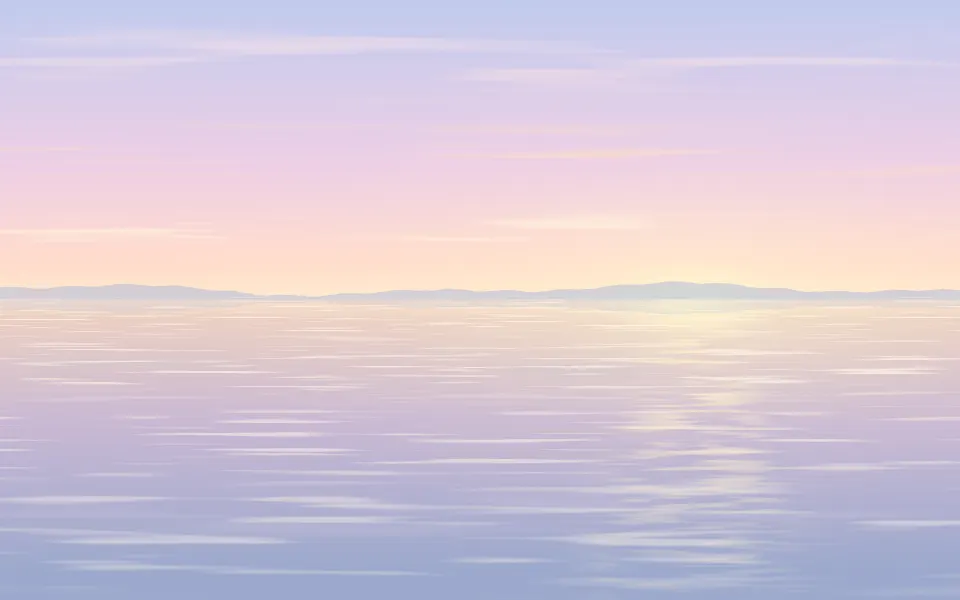
Still water at dusk instead of sand