shadcn.io is not affiliated with official shadcn/ui
Rain streaks down at a slant in three clearly separate depths: a fine, dim drizzle far away, a middle layer, and a few long, bright streaks close up that fall nearly four times as fast, over a soft mist that drifts along the ground. Each layer is a repeating SVG pattern moved by CSS keyframes, so a full page of rain is a handful of elements and no script runs. It follows your theme, with a cool tint in the sky and the streaks on a dark page; turn on lightning for an occasional, gentle flash in the sky.
Use it for a moody hero, a weather card or a storm scene. For slow soft flakes use Snow; for forked bolts across the sky, Lightning; for ripples on water to pair under it, Drops; for the digital kind of rain, Matrix.
Installation
Usage
import { Rain } from "@/components/ui/rain";<Rain className="min-h-[420px]">
<h1>Made for rainy days</h1>
</Rain>Rain is a container: put your content inside and the rain falls behind it. It fills the box you give it, so set its height (min-h-[420px]), or className="fixed inset-0 -z-10" to cover the whole page.
Demos
Storm
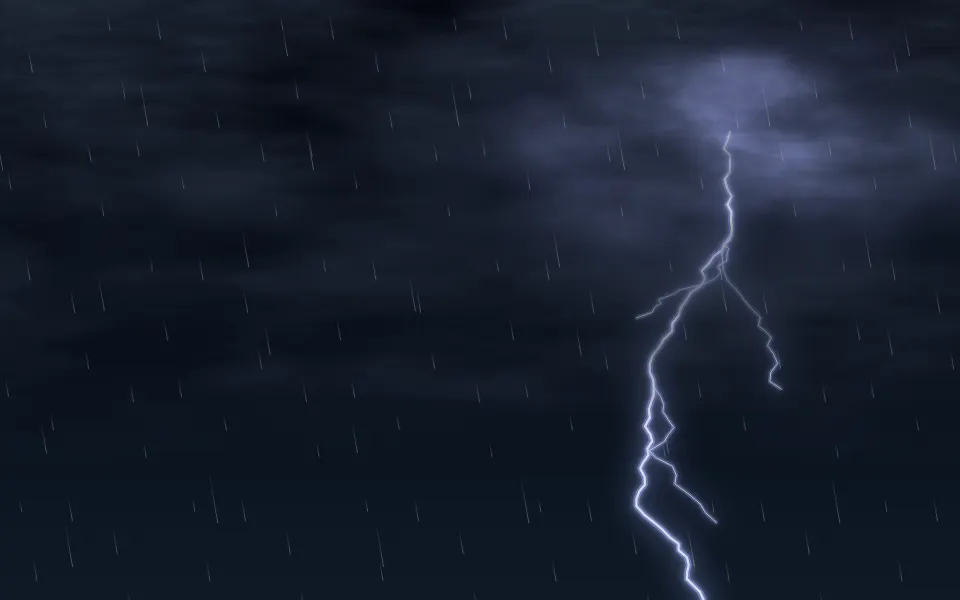
lightning lights the sky from a spot at the top now and then. It shows best on a dark sky: skyColor sets one, and dropColor makes the streaks light against it. density and angle make the rain heavier and more wind-blown.
Weather card
A light, straight rain (density={0.6}, angle={0}) inside a small card. The streaks fade out toward the bottom, so text placed there stays clear.
Accessibility
The rain is decoration: the whole layer is hidden from screen readers and ignores the pointer, and your content inside reads as usual. With reduced motion the streaks and the mist stop where they are, a still picture of rain, and the lightning is hidden rather than frozen mid-flash.
Lightning is off by default. When it's on, it flashes three times every 11 seconds, at most twice in any second, on a fixed cycle that speed doesn't change; each flash is a soft glow from the top over a 10% wash, never a full white frame. Keep text in the foreground colour: the streaks stay under 60% opacity, and the mist fades them out near the bottom.
FAQ
How does the depth work?
Three repeating layers, each clearly different: the far one is a fine drizzle of many short, dim, slow streaks; the near one a few long, bright streaks falling nearly four times as fast. Each layer slides down by one tile of its pattern per loop, so it never jumps, and its tile is wide enough that the repeats never line up in rows. A mist drifts along the ground behind the near rain.
How do I make it rain harder?
Raise density (0.5 is a drizzle, 2 a downpour, 3 the most) or speed. Density is per area, so a small card and a full page look equally wet.
How does the lightning work, and is it safe?
lightning adds a double strike and a single one in an 11-second cycle: at most two flashes in any second, none with reduced motion, and each a soft glow rather than a white frame. It's off by default.
Can I change the angle?
angle is degrees from vertical: 0 falls straight down, a positive angle leans right as it falls and a negative one left; 25–30 looks wind-blown.
API Reference
Rain
<div> data-slot="rain"
angle?number
The rain's lean, in degrees from vertical: 0 falls straight down, a positive angle leans right as it falls, 25–30 looks wind-blown.
- Default
15
density?number
How much rain, from 0.25 to 3: 0.5 is a drizzle, 2 a downpour. It's per area, so a card and a full page look equally wet.
- Default
1
dropColor?string
The streaks' colour, any CSS colour; the mist takes it too.
- Default
your foreground colour at 55%, a little cooler on a dark page
lightning?boolean
Lights the sky now and then: a double strike and a single one in every 11 seconds, never more than two flashes in a second, and none with reduced motion.
- Default
false
skyColor?string
The sky's colour, any CSS colour, lifted toward the rain's colour at the top. By default there's no sky: your page shows through, with a faint lift at the top.
- Default
"transparent"
speed?number
How fast it falls, as a multiplier: 0.5 is slow, 2 is a storm. @default 1.
render?ReactElement | ((props: object, state: object) => ReactElement)
Replace the host element or compose it with another component.
- Type
ReactElement | ((props: object, state: object) => ReactElement)
className?string
Merged with the part's classes.
--rain-anglestring
The lean, in degrees from vertical (15).
--rain-colorstring
The streaks' and the mist's colour (55% of --foreground, cooler on a dark page).
--rain-flash-colorstring
The lightning's colour (a cool white).
--rain-skystring
The sky's colour (transparent).
--rain-speedstring
How fast it falls, a multiplier (1).
Related
- Pro

Snow Background
WeatherThe same sky, with slow soft flakes
- Pro
Lightning Background
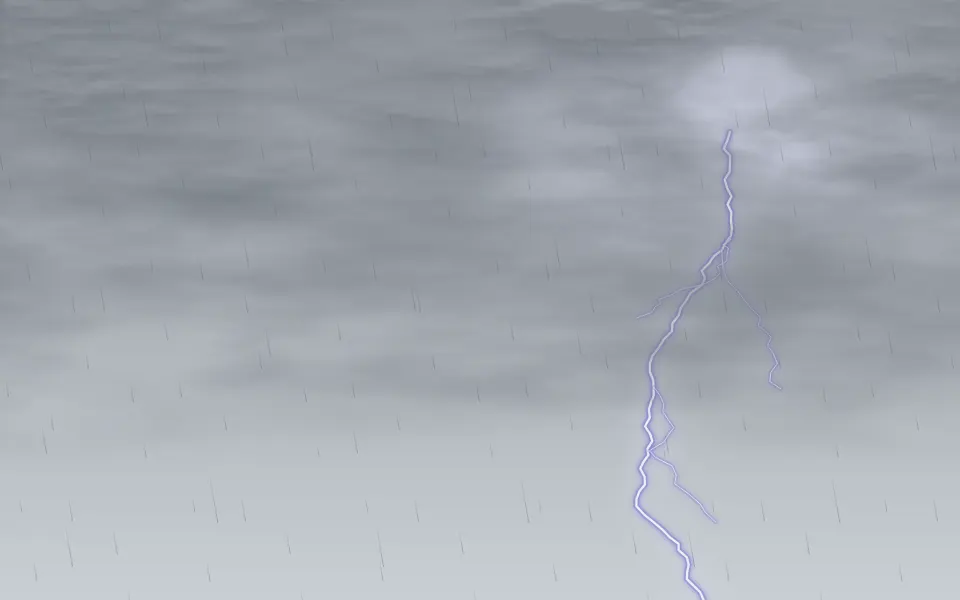
WeatherThe whole thunderstorm: clouds, flashes and bolts
- Pro

Drops Background
WavesRipples on water, to pair under the rain

Fog Background
WeatherLow mist for a wetter scene
- Pro

Meteors Background
SpaceA few bright diagonal streaks across a night sky
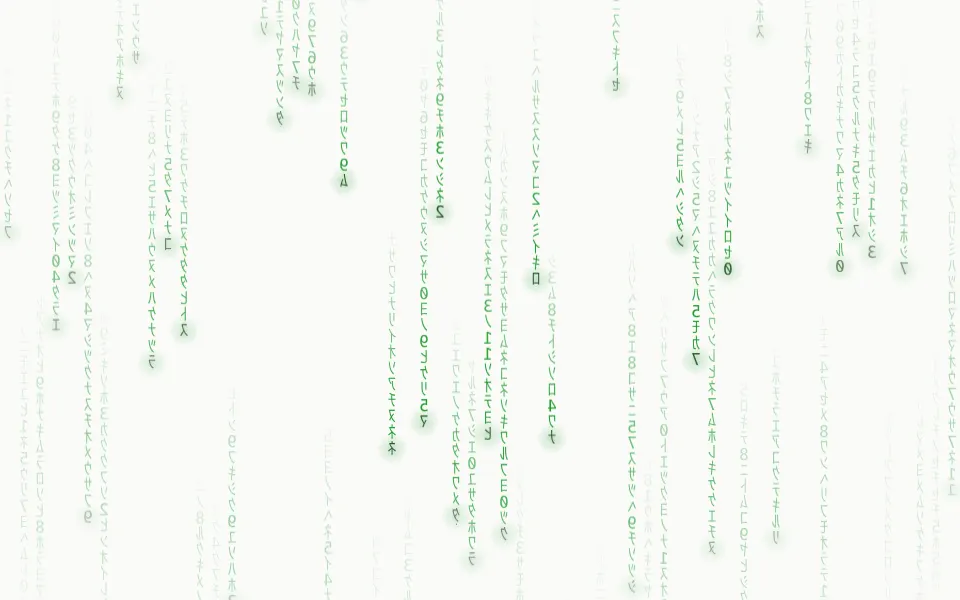
The digital kind of rain, falling glyph columns