shadcn.io is not affiliated with official shadcn/ui
Backgrounds
ProVoronoi Background for React
A glass mosaic of Voronoi cells in tones of your theme, each pane softly lit, breathing at its own pace while a band of light sweeps across. For React with Base UI, when a generative-art, design-tool or data product hero wants a pattern that looks engineered.
A glass mosaic of Voronoi cells: each cell is the area closest to one seed point. By default the panes are five tints of your theme's primary colour, each lit by a soft gradient across its own box so it reads as bevelled glass, with a fine lead between them. Each pane dims and brightens at its own pace, a soft band of light sweeps across now and then, and the whole window drifts slowly. The cells are worked out once when the page renders and drawn as SVG; the motion is CSS opacity and transforms, with nothing in script.
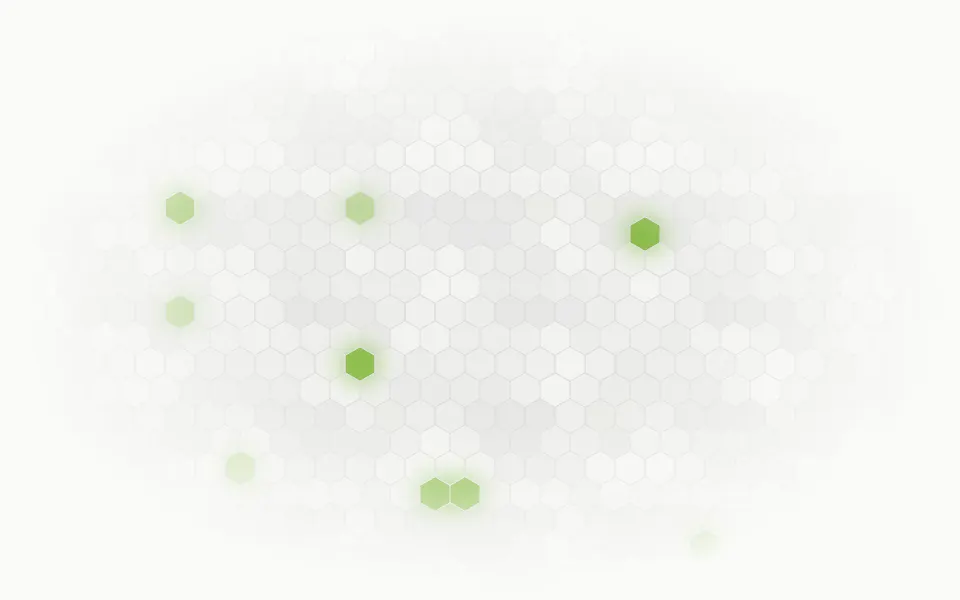
Use it when a hero should feel built from rules, calm by default and colourful when you want it. For regular cells that breathe, use Honeycomb; for an outlined hex lattice, Hexagon; for triangular facets, Facets; for a mirrored mandala of glass, Kaleidoscope; for other seeded geometry, Labyrinth.
Installation
Usage
import { Voronoi } from "@/components/ui/voronoi";Voronoi is a container: give it a size and put your content inside. The mosaic fills the box behind the content at any size, and the box clips it.
<Voronoi className="flex min-h-[420px] items-center justify-center">
  <h1 className="text-5xl font-semibold">Every piece in its place</h1>
</Voronoi>
For a backdrop behind the whole page, leave it empty and fix it under everything else:
<Voronoi className="fixed inset-0 -z-10" intensity="subtle" />Demos
Cathedral
colors takes up to five CSS colours, repeated from pane to pane, here amber, ruby, plum and cobalt: stained glass. edgeColor sets the lead, a near-black that reads as leaded glass in light and dark, where the default follows your background.
Texture
count={80} makes small cells and intensity="subtle" fades the mosaic, so it works as a texture behind cards.
Accessibility
The mosaic is decoration: it's hidden from screen readers and lets every click through to the content. With reduced motion every pane stops at its current brightness, the window stops drifting and the light band is hidden, so it stays a full picture. Nothing flashes: the quickest pane takes 6 seconds to dim and come back, and the band takes 10 seconds to cross. The default panes are light tints of your theme, so text on top keeps its contrast in your foreground colour; with saturated colors, put text on a panel (bg-background/80) or use intensity="subtle".
FAQ
How do I get more or fewer cells?
Set count, 36 by default and up to 100. The seeds are spread over a square, so about 55% of them show in a 16:9 box. Use 12 to 20 for big panes and 60 to 100 for a texture.
Do the cells move?
No. The layout is fixed: each pane breathes, a band of light crosses the glass once every 18 seconds, and the whole window drifts and grows slowly. Change seed for another layout; each whole number gives a different diagram, the same on every render.
How do I recolour it?
By default the panes are tints of your theme's primary colour, from 9% to 32%, so the mosaic follows your theme in light and dark. colors takes up to five CSS colours instead, and every pane is still shaded from light to deep across its box. edgeColor sets the lead between them. You can also set --voronoi-color-1 to --voronoi-color-5 and --voronoi-edge from CSS.
Is it expensive?
No script runs. The cells are computed once at render, each from its seed's distance to the others, and each pane's opacity pulses in CSS, four breaths to a long loop, so the browser rarely wakes the page. The drift and the light band are transforms the browser moves without repainting. count stops at 100 because each pane is one more layer to move.
API Reference
Voronoi
<div> data-slot="voronoi"
colors?string[]
Up to five CSS colours for the panes, repeated from cell to cell. By default five tints of your theme's primary colour, so the glass follows your theme in light and dark.
count?number
How many cells the mosaic has, from 3 to 100. They're spread over a square, so a wide box shows about 55% of them.
- Default
36
edgeColor?string
The lead between the panes, any CSS colour. @default "var(--background)".
intensity?"subtle" | "medium" | "strong"
How strongly the mosaic shows over the surface.
- Type
"subtle" | "medium" | "strong"- Default
"medium"
seed?number
Another layout: each whole number draws a different diagram. @default 0.
- Default
0
showEdges?boolean
Draws the lead between the panes; false lets the panes touch.
- Default
true
speed?number
How fast the panes breathe, the light sweeps and the window drifts: 2 is twice as fast, 0.5 half as fast.
- Default
1
render?ReactElement | ((props: object, state: object) => ReactElement)
Replace the host element or compose it with another component.
- Type
ReactElement | ((props: object, state: object) => ReactElement)
className?string
Merged with the part's classes.
--voronoi-color-1string
The first pane colour (a light tint of --primary); -2 to -5 the rest.
--voronoi-dimstring
How far a pane dims at its darkest (0.45).
--voronoi-edgestring
The lead between the panes (var(--background)).
--voronoi-speedstring
The breathing, sweep and drift speed, a multiplier (1).
Related
- Pro

Facets Background
GenerativeTriangular facets instead of cells
- Pro
Honeycomb Background
GridsRegular cells that breathe
- Pro
Hexagon Background
GridsAn outlined hex lattice
- Pro
Origami Background
GenerativeShaded folds under a moving light

Mesh Gradient Background
GradientsThe colours without the lines
- Pro
Labyrinth Background
GridsOther seeded geometry