shadcn.io is not affiliated with official shadcn/ui
Interference shows two wave sources side by side, each sending out rings. Where crest meets crest the color doubles; where crest meets trough it cancels, so still curved bands open up between bright moving fringes, the pattern of a ripple tank or of Young's double slit. The two sources wander slowly, so the bands sweep and bend, and the field fades out toward the edges so copy can sit on it.
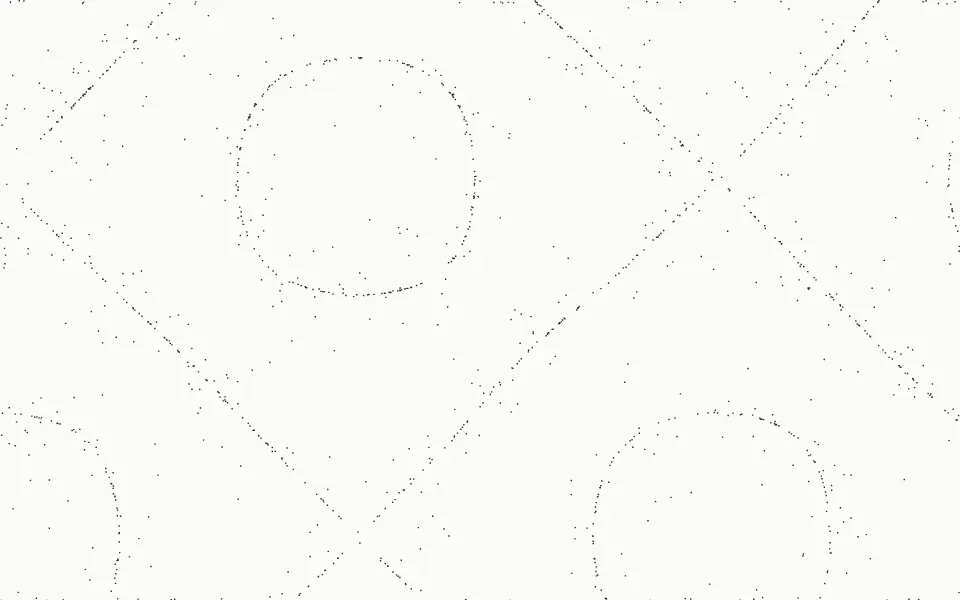
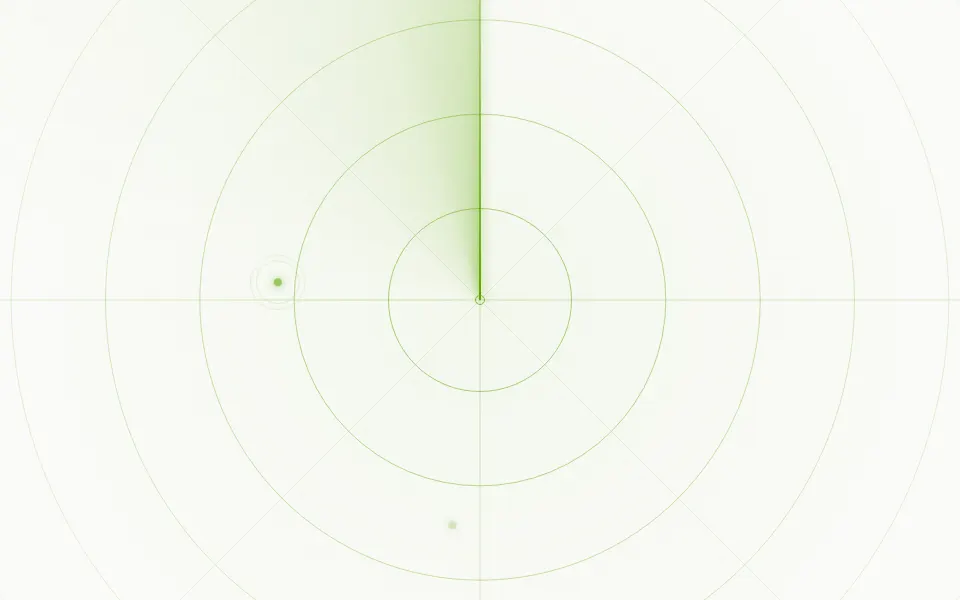
Use it for physics, audio, radio and signal-processing pages. For rings from a single source, use Ripple; for grains collecting on the still lines of a vibrating plate, Resonance; for range rings and a sweeping beam, Sonar. It's CSS only: each wave is drawn once as a spiral of crests, and turning the spiral carries every crest outward, so nothing is repainted while it plays, and no script runs.
Installation
Usage
import { Interference } from "@/components/ui/interference";<Interference className="min-h-[480px]">
<h1 className="text-5xl font-semibold">Ship faster</h1>
</Interference>Interference is a container: give it a size, put your content inside, and the field sits behind it. It renders on the server and needs no JavaScript. For a background behind the whole page, pass className="fixed inset-0 -z-10" and no children.
Demos
Wavelength
wavelength={16} halves the distance between crests, so the fringes are tighter, and speed={1.5} sends the ripples out faster.
Still sources
drift={0} holds the sources in place, so the still bands stand still while the ripples run through them. intensity="subtle" and a chart color make it a calm card.
Accessibility
The field is decoration: it's hidden from assistive tech and never takes the pointer. With reduced motion it stops where it is: the rings and sources stand still as a printed figure. At the default intensity a crest is 18% of the color on a light page and 22% on a dark one, at most double that where two meet, and fade="radial" thins the field toward the edges, so copy in text-foreground keeps its contrast; with intensity="strong" or fade="none", keep small text on a plate (such as bg-background/70). Nothing flashes: the ripples move outward smoothly, one crest every 1.6 seconds. Moving concentric patterns can bother some people; drift={0} with intensity="subtle" is the calmest setting.
FAQ
Is it real interference?
Yes. The two waves are added, not stacked: the second uses the plus-lighter blend mode, which sums the two, so crests and troughs add up as two equal waves do. The still bands are where one wave's crest meets the other's trough.
How do I make the bands tighter?
Lower wavelength, the distance in pixels from one crest to the next (32 by default). speed sets how fast the ripples travel outward; speed={0} stops them.
Can the sources stay put?
Yes, drift={0} holds them, and the bands then stand still while the ripples run through them. drift is a multiplier on the 30-second orbit: 2 wanders twice as fast.
How do I change the color?
Pass color, any CSS color, or set --interference-color on the component. By default it's your theme's primary color. intensity sets how strong each crest is, and fade where the field fades out: toward the edges (radial, the default), the top, the bottom, or nowhere (none).
What does it cost?
Almost nothing per frame. Each wave is a spiral of crests drawn once (twelve slices of a ring gradient, each a twelfth of a crest further along, blended into the next); turning a spiral moves its crests outward at every radius, so the ripples travel by rotation alone. Only rotate and translate change, which the browser composites without repainting, and no script runs.
API Reference
Interference
<div> data-slot="interference"
color?string
The crests' color, any CSS color. @default "var(--primary)".
drift?number
How fast the two sources wander: 2 is twice as fast, 0 holds them in
place, so the still bands stand still while the ripples run through.
- Default
1
fade?"none" | "radial" | "top" | "bottom"
Where the field fades out: toward the edges, the top, the bottom, or nowhere.
- Type
"none" | "radial" | "top" | "bottom"- Default
"radial"
intensity?"subtle" | "medium" | "strong"
How strongly the crests show: 11%, 18% or 28% of the color per wave on a light page (14%, 22% or 34% on a dark one), double that where two crests meet.
- Type
"subtle" | "medium" | "strong"- Default
"medium"
speed?number
How fast the ripples travel outward: 2 is twice as fast, 0 stops them. @default 1.
wavelength?number
The distance from one crest to the next, in pixels. @default 32.
- Default
== undefined ? undefined : `${props.wavelength
render?ReactElement | ((props: object, state: object) => ReactElement)
Replace the host element or compose it with another component.
- Type
ReactElement | ((props: object, state: object) => ReactElement)
className?string
Merged with the part's classes.
--interference-colorstring
The crests' color (the theme's --primary).
--interference-driftstring
How fast the sources wander, a multiplier (1).
--interference-speedstring
How fast the ripples travel, a multiplier (1).
--interference-wavelengthstring
The distance between crests (32px).
Related
- Pro
Ripple Background
LightRings from one source
- Pro
Drops Background
WavesRipples from many random impacts
- Pro
Resonance Background
GenerativeStanding-wave nodes traced by particles
- Pro
Sonar Background
TechRange rings and a sweep
- Pro
Circles Background
LightGlowing rings with turning arcs
- Pro
Wavy Background
WavesTravelling waves as soft ribbons of colour