shadcn.io is not affiliated with official shadcn/ui
Backgrounds
ProFacets Background for React
A surface cut into irregular triangles, a low-poly relief in one tone, each facet lit by the way it faces, with a soft light drifting across so the facets shimmer. For React with Base UI, when a hero or a product page wants a crystalline, low-poly surface behind its copy.
A surface cut into irregular triangles, like a low-poly relief carved in one tone. Each facet is lighter or darker by the way it faces the light, so neighbours differ by their slope, not by a random colour, at low contrast. A soft light drifts across and the facets it passes lift and shimmer; a few breathe a little brighter, and now and then one catches the light. The triangles come from a jittered grid lifted to seeded heights, computed from their index while rendering, so the server and the browser draw the same pattern; they're cropped to the box, never stretched. CSS keyframes fade the facets and move the light, and no script runs.
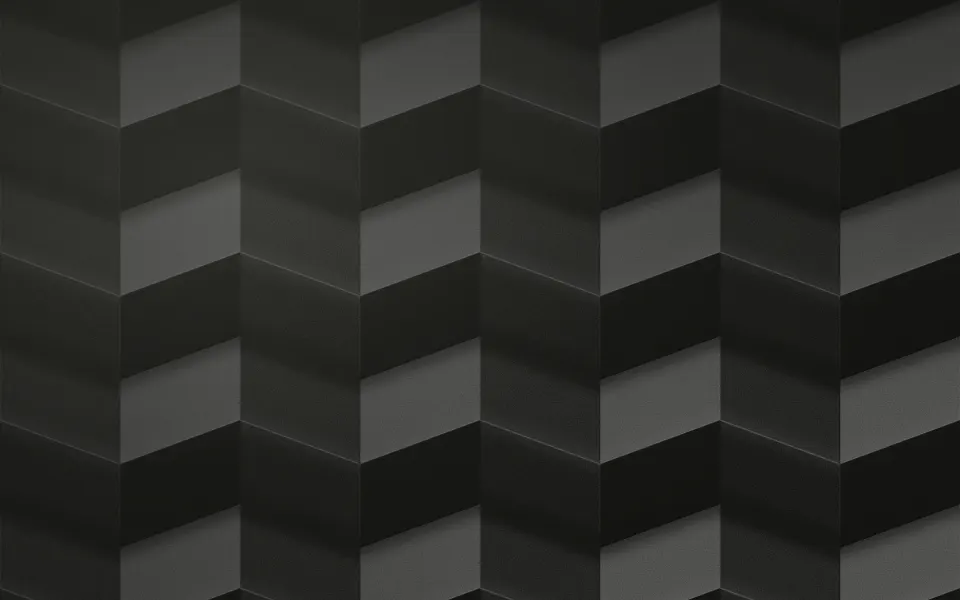
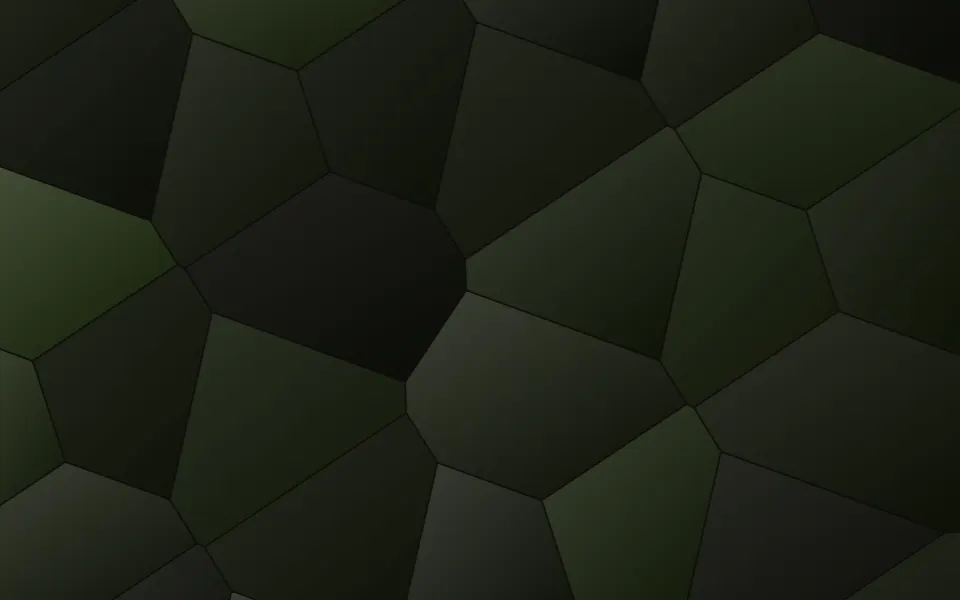
Use it behind a hero or a product page that wants a crystalline, low-poly surface. For a folded paper sheet under a moving light, use Origami; for organic glass cells, Voronoi; for a regular grid whose cells breathe, Honeycomb; for a mirrored mandala of glass, Kaleidoscope; for light split by glass, Prism.
Installation
Usage
import { Facets } from "@/components/ui/facets";<Facets className="flex min-h-[480px] items-center justify-center">
<h1 className="text-5xl font-semibold">Cut from glass</h1>
</Facets>Facets is a container: whatever you put inside sits on top of the facets, in normal flow. It fills its own box, so give it a height or content. The facets are translucent over the container's own background, so className="bg-…" changes the surface under them. For a backdrop behind the whole page, render it empty with className="fixed inset-0 -z-10".
Demos
Jewel glass
colors takes two to six CSS colours, and each facet takes one by its index, still shaded by the light: here violet, indigo, sky, teal and rose on a dark panel, with count={90} for finer facets and shimmer={1} for more glints.
One hue
color sets the one tone, here your theme's var(--primary); count={110} cuts a finer crystal, intensity="strong" deepens the relief and shimmer={0} turns the glints off.
Accessibility
The facets are decoration: they're hidden from assistive tech and let every click through to your content. With reduced motion the facets and the light stop and the glints are hidden, so a still relief stays.
At the default shimmer a facet catches the light about every two seconds somewhere on the surface, each for a quarter of a second; shimmer goes up to 2, and the glints never pass 2.5 a second, whatever the speed. Put copy over it in your foreground colour (text-foreground): the default relief stays within a narrow, low-contrast range, so it keeps text readable in light and dark. With jewel colors, use intensity="subtle" or a card under body text.
FAQ
How many facets should I render?
count, 60 by default, is about how many grid cells show on a 16:9 box, each cut into two triangles, so about 120. 30 gives large shards and 120 a fine crystal; it takes 12 to 200.
How do I change the colour?
color sets the one tone the relief is carved in, your theme's foreground by default, such as var(--primary) for a brand-tinted relief. For coloured glass pass two to six CSS colours in colors; each facet takes one, still lit by the way it faces. You can also set --facets-tone and --facets-color-1 to --facets-color-5 in your CSS.
Where does the light come from?
Each facet's corners are lifted to seeded heights, and its brightness is how squarely its slope faces a light from the top left, like a low-poly model. A soft pool of light drifts across over 30 seconds and back, in soft-light, lifting the facets it passes.
What is the shimmer?
Now and then a single facet catches the light, white, for about a quarter of a second. shimmer sets roughly how often: 0.5 by default, 0 for none, at most 2. With reduced motion there are none.
Does the pattern change between renders or sizes?
No. The points and heights come from a fixed hash of each index on a jittered grid, not from Math.random, so every render draws the same triangles. The pattern is cropped to the box, never stretched, so the triangles keep their shape at any aspect ratio.
API Reference
Facets
<div> data-slot="facets"
color?string
The facets' one colour, any CSS colour, when colors isn't set. @default "var(--foreground)".
colors?string[]
Two to six CSS colours for jewel glass instead of one tone; each facet takes one by its index, still shaded by the light.
- Default
[]
count?number
About how many grid cells show on a 16:9 box, each split into two triangles, from 12 to 200: 30 gives large shards, 120 a fine crystal.
- Default
60
intensity?"subtle" | "medium" | "strong"
How strongly the facets show over the surface.
- Type
"subtle" | "medium" | "strong"- Default
"medium"
shimmer?number
About how many times a second a single facet catches the light, from 0 (never) to 2.
- Default
0.5
speed?number
How fast the light drifts and the facets breathe: 2 is twice as fast, 0.5 half as fast.
- Default
1
render?ReactElement | ((props: object, state: object) => ReactElement)
Replace the host element or compose it with another component.
- Type
ReactElement | ((props: object, state: object) => ReactElement)
className?string
Merged with the part's classes.
--facets-color-1string
The first glass colour, used with colors; -2 to -6 the rest.
--facets-speedstring
The motion's speed, a multiplier (1).
--facets-tonestring
The facets' tone (var(--foreground)).
Related
- Pro
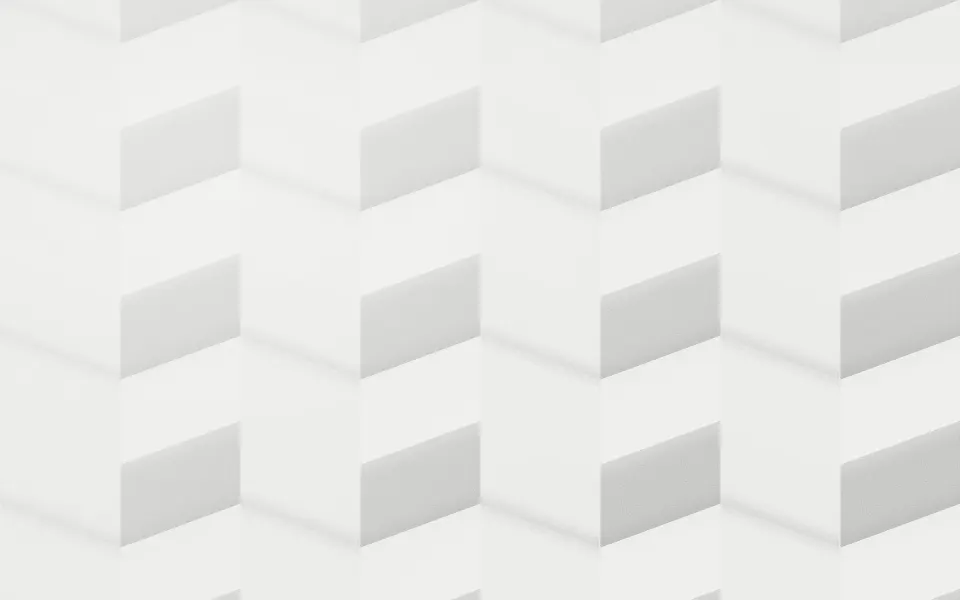
Origami Background
GenerativeA folded paper sheet under a moving light
- Pro
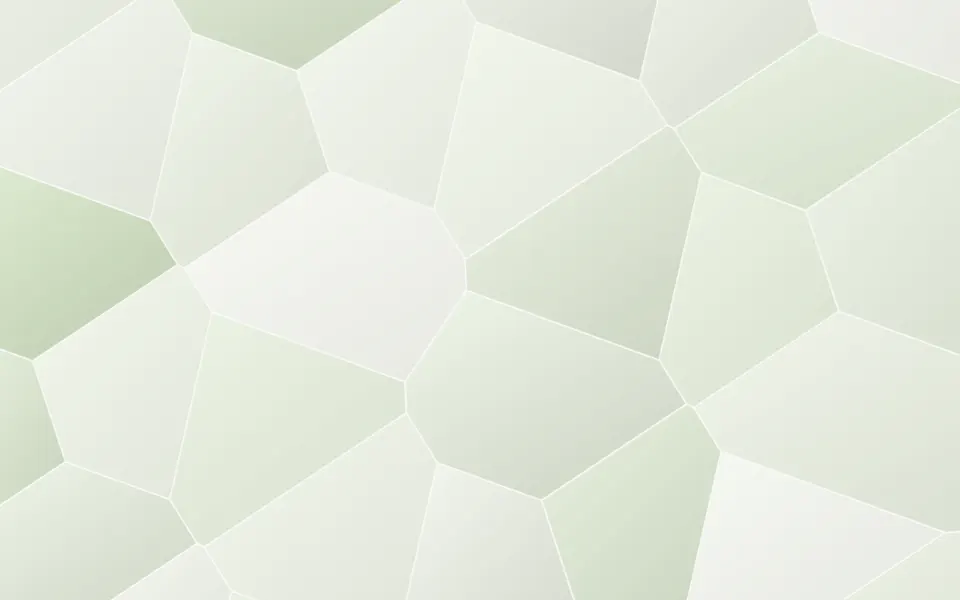
Voronoi Background
GenerativeGlass cells that brighten and dim
- Pro
Honeycomb Background
GridsA regular hex grid whose cells breathe
- Pro
Hexagon Background
GridsA regular hex grid with a hover glow
- Pro

Crystals Background
GenerativeFrost creeping in from the edges
- Pro
Prism Background
LightWhite light breaking into a spectrum