shadcn.io is not affiliated with official shadcn/ui
A sheet of paper folded into a Miura-ori, the zig-zag fold of maps and solar panels, filling the box behind your content. Each facet's light and shade comes from its angle to the light, with a soft shadow along every valley, a fine bright line along every ridge and a faint paper grain, and the folds flatten out toward the top corner on the start side, where your copy sits. The light moves slowly: it swings across the folds, so the facets brighten and darken in turn, and a wide, soft pool of light drifts over the sheet. It's static drawings moved by opacity and transforms, and nothing runs in the browser.
Use it on creative, stationery and design-tool pages. For a paper texture without folds use Paper; for a low-poly surface of lit triangles, Facets; for paper pieces drifting down, Confetti.
Installation
Usage
import { Origami } from "@/components/ui/origami";<Origami className="flex min-h-[480px] items-center justify-center">
<h1 className="text-4xl font-semibold">Made by hand</h1>
</Origami>Origami is a container: whatever you put inside sits on top, in normal flow. It paints its own sheet, by default a step off your page's background toward its text colour, so it follows the theme: white paper on a light page, dark paper on a dark one. For a backdrop behind the whole page, render it empty with className="fixed inset-0 -z-10".
Demos
Brand
color sets the paper, here a deep indigo with white text, and the folds take their light and shade from it. intensity="strong" deepens the folds and size={1.5} makes them larger.
Calm
A quieter card background: intensity="subtle" for shallow folds, size={0.75} for smaller ones, and speed={0.5} for a light that moves at half the pace.
Accessibility
The sheet is decorative: it's hidden from screen readers and never takes the pointer, and your content stays on top in normal flow. With reduced motion the light holds still, and the folds stay lit as they were. Nothing flashes. The folds only shade the paper a little either way, and less toward the top corner on the start side, so text in your foreground colour keeps its contrast; on a coloured sheet (color), pick a text colour for that sheet, as the Brand demo does.
FAQ
What fold is it?
A Miura-ori: columns of parallelograms whose creases zig-zag down the sheet, rows rising and falling in turn. It's the fold used for maps that open in one pull and for solar panels in space. Two columns and two rows repeat, so the pattern tiles the box at any size, never stretched.
How does the light move?
The fold is drawn twice, lit from the left and from higher up, each facet's shade worked out from its angle. The second fades in and out over the first, and because light adds up, the mix is the fold under a light in between, so the light really swings across the folds. A wide, soft pool of light also drifts over the sheet on its own, slower loop.
Can I change the paper's colour?
Yes: color takes any CSS colour, a theme variable included, or set --origami-color in your CSS. The light and shade blend into whatever colour you pick, so a brand colour reads as coloured paper.
How do I make the folds deeper or larger?
intensity sets how strongly the folds' light and shade show, subtle, medium or strong. size scales them: 1 is a column of folds 120 pixels wide, 2 twice as large.
API Reference
Origami
<div> data-slot="origami"
color?string
The paper's colour, any CSS colour. By default a step off your page's background toward its text colour, so it follows the theme.
intensity?"subtle" | "medium" | "strong"
How deep the folds read: how strongly their light and shade show.
- Type
"subtle" | "medium" | "strong"- Default
"medium"
size?number
The folds' size: 1 is a column of folds 120 pixels wide, 2 twice as large. @default 1.
speed?number
How fast the light moves across the sheet: 1 turns it from one side to the other and back every 30 seconds, 2 twice as fast.
- Default
1
render?ReactElement | ((props: object, state: object) => ReactElement)
Replace the host element or compose it with another component.
- Type
ReactElement | ((props: object, state: object) => ReactElement)
className?string
Merged with the part's classes.
--origami-colorstring
The paper's colour (a step off --background).
--origami-sizestring
The folds' size, a multiplier (1).
--origami-speedstring
How fast the light moves, a multiplier (1).
Related
- Pro
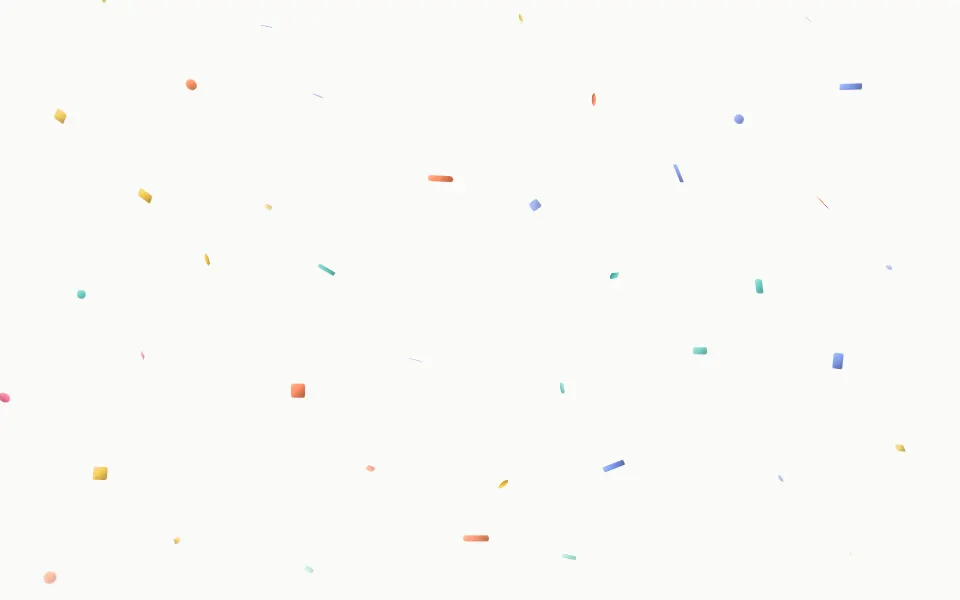
Confetti Background
ParticlesFalling paper pieces
- Pro

Facets Background
GenerativeFaceted triangles
- Pro

Paper Background
TexturePaper texture
- Pro
Kaleidoscope Background
GenerativeFolded symmetry
- Pro
Boxes Background
GridsAn isometric grid that lights up in pastels
- Pro

Pollen Background
ParticlesSlow drifting specks