shadcn.io is not affiliated with official shadcn/ui
Paper puts a sheet of paper behind your content: a warm tint of your background with a faint vignette at the edges, like a sheet under a lamp, a soft mottle, a fine tooth lit from the top left so every bump throws a tiny shadow, and short, gently curled fibres that slowly fade a little and back. The tooth and the mottle are SVG noise tiles the browser draws once; the fibres are vector curves placed from a fixed seed when the component renders, drawn into two small tiles, so the sheet is the same on the server, on every load and at any size, and stays sharp at any zoom. The only motion is a slow fade of the fibre layer, which the browser composites without repainting; no script runs.
Use it for long reads, letters and print-style pages. For moving film speckle instead of a still sheet, use Grain; for printed dots, Halftone; for another material surface, Marble. Line art such as Topography sits well on a quiet sheet, Origami folds it into a Miura-ori, and Watercolor adds pigment washes.
Installation
Usage
import { Paper } from "@/components/ui/paper";<Paper className="min-h-[480px]">
<h1>Field notes</h1>
</Paper>Paper is a container: your content goes inside it, and the sheet sits behind that content. Give it a size with className; for a whole page, className="fixed inset-0 -z-10" with no children. Set the sheet's colour with paperColor, not a background class: the sheet covers the container's own background.
Demos
An Old Letter
ageSpots={6} scatters six soft, darker blotches over the sheet for a foxed, old-book look. Their places come from the same seed as the fibres, so they never move between renders.
Kraft
paperColor and fiberColor take any CSS colour: a tan sheet with dark brown ink reads as kraft stock, and density={2} doubles the fibres for a heavier, recycled feel.
Accessibility
The sheet is decoration: it's hidden from assistive tech and never takes the pointer, so everything you put inside works as usual. With reduced motion the fibres hold still at full strength, and in forced-colors mode the texture is hidden. Nothing flashes: the only motion is a fade by a fifth over 20 seconds. The tooth, the fibres and the vignette are faint enough that text in your foreground colour keeps its contrast (the darkest point of the vignette, in a corner, is a few percent darker than the sheet); with your own colours, check your text against the sheet.
FAQ
How do I make the paper more or less fibrous?
Use density: 0.5 for a clean letterpress sheet, 2 to 3 for heavy recycled stock, 0 for no fibres at all. The fibres keep their size on any screen; only their number changes.
Can I change the paper and ink colours?
Yes. paperColor and fiberColor take any CSS colour. Try kraft (#c8a67a with #3a2a18) or black stock with cream fibres. By default the sheet is a warm tint of your background and the ink is your foreground colour, so it follows light and dark mode.
What makes it look like real paper?
The tooth: fine noise is read as a height map and lit from the top left, so each bump has a lit side and a shadow, the way a sheet looks under a lamp. Together with the soft mottle, the short curled fibres and the vignette, it reads as a sheet, not a flat colour with noise on it.
What are age spots?
ageSpots={n} adds up to 12 soft, darker blotches for a foxed, old-book look. Their places are seeded, so they don't move between renders or on the server.
Does the texture change when the window resizes?
No. The fibres, the mottle and the tooth come from fixed tiles of different, co-prime sizes, so resizing only shows more or less of the same sheet, and the tiles never line up into a visible repeat.
API Reference
Paper
<div> data-slot="paper"
ageSpots?number
How many soft, darker blotches to scatter over the sheet, for a foxed, old-book look, from 0 to 12. Their places are seeded, so they never move.
- Default
0
density?number
How many ink fibres, as a multiplier from 0 (a clean sheet) to 3 (heavy recycled stock). The fibres keep their size at any screen size.
- Default
1
fiberColor?string
The ink of the fibres, the surface and the spots: any CSS colour. @default "var(--foreground)".
paperColor?string
The sheet's colour, any CSS colour. By default a warm tint of the background.
speed?number
How fast the fibres breathe: 2 is twice as fast, 0.5 half as fast.
- Default
1
render?ReactElement | ((props: object, state: object) => ReactElement)
Replace the host element or compose it with another component.
- Type
ReactElement | ((props: object, state: object) => ReactElement)
className?string
Merged with the part's classes.
--paper-colorstring
The sheet's colour (a warm tint of --background).
--paper-fiber-colorstring
The ink of the fibres, surface and spots (var(--foreground)).
--paper-speedstring
How fast the fibres breathe, a multiplier (1).
Related
- Pro

Grain Background
TextureMoving film speckle instead of still fibres
- Pro
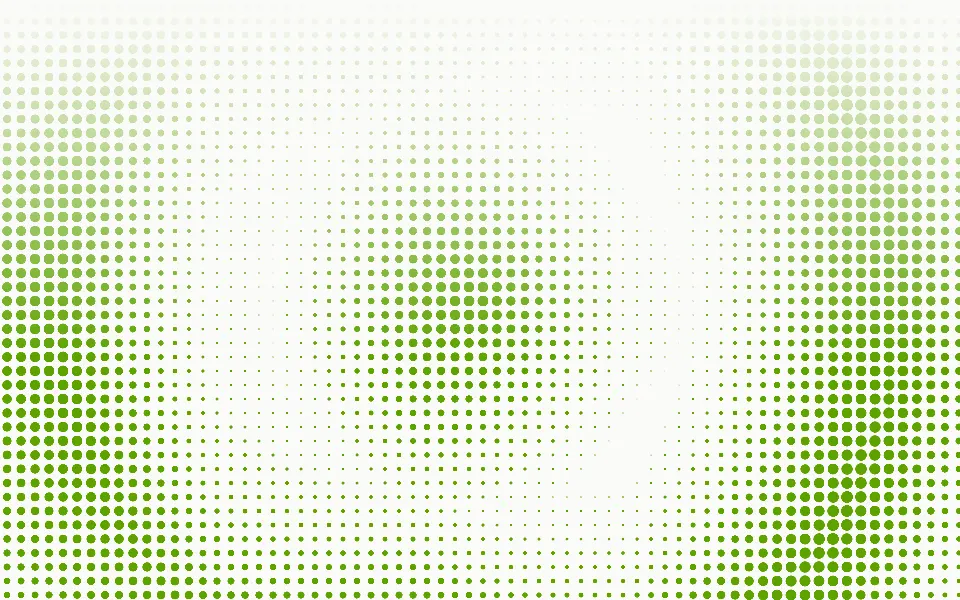
Halftone Background
TexturePrinted dots for a newsprint look
- Pro
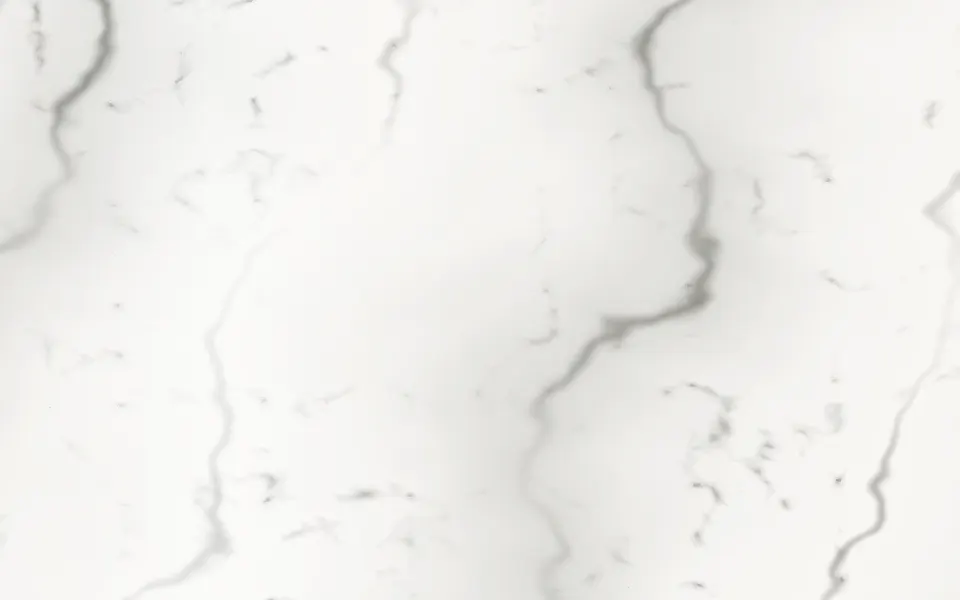
Marble Background
TextureAnother material surface
- Pro

Topography Background
GenerativeLine art that sits well on a quiet sheet
- Pro
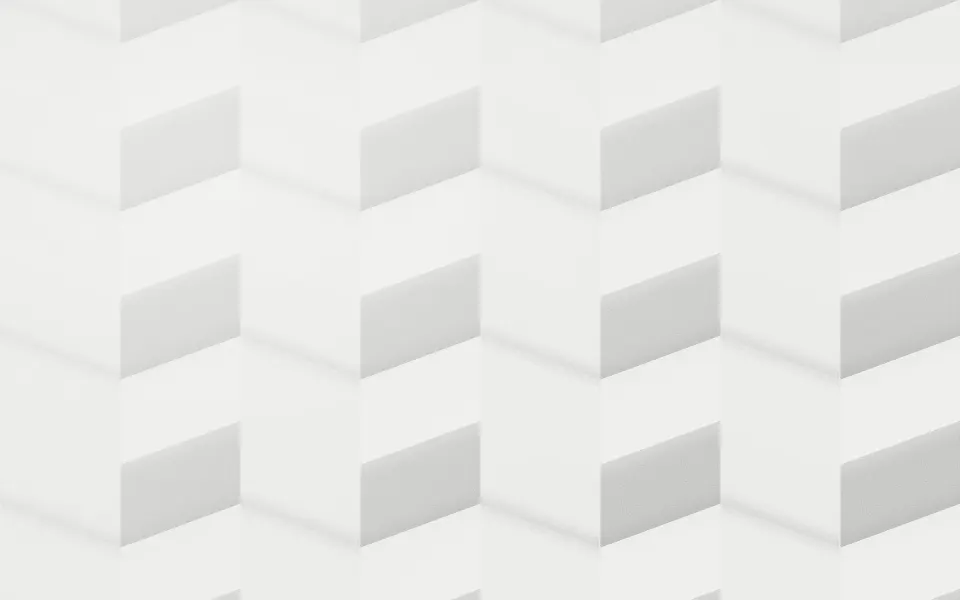
Origami Background
GenerativeThe same paper, folded into a Miura-ori
- Pro
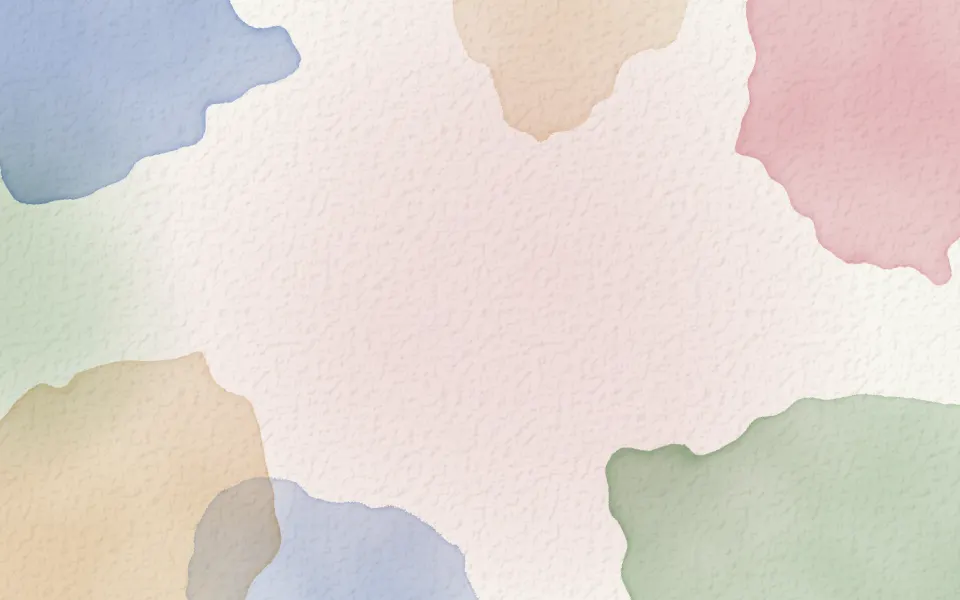
Watercolor Background
GradientsPigment washes that pair with paper