shadcn.io is not affiliated with official shadcn/ui
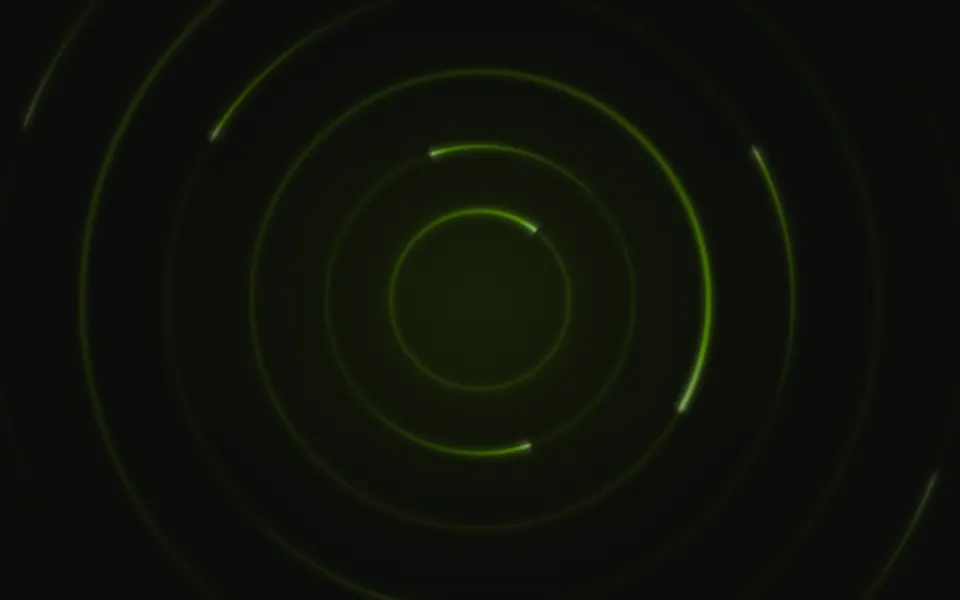
Rings fly out of a vanishing point toward you, growing, thickening and brightening as they get close and turning a little on the way, so the screen reads as a tunnel with a soft light at its far end. The rings are rounded three-lobed loops in one still SVG drawing, laid over a blurred copy of themselves so they glow; CSS keyframes zoom the whole drawing by one ring and start over, so each ring takes the place of the next. They're cyan, indigo and violet unless you pass your own colours: deeper with slightly heavier lines on a light page, brighter and richer on a dark one.
Use it for launches, game intros, onboarding steps and sci-fi heroes. For a tunnel of streaking beams, use Warp; for flying through stars, Starfield; for rings that turn in place, Circles.
Installation
Usage
import { Portal } from "@/components/ui/portal";The tunnel sits behind whatever you put inside, its vanishing point at the centre of the container. Give the container a height; for the whole page, className="fixed inset-0 -z-10" with no children.
<Portal className="flex min-h-[420px] items-center justify-center">
  <h1 className="text-4xl font-semibold">Step through</h1>
</Portal>
Demos
Colors
colors={["var(--primary)", "var(--muted-foreground)"]} builds the tunnel from your theme's own colours, cycled ring by ring; the light at the far end mixes the first two.
Twist
A slow spiral: twist={0.8} turns each ring most of a lobe on its way, speed={0.5} halves the pace and count={20} packs the rings closer.
Accessibility
The tunnel is decorative: it's hidden from screen readers and never takes the pointer, and your content stays on top in normal flow. With reduced motion the tunnel stands still, with rings at every depth. Nothing flashes. The rings fade to almost nothing toward the vanishing point and the light there is at most a quarter of the colour, so a centred headline in your foreground colour reads well, while the brightest rings pass near the edges.
FAQ
How is it different from Warp?
Warp streaks beams along a tunnel's walls; Portal is concentric rings flying out of one point, like looking down a tube.
How do I make the tunnel denser?
Pass count, the number of rings a trip passes (14 by default, 4 to 32): 8 looks architectural, 24 dense.
How fast do I fly through?
speed: at 1 a ring takes 3 seconds from the vanishing point to the edge of the screen; 0.5 is calmer, 2 faster.
What does twist do?
It sets how far a ring turns on its trip: 0 not at all, 0.1 (the default) about 12°, 1 a third of a turn, one lobe. Rings at different depths have turned different amounts, so the tunnel spirals.
API Reference
Portal
<div> data-slot="portal"
colors?string[]
The rings' colours, any CSS colours or theme variables, cycled across the rings. By default cyan, indigo and violet, richer on a dark page.
count?number
How many rings a trip through the tunnel passes, from 4 to 32: fewer are farther apart.
- Default
14
speed?number
How fast you travel: 1 takes a ring 3 seconds from the far point to the edge, 2 twice as fast.
- Default
1
twist?number
How far a ring turns on its trip, from 0 (not at all) to 1 (a third of a turn, one lobe), so the tunnel spirals.
- Default
0.1
render?ReactElement | ((props: object, state: object) => ReactElement)
Replace the host element or compose it with another component.
- Type
ReactElement | ((props: object, state: object) => ReactElement)
className?string
Merged with the part's classes.
--portal-color-1string
The first ring colour (cyan); --portal-color-2 (indigo), --portal-color-3 (violet)….
--portal-ringstring--portal-speedstring
How fast you travel, a multiplier (1).
--portal-wstringRelated
- Pro
Warp Background
TechA tunnel of streaking beams

Starfield Background
SpaceFlying through stars
- Pro
A perspective floor running to the horizon
- Pro
Vortex Background
ParticlesA spiral pulling toward the centre
- Pro
Circles Background
LightRings turning in place
- Pro
Ripple Background
LightRings breathing in place